A:AnswerHello Mike,
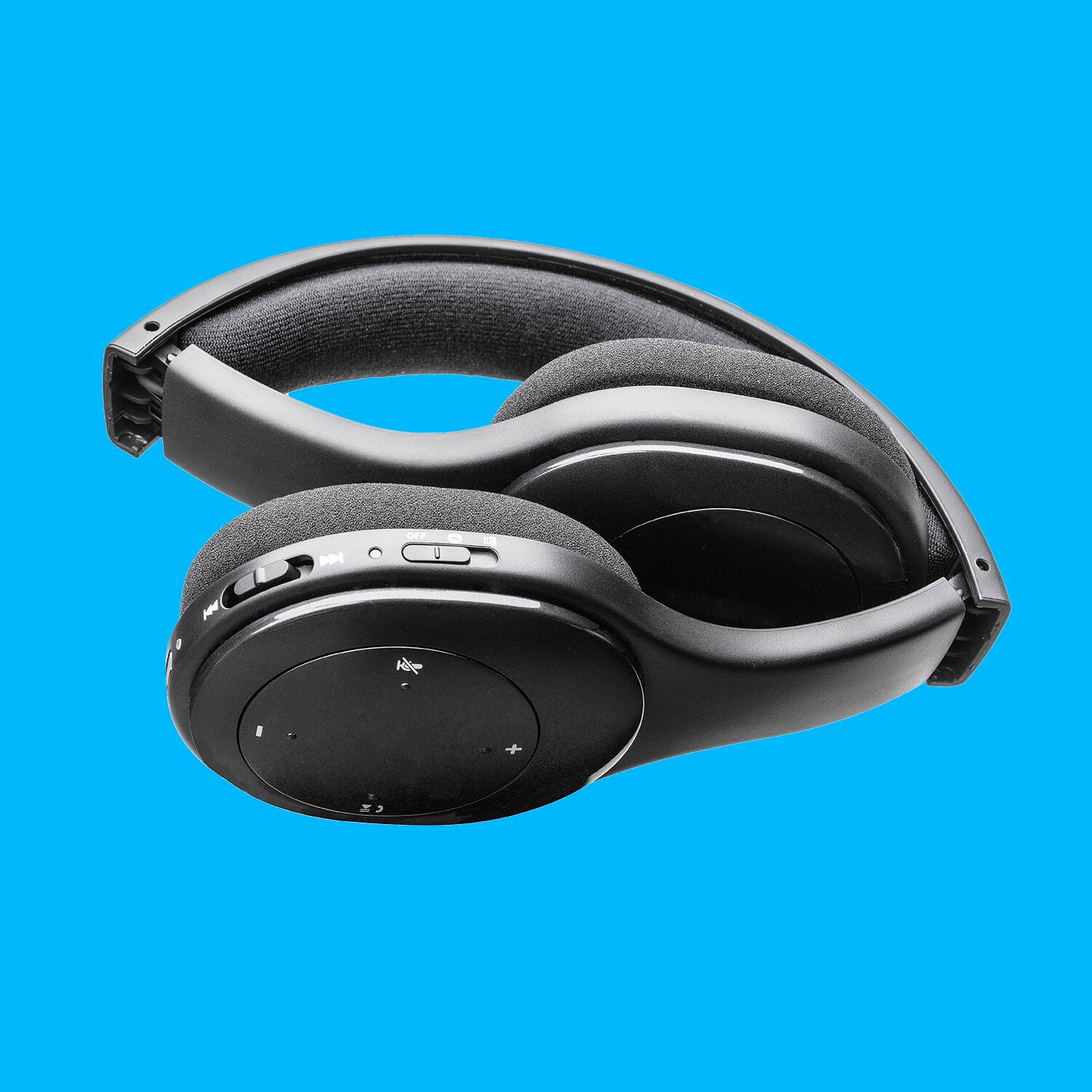
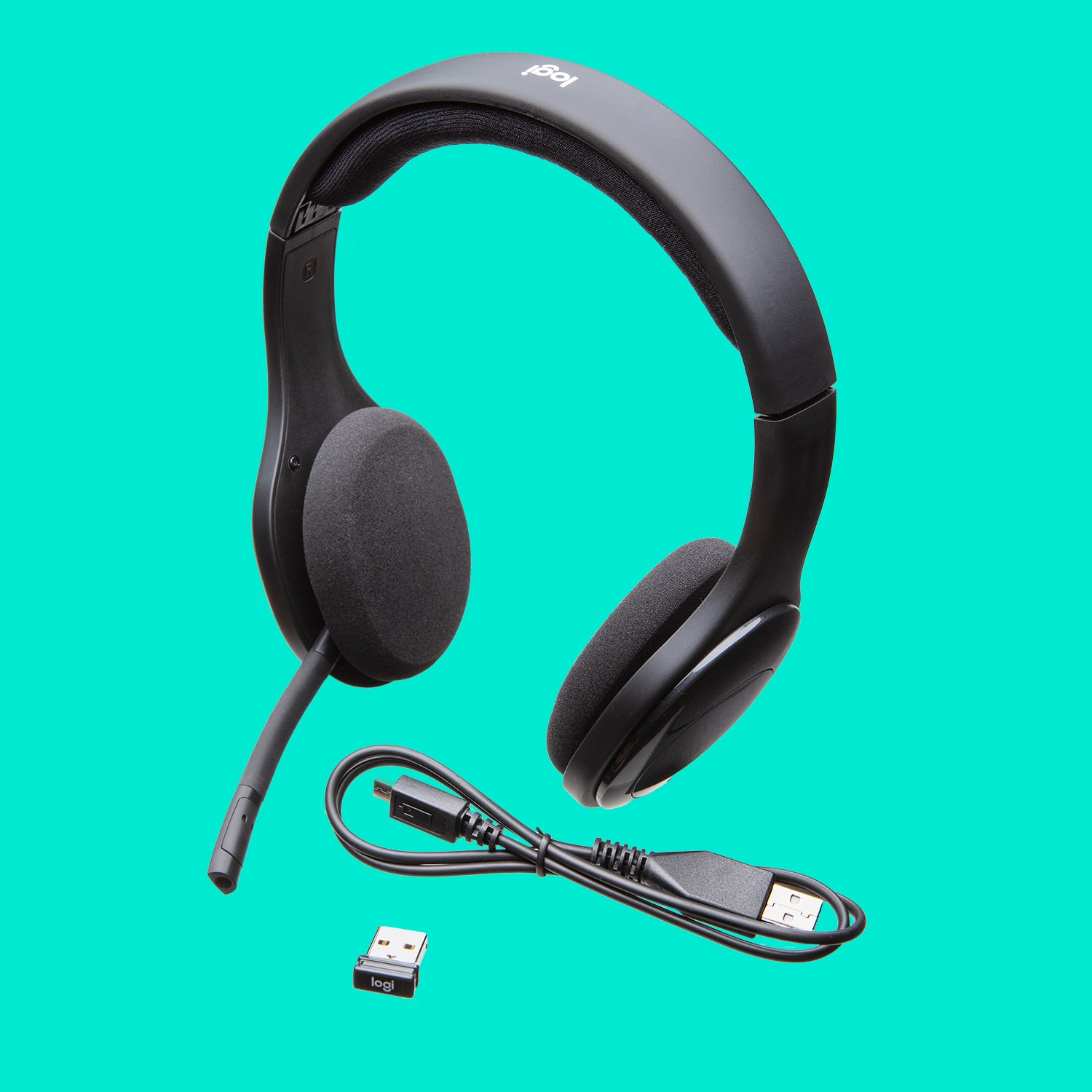
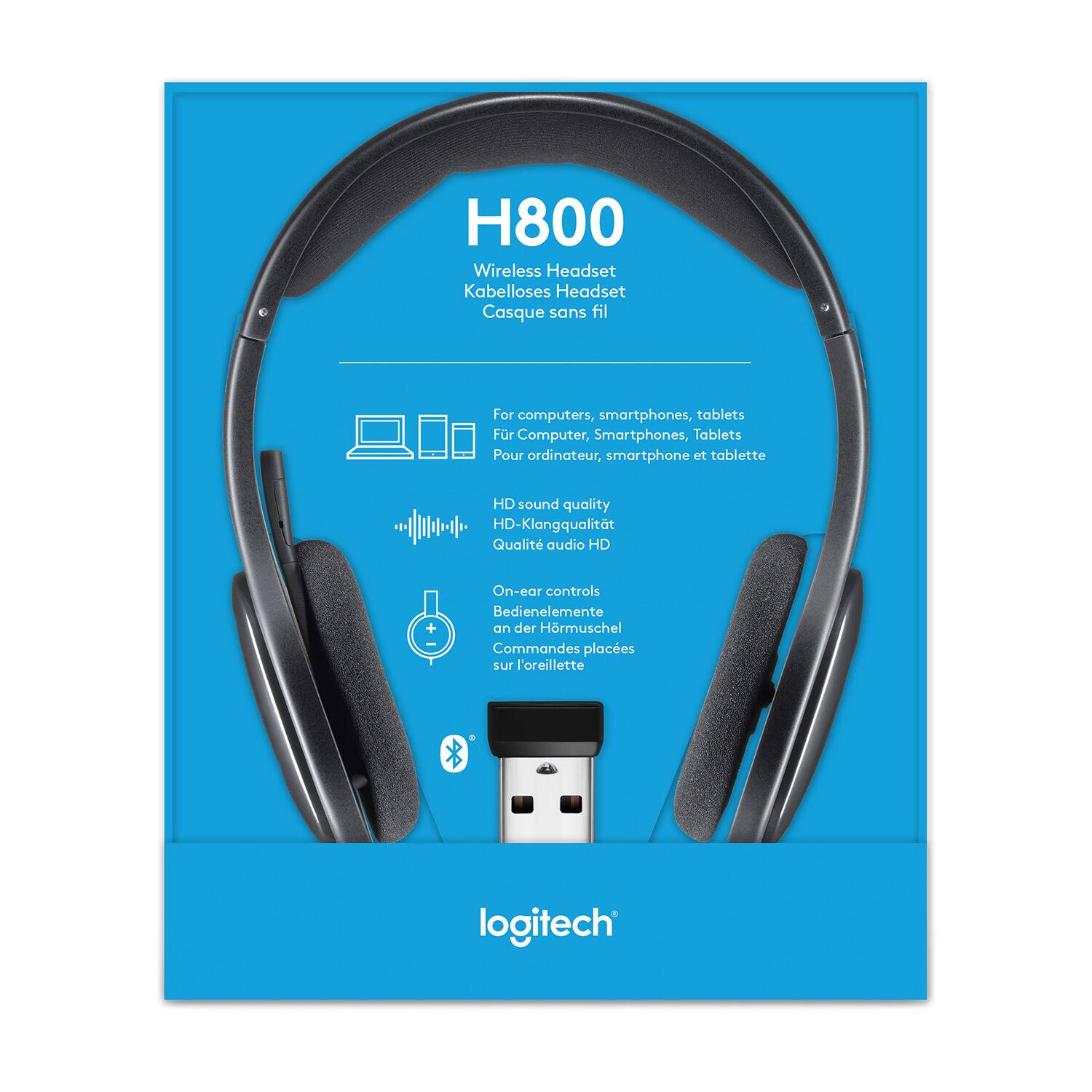
Yes, this comes with a rechargable battery that lasts up to 6 hours on a single charge. It also includes the charging cable as well.
A:AnswerYes, this will technically work, but the H800 are not built to withstand excessive sweat from workouts. I would highly recommend looking at the Jaybird brand of Bluetooth fitness headphones to connect to your Fitbit.
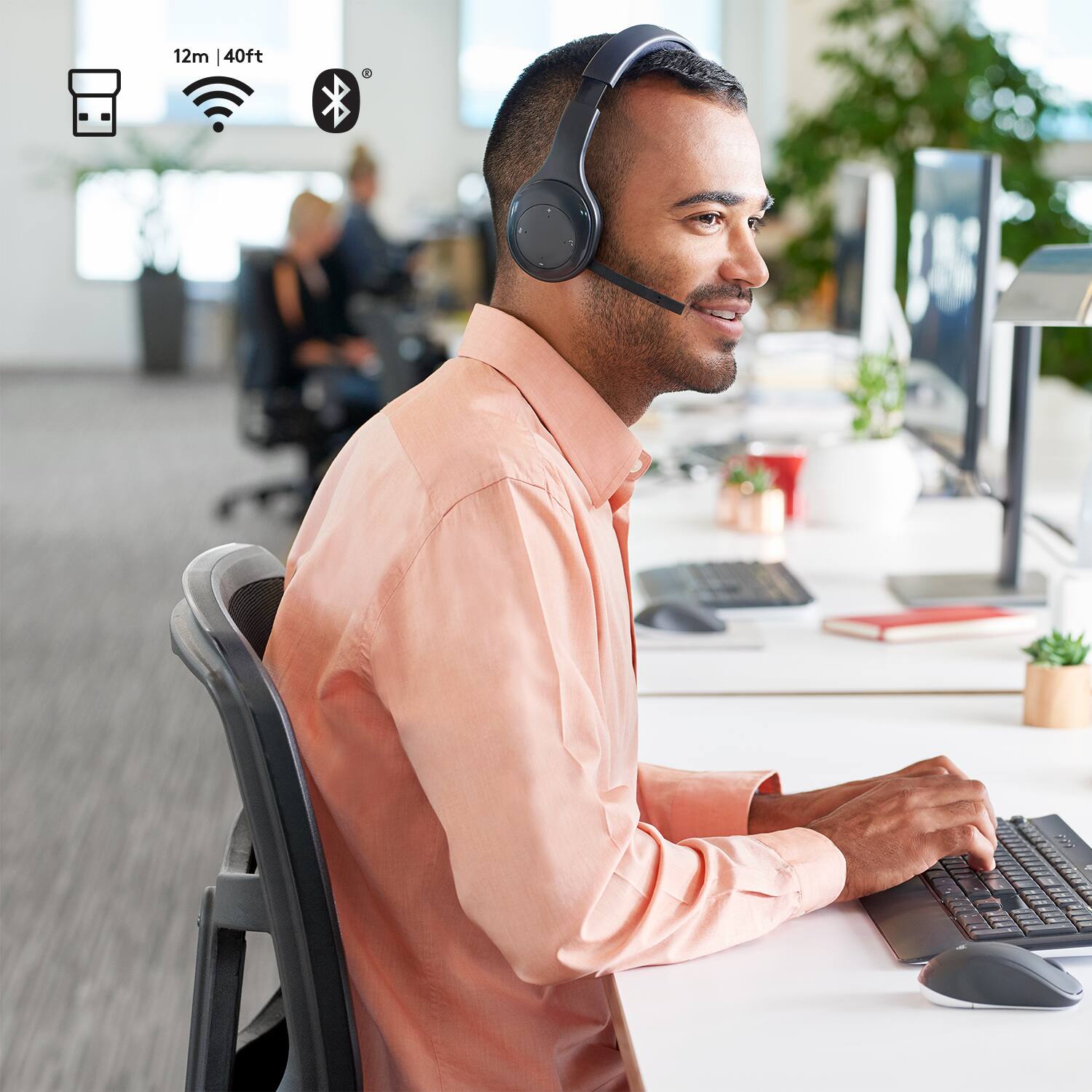
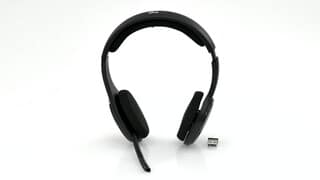
A:AnswerYes, in that the transmitter plugs into the USB. The headset can be run either in Bluetooth or USB transmitter; but in either case is wireless.
A:AnswerI charge mine in the Off position if I'm not using them (generally overnight). If the battery gets weak (you will hear a beep tone when the battery wears down while using) you can charge them with the included 6 foot USB cable while using them.
A:AnswerI have an H800 and it doesn't come with a unifying receiver. The Logitech Unifying receivers have the little orange square with a star icon in it. They can be paired with up to 6 devices. I tried to connect the H800 with a unifying receiver and it didn't work. There is a different connection utility that Logitech uses to connect non-unifying devices. It's unlikely to work, but might be worth a shot.
A:AnswerHey there Jay! The H800 headset is Bluetooth compatible, so you should have no problem getting them to work with your phone, as long as it's Bluetooth compatible as well. -Weston from Logitech
A:AnswerIf your Sony TV has USB and/or line out, the 3.5mm headphone jack, you can probably get it to work.
You can buy a small bluetooth transceiver and use the H800 with your TV, plug the headphone jack of the TV into the transceiver and power the transceiver from the USB or an external USB power source.
"Sometimes" the USB on your TV can be used with the USB dongle that comes with the headset in non-bluetooth mode. I have only tried this on my LG and Samsung TV's. It worked on the Samsung, not on the LG
A:AnswerIf you have a landline phone with a headset, 3.5mm jack, you would need to buy a bluetooth transceiver and connect it to the headphone jack, then pair the transceiver with the headset in bluetooth mode
Same for the computer, if it already has buetooth, just pair it with the headset in bluetooth mode, otherwise, plug the supplied dongle in to your computer and put the headset in wireless mode (not bluetooth)
You may need to adjust your PC's setting to send the audio to the headset if it doesn't switch there automatically.