Questions & Answers
- Model:
- 915-000321
- |
- SKU:
- 6323168
Highly rated by customers for: Voice Control, Ease of use, Setup
Page Showing 1-8 of 8 questions
Q: QuestionWill this remote turn on my sunbrite outdoor tv and go from tv to music?
Asked by Fll.
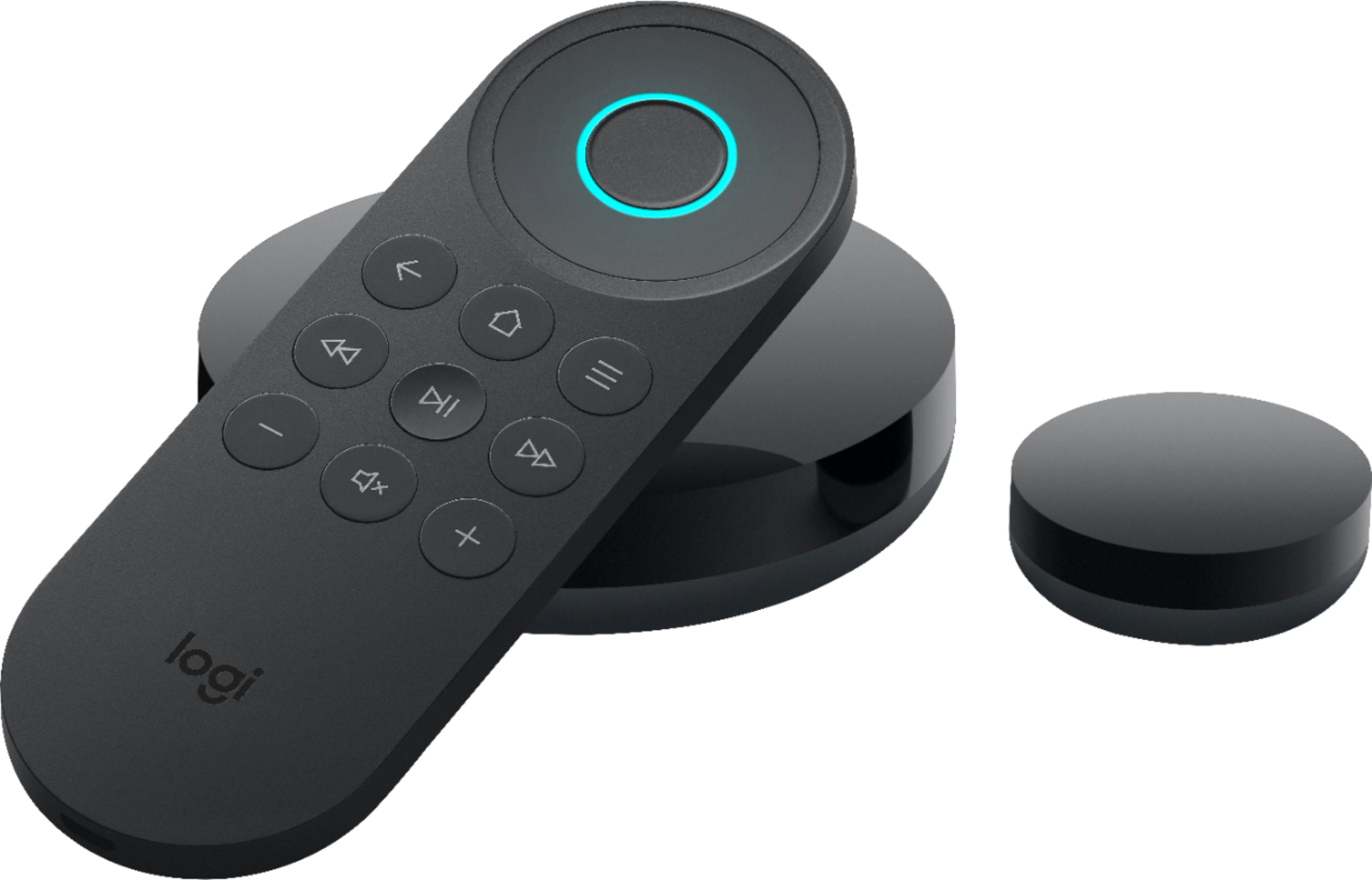
- A:Answer Hello Fil, The Harmony express is compatible with SunbriteTV televisions sets and should have no problem handling your normal activities. Just be aware that if your TV is outdoor, then have your Harmony Remote's hardware out the outdoor elements. This remote was designed for indoor use.
Answered by Logitech
Q: QuestionWill this turn on my tv and Soundbar? Also, if my tv is on can I say ‘go to Netflix’?
Asked by Anonymous.
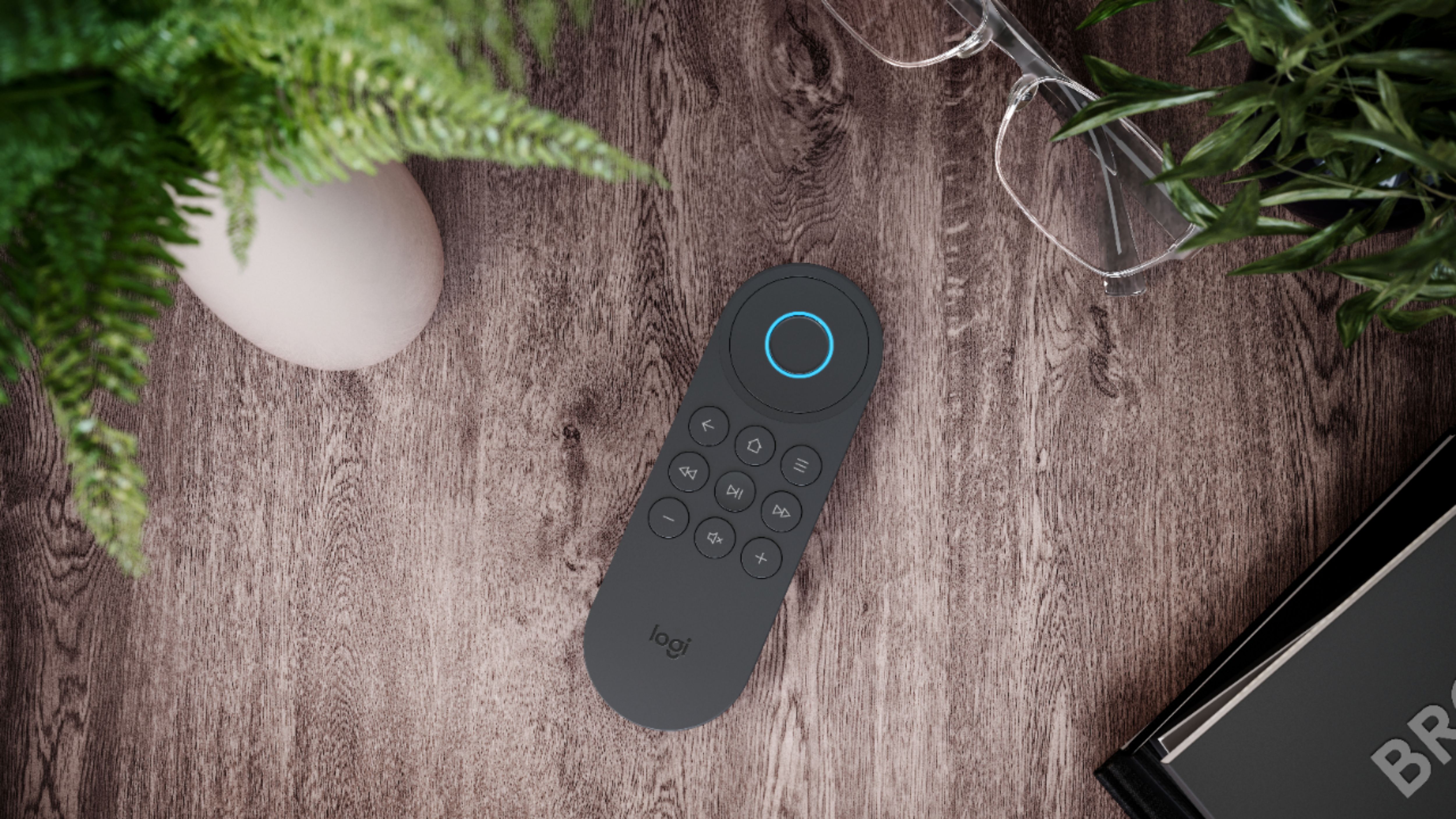
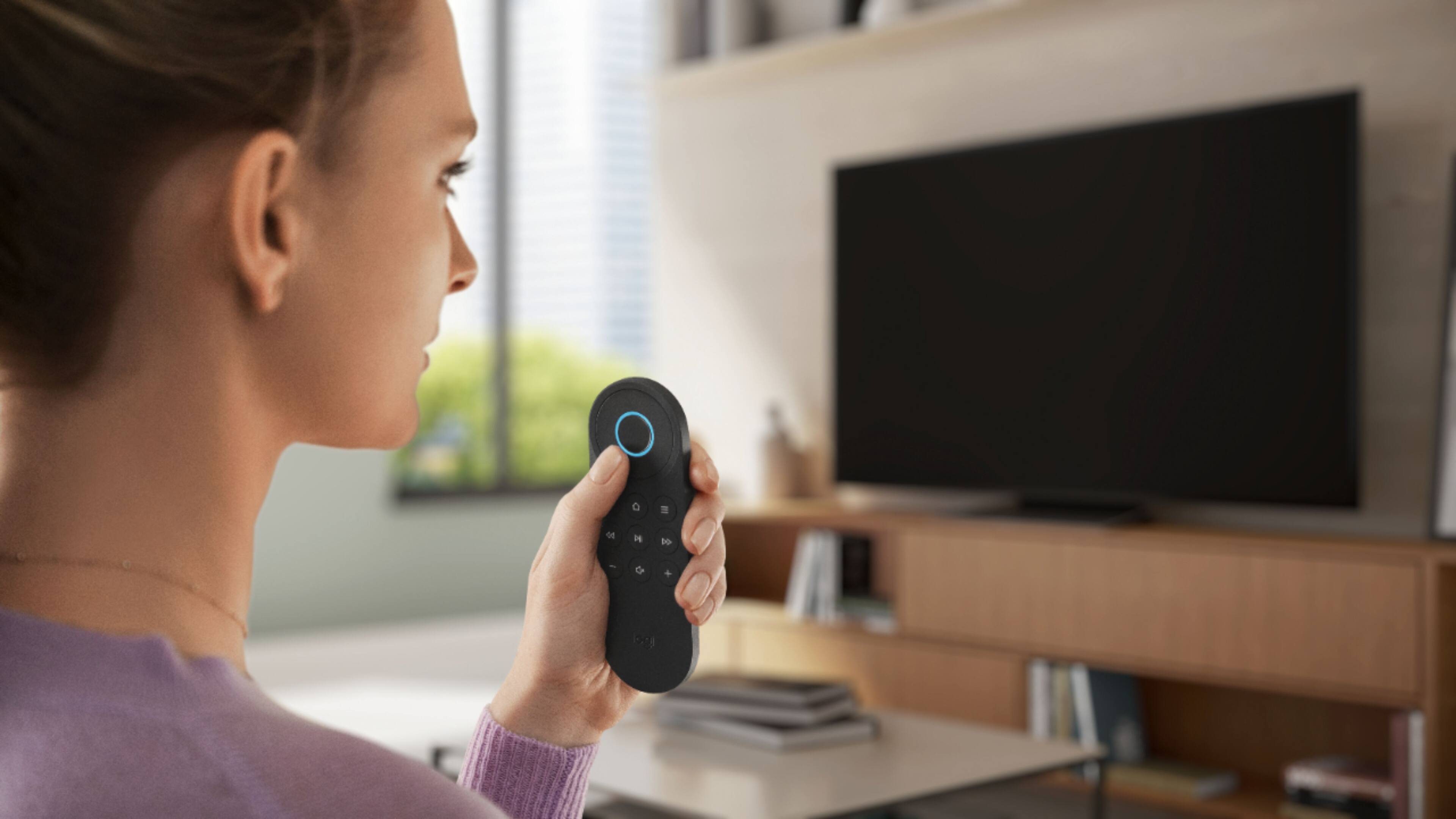
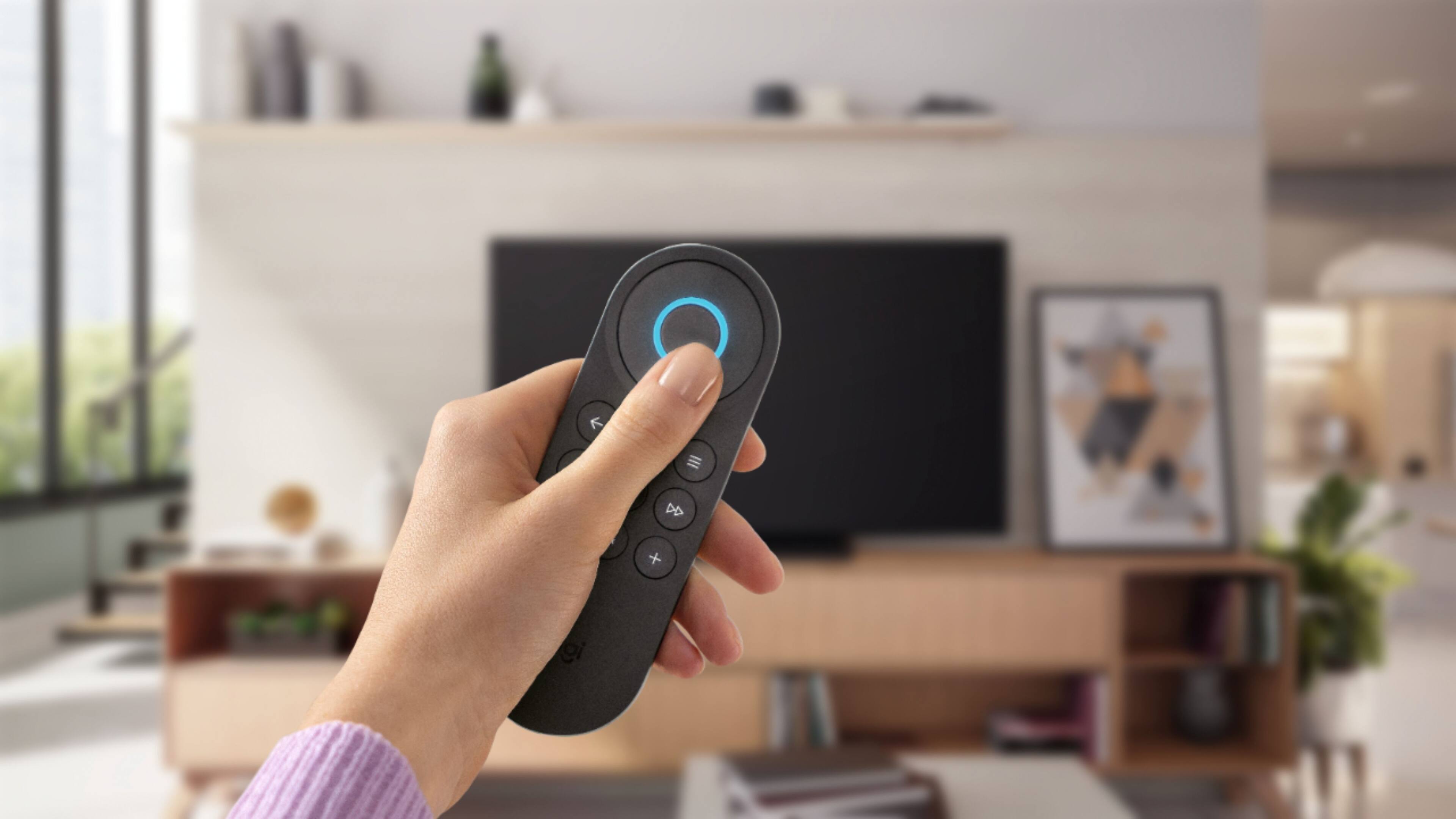
- A:Answer Yes, the Harmony Express remote is compatible with most TVs and soundbars. You would hold the voice button and ask, "Alexa, go to NETFLIX".
Answered by Logitech
Q: QuestionHow can I get Harmony Express to act as a sleep timer and turn off the sync’d devices at a specified time in the future?
Asked by Turnstyle.
- A:Answer You would need a Hub-based Harmony remote to set a sleep timer for activities. https://support.myharmony.com/en-us/setting-an-activity-sleep-timer
Answered by Logitech
Q: Questionwill the harmony express remote voice command change channels on my spectrum cable box. such as "go to golf channel" or "go to msnbc"
Asked by sharon.
- A:Answer Yes. When your Harmony is setup with your Spectrum cable box, you can use voice commands. Simply press and ask to start sets of devices, launch apps such as Amazon Prime or Netflix, or go to specific channels.
Answered by Logitech
Q: QuestionI have 2 Harmony Elites which I adore and TIVO is my jam for Live TV & DVR... I love being able to reprogram remote buttons to mimic those of the ‘mother remote’, those little things like ‘Thumbs Up’ etc....but w so few buttons how will you do that ?
Asked by SusiQ.
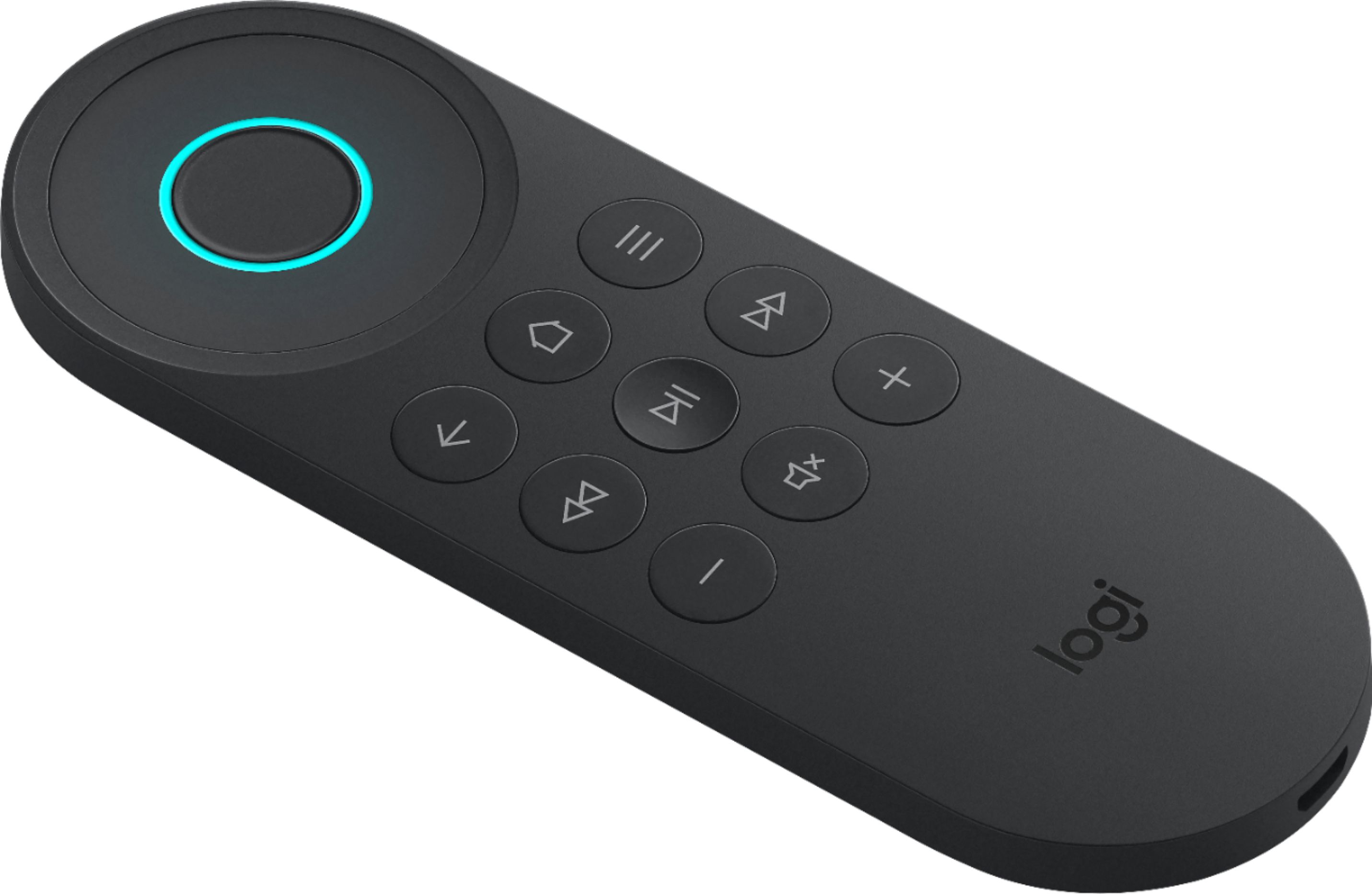
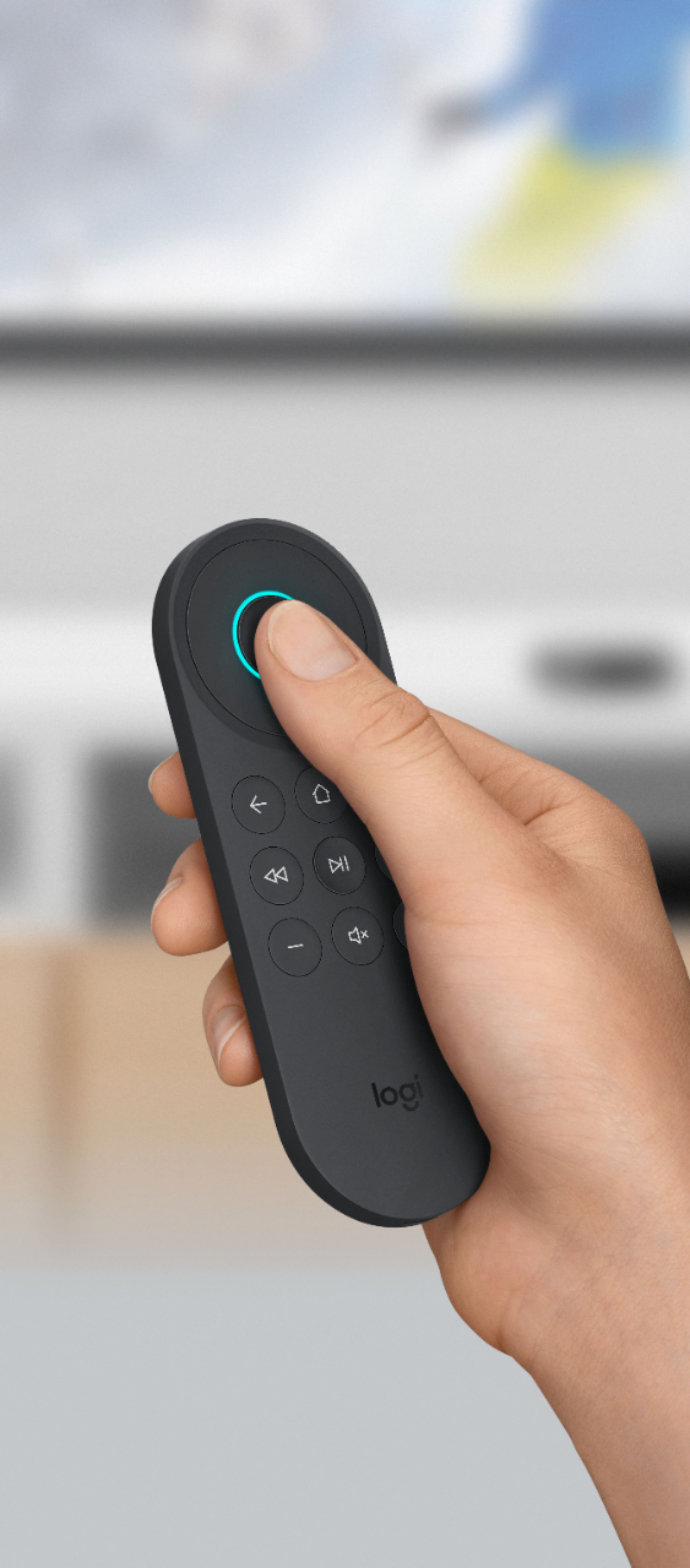
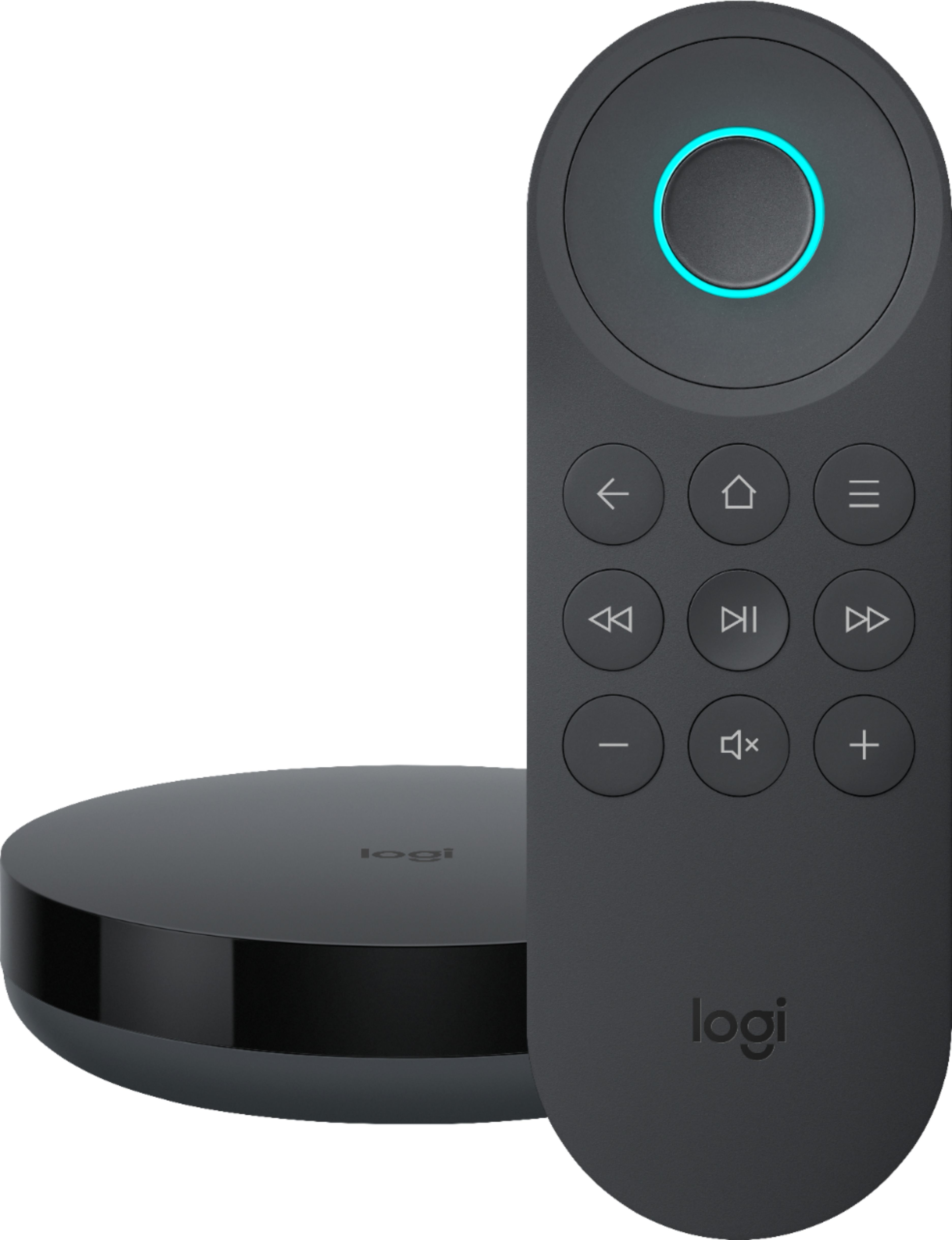
- A:Answer Harmony Express is a Voice based remote and instead of remembering channel numbers or programming favorites, simply say “Go to ESPN” to tune in. Even for channels, you don’t watch very often, they’re never more than an easy request away, no matter where they are in the guide. You can also use your voice to fire the most used commands like DVR, Menu, Guide. Just say "Go to DVR", "Go to Menu", etc. and it will fire the respective command. Also, you can customize the top 3 buttons in the Harmony Express remote with the required commands . Refer the following support article [https://support.myharmony.com/en/customizing-physical-buttons-on-your-remote] for more information on Button Customization.
Answered by PKHarmony
Q: QuestionWill Harmony Express play nice w IFTTT? This could solve some of the ‘lack of command’ issues I think...
Asked by SusiQ.
- A:Answer Currently, Harmony Express will not work with IFTTT. However, we will be glad to forward your request to the concerned team as a feature request.
Answered by PKHarmony
Q: QuestionCan you use Harmony Elite AND Harmony Express in same room if you tweak Alexa App so that nothing overlaps ie commands,?
Asked by SusiQ.
- A:Answer No, it is not possible to use both Harmony Elite and Harmony Express in the same room setup. Harmony works on Smart State Technology which instantaneously evaluates the current state of all your individual entertainment devices and then sends the appropriate commands for the perfect configuration. If you control any device using Harmony Elite then Harmony Express will not be aware of the device state.
Answered by PKHarmony
Q: QuestionDespite numerous requests, I see that both Amazon and Harmony will still not create a remote with number keys. There are apps that you can download for your Amazon Fire TV known as iptv services. But, you can't change channels without number keys!
Asked by stormnut46.
- A:Answer I am using the Express without a keypad. You speak the channel, and Alexa and Harmony Express pull up the channel, whether you say "Go to Channel 10" or "Go to Fox". But do be advised that I am using a TiVo, where each channel has a specific number.
Answered by mobilelawyer
Page 1, Showing 1-8 of 8 questions
Most-viewed items
- $149.00$149.00The price was $399.00
- $329.99$329.99The price was $469.99
- $159.99$159.99The price was $179.99
- $122.00$122.00The price was $129.99
- $449.99$449.99The price was $649.99
- $59.99$59.99The price was $169.99