Questions & Answers
- Model:
- 920-001996
- |
- SKU:
- 9613864
Highly rated by customers for: Keyboard Quality, Ease of use, Wireless
Page Showing 41-52 of 52 questions
Q: Questionhow do i connect the keyboard to my PC?
Asked by dave.
- A:Answer Either with the dongle directly, or the dongle supplied cord
Answered by user355650
Q: QuestionDoes this keyboard work for both Macs and PCs?
Asked by kp.
- A:Answer I only use it for windows but - as it has a USB receiver - it would probably work for Mac as well.
Answered by RhoMue
Q: QuestionHow do I disable the Caps Lock key?? I have a co-worker who constantly leaves it on, typing entire pages in all caps.
Asked by Tiredofreadingallcaps.
- A:Answer you can disable the K350 caps lock key using the Logitech setpoint app.
Answered by caleb
Q: Questionsoftware for on screen cap lock indicator k350.
Asked by Anonymous.
- A:Answer Logitech setpoint https://support.logi.com/hc/en-nz/articles/360025141274
Answered by caleb
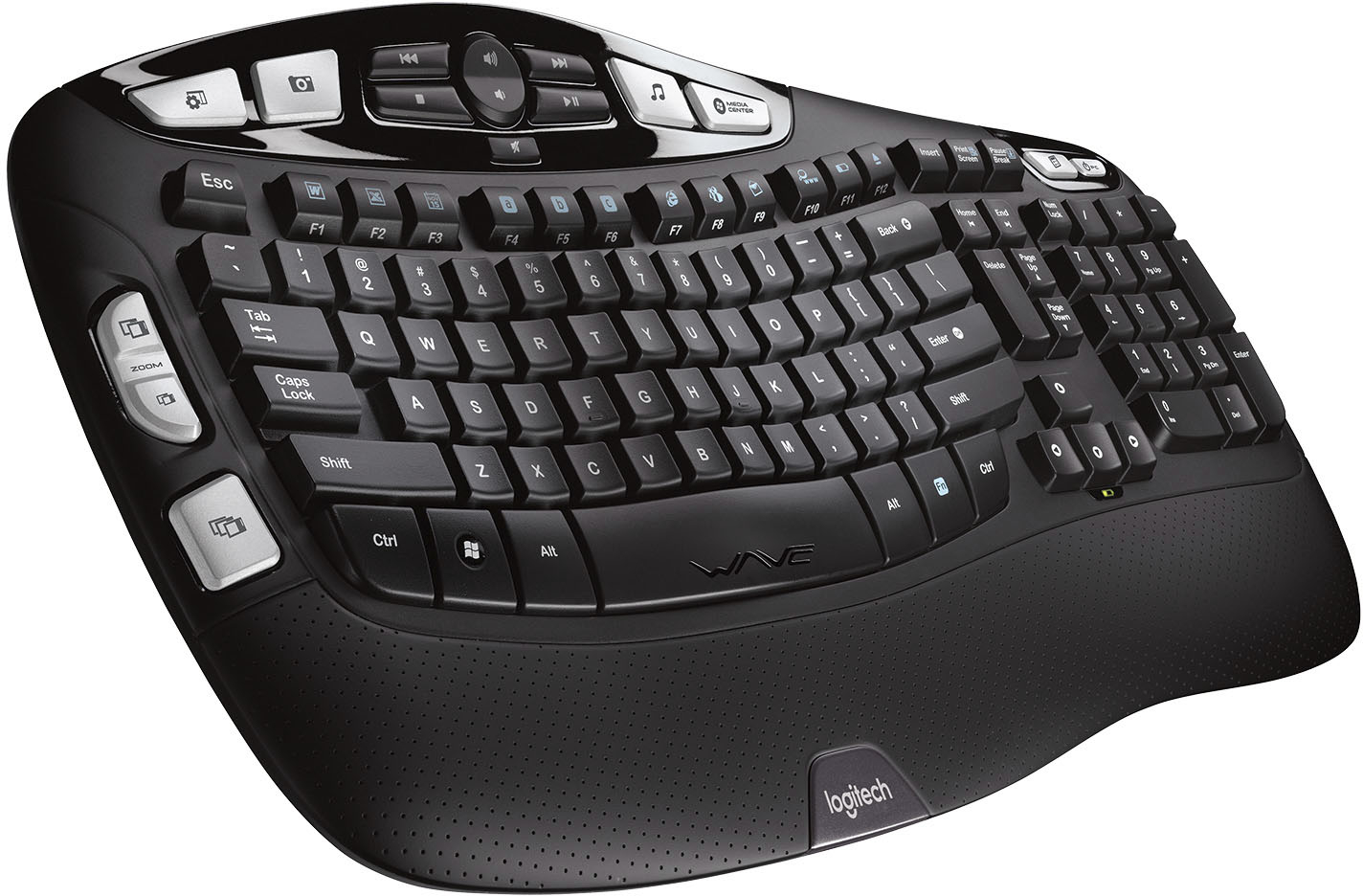
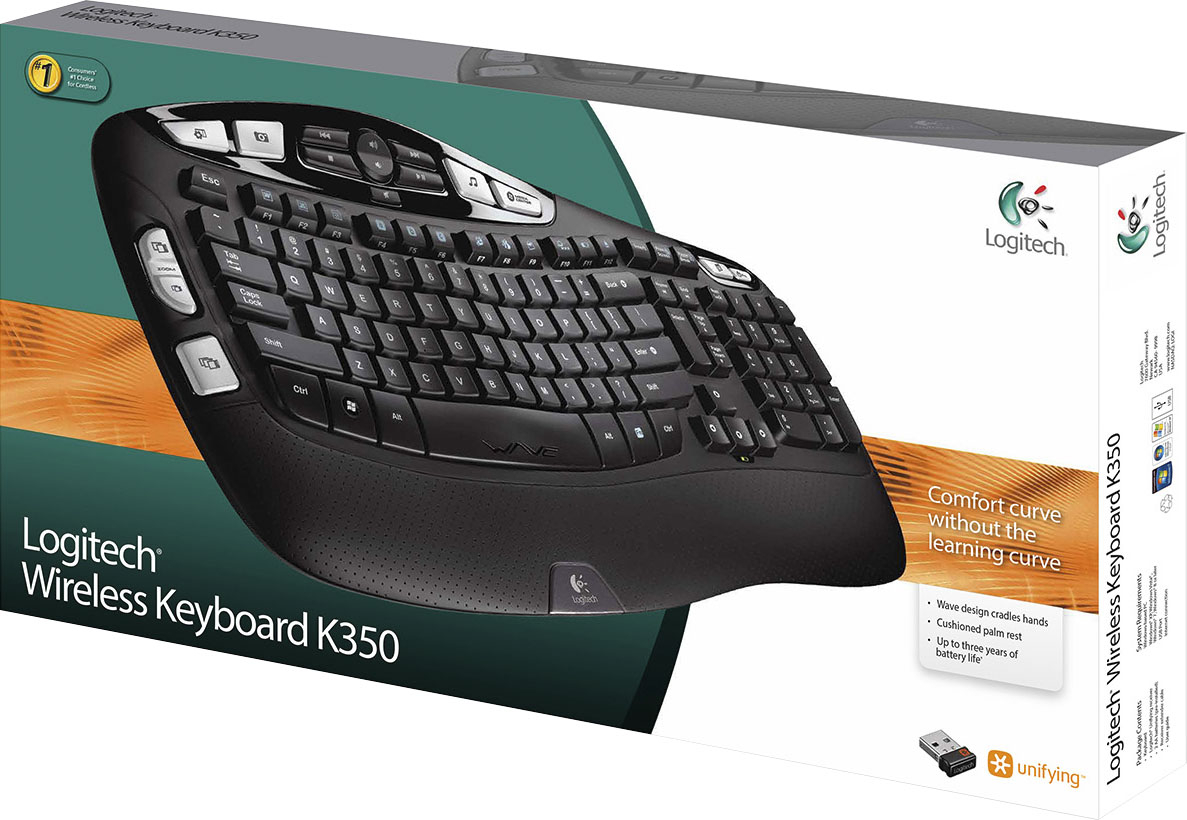
Q: QuestionWhat do the "ZOOM" keys do and how do you activate them?
Asked by GOOSE.
- A:Answer For the zoom keys to work you will need to install the Logitech setpoint app after that you should not need any more adjustments in the setting and the zoom keys should automatically be working.
Answered by caleb
Q: Questioni have a logitech K330 keyboard. it does not seem to be for sale anymore. Does the K350 replace it?
Asked by smegma.
- A:Answer Yes, it should work just fine. I have a wired old keyboard and it will still work for my desktop
Answered by Pickles52
Q: QuestionVolume- everything shows volume at 100% but I have no sound. Thank you, and I am not technical.
Asked by SueMac.
- A:Answer Check the mute button under the volume keys.
Answered by OldBrian
Q: QuestionThis is my second keyboard, I really like it. The only issue I have is the lettering on the keyboard fades, until you can't even see the letters. Is there a solution to this? Is there any way to keep them form fading? Thank you
Asked by mag147.
- A:Answer Hello mag147! Glad you're enjoying your K350, but sorry to hear the letters are fading on the keys though. There are no special products or anything preventing the writing from fading, but note that you do have a 5-year warranty on the K350 keyboard with Logitech, so check out our support page if this is problematic to you: https://www.logitech.com/en-us/product/wireless-keyboard-k350
Answered by Logitech
Q: Questionwhere does the supplied usb cable plug into the keyboard?
Asked by 29715.
- A:Answer Do you sell the cord for k350 keyboard
Answered by Anonymous
Q: QuestionCan this keyboard be paired with a Logitech M325 mouse?
Asked by Debra.
- A:Answer Both this keyboard and M325 mouse use the unifying receiver, and they will both connect to the same receiver so you would not need two unifying receivers, just one. So the keyboard does not pair to the mouse, but to the receiver that you plug into an available USB port on your computer.
Answered by glandesjr
Q: QuestionThe "print screen" key was working fine now it doesn't take screenshots anymore. Bought a new K350 set it up and the "print screen" key does nothing. I don't remember having to bind or do anything to use this feature. I take lots of screenshots for work.
Asked by printscreenkeyKB350.
- A:Answer Hello, If you have not already done so, I recommend downloading the Logitech “SetPoint” software. There are options for customization. One of the options is to swap F key functions. If you press “Fn” and “print key” that may give you the option that you are looking for. If you change the setting for “swap key functions” that will toggle between how those keys respond when the “Fn” key is or is not held down. Please visit the Logitech website for the “SetPoint” software download, and if you need any further assistance. Best regards, John at Logitech
Answered by Logitech
Page 3, Showing 41-52 of 52 questions
Most-viewed items
- $1,299.99$1,299.99The price was $2,999.99
- $149.00$149.00The price was $399.00
- $329.99$329.99The price was $469.99
- $249.99$249.99The price was $379.99
- $599.99$599.99The price was $1,299.99
- $159.99$159.99The price was $179.99
- $449.99$449.99The price was $649.99
- $122.00$122.00The price was $129.99
![The text on the image reads:
H4 H4 I MEDIA CENTER Insert Print Screen Pause Break IC MOOS Esc ~ . Tab N Caps Lock Shift ! 1 W F 2 Q A X F2 # 3 W S Z 17 F3 $ 4 E D x R C a b C F4 FS F6 % A & 5 6 7 T Y U F G H V N F7 * ( 8 9 I J K M FB ) 0 o L < , www F12 F11 F10 FD + Back - = - I } I { ] P [ u Enter E 3 ? Shift > I Home H Delete End H Page Up A Page Down Num Lock 7 Home 4 - 1 End 0 Ins / 8 t 5 2 I * 9 Po Up 6 3 Po De Del - + Enter Ctrl Alt Alt Fn Ctrl WAE logitech
The text is a list of keys on a keyboard, including function keys, arrow keys, and other special keys.](https://pisces.bbystatic.com/image2/BestBuy_US/images/products/9613/9613864_sd.jpg;maxHeight=54;maxWidth=54;format=webp)