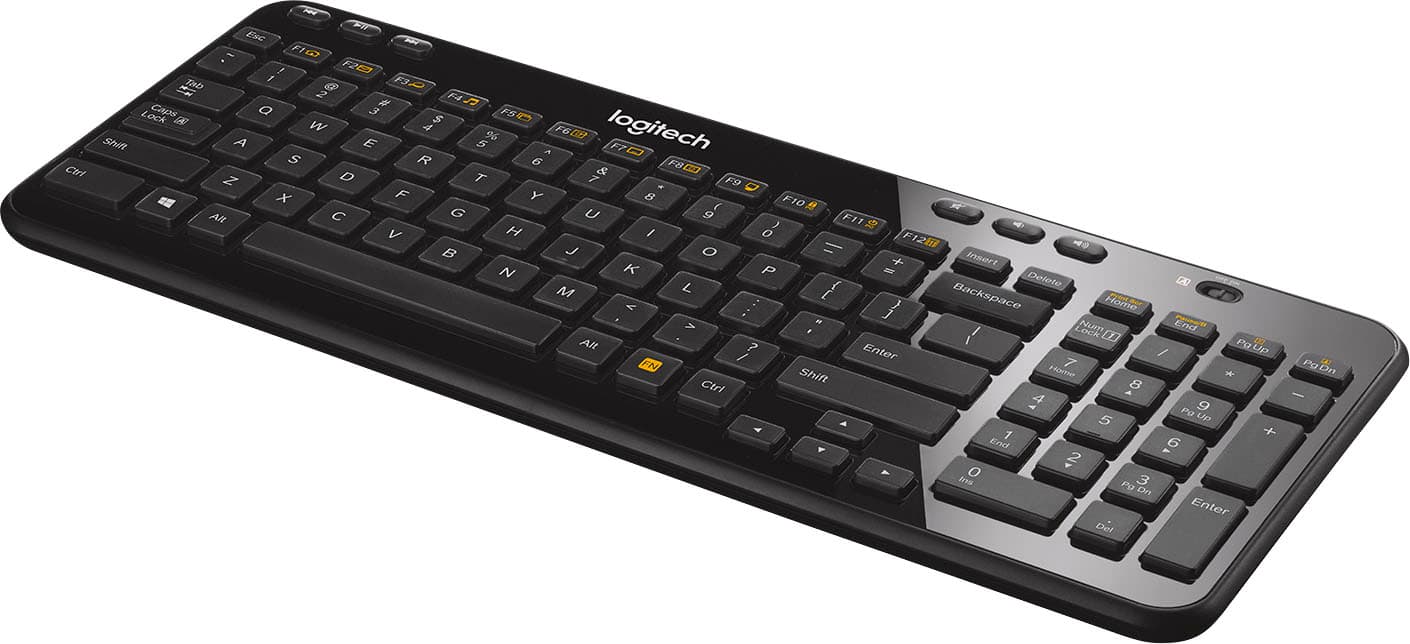
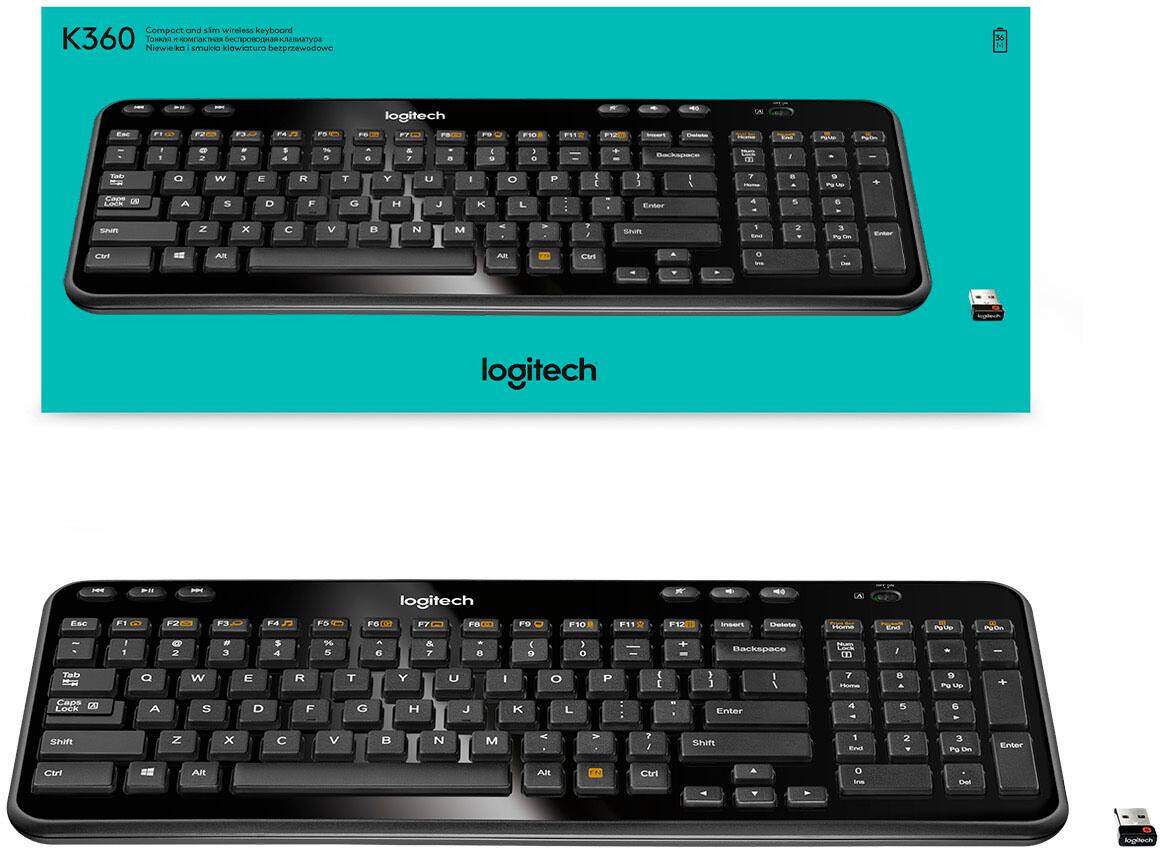
A:AnswerHello, usually the USB dongle is taped to the cardboard on the box that holds it in place inside the box. If you are not able to located it, we can replace it under the warranty. Simple just visit the support page for this item and file a claim.
-Danielle from Logitech
A:AnswerI have a mac-mini and it works just find, the only problem I have ran into is I can not load the boot menu for mac. So when you turn on the computer and hold down alt to bring up the boot menu it will not work. You have to have a wired usb keyboard for that. But other than that the keyboard will work under mac.
A:AnswerHi, we use this keyboard with the Xbox one & it works great, some of the newer games don't have keyboard capability, but other then that we use it for Xbox one on the games you can use a keyboard with. you will also need a usb port open on your xbox to be able to use it also.
A:AnswerHello, the K360 needs a USB port to connect to your device. It will not work with your iPad Mini 4. You can look into something like the K380 for a Bluetooth keyboard to use with your iPad.
A:AnswerSince the K360 does not have Bluetooth, this will not work an iPad. The K380, K480, and K780 models will all work with your iPad Pro. If you want the 10-key panel on the side, the K780 is the way to go.
A:AnswerIt will work with any device that has a usb port. You first connect a USB key into the computer/laptop you want to use it on to make the wireless keyboard active.