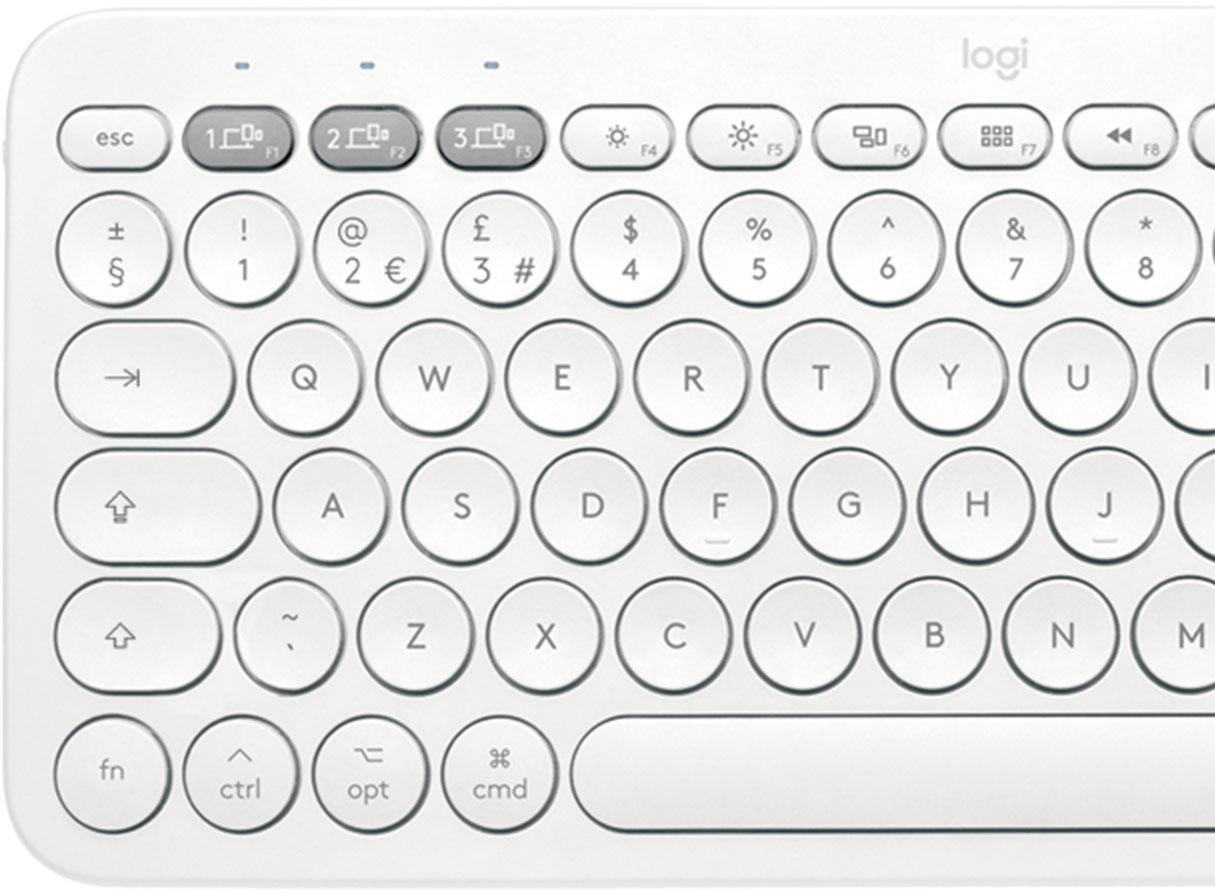
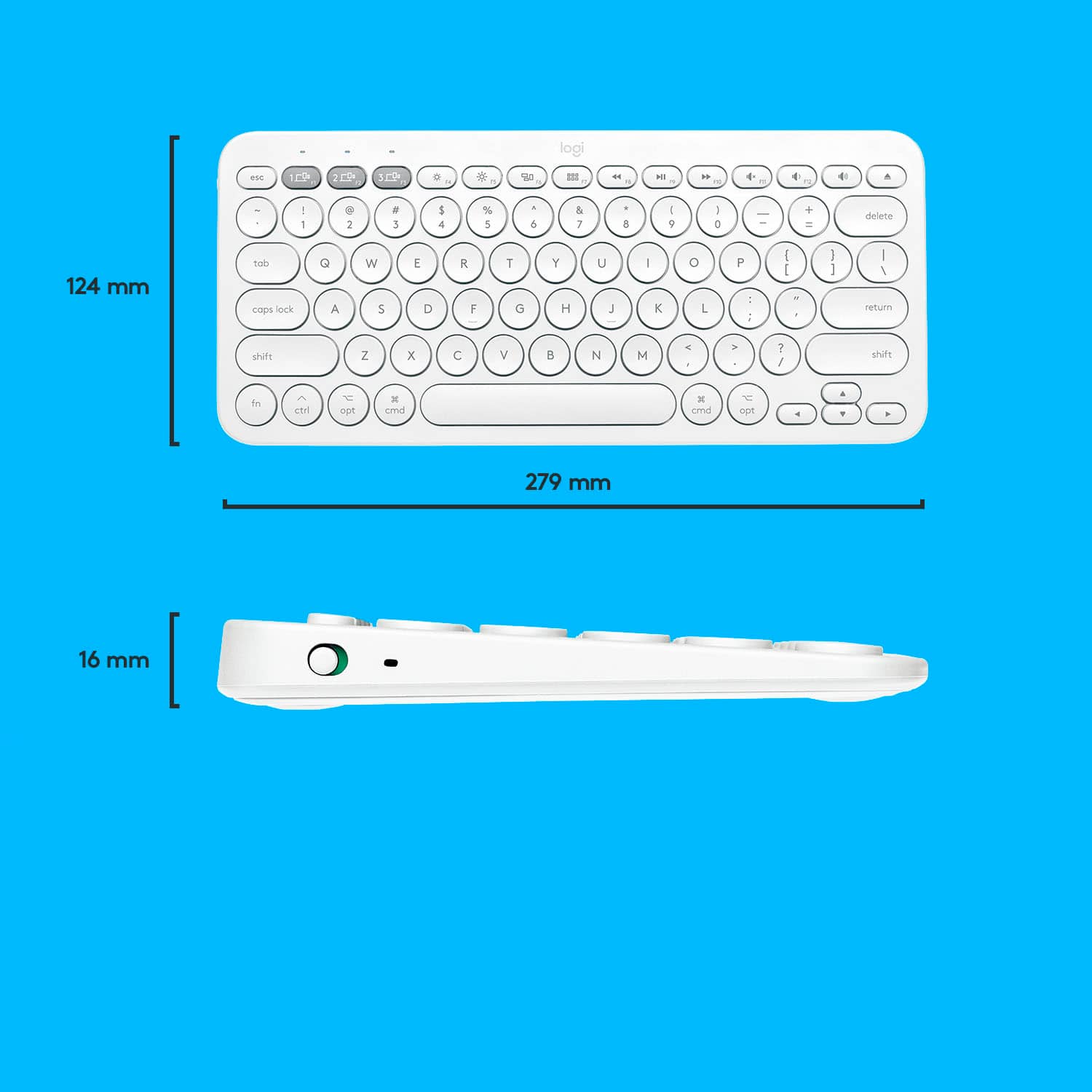
A:Answer With the Mac version of this keyboard, fn+delete will NOT delete to the right. Instead, ctrl+D does it. If you're using this keyboard with Microsoft Word, there is a way to assign this command to a more convenient key combination, such as shift+delete.
How to do it: In Word, 1. Go to Tools/Customize Keyboard. 2. In the Categories box, scroll down to All Commands and click it. 3. In the Commands search line, enter "backspace" (without quotes) and press Enter. 4. Click "TcidBackspace." 5. Click in the "Press new keyboard shortcut" line and press shift+delete.
While you're there, you might also search for "delete" and assign option+delete to the command DeleteBackWord, which deletes the word to the left of the cursor, and assign command+delete to DeleteWord, which deletes the word to the right of the cursor.
![esc 4 4 1 4 P delete W at + logi MI W " 4 18 / I I BSE 17 I 0 } I 0 6 1 9 1 1 PS & 8 P ] return * TA O . 3 3 15 % 6 / : 1 2 12 $ 5 U : 1 F1 # 4 Y L 3 T K ? @ J > I ! 2 R I < 1 E H - W G M t - F 3 opt Q D - cmd tab S V A C lock X caps Z H shift t cmd opt ctrl fn shift](https://pisces.bbystatic.com/image2/BestBuy_US/images/products/6404/6404200_sd.jpg)




![The text on the image is in French, so I will provide the corrected text in French.
MULTI-DEVICE K380 for Mac Portable typing for ac, iPhone and iPad Clavier portable pour c, iPhone et iPad 1W 2C0 3C0 - a00e sto logi F - i ae 4 PA 4 A - 1 7 e 2 & 3 $ a % 5 A & 7 a y o + delete fols Q W E R T Y U O P ( ] ] ] 1 I caps lock A S D F G H J L . return shift Z x C V N M < A ? / shift fn ctri - opt 3 cmd D cmnd - opt logitech logi esc m 2 210 1 FO TN 0 N 121 " HI 1 2g 4 Fn 1 2 a 3 S 4 % 5 6 & 7 8 I 9 3 0 + - delete der Q W E R T Y U o P i I I I I / caps lock A S D F G H J K L return shift Z x C V N M < ? / shift fn ctri - opt x cmnd x cmd C opt](https://pisces.bbystatic.com/image2/BestBuy_US/images/products/6404/6404200cv16d.jpg)