Black Friday is hereShop new DoorbustersShop now

Main Content

Questions & Answers

Page Showing 101-107 of 107 questions
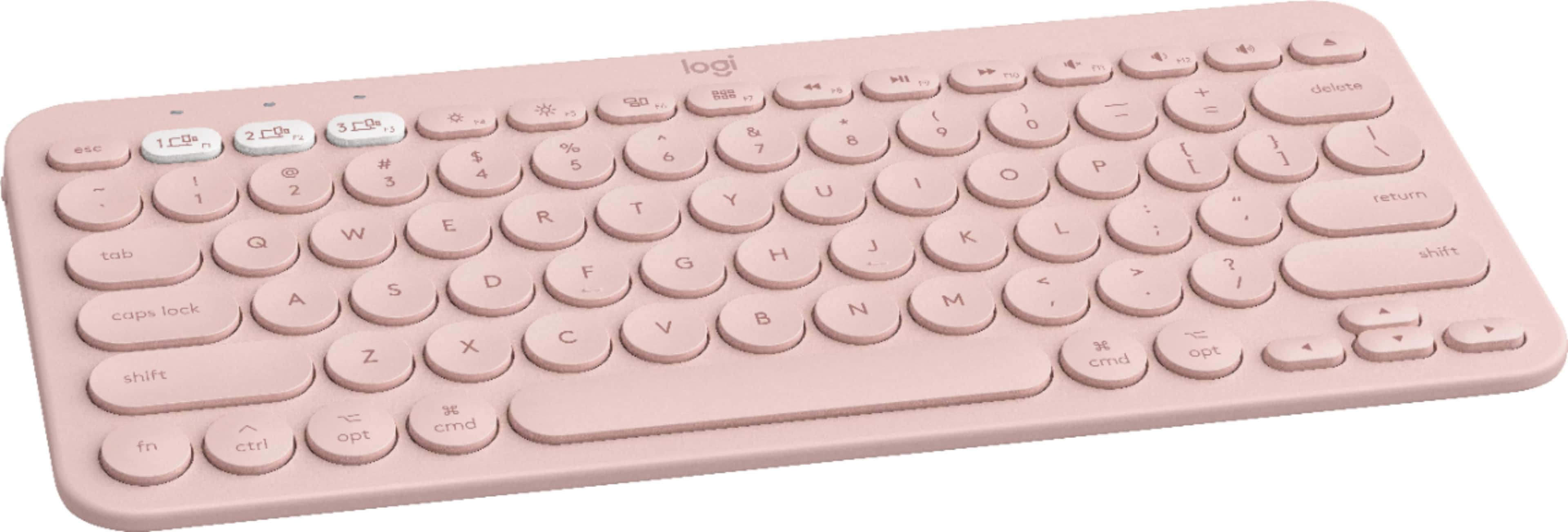
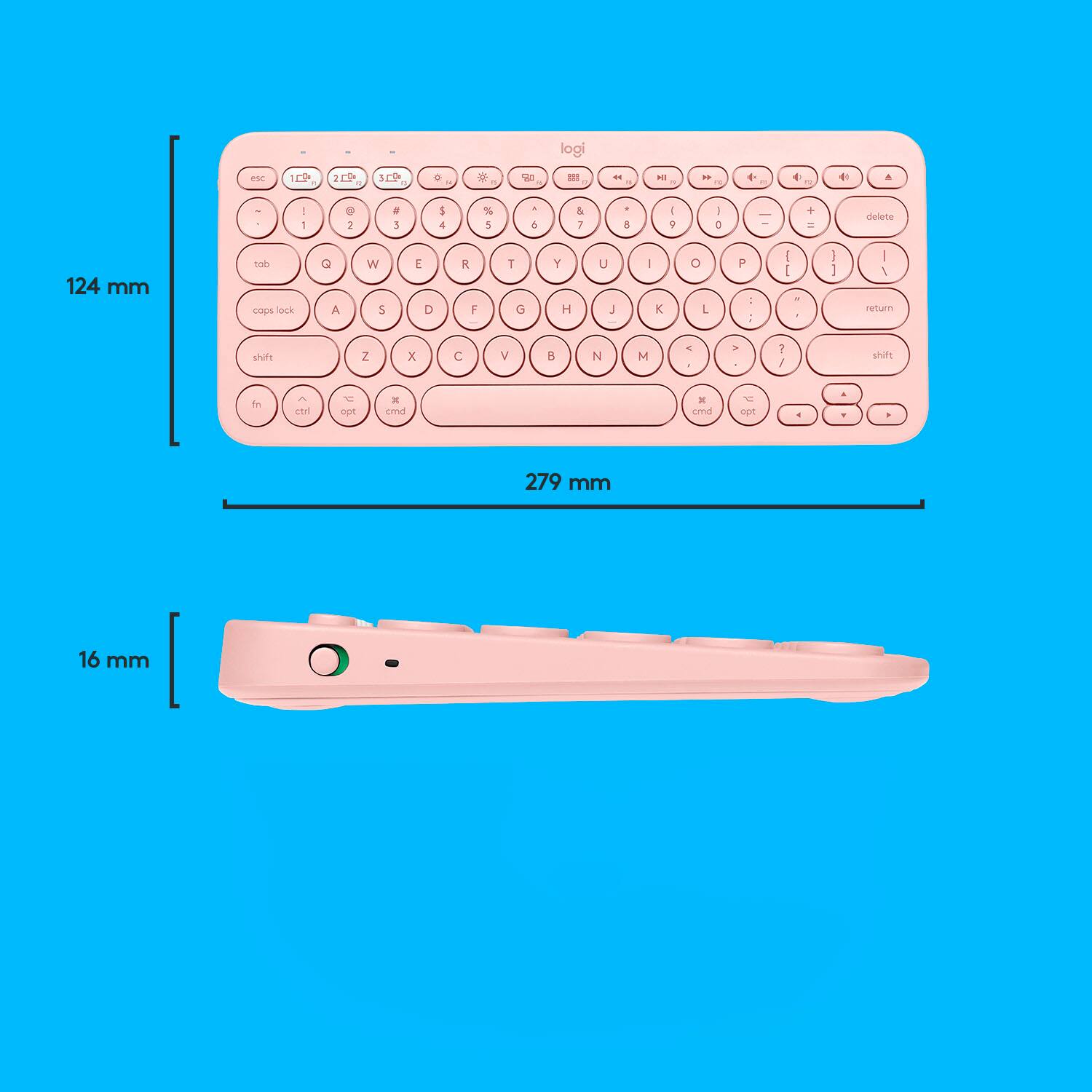
  • QuestionI am trying to lock my screen but can not seem to find an alt button to perform the cttl + alt + delete , is this not an option on his keyboard?

    Asked by Anonymous.

    • Answer With the Mac version of this keyboard, fn+delete will NOT delete to the right. Instead, ctrl+D does it. If you're using this keyboard with Microsoft Word, there is a way to assign this command to a more convenient key combination, such as shift+delete. How to do it: In Word, 1. Go to Tools/Customize Keyboard. 2. In the Categories box, scroll down to All Commands and click it. 3. In the Commands search line, enter "backspace" (without quotes) and press Enter. 4. Click "TcidBackspace." 5. Click in the "Press new keyboard shortcut" line and press shift+delete. While you're there, you might also search for "delete" and assign option+delete to the command DeleteBackWord, which deletes the word to the left of the cursor, and assign command+delete to DeleteWord, which deletes the word to the right of the cursor.

      Answered by Futurist

  • QuestionCan you connect to phone

    Asked by Anonymous.

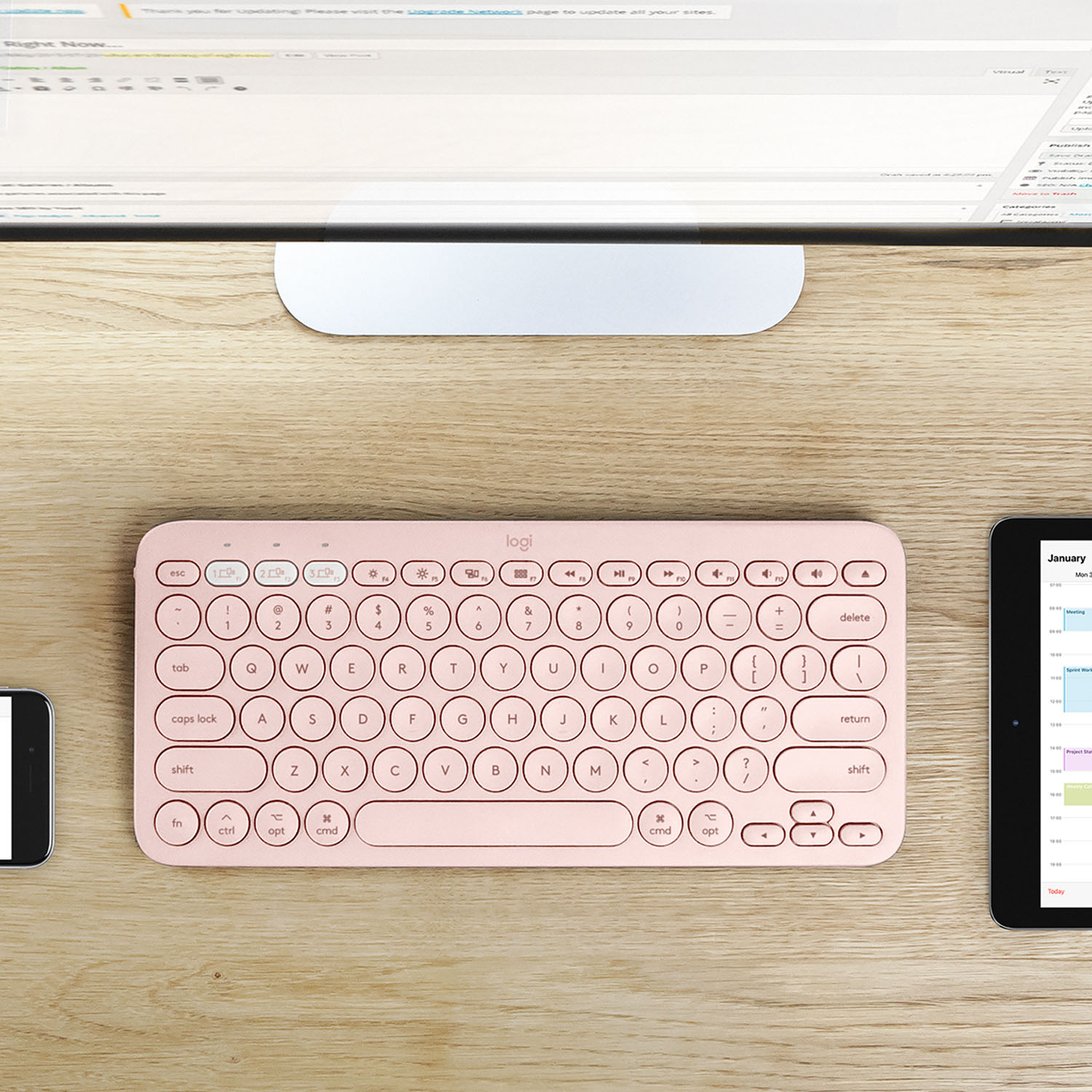
    • Answer Yes it connects via Bluetooth and it’ll remember 3 devices at a time.

      Answered by Izzy

  • QuestionHow do I connect this keyboard to my PC running Windows 10

    Asked by Patty.

    • Answer The K380 connects via Bluetooth by pressing and holding the different colored "1" button until the light starts blinking. Then, on your computer, go to Settings - Devices - Bluetooth - "Add Bluetooth and other devices" - Bluetooth. Then K380 should pop up and you'll just click on that. The keyboard light should stop blinking and remain steady when successfully paired. Here is a link to the setup guide https://support.logi.com/hc/en-us/articles/360024158554 for more assistance.

      Answered by Logitech

  • QuestionDoes this connect to PC too? Thx.

    Asked by Red.

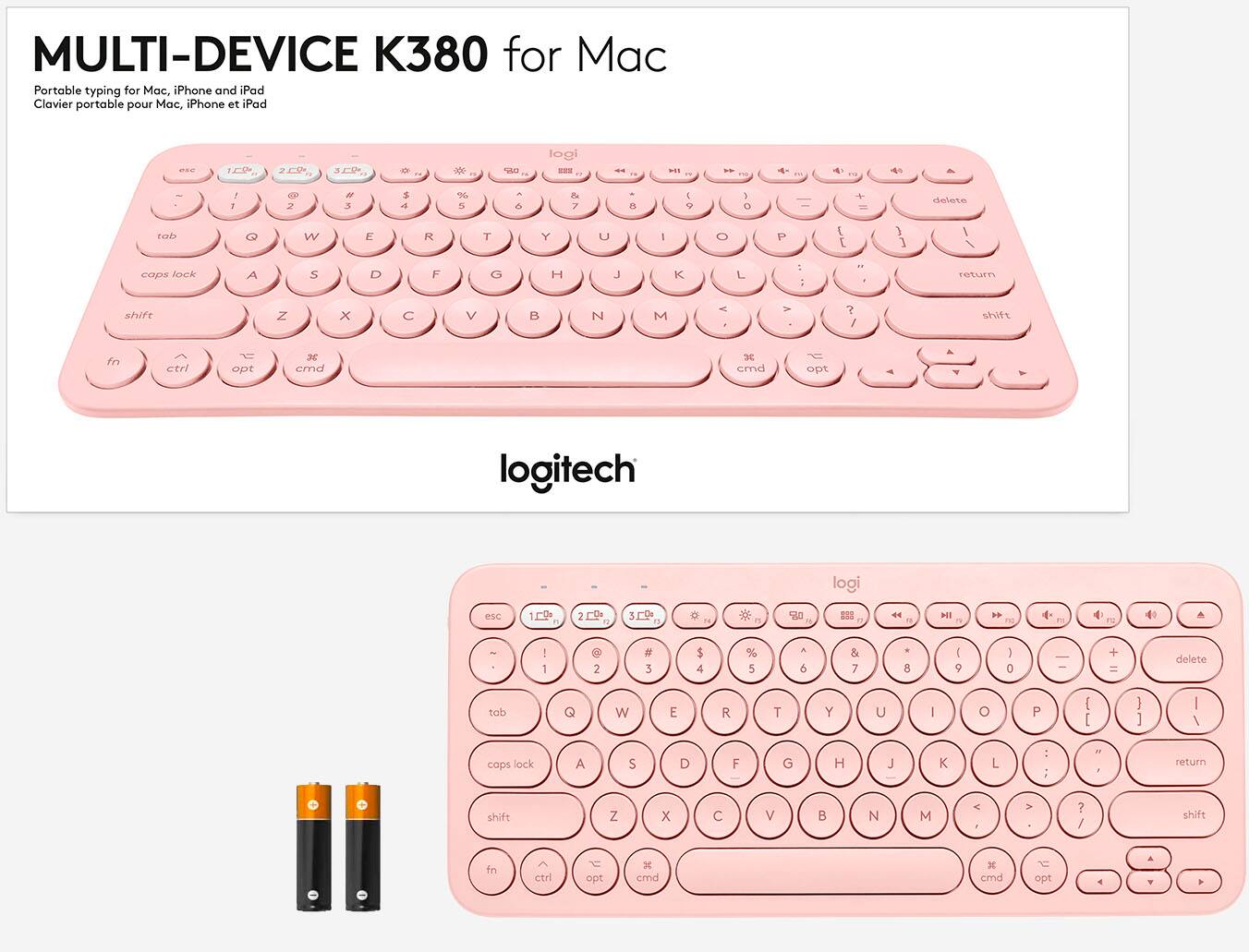
    • Answer Hello, Yes, this will connect to PC too. It just does not have Windows specific keys. -Danielle from Logitech

      Answered by Logitech

  • QuestionIs my Samsung Tab 10.1 (2015) be compatible with this keyboard?

    Asked by Belleskeeto.

    • Answer Unfortunately, this one is specifically for Mac and iOS. I would recommend purchasing this one https://www.bestbuy.com/site/logitech-k380-bluetooth-scissor-keyboard-rose/6411502.p?skuId=6411502 as it is for Android, Windows, Mac, ChromeOS, and iOS.

      Answered by Logitech

  • QuestionHow I can make the letter ñ?

    Asked by Sarah.

    • Answer You cant

      Answered by NiceKeyboard

  • QuestionDoes this work with IPad 8th generation?

    Asked by Sandra.

    • Answer Yes, the one I purchased is used on that iPad

      Answered by PeteR