User rating, 4.4 out of 5 stars with 631 reviews.
Show only Answered Questions
Asked 5 years ago by Apple.
Answered 5 years ago by AnonymousVerified Purchase
Asked 5 years ago by BarryD.
Answered 5 years ago by Logitech
Asked 5 years ago by Alex.
Answered 5 years ago by HappyTyper
Asked 6 years ago by drew.
Answered 6 years ago by CommunityAnswer
Asked 6 years ago by Mom1975.
Answered 6 years ago by SteveVerified Purchase
Asked 5 years ago by iamtony0.
User rating, 4.3 out of 5 stars with 352 reviews.
Not yet reviewed
User rating, 4.5 out of 5 stars with 1053 reviews.
User rating, 4.8 out of 5 stars with 8144 reviews.
User rating, 4.9 out of 5 stars with 15416 reviews.
User rating, 4.6 out of 5 stars with 100 reviews.
User rating, 4.9 out of 5 stars with 125 reviews.
User rating, 4.8 out of 5 stars with 145 reviews.
User rating, 4.7 out of 5 stars with 376 reviews.
User rating, 4.7 out of 5 stars with 1742 reviews.
User rating, 4.7 out of 5 stars with 486 reviews.
User rating, 4.7 out of 5 stars with 9450 reviews.
User rating, 4.7 out of 5 stars with 1210 reviews.
User rating, 4.8 out of 5 stars with 2679 reviews.
User rating, 4.5 out of 5 stars with 163 reviews.
User rating, 4.7 out of 5 stars with 1285 reviews.
User rating, 4.6 out of 5 stars with 380 reviews.
User rating, 4.7 out of 5 stars with 6144 reviews.
User rating, 4.7 out of 5 stars with 813 reviews.
User rating, 4.7 out of 5 stars with 243 reviews.
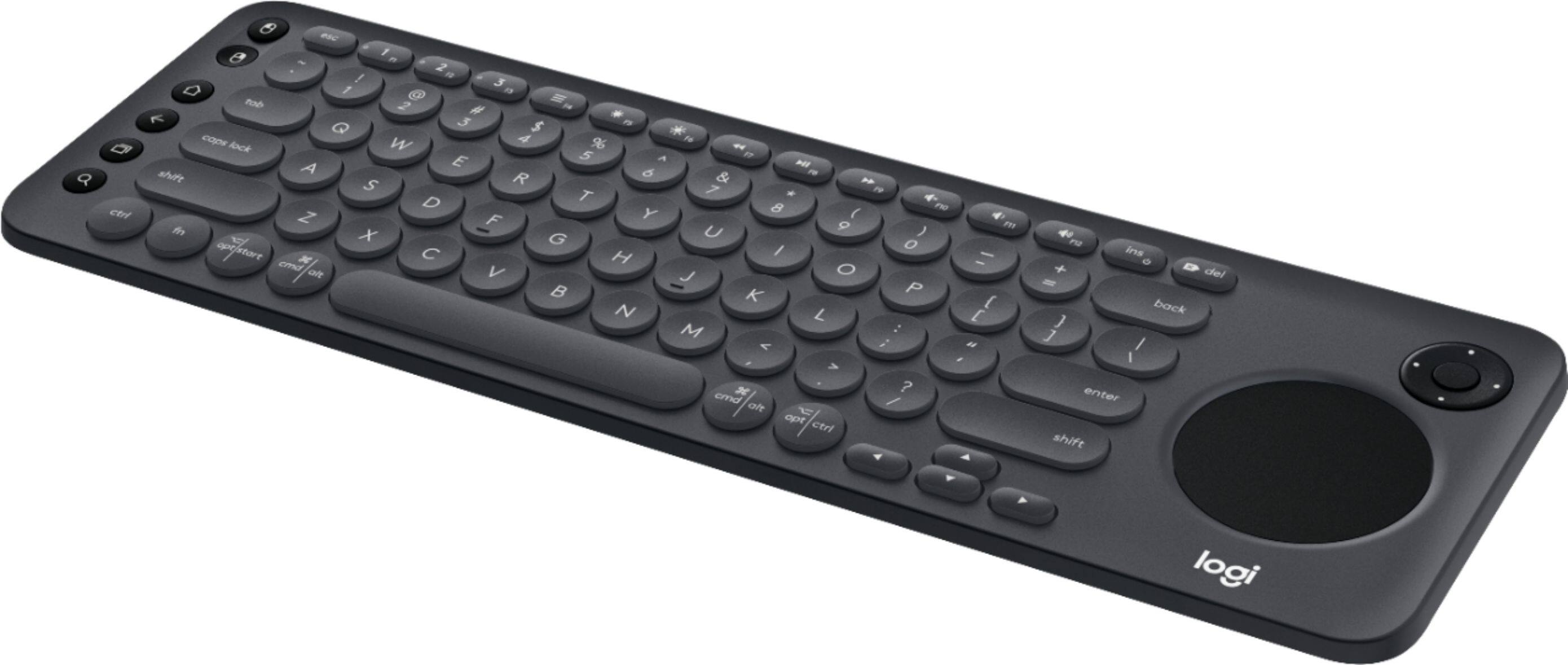
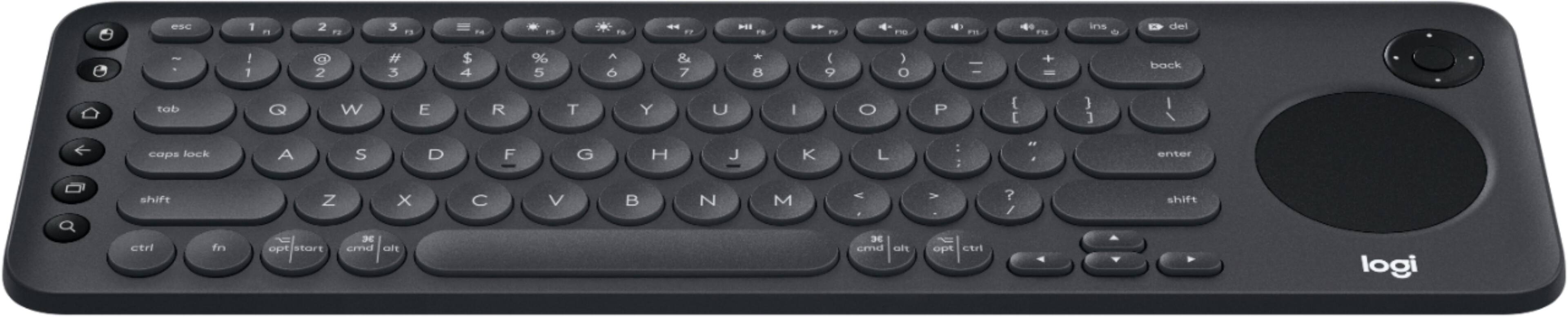
![The image shows a close-up of a keyboard with the text "esc 1 F 2 P2 3 F3 M4 P5 F6 4 F7 I F8 4 P9 F10 FI! F12 ins O * del ! 1 2 # 3 $ 4 % 5 A 6 & 7 * 8 ( 9 ) 0 - - + = back tob Q W E R T Y U I O P { [ ] ] I / caps lock A S D F G H J K L : ; < . > ? / shift ctrl fn opt start x cmd alt x cmd alt opt ctrl logi" written on it. This text is likely a description or instructions for using the keyboard.](https://pisces.bbystatic.com/image2/BestBuy_US/images/products/6282/6282604_sd.jpg)