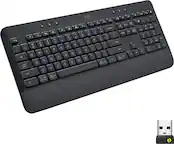
A:AnswerI get the copy and paste functions are the same (Ctrl+c etc) but is there a way to copy and paste from the computer to iPhone? Ctrl+c Ctrl+v doesn't do anything, I have to type. trying to send text messages by copying info from computer to send by iPhone.
Thanks.
A:Answer1. press the windows key (start key on the K780) on your keyboard
2. type logitech and select "logitech options" (see image below)
3. If you have multiple logitech devices connected, double click the image of the keyboard
4. place a check mark in the checkbox that says "Use F1 - F12 as standard function keys" (see image below)
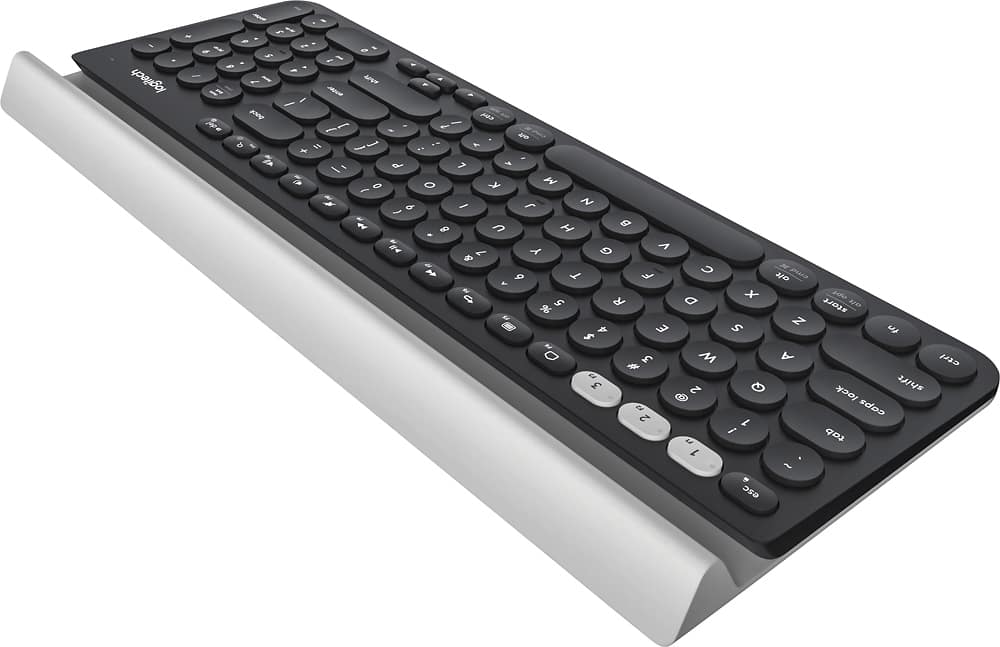
![esc 1 2 3 F F2 F3 F4 F5 U F6 44 F I F8 > F 0 11 F12 ins del logitech ~ ! 1 @ 2 # 3 $ 4 % 5 A 6 & 7 * 8 ( 9 ) 0 - - + = back num lock cleor / . - tab Q W E R T Y U I O P { [ } ] I I 7 home 8 A 9 g up + cops lock A S D F G H J K L : ; " enter 4 5 6 shift Z X V B N M < , > ? / shift 1 end 2 Y 3 PG pg dn enter ctrl fn start alt opt alt cmd x alt cmd x ctrl alt opt A Y 0 iins del](https://pisces.bbystatic.com/image2/BestBuy_US/images/products/5592/5592420_sd.jpg)