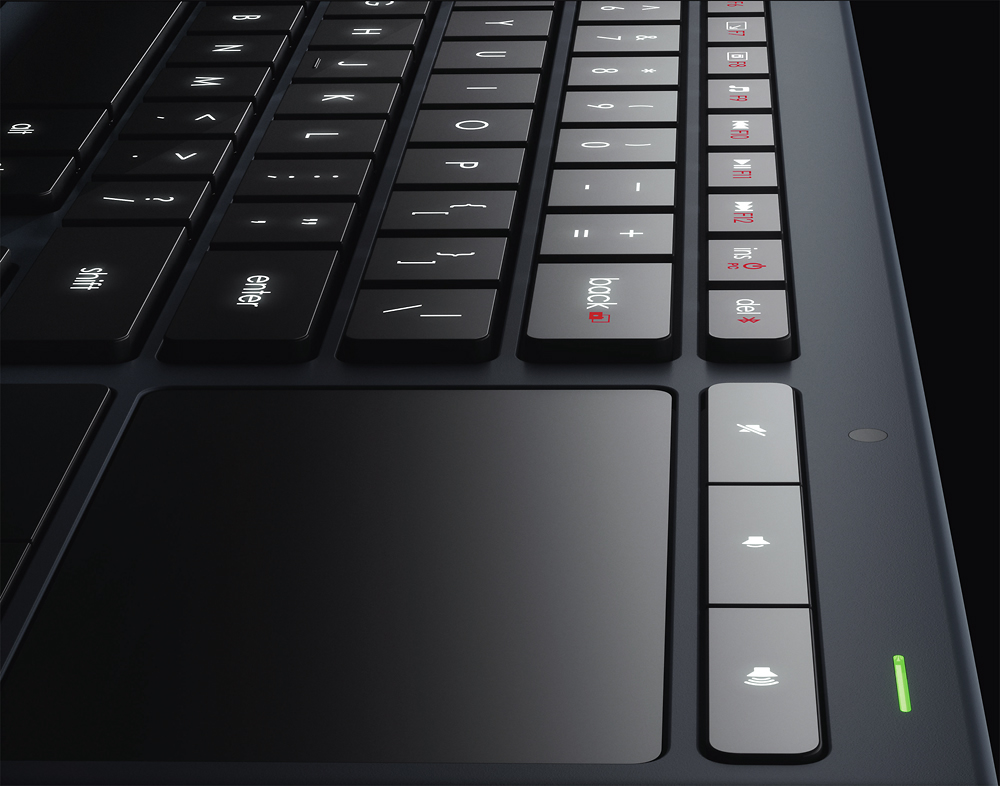
A:AnswerAs long as your tablet is bluetooth it should work. Keep in mind this is just a little smaller than a standard keyboard you might want something smaller for on the go.
A:AnswerI am using this for my Dell XPS15 and very happy with it. I am using an older Logitech keyboard with my smart TV. If your TV doesn't have a usb connection does it have Bluetooth? The version of the K830 that I have does have Bluetooth and you could connect it that way. Hope this helps.
A:AnswerAssuming those apps are installed on a compatible device(Bluetooth support for the profile or PC/Mac) then yes, it will work. It would be best to refer to your device manufacturer and Logitech's documentation to verify.
If your device claims to support Bluetooth keyboards, then it would be safe to assume that it will work. Google is your friend for this type of thing. Surely someone else has asked the same question
A:AnswerThe device has a unifying function. All you need is additional receiving dongles that are unifying compatible from Logitech. Download the software to a computer from Logitech and sync the keyboard to each of them. Then plug into each device. It will pair with whichever player is turned on.
A:AnswerIt should work with the Unify USB adapter on any laptop or PC running Windows 7 or newer. There may also be drivers for Apple and Linux available. If the laptop supports Bluetooth, that should also work.
A:AnswerManual is downloadable from the manufactures webpage. Not really sure what your Question is as function keys serve a purpose for quick buttons or other software. Why you wouyld need to turn them off? Never seen a keyboard you could do this with.
![esc F1 F2 F3 F4 F5 F6 F7 F8 F9 F10 F11 F12 ins del 1 2 3 4 5 6 7 8 9 0 - = back tab Q W E R T Y U I O P { [ ] } caps lock A S D F G H J K L : " enter shift Z X C V B N M < > ? / shift ctrl FN alt alt ctrl home pg up pg dn end Logitech](https://pisces.bbystatic.com/image2/BestBuy_US/images/products/7425/7425541_sd.jpg)