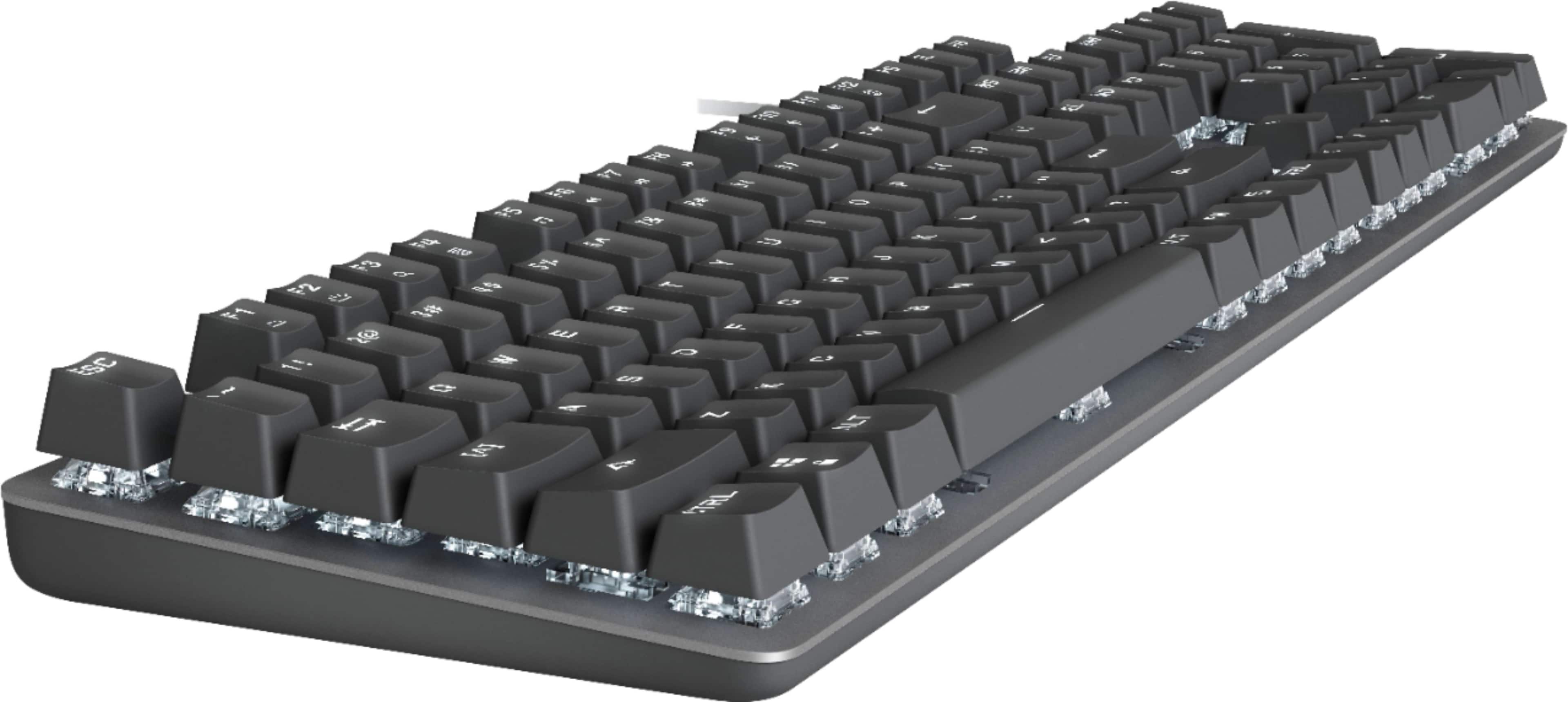
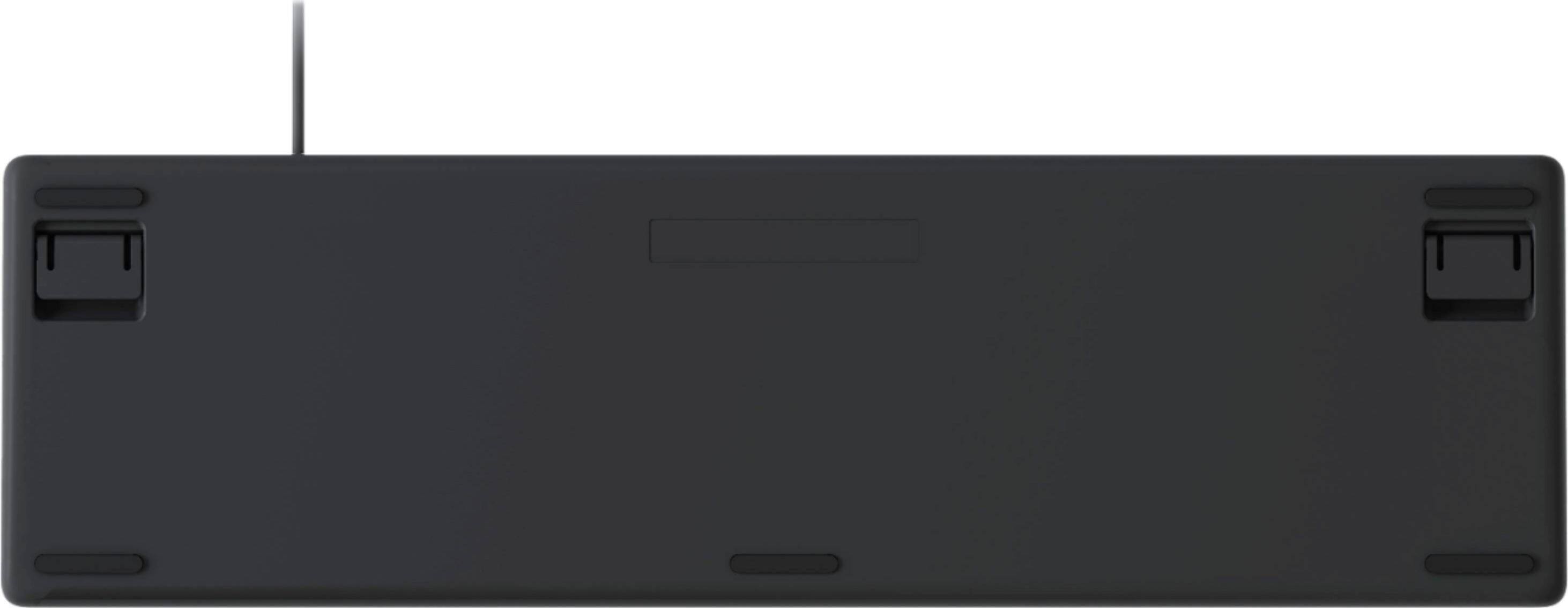
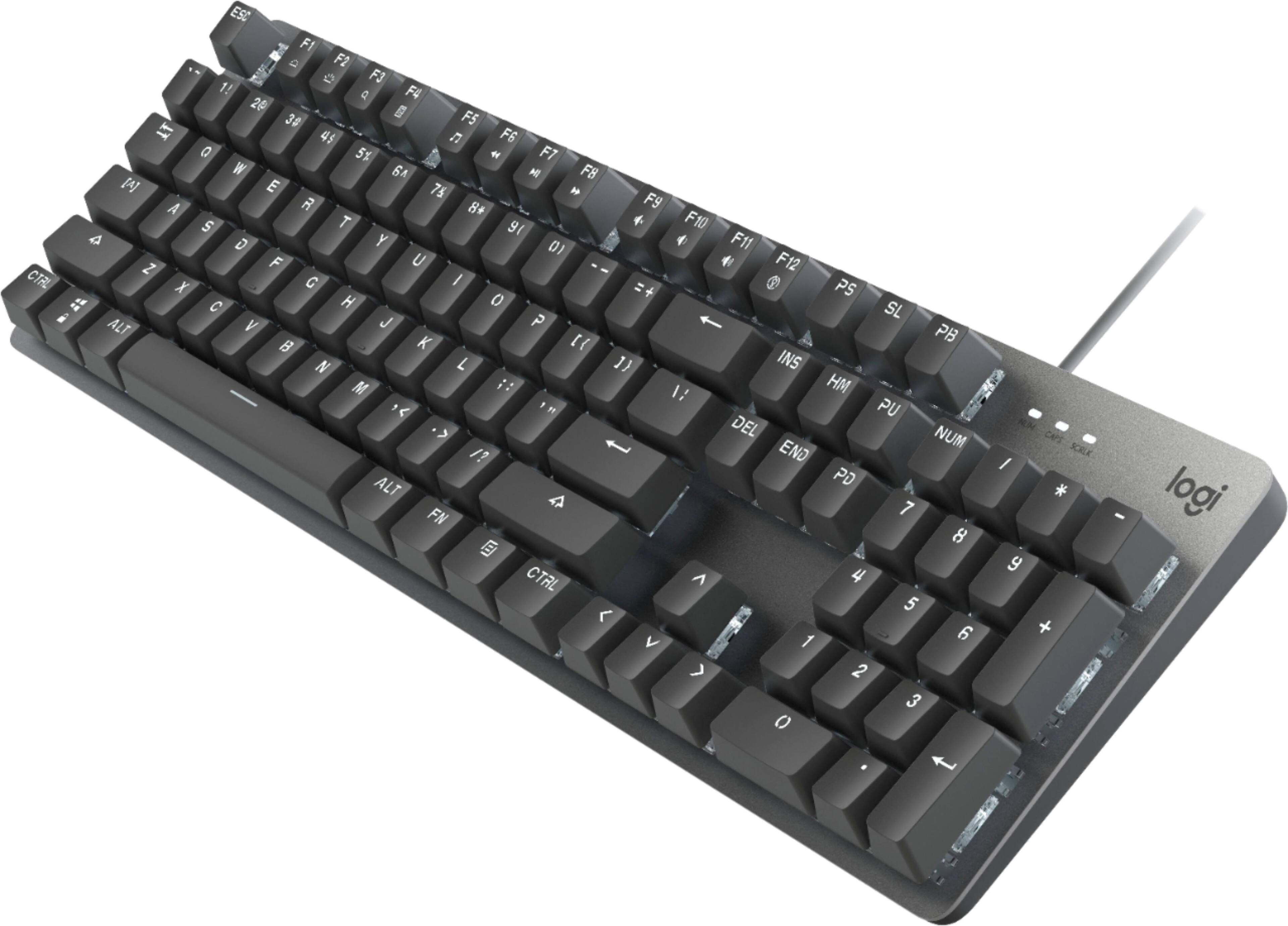
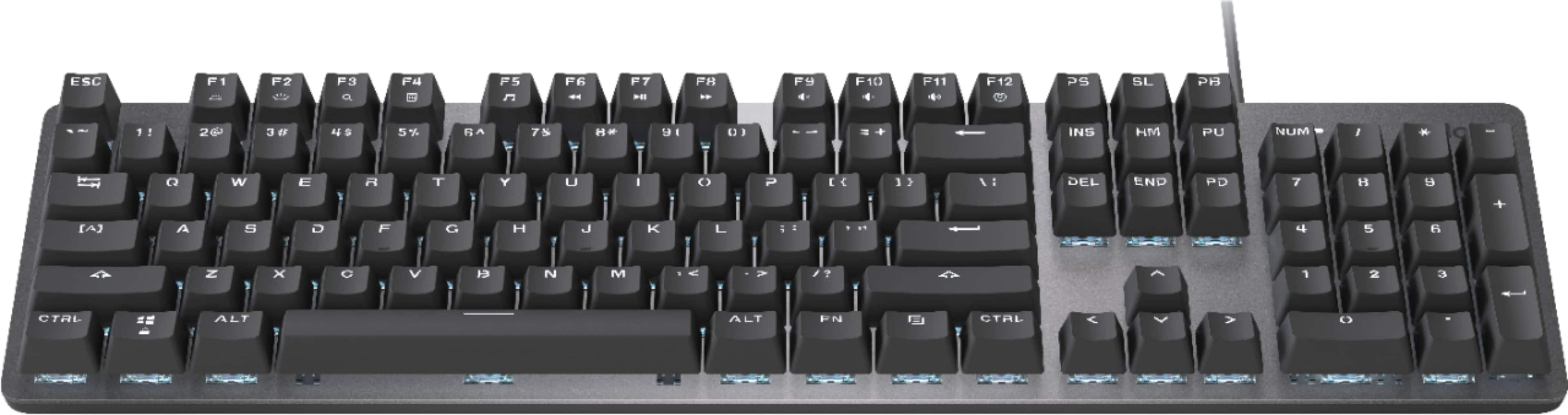
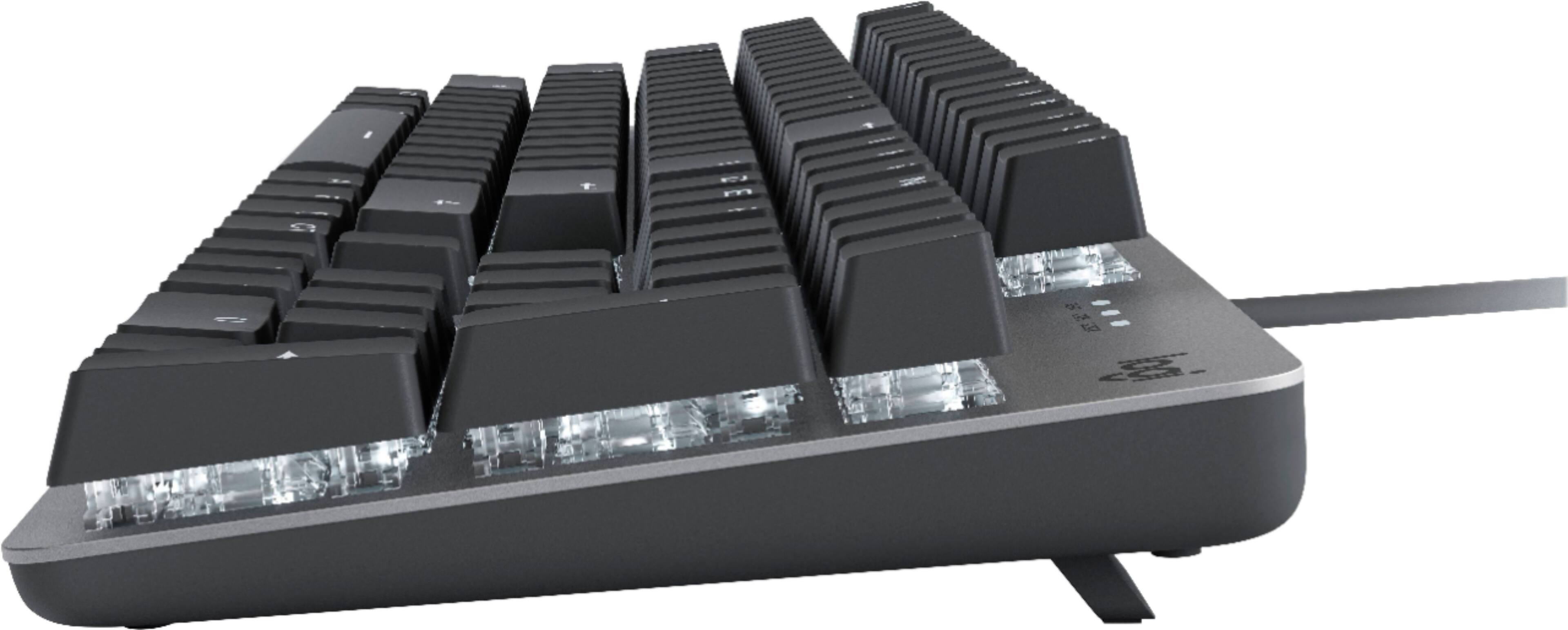
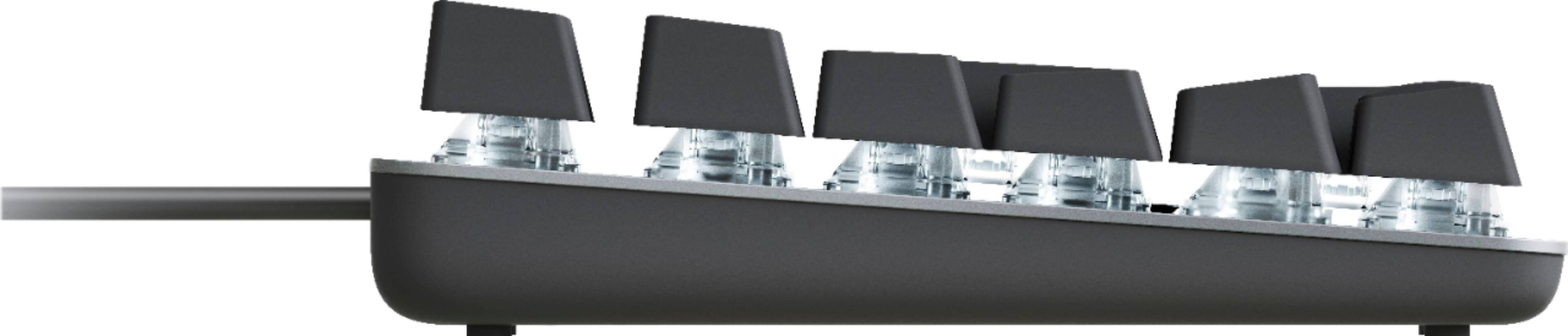
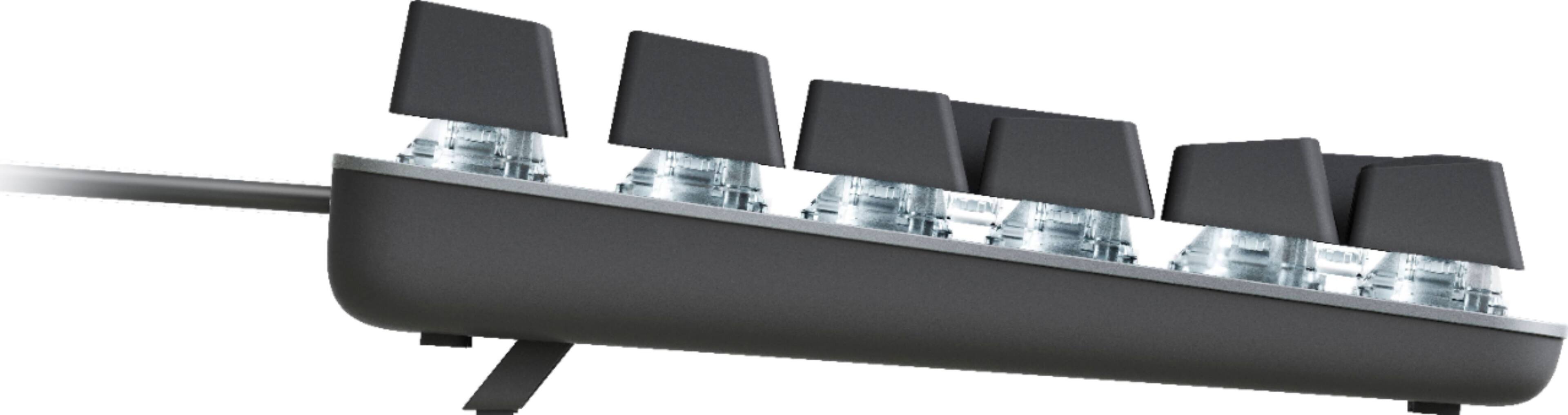
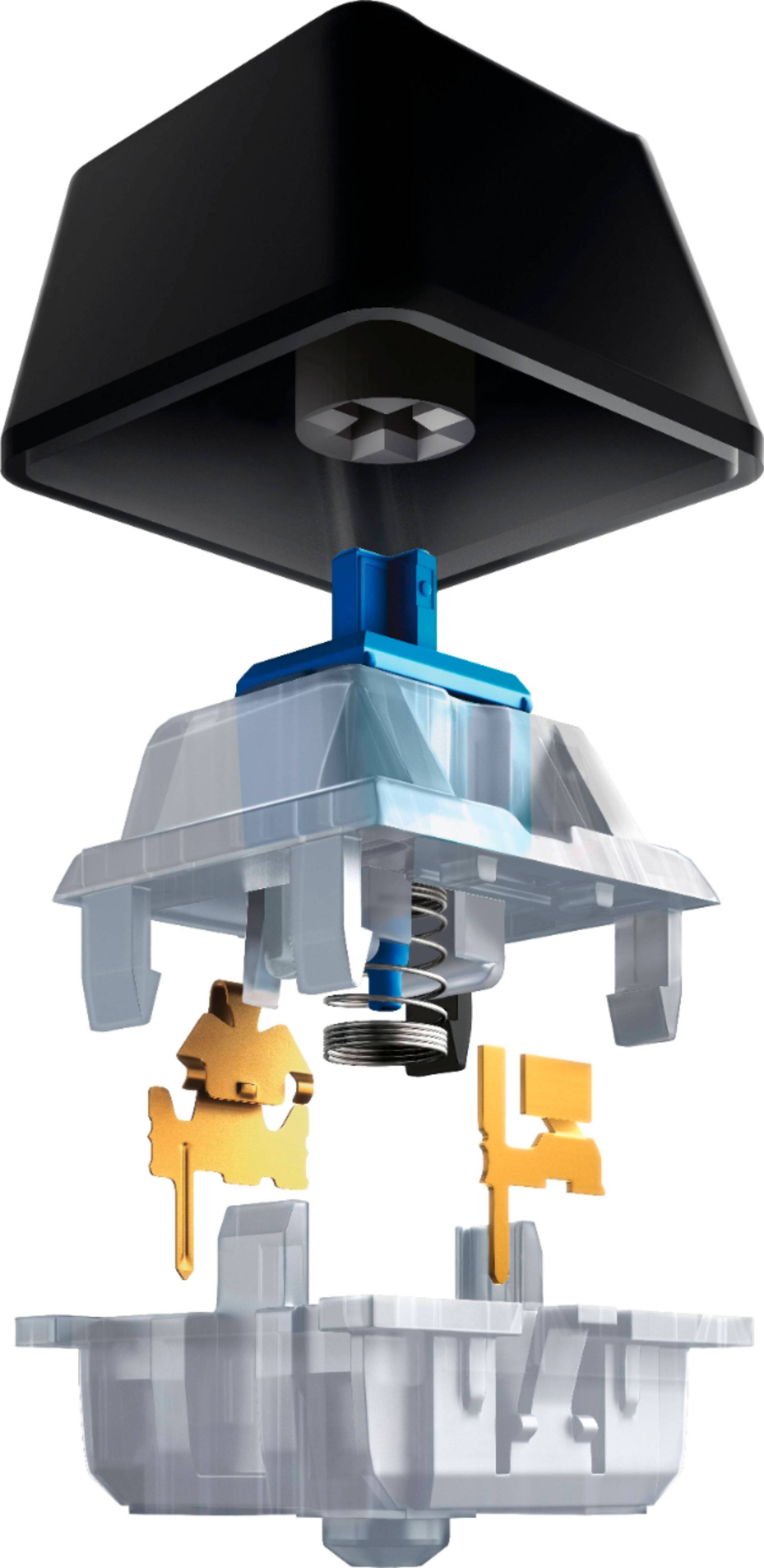
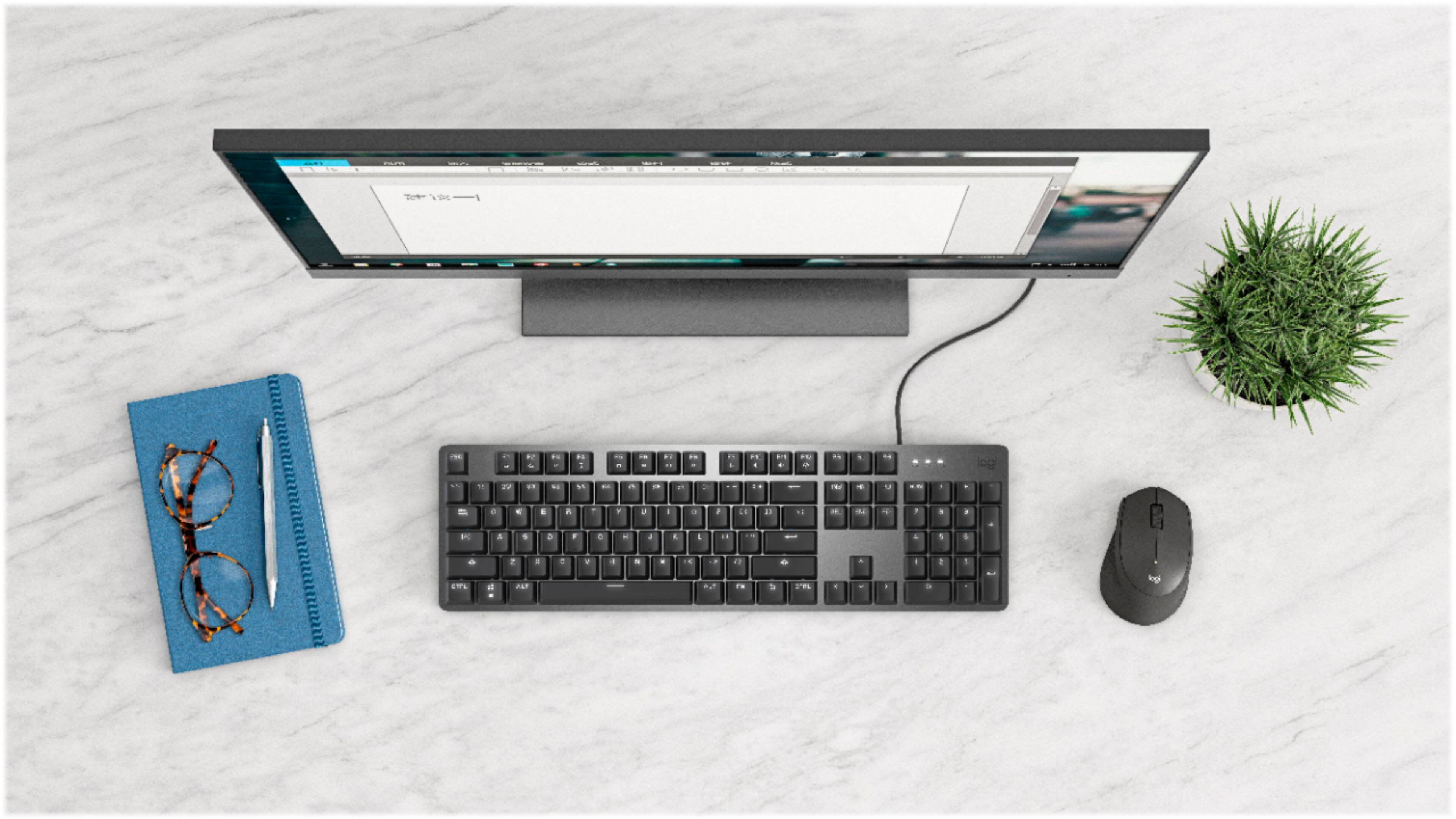
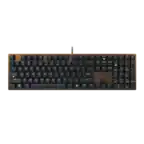
A:AnswerHello Veronica. The keycaps on the K845 are removable, but the switches are not. There are 5 different switch types available for the K845: Red (linear), Blue (clicky), Brown (tactile), MX Cherry Red, and MX Cherry Blue.
A:AnswerIt does have the CMD keys. In fact it has all the keys needed for a Mac OS Keyboard, they are just labeled differently. The CMB key in this case is the Windows Logo key.
A:AnswerYou could try holding FN while pressing F12. This lets you choose between a few different illumination settings. If that's truly what's happening with your keyboard, then it's not a problem. Otherwise, return it. I believe it has a year's warranty.
A:AnswerHello. Yes, the K845 will work with the MacBook Pro. It has the Windows specific keys, so the Windows key on the keyboard will be your CMD key for shortcuts.
A:AnswerHello, Storage! Unfortunately, the K845 does not support onboard memory. If you are looking for a keyboard that has different stored profiles, I would recommend taking a look at our G815, G915, or G915TKL as these are our keyboards with onboard memory. - Maggie from Logitech
A:AnswerI just tested it a minute ago. Got up to 30, but I'm not sure how reliable the test was. I definitely got more than 6 every time. tl;dr more than you can physically press
A:AnswerHello EdW48! The K845 Full-size Wired Mechanical Tactile Keyboard has the Brown switches (Model 920-009862, Sku 6425034) so simply order that one and you'll be good to go!
A:AnswerHello, we are sorry to hear that you are having issues with your K845 keyboard. I have attached a link to our support page to help solve the issues you are experiencing. We apologize for any inconvenience we may have caused. Have a great day! https://support.logi.com/hc/en-us/articles/360026083654