Logitech - MX Creative Console Programmable Keypad with 9 Customizable Keys & Control Dial for Graphic Design, Video Editing, more - Graphite
Customers are saying
Customers have good things to say about the extensive customization options and the high-quality tactile feel of the buttons and dial. Users also appreciate the impressive battery life and the overall performance of the device's integration. However, some individuals noted initial difficulties with the software installation process. Additionally, while the Bluetooth connectivity is generally reliable, some users observed slight latency compared to a wired USB-C connection.
Color
Graphite3-months of Adobe Creative Cloud on us (a value of $179)*
Pair two of the world’s top creative tools. Buy one MX Creative Console and claim your free 3-month Adobe Creative Cloud membership. *Value calculated based on Adobe Creative Cloud All Apps monthly value of $59.99 valid on Adobe.com on Sept 12, 2024. Terms & Conditions apply.¹ ² ³
Speed up your creative workflow
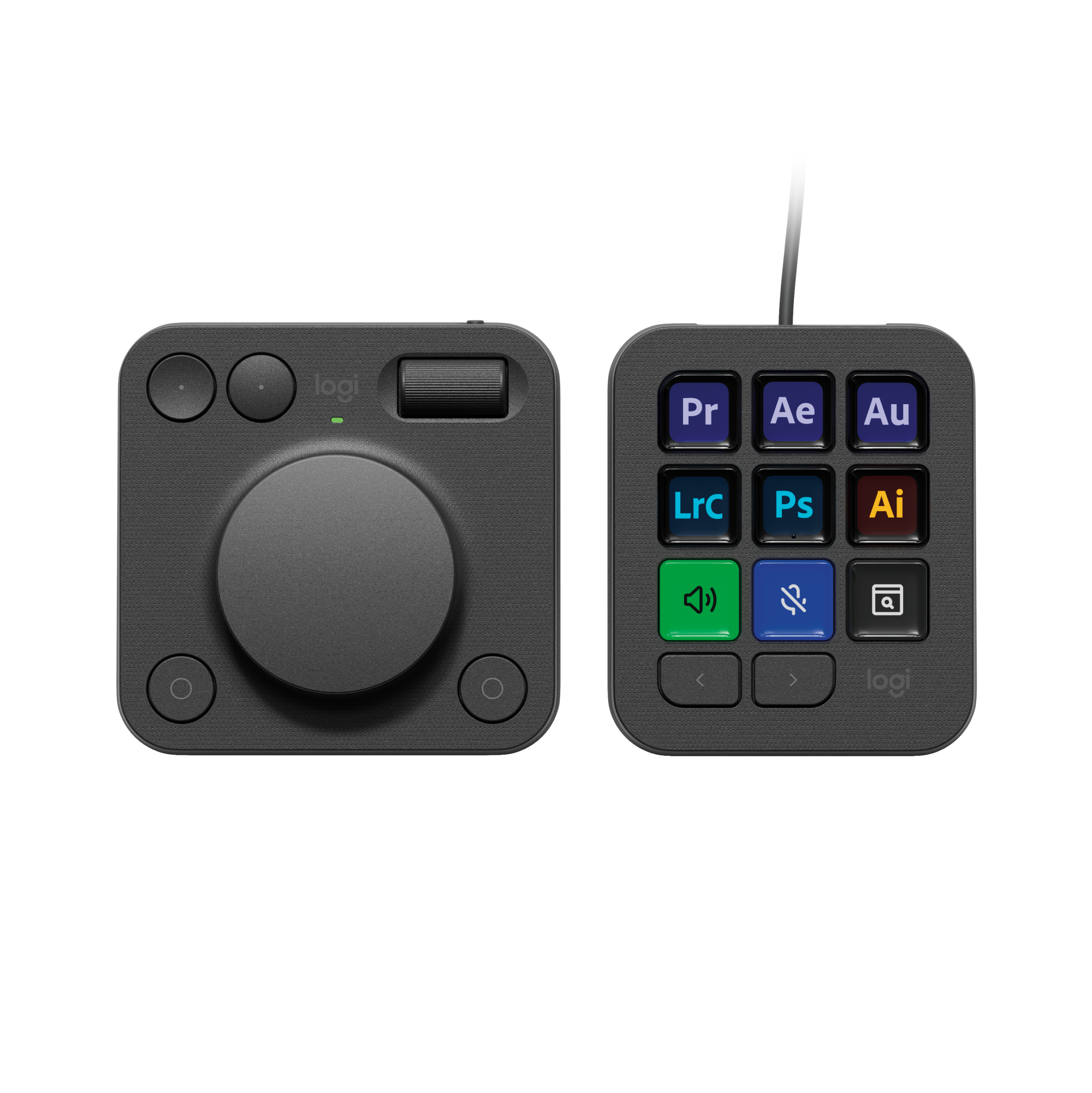
The Logitech MX Creative Console lets you quickly access tools and actions on your favorite apps, allowing you to fully focus on your work.
App integrations
Adobe Photoshop, Premiere Pro, Illustrator, Lightroom and Lr Classic, Final Cut Pro, Figma, Davinci Resolve, Spotify, Zoom, and more; quick start with recommended profiles.⁴
Tactile analog control
Make precise adjustments with the low-friction control dial, navigate with the roller, and access actions with the programmable keypad (stand included for flexible placement).
Customize for any app
Assign tools and actions to up to 15 keypad pages by profile, dial, and roller, and upload your own icons to the customizable LCD display keys.
Discover more on marketplace
Find a growing library of actions and plugins, recommended profiles, icon packs, and more on the marketplace in the Logi Options+ App. ⁵
Actions ready at your cursor
The Actions Ring is a customizable digital extension of your console, an on-screen overlay that lets you access tools, shortcuts, actions, and more.⁶
Bluetooth and USB-C
Pair the dialpad with Bluetooth and use 2x AAA batteries (included) for up to 18 months of use. Connect the keypad with a USB-C to USB-C cable (included). ⁷
¹ Terms and Conditions: Offer starts on October 2024, and expires on October 31st, 2026. Offer available worldwide to customers who purchase the Logitech MX Creative Console who are new or existing Adobe customers. When you purchase an MX Creative Console you receive a complimentary 3-month membership of Adobe Creative Cloud All apps when you go to logi.com/adobe-offer offer page and follow the redemption steps.
² Limit: 1 subscribing customer per product. At the end of the trial period, if you provided a payment method, your subscription would automatically renew, and you will be charged the then-current subscription rate unless you elect to change or cancel your subscription.For Creative Cloud All apps, the current subscription rate is US$89.99/mo or US$659.88/yr (annual, prepaid) (plus applicable taxes/VAT/GST).Cancellations can be made through Customer Support or https://account.adobe.com/plans
³ Valid only for eligible persons who are 18+. Residents or persons in embargoed countries or countries subject to U.S. or local export restrictions are not eligible. Offer and prices are subject to change. Offer may not be assigned, exchanged, sold, transferred, combined, or redeemed for cash or other goods and services not expressly stated here as included. Subject to availability where the recipient resides. Additional terms may apply. VOID WHERE PROHIBITED OR RESTRICTED BY LAW.
⁴ The purchase of an MX Creative Console includes 3 months of Adobe Creative Cloud All Apps membership. Terms and conditions apply.
⁵ Requires Logi Options+ app, available for recent versions of Windows and macOS
⁶ Battery life may vary based on user and computing conditions
- BrandLogitechModel Number920-012660Product NameMX Creative Console Programmable Keypad with 9 Customizable Keys & Control Dial for Graphic Design, Video Editing, moreColorGraphiteLeague/AssociationNot ApplicableKeyboard TypeNumeric keypad
Reviews
Rating 4.5 out of 5 stars with 59 reviews
- Customization (12)
- Dial (10)
- Battery Life (9)
- Overall Performance (5)
- Button Quality (4)
- Software (6)
- Bluetooth (4)
Customer Images
The vast majority of our reviews come from verified purchases. Reviews from customers may include My Best Buy members, employees, and Tech Insider Network members (as tagged). Select reviewers may receive discounted products, promotional considerations or entries into drawings for honest, helpful reviews.
Compare similar products
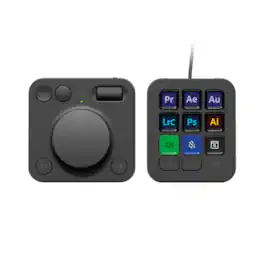
Introducing MX Creative Console, streamline your creative workflow with intuitive and customizable backlit LCD keys and tactile controls for precise adjustments on the dialpad. MX Creative Console lets you quickly access shortcuts and actions on your favorite apps with recommended profile configurations, or customize it to fit your own workflow.
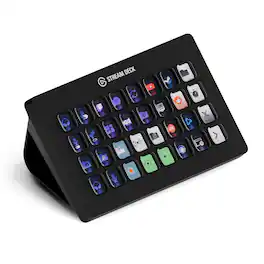
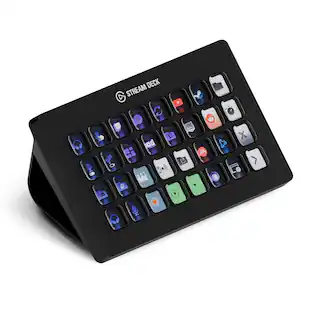
Improve the quality of online broadcasts with this Elgato Stream Deck XL advanced stream controller. The included app makes it easy to assign custom functions to the 32 touch-sensitive keys for easy access to actions and effects. This Elgato Stream Deck XL advanced stream controller is compatible with a variety of popular live streaming services.

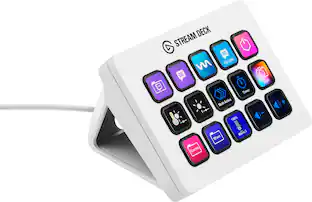
Stream Deck gives you 15 LCD keys to control your apps and tools. Trigger actions, launch social posts, adjust audio, play sound clips, activate lights, and much more. Get visual feedback to confirm your commands. Set Stream Deck to automatically switch key configurations as you jump between apps. It’s the ultimate workflow hack, and it’s fully customizable. Personalize your Stream Deck with custom icons, screensavers, and a growing range of interchangeable faceplates. Use the app to configure keys with ease, and hit the Stream Deck Store for app plugins, icon packs, thousands of royalty free tracks, effects, and more.

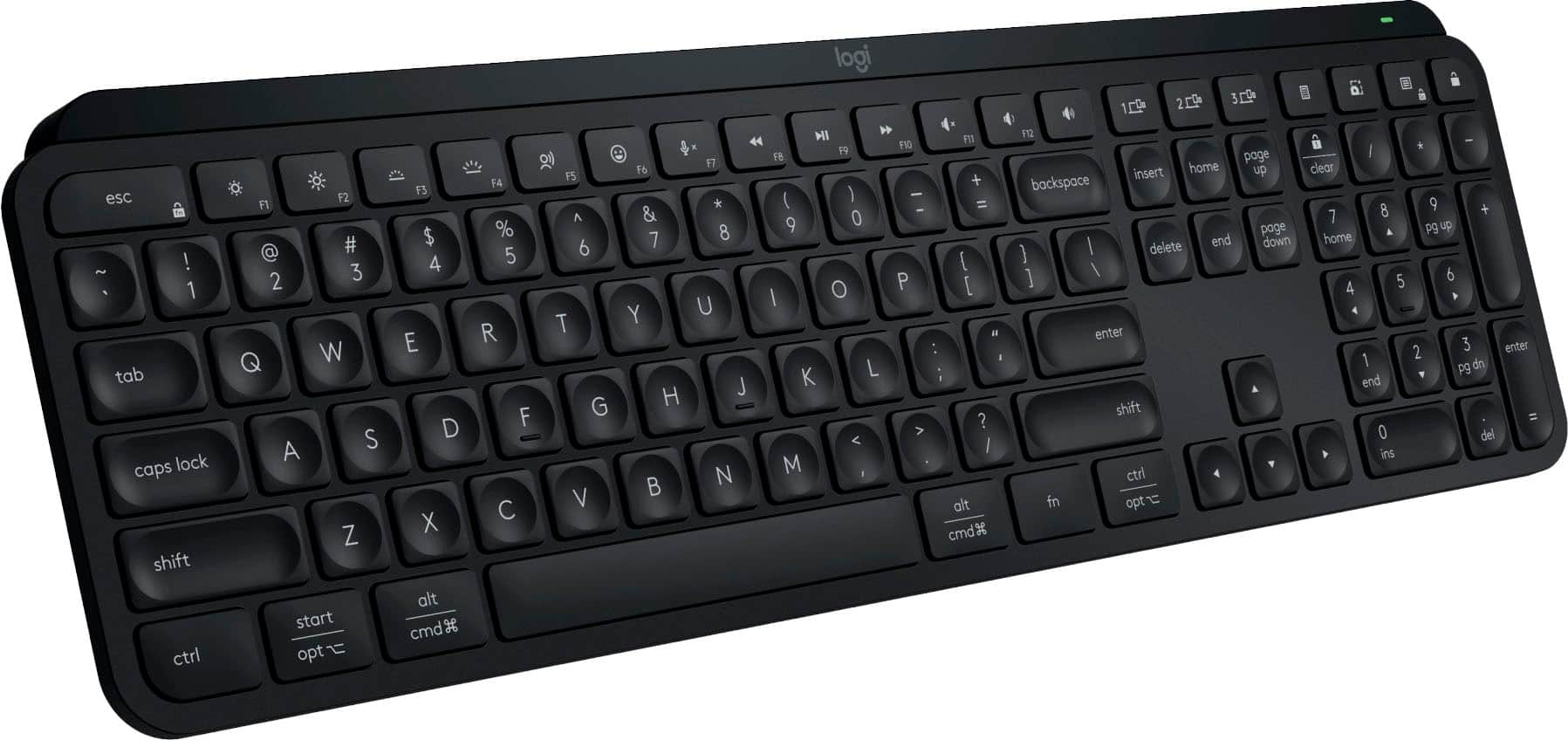
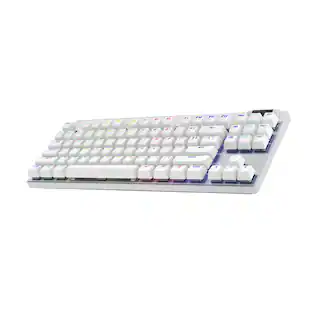
Meet the 8BitDo Mechanical Keyboard. Packed with programmable keys and an intuitive control panel. Meticulously crafted offering the perfect balance of quality and functionality. Compatible with Windows and Android.
| Pros for Logitech - MX Creative Console Programmable Keypad with 9 Customizable Keys & Control Dial for Graphic Design, Video Editing, more - Graphite | |||
|---|---|---|---|
| Customization, Overall Performance, Dial, Battery Life, Button Quality | Ease of use, Overall Performance, Customization, Back Lighting, Size | Ease of use, Overall Performance, Customization, LCD Keys, Software | There were no pros for this product— |
| Cons for Logitech - MX Creative Console Programmable Keypad with 9 Customizable Keys & Control Dial for Graphic Design, Video Editing, more - Graphite | |||
| Software, Bluetooth | Price | Price, Stand | There were no cons for this product— |
Specs
More to consider
 $134.99The price was $149.99
 $162.99The price was $219.99
Explore tech essentials Sponsored
 Top Deal$59.99The price was $69.99





Discover related products
 $109.99The price was $159.97