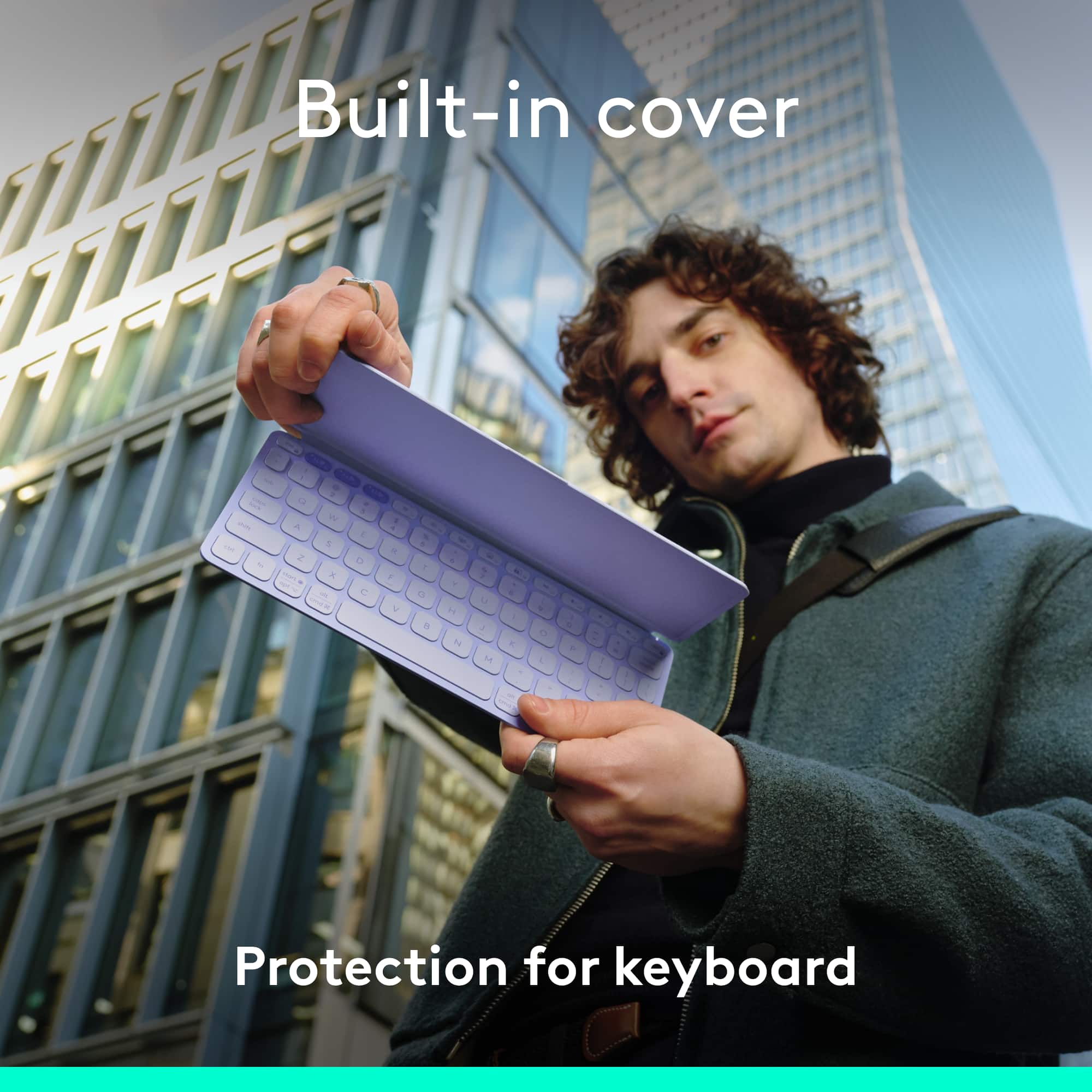
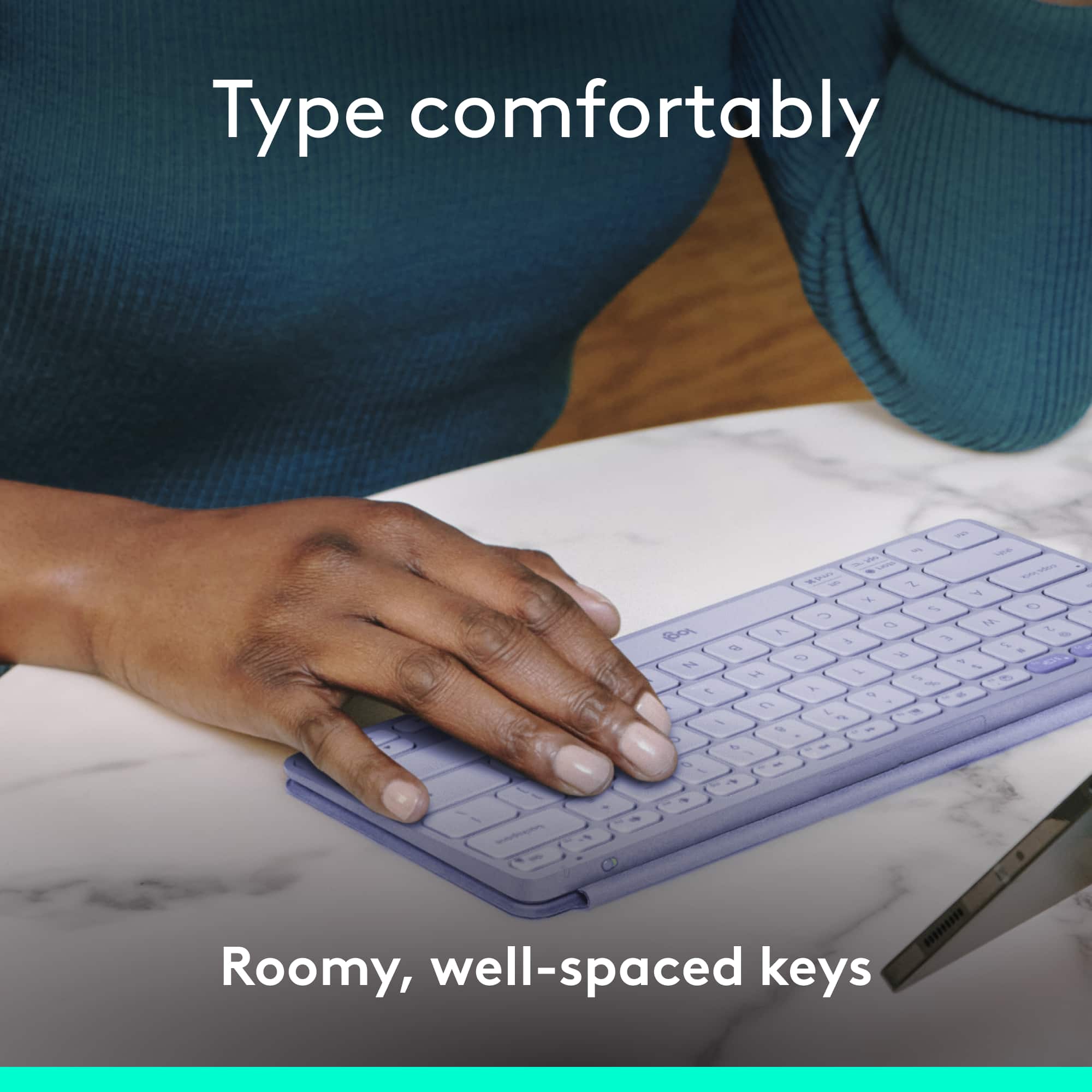
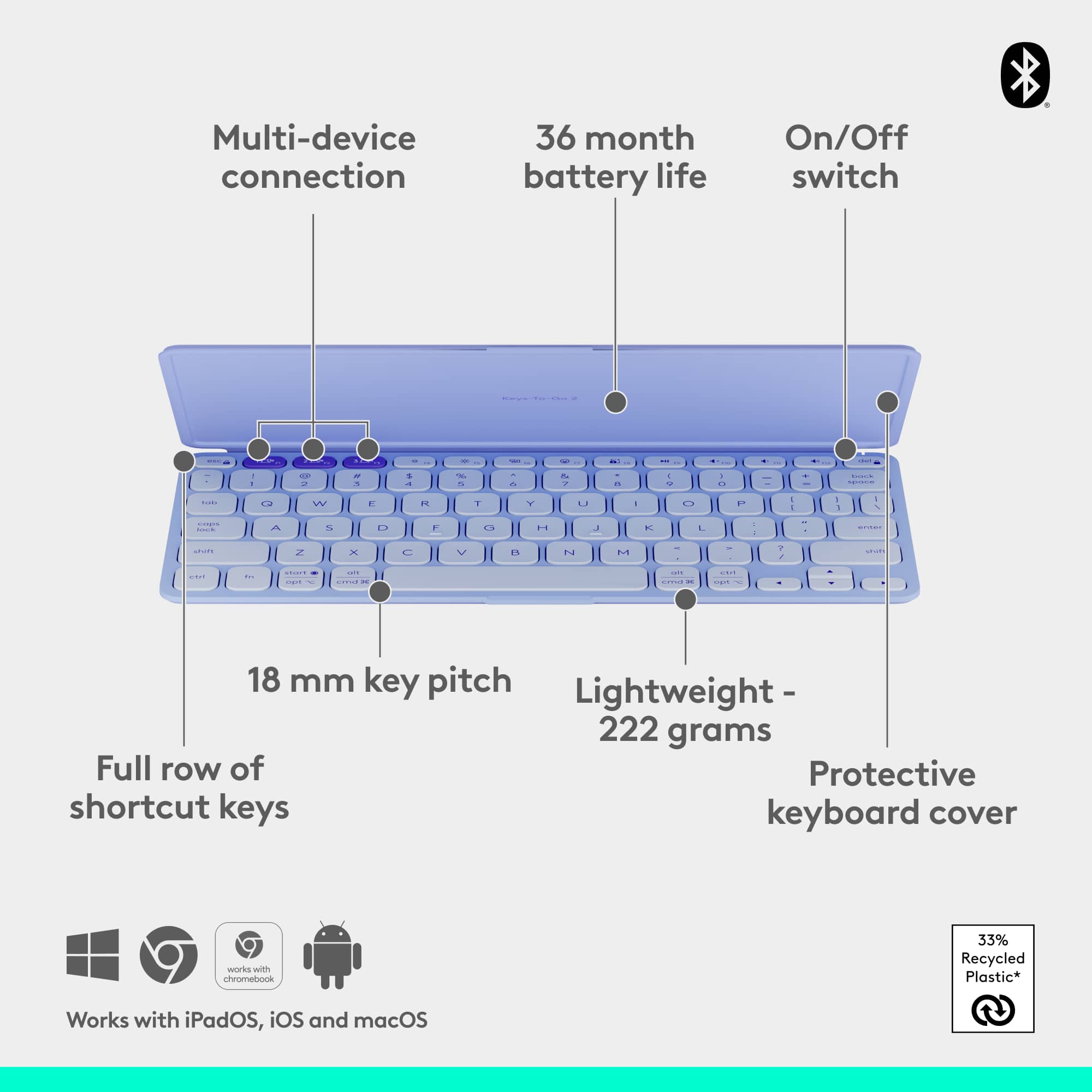
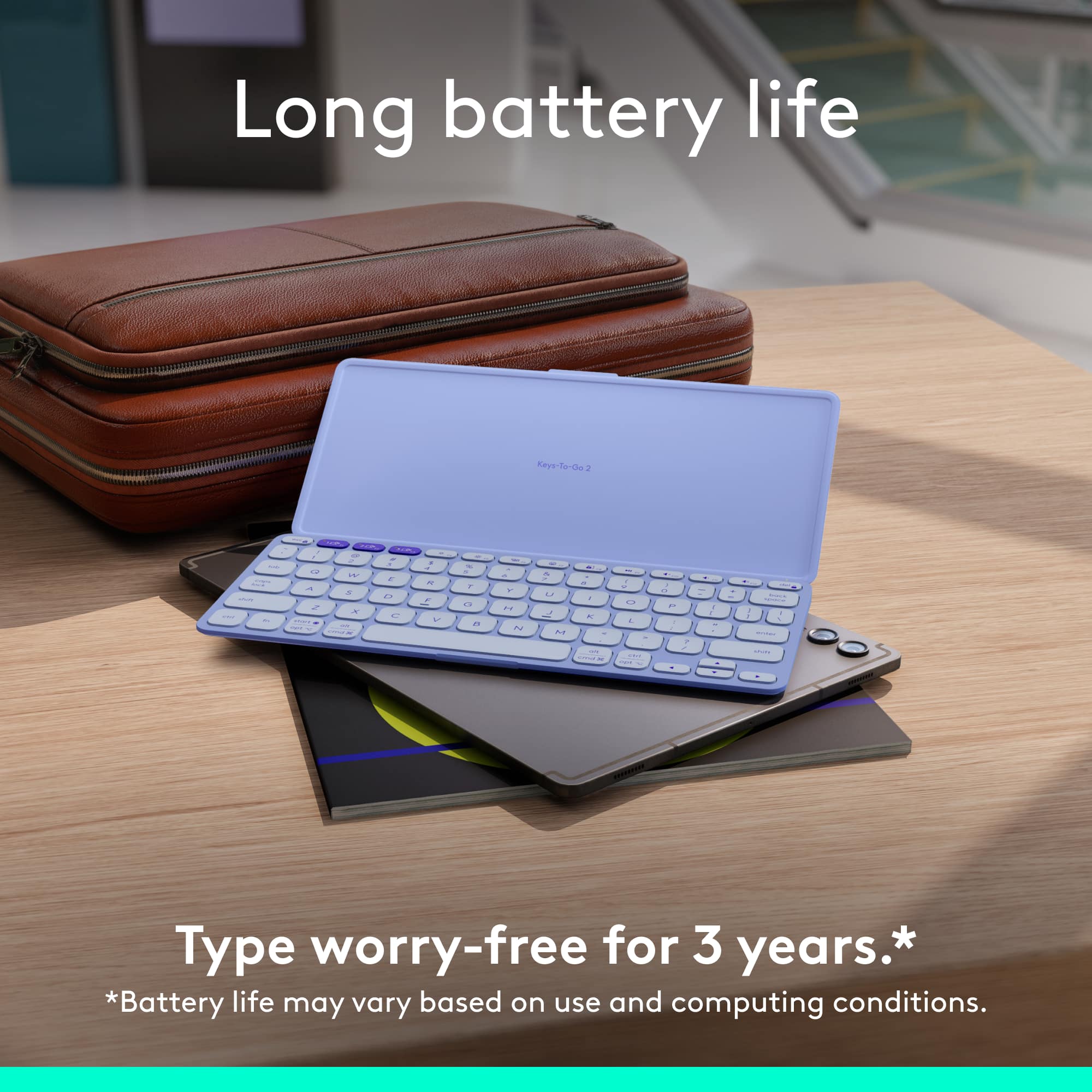
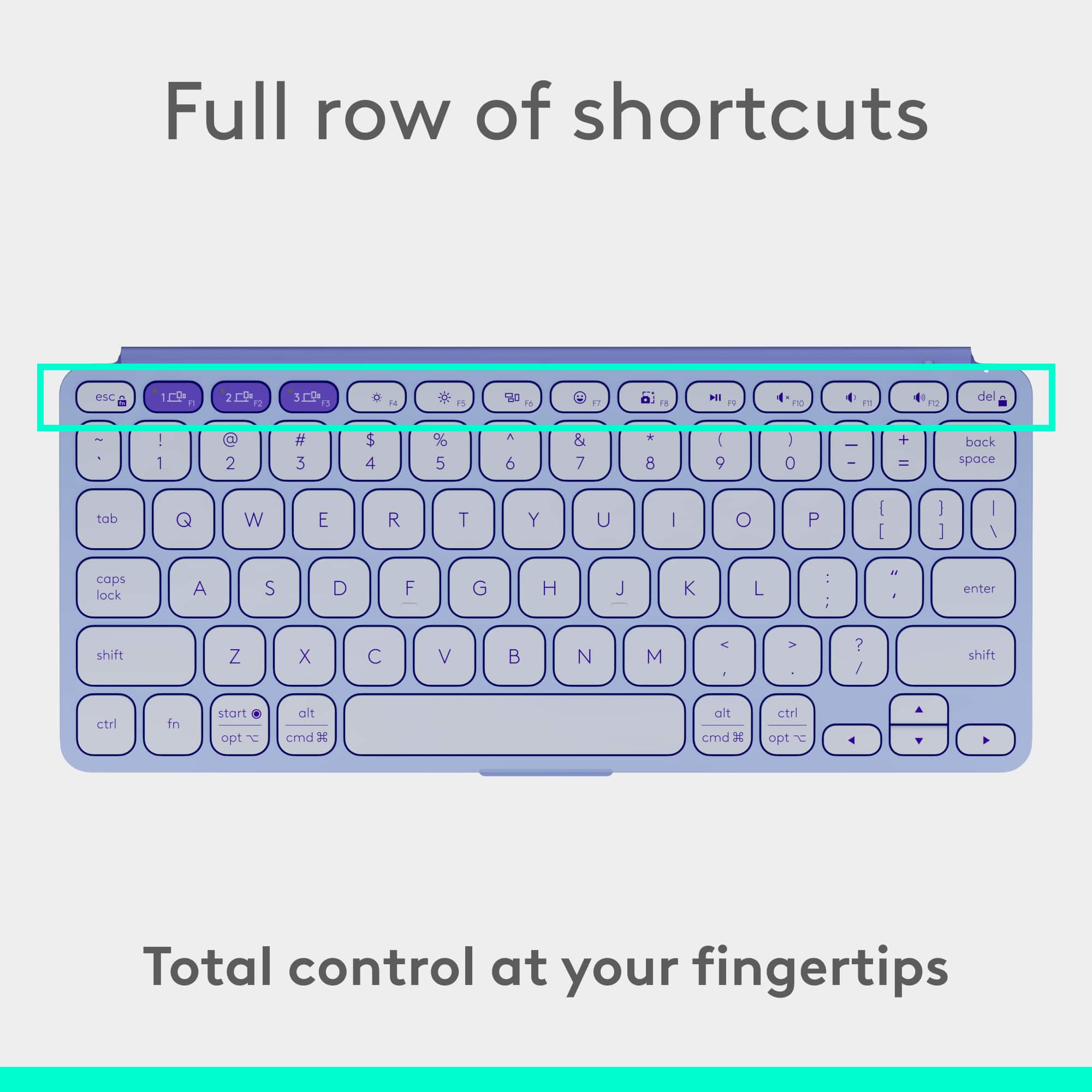
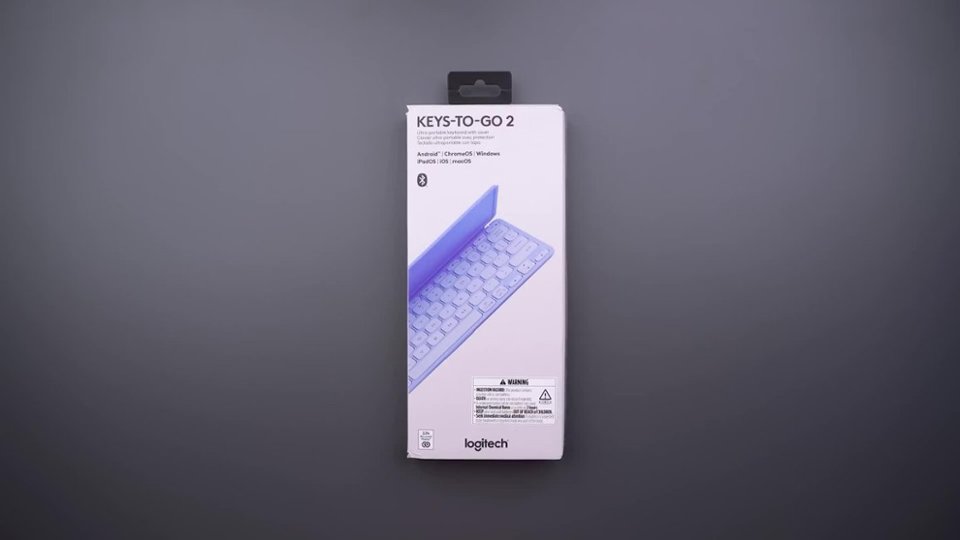
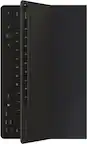
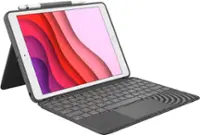
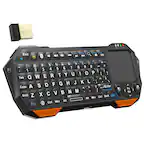
A:Answer No, there are a number of products out there that will do it, but I’m afraid that this is not one of them. The cover is not strong enough, and there’s no angle brace to hold up the cover. Logitech does make a nice cover and Keyboard combination unit, called a ComboTouch, I believe, and it will work if you get the proper unit for your pad or tablet. The keys to go is just really a highly portable keyboard w/ a protective cover over it to protect the keys, when traveling.
![Keys-To-Go2 esc ~ & Ca 1E0 s 12 1 O # ! 3 1 2 Q W tab caps 12 1% M O a: 19 18 back 0P 1 + I space * EA E5 { Il * - A & 9 O % 7 8 I $ 6 1 \ 4 5 P 1 O ] U / T Y is enter R : E E K : H L F G > ? S D A I N M V B C alt ctrl Z X X opt C crnd olt start fn T cmd opte shift ,](https://pisces.bbystatic.com/image2/BestBuy_US/images/products/6585/6585258_sd.jpg)