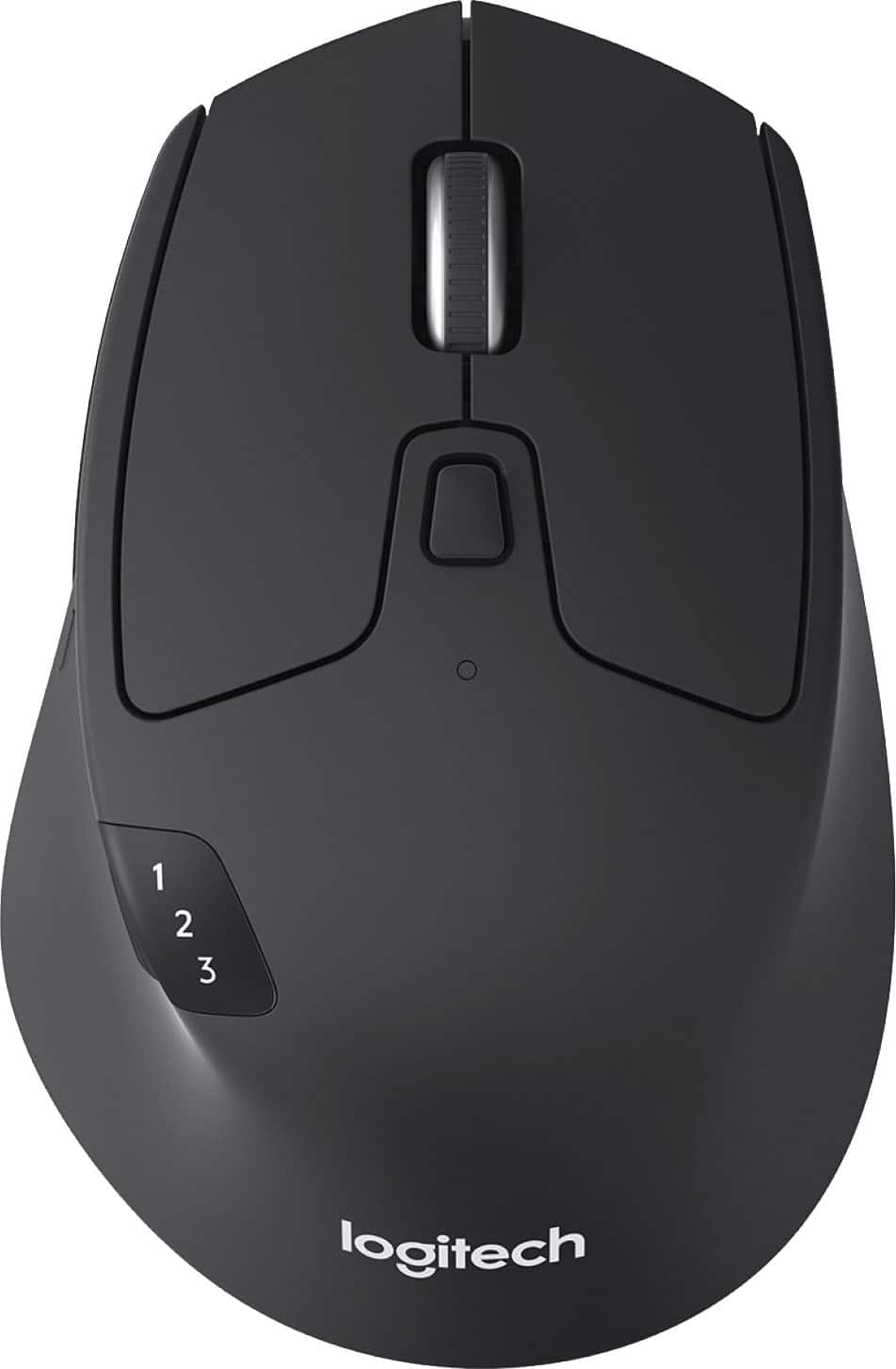
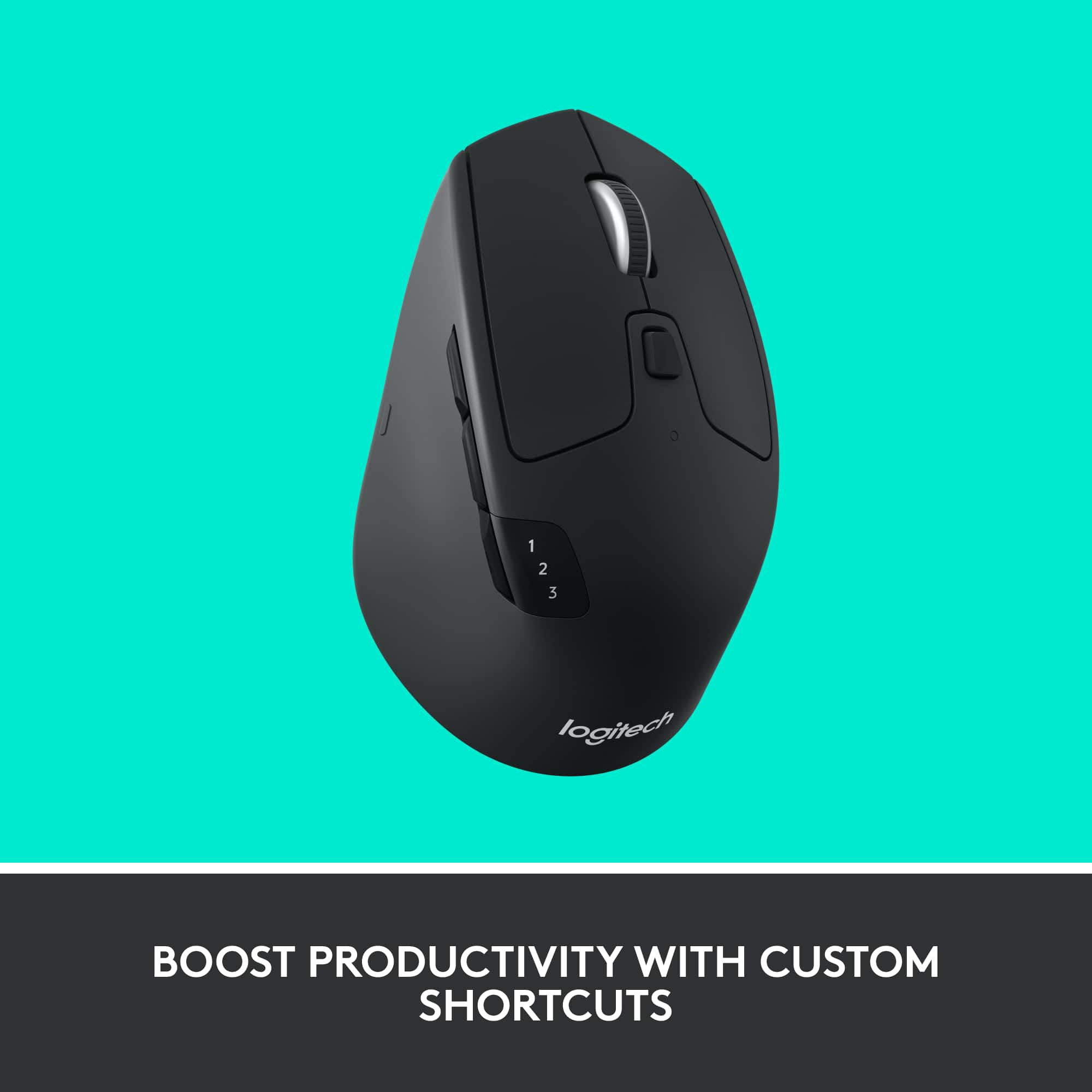
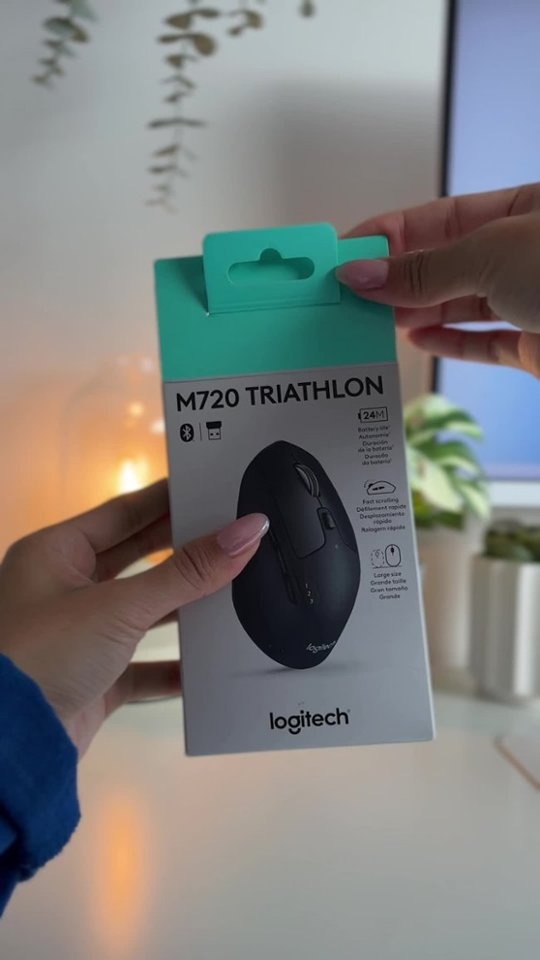
A:AnswerI don't mean to sound like a bumhole, but, the best thing to do is to register your product w/Logitech & dl the manual & read it; most everything's explained in it. But, one can program these buttons to do a number of things, like go back a page on your website. Hope this helps ya out. zedd
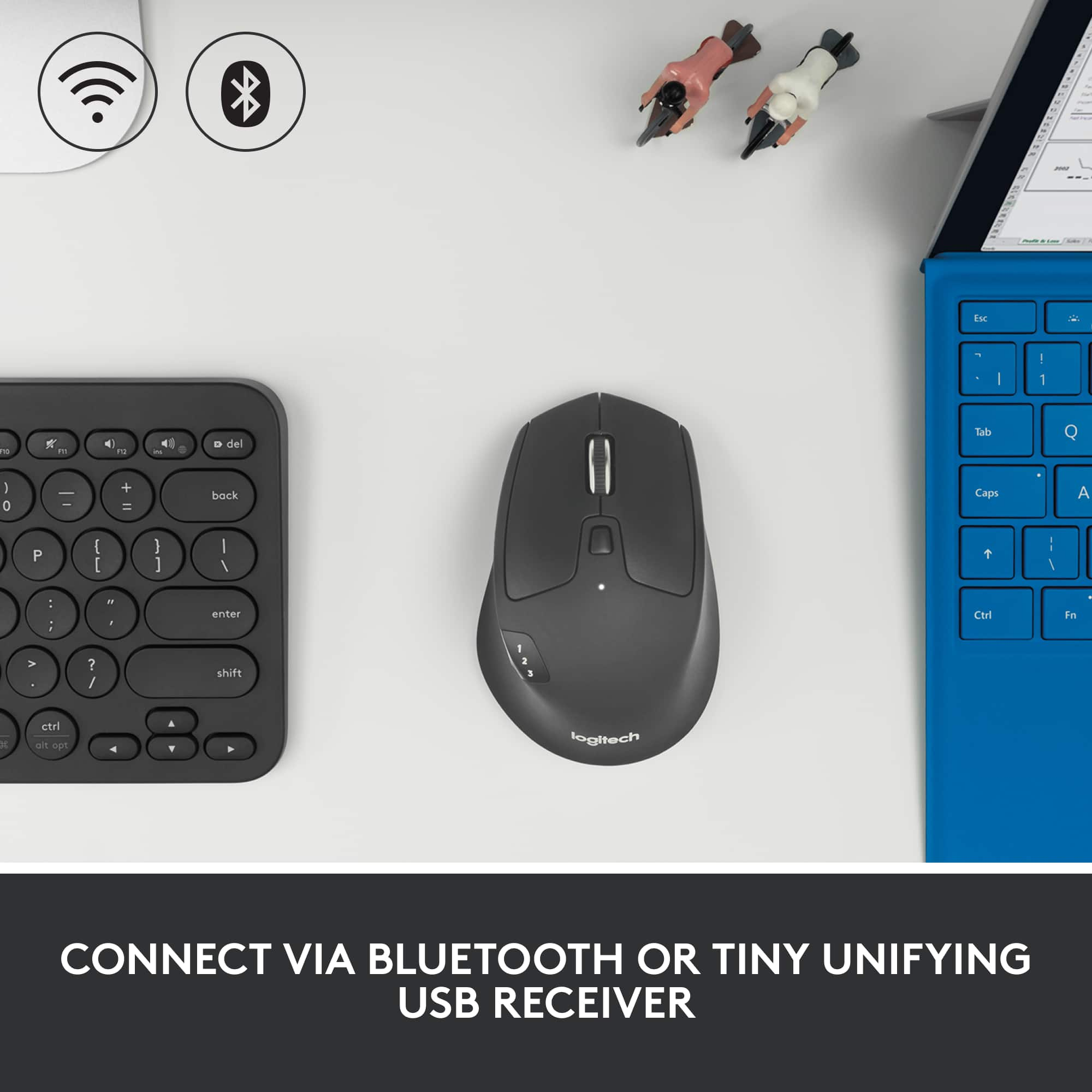
A:AnswerHonestly I would just use BT. Turn on your mouse then navigate to your device connections. Select the blue tooth option and then the device and you're connected.
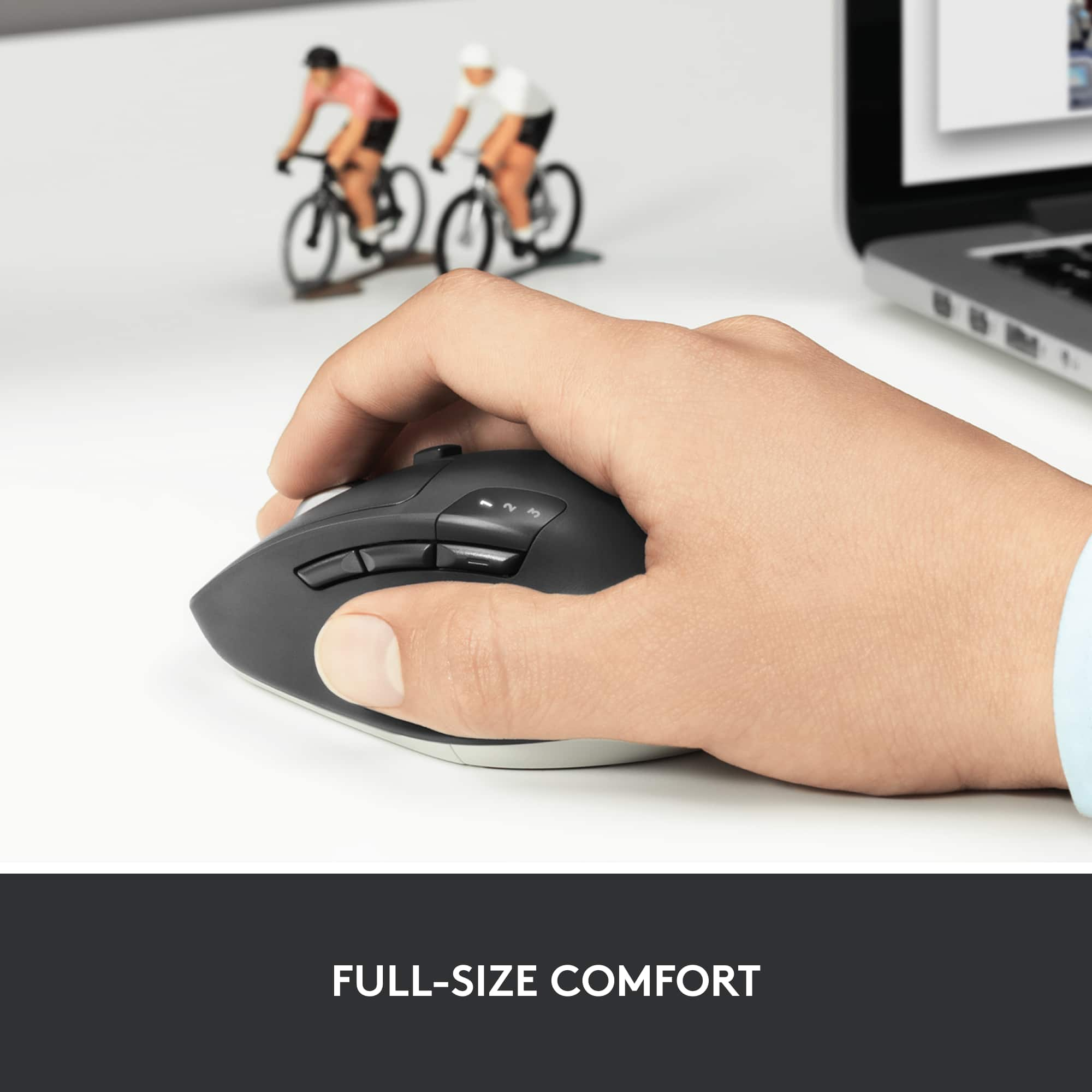
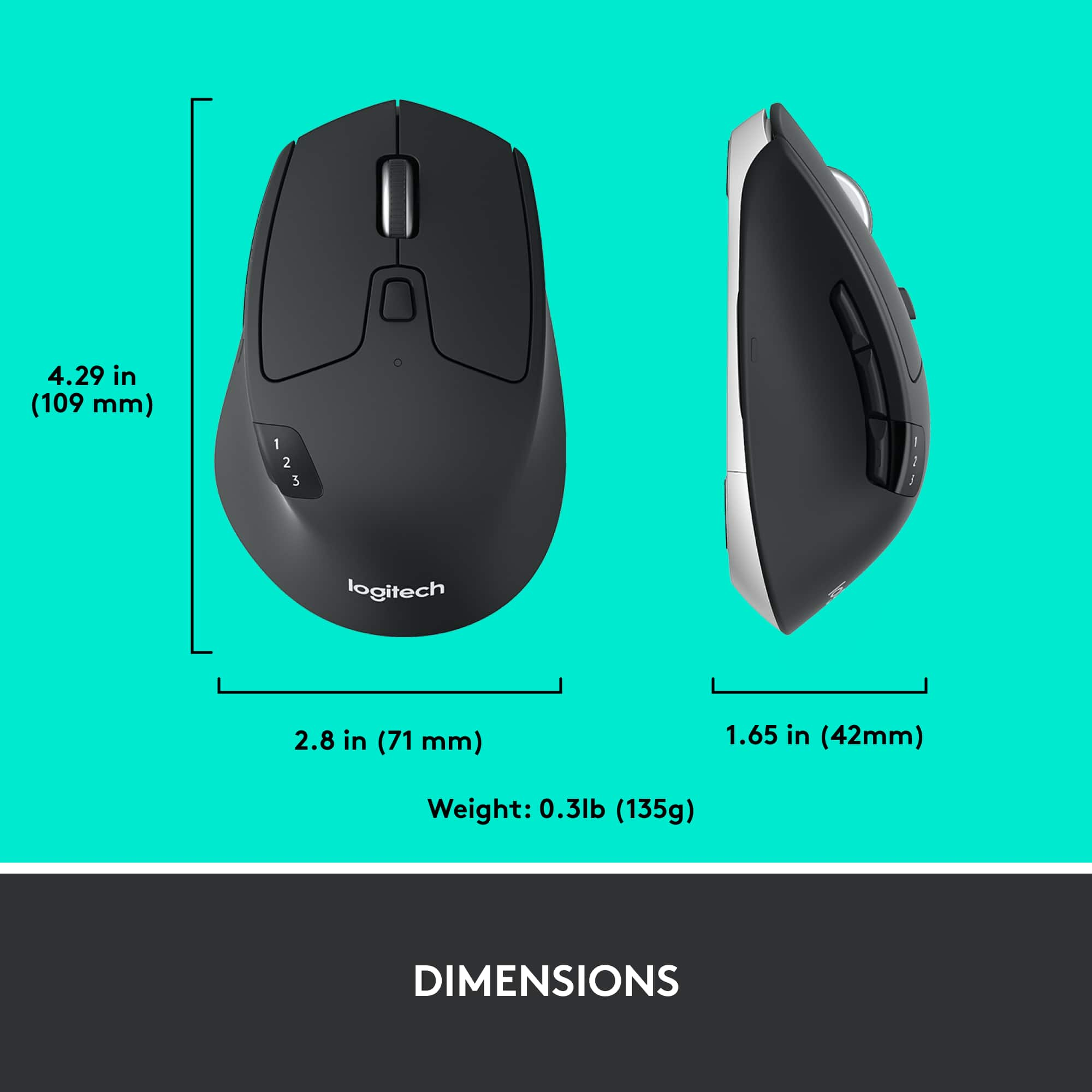
A:AnswerFor tiny hands? I'd go smaller. I've large hands; but. me wife has small hands & she thinks it's ok for her also. I've not heard any complaints as of yet, I've had this one for about 4-5 yrs now. Hope this helps ya out. zedd
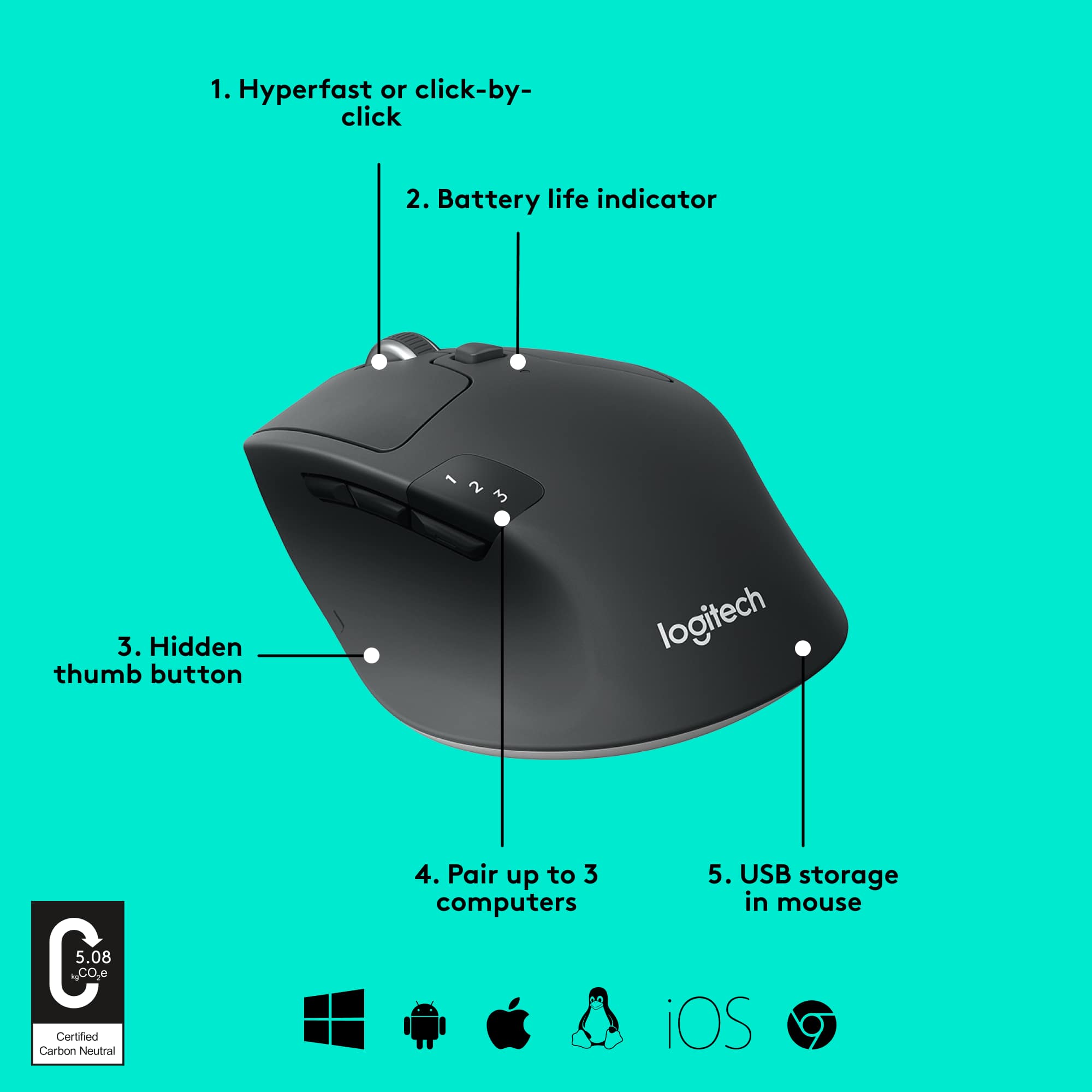
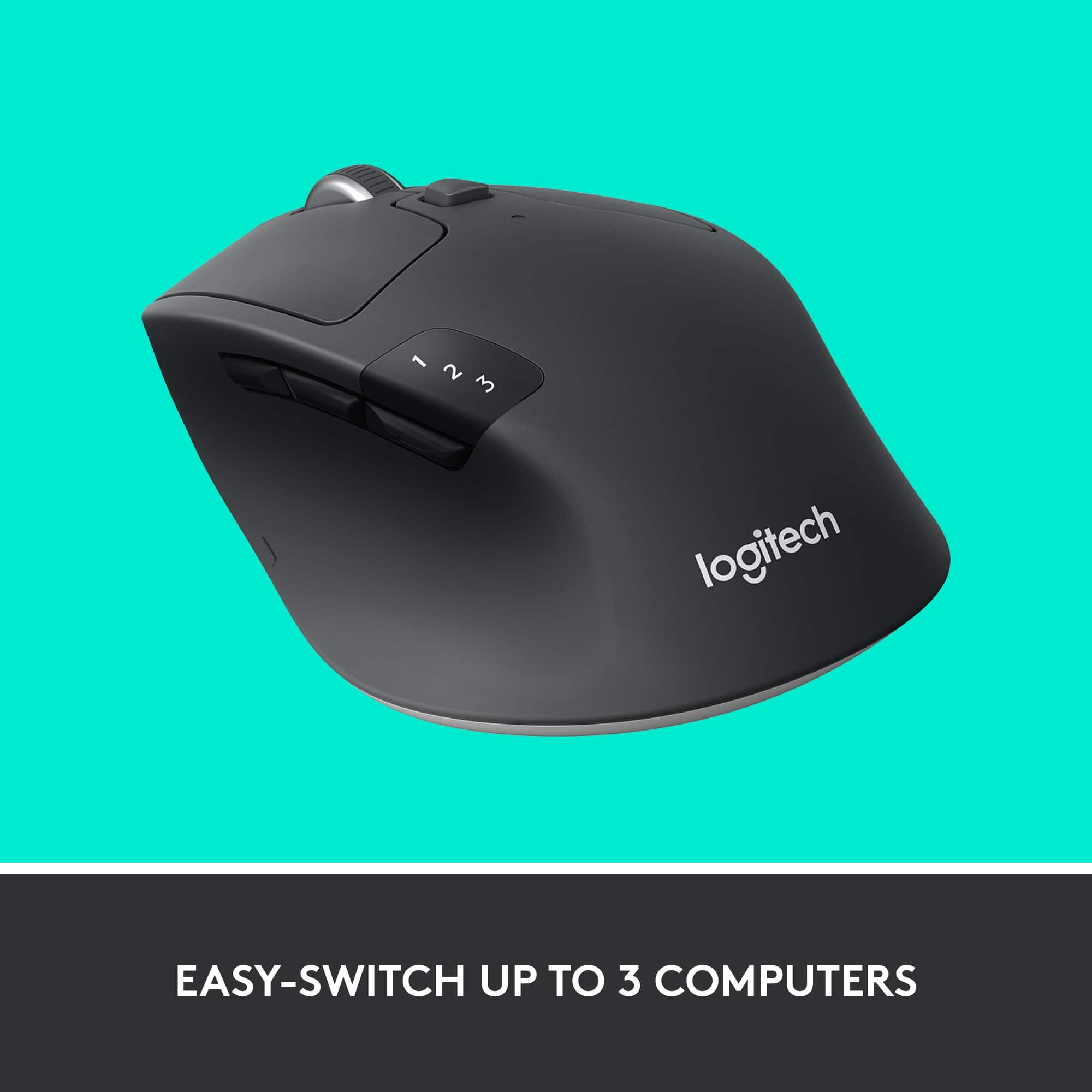
A:AnswerHey! To pair it to a Bluetooth compatible device, hold down an available button, when it starts blinking it is ready to pair. It does work for Windows and MacBook
A:AnswerWhat software are you trying to access?
Logitech Options and Logitech Unifying will both work on the M720 to sync it. The Unyfing works if your using the usb the best. The Options is for all the functions. If your trying to sync with bluetooth, you don't need either.
A:AnswerI have a MacBook Pro and it works with no problem on my Mac. You have to make sure you install the Logi Options in order to program the mouse for the optional side buttons.
A:AnswerYes! The first 2 buttons can be programmed to preform shortcuts. I use mine for Ctrl+W and the other for Enter. Make sure you install the Logi Options to be able to program the mouse
A:AnswerYes, the Logitech M720 Triathlon Mouse is compatible with macOS version 10.13.6 (High Sierra). You can connect the mouse via Bluetooth or using the included Logitech Unifying receiver. To utilize advanced features and customize button functions, it's recommended to install the Logitech Options software, which supports macOS 10.10 and later versions
A:AnswerYes, the Logitech M720 Triathlon Mouse is compatible with Chromebooks. You can connect it via Bluetooth or using the included Unifying receiver. However, customization of the buttons via Logitech Options software is not possible on Linux-based systems, including Chrome OS. Therefore, while basic mouse functions will work, advanced customization features may not be available.