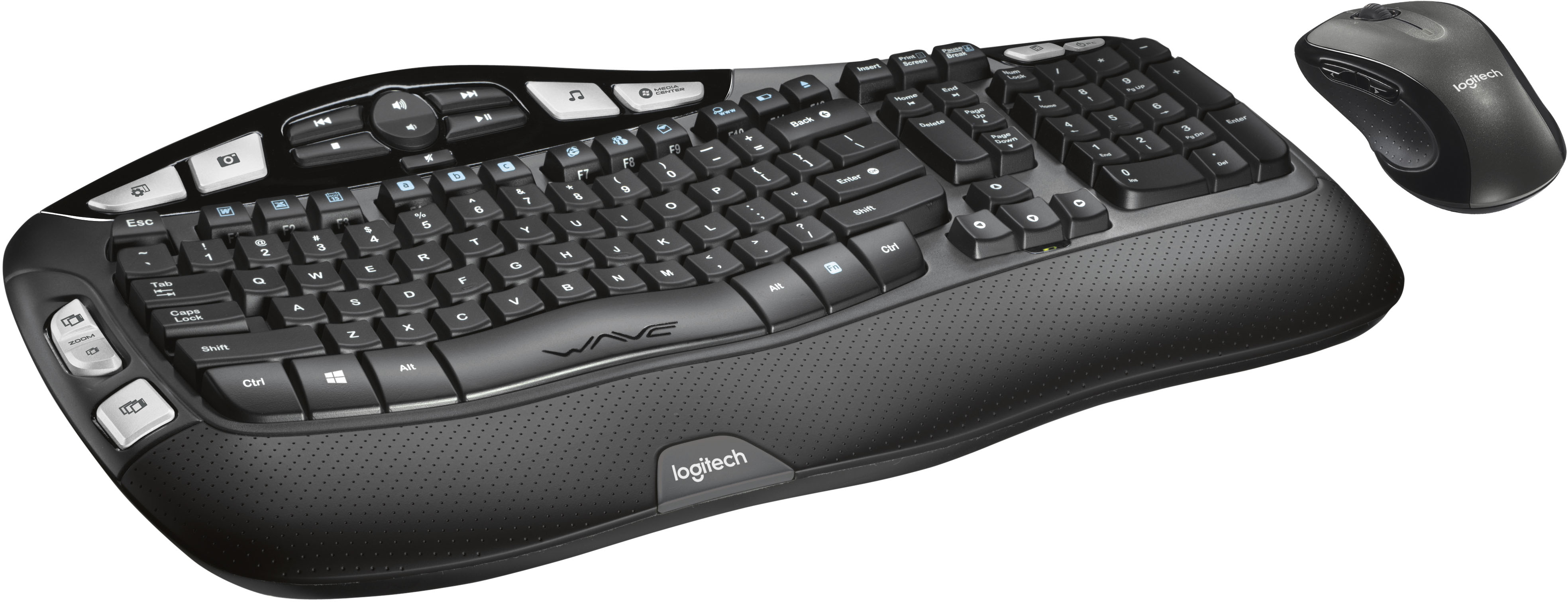
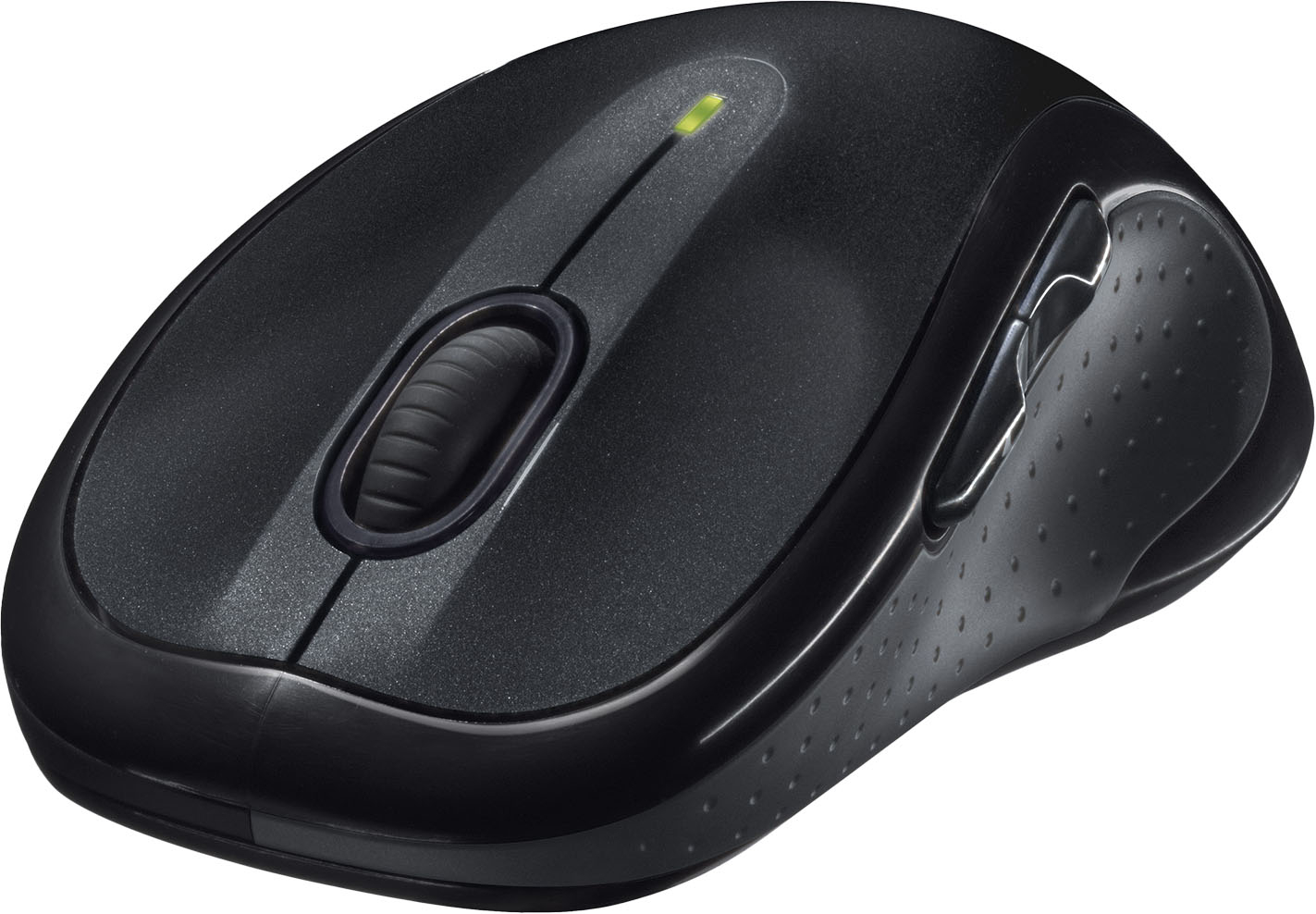
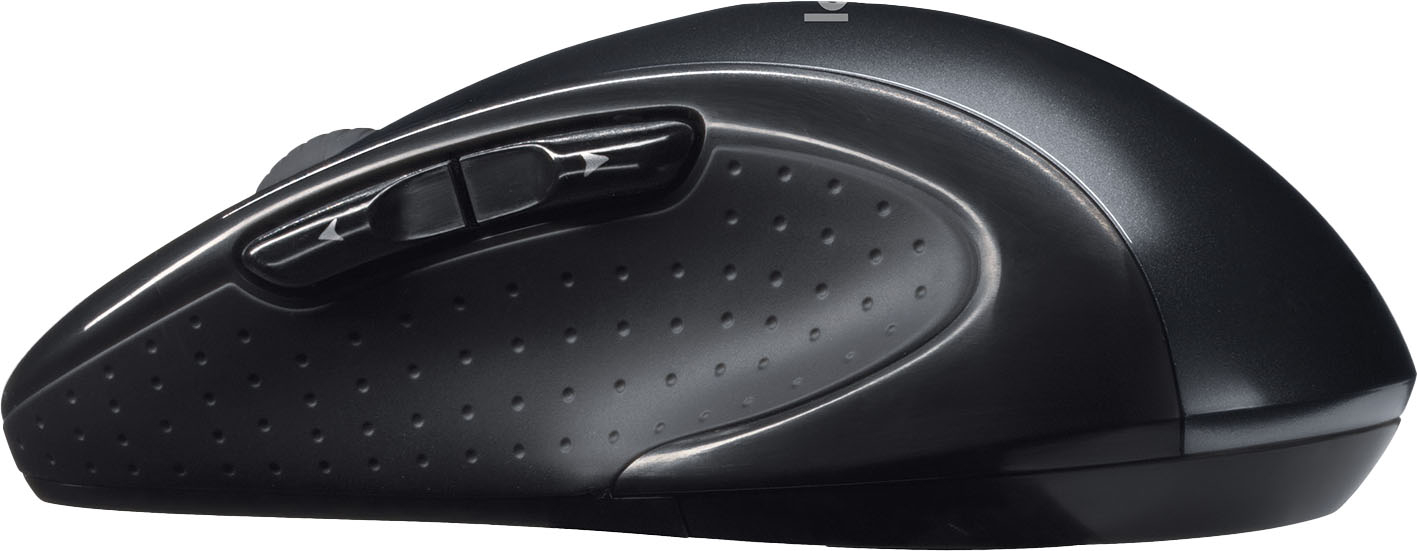
A:Answer You should be able to do so as they work via Bluetooth and once paired shouldn’t cause any interference. Each device is paired with the included Bluetooth USB dongle (which is very small), and, if needed, can be re-paired. We have several people who use various wireless keyboards at my office with no conflicts.
![The text on the image reads:
H H4 -CR i2 CENTEN Insert Prunt Screen Causs dreas me - Esc - Tab f Caps Lock Shift ! 1 W F FS a . 2 3 Q W A S Z E x F $ 4 D R 2 PA % 5 T F V D C FS F. A & 6 7 Y U G H N * 8 J F 9 I K M FE 0 o L A FS - P , > F . F18 Back { { ] [ IN Enter ? Shift I I I Home H Delete End - Page Up & Page Down 1 Nium Lock 7 - 4 1 1 t 0 . / 8 5 2 I * 9 Pg UP 6 - 3 Pg - - + Enter Ctrl Alt WAVE Alt n Ctrl logitech logitech](https://pisces.bbystatic.com/image2/BestBuy_US/images/products/1261/1261402_sd.jpg)