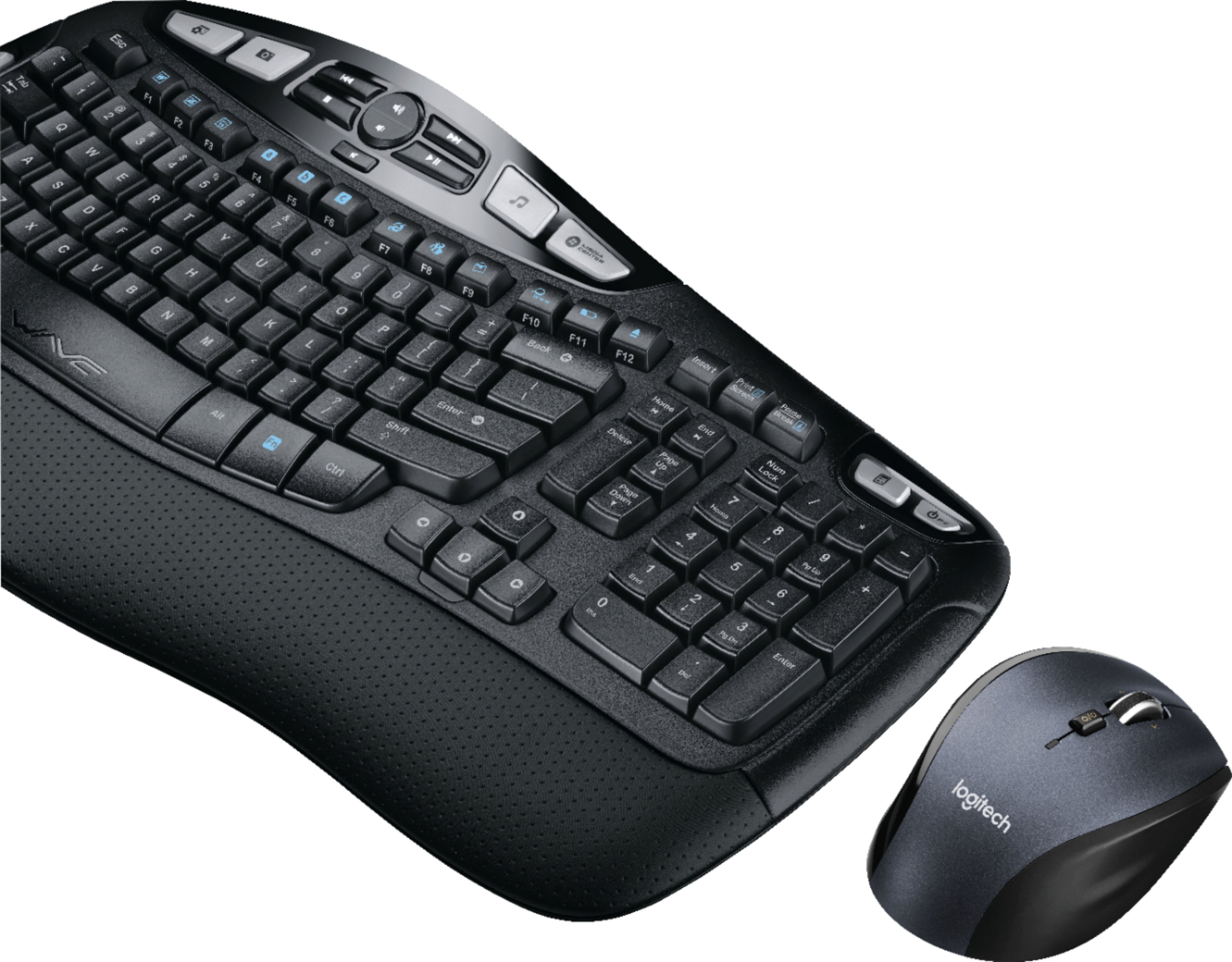
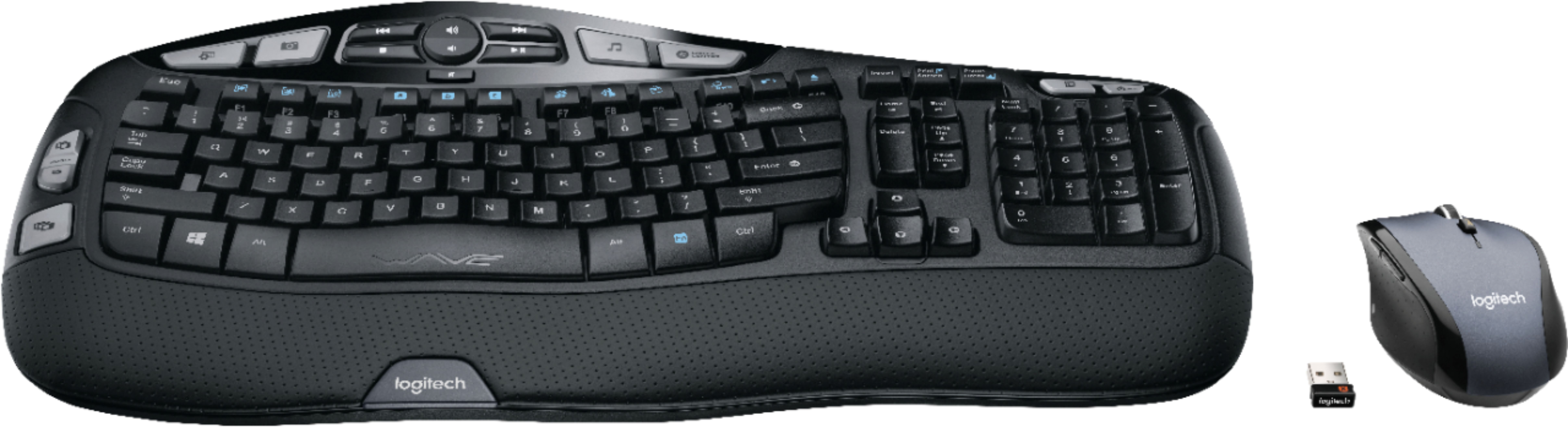
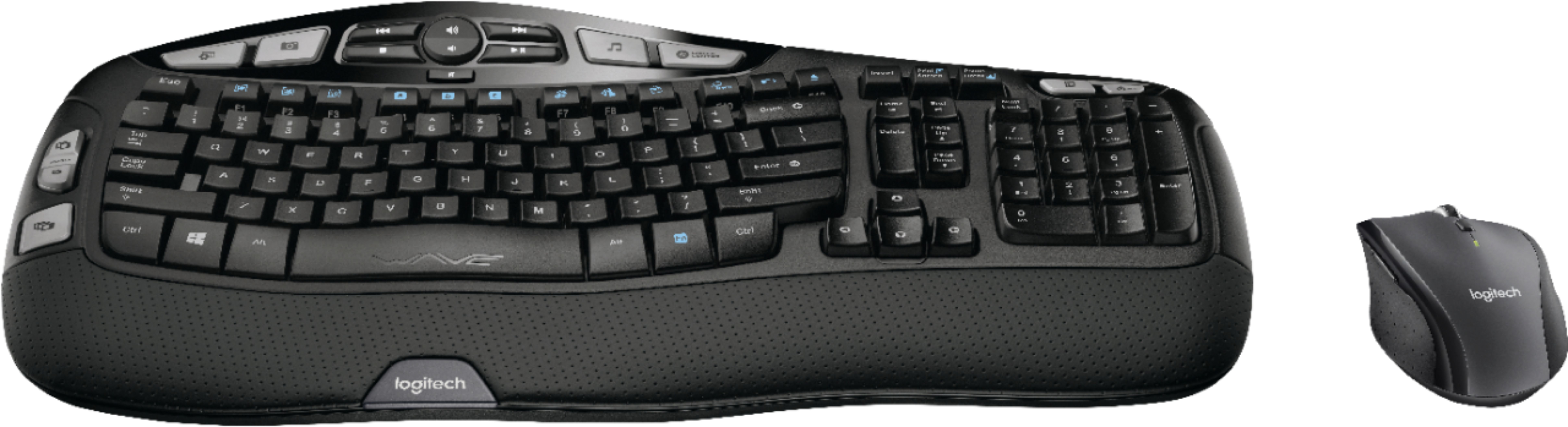
A:AnswerHi Tabitha. If you are buying a new keyboard it will come with a USB receiver that you can plug into the computer/laptop. You would then have a USB for a keyboard and one for the Mouse. If both devices are Unifying Capable you can download and install the Unifying Software and pair the mouse and keyboard to the same Unifying receiver. The MK570 comes with the same K350 keyboard, but is paired with the M705 Marathon mouse. Depending on what combo you originally bought the mouse could be different.
A:AnswerHi Nicole, The MK570 works with Logitech's SetPoint software. It will allow you to program specific buttons on your keyboard. To download this program visit support.logi.com
A:AnswerGoogle “Logitech Drivers for Mac”. I’ve used this with both my PC and iMac. Super easy. Also, the “Apple Key” is still a function you can use. (i.e. Apple-key + C/Apple-key + V to copy/paste). Instead of it being the Apple key, you’ll use the windows key (two keys to the left of the space bar).
A:AnswerI have used other similar sets in our brand on KVM switches with no problem. From what I'm seeing, it looks likes owners of the MK570 using KVM switches have had no issue with it.
A:AnswerThe MK570 uses a unifying USB receiver, which connects both the mouse and keyboard with a single USB receiver. The mouse and keyboard cannot be plugged in to use wired.
A:AnswerYes. If you mean switching from one machine to another. I had it in my desktop PC at work and then connect it to my MacBook at home. Because the connection is with a dongle the sync is instantly.
A:AnswerNo. However we do offer the MK850 Performance with multi-device capability and FLOW technology which is perfect for multiple PC's. This combo has the same M720 mouse, alongside its keyboard counterpart: https://www.bestbuy.com/site/logitech-mk850-performance-wireless-keyboard-and-optical-mouse-black/5761911.p?skuId=5761911
![H s - Insert Prid - Pause F12 - Tab - Caps Lock Shift Ctrl ! 1 s FS . . 2 3 Q W A S Z ARt $ 4 E D x R a PA % A 5 6 T F G V D FS & . 7 8 9 Y U I H J K N M FB ) 0 o L . ARt P > + - { E . ? I n Back } ] Enter Shift Ctrl F2 I I Homa - Detete o o End Page Up . Page Down Num Lock 7 Home 4 1 - 0 - / 8 1 5 2 I 9 Pe - 6 - 3 2 - -l - + Enter logitech WAVE logitech](https://pisces.bbystatic.com/image2/BestBuy_US/images/products/5106/5106406_sd.jpg)