Questions & Answers
- Model:
- 910-005987
- |
- SKU:
- 6424893
Highly rated by customers for: Ease of use, Battery Life, Size
Page Showing 41-50 of 50 questions
Q: QuestionDoes the mouse have a storage area for the USB Receiver?
Asked by GodlessGreg.
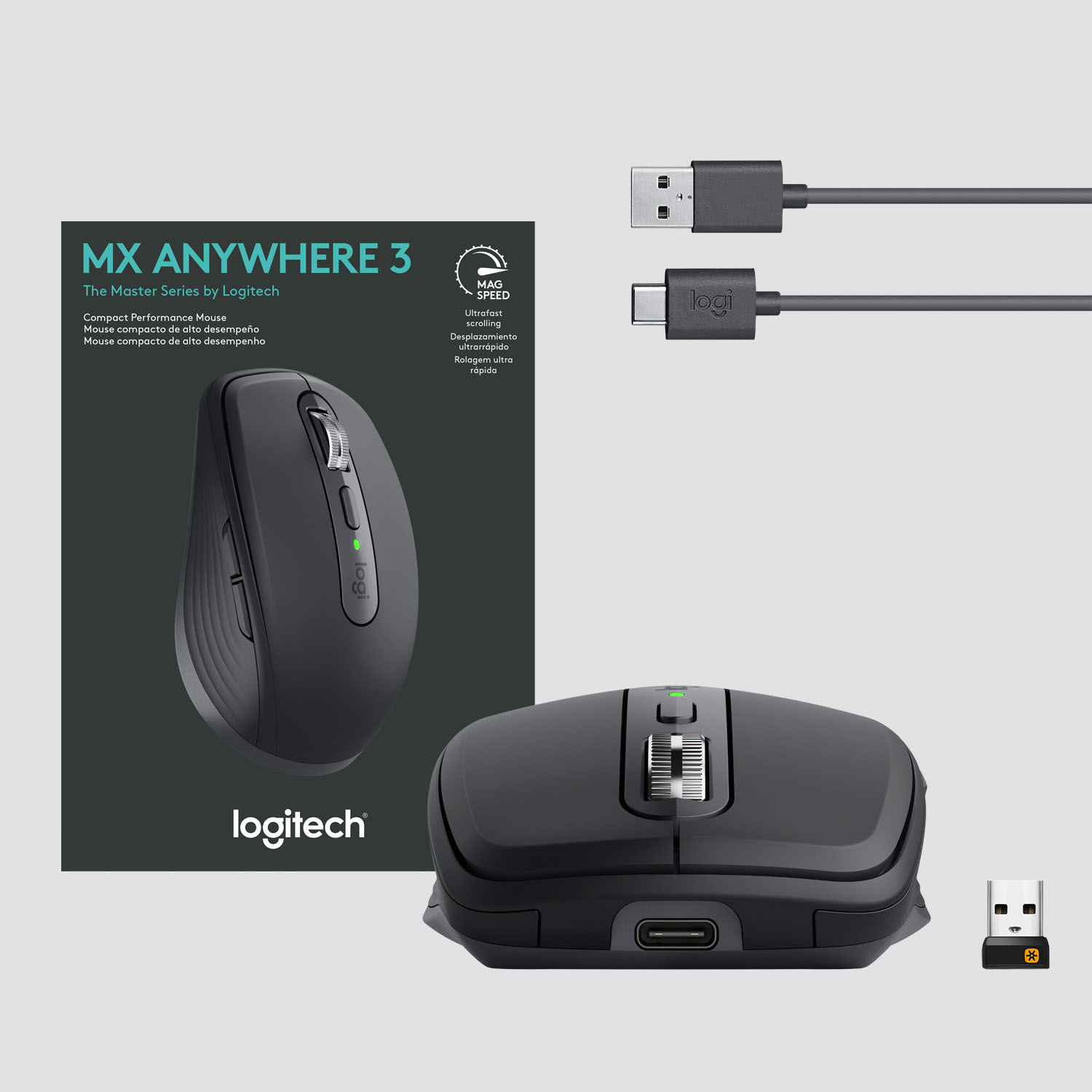
- A:Answer No, I just leave the USB plugged into the laptop
Answered by OrlandoRobby
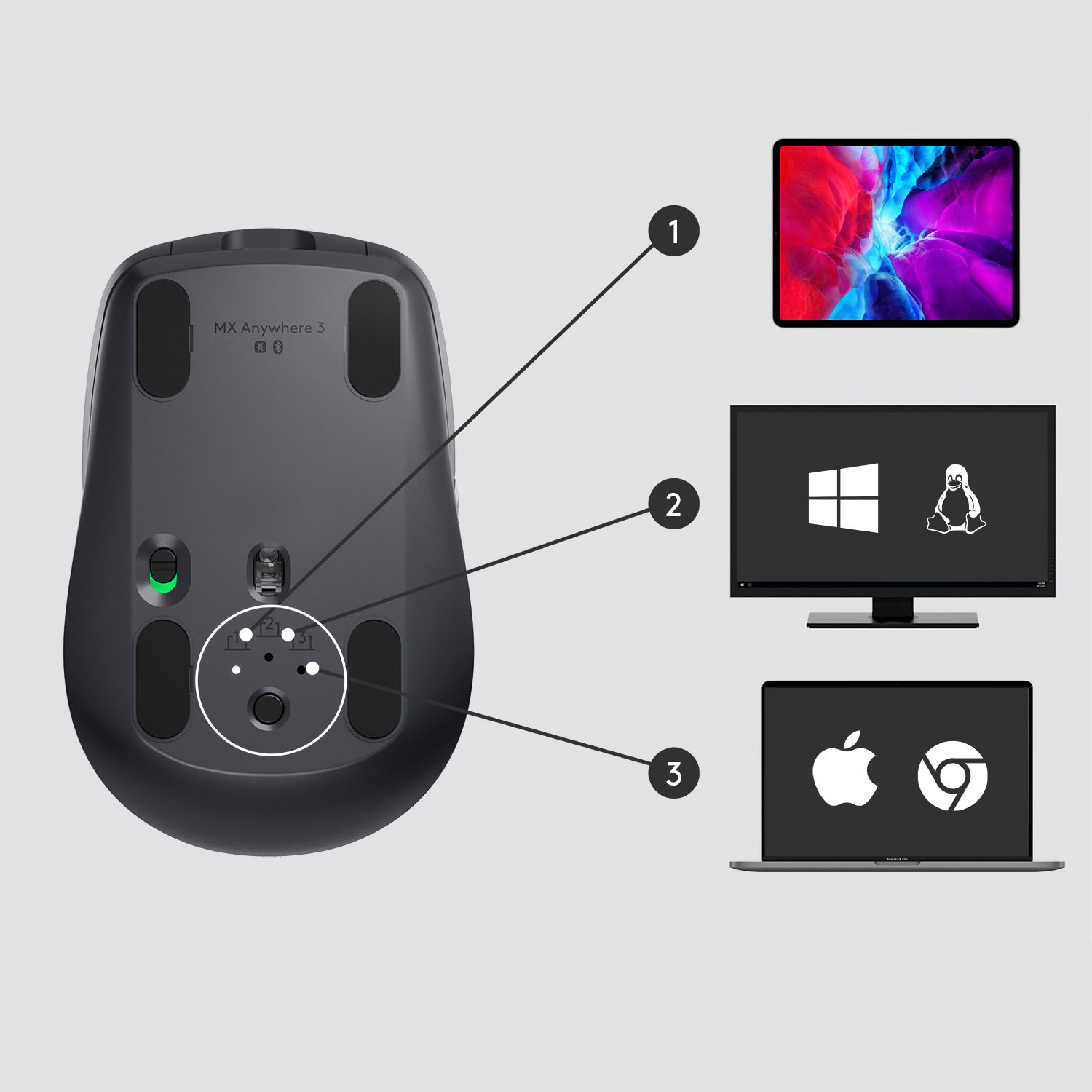
Q: QuestionWhich version should i use for I pad air 4
Asked by DUKE50.
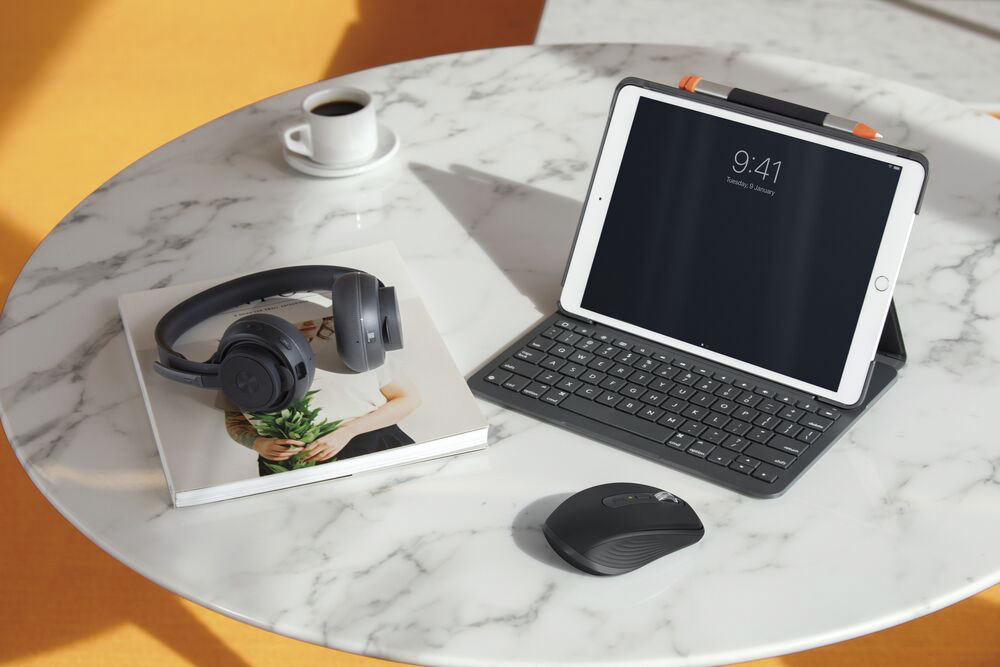
- A:Answer Hello, I would suggest using the for mac version of this mouse as it is optimized for Mac products. But both version will work with iPad OS. -Danielle from Logitech
Answered by Logitech
Q: QuestionIf I am charging it does it still need to be connected to the wireless receiver. In other words, will it work in wired mode or will it work in wireless mode only?
Asked by Steve.
- A:Answer Works great wired to recharge the battery or totally wireless.
Answered by OrlandoRobby
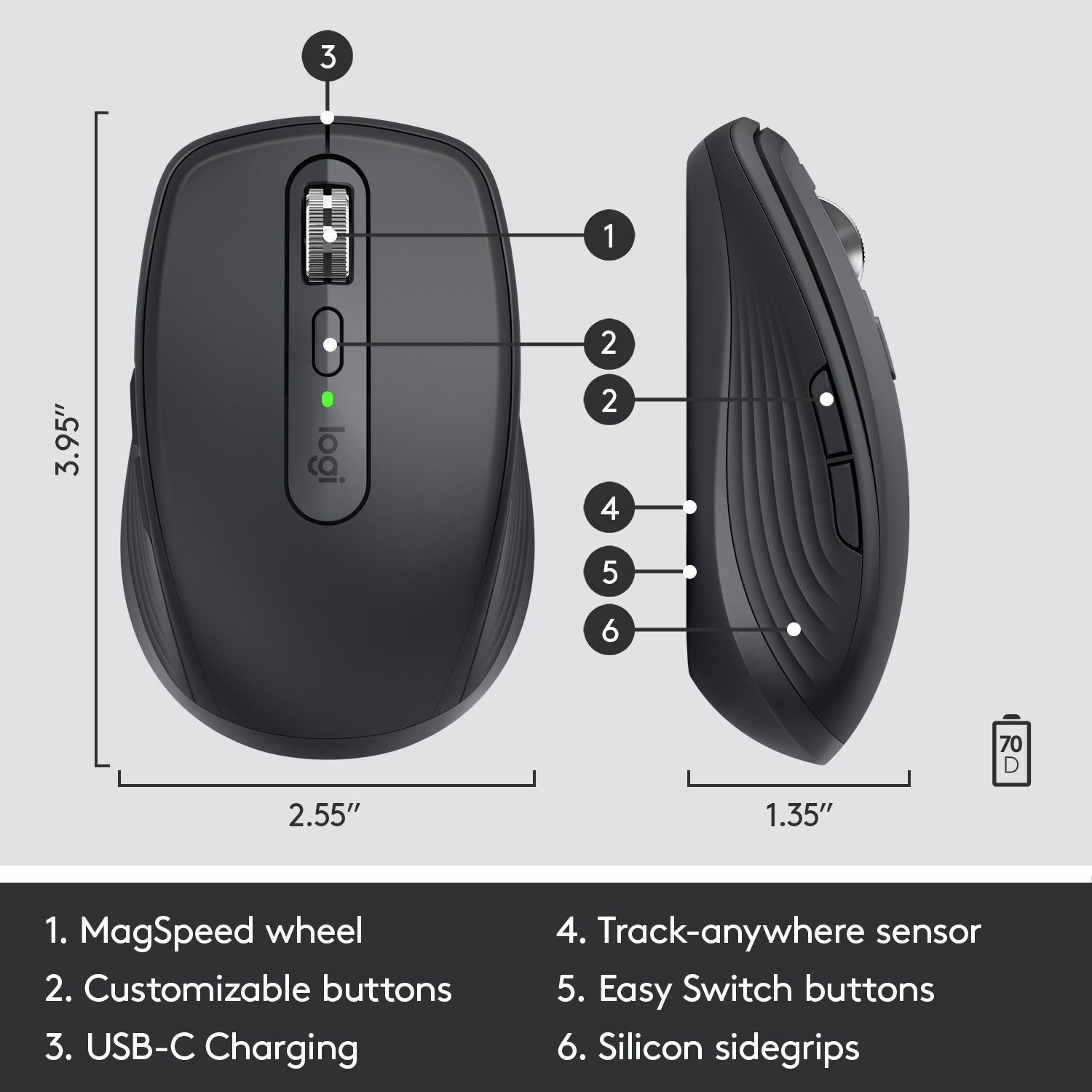
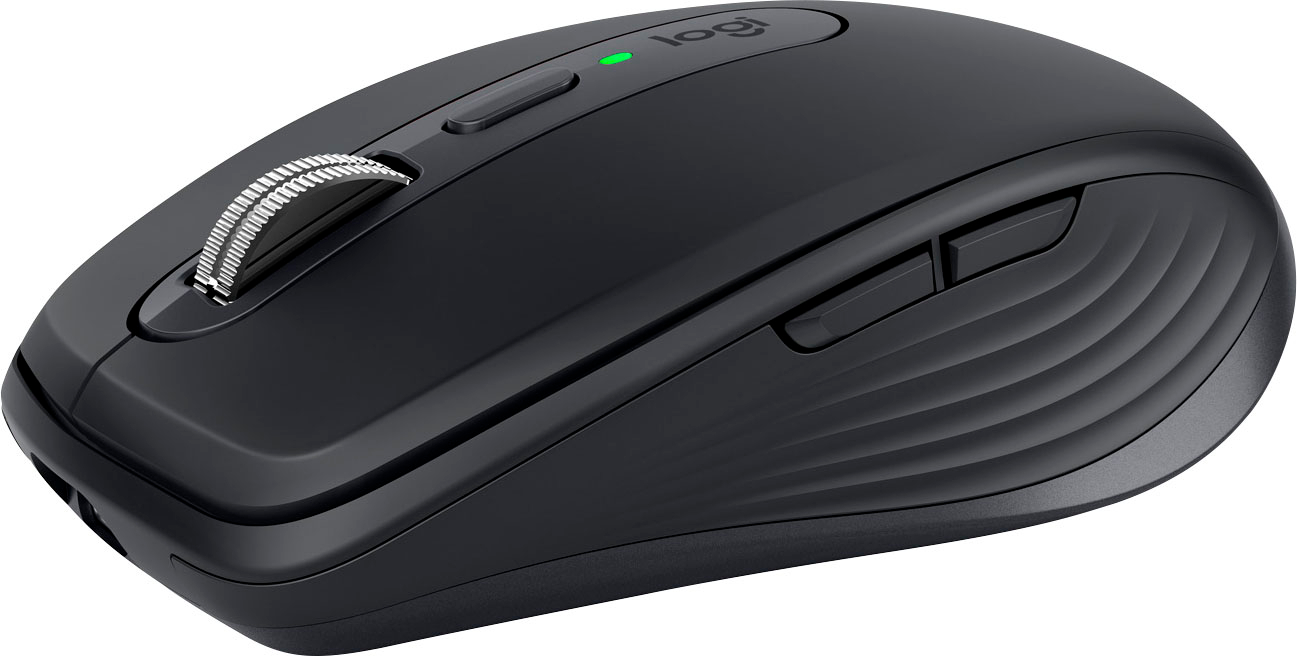
Q: QuestionCan you customize the scroll button so that when you tilt it sideways, it can do other functions such as copy and paste? I’m talking about within a document, not from one device to the other. If so can you tell me how to program that step-by-step?
Asked by Deed.
- A:Answer Two years late, but, yes, after installing the Options+ software, the forwards and backwards buttons, on the left side of this mouse, can be set to many other functions; each of these 2 buttons can be set to copy, cut, or paste among many other options. If you end up wanting to copy from one machine, and then paste on another, that can be done once Logi’s Flow is installed. Installation of Flow is an option you encounter during the Options+ software install.
Answered by m477
Q: QuestionWill this work on an ipad?
Asked by Bug.
This question was asked about the related product: Logitech - MX Anywhere 3 Wireless Bluetooth Fast Scrolling Mouse with Customizable Buttons - Wireless - Rose
- A:Answer Yes, MX Anywhere 3 is compatible with iPadOS® 13.4 or later. - Will, Logitech.
Answered by Logitech
Q: QuestionHi, I'm using a Windows PC. Do I need the bluetooth receiver for the mouse to work or it will work when I connect directly with the bluetooth of my PC? Can also copy and paste from one machine to another?
Asked by StevenLino.
- A:Answer Hello StevenLino, The MX Anywhere 3 can connect either way---with the USB RF recevier or via Bluetooth. If you're wanting to not occupy a USB port [for the receiver] Bluetooth would probable be your best option. Also, yes, you can copy and paste from one machine to another using Logitech Flow. You will need to download Logitech's Options software to help set that up. Here's the link to download: https://support.logi.com/hc/en-us/articles/360025297893. - Richard from Logitech
Answered by Logitech
Q: QuestionIn bluetooth mode with the logitech charging cable-- how long does it take to fully charge the MX anywhere 3 mouse. If you want the mouse charged for more than a few minutes or hours how long does it have to charge to get the max 70-day charge?
Asked by Anonymous.
- A:Answer You didn't answer the question - how long does it take for a full charge?
Answered by Frustrated
Q: Questionhow do i change batteries on this mouse?
Asked by erik.
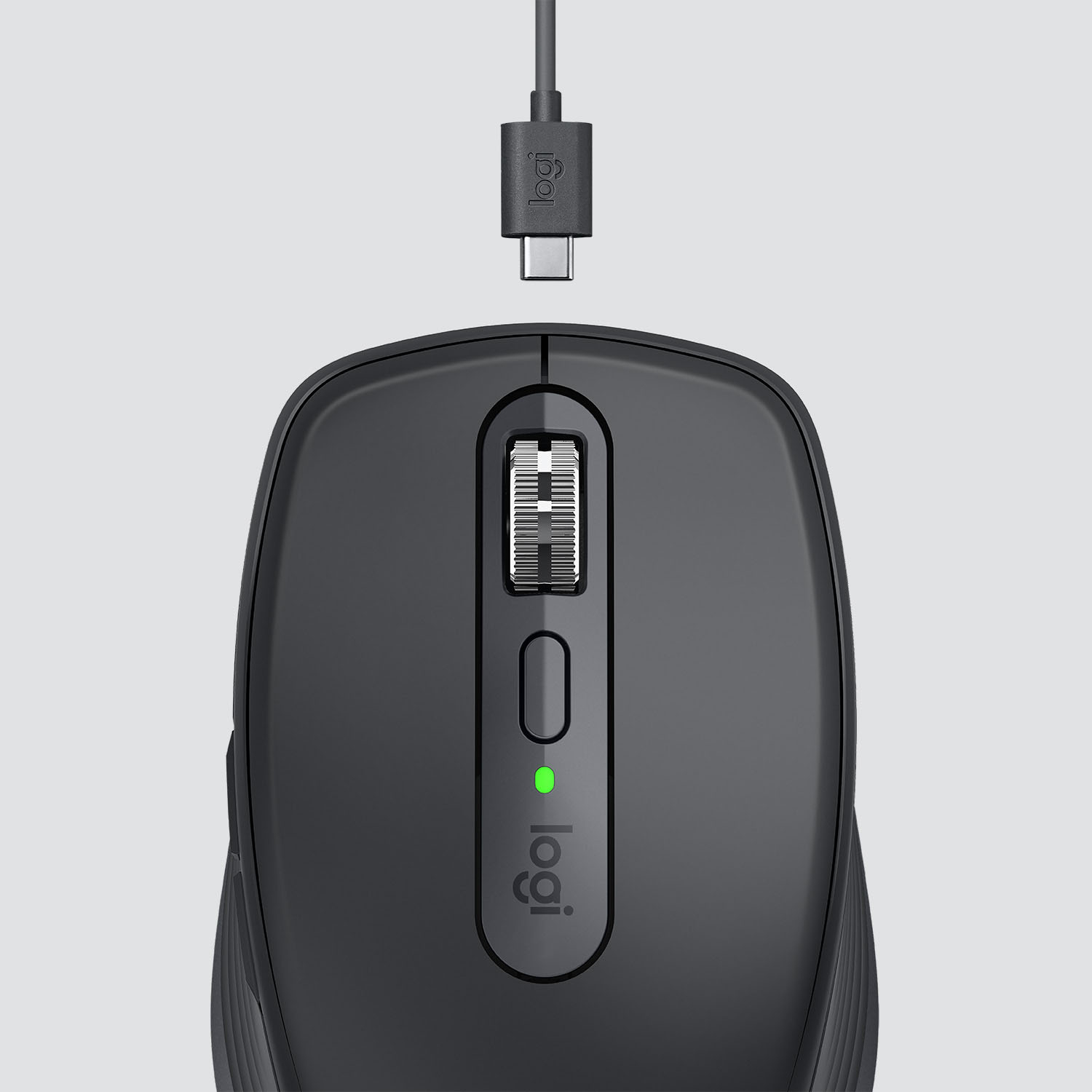
- A:Answer Hello Erik. The MX Anywhere 3 mouse has a rechargeable battery. The charging cable comes in the packaging and the battery is not user-changeable.
Answered by Logitech
Q: QuestionWhich Logi unifying Receiver is it compatible with & is it included?
Asked by Anonymous.
This question was asked about the related product: Logitech - MX Anywhere 3 Wireless Bluetooth Fast Scrolling Mouse with Customizable Buttons - Wireless - Rose
- A:Answer Hello! The MX Anywhere 3 is compatible with the Unifying receiver (it will have an orange star on the receiver) and not the Bolt or standard USB receiver. The Unifying receiver is included in the box.
Answered by Logitech
Q: QuestionIs this mouse latex free? I have a latex allergy, so I need to know.
Asked by Brii13.
- A:Answer yes
Answered by ShawnK
Page 3, Showing 41-50 of 50 questions
Most-viewed items
- Tech Fest Deal$99.99