A:AnswerHello, I would suggest using the for mac version of this mouse as it is optimized for Mac products. But both version will work with iPad OS.
-Danielle from Logitech
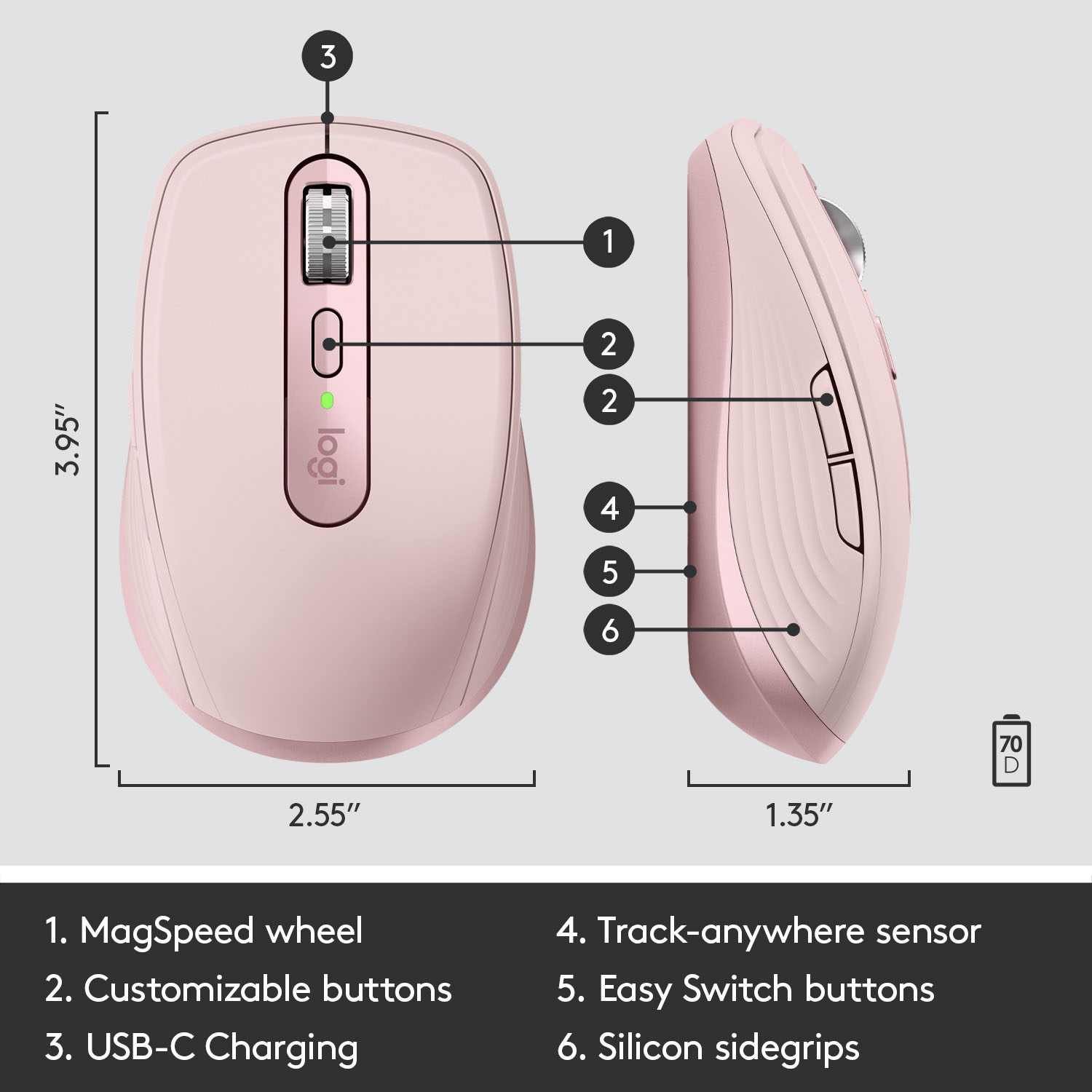
A:AnswerTwo years late, but, yes, after installing the Options+ software, the forwards and backwards buttons, on the left side of this mouse, can be set to many other functions; each of these 2 buttons can be set to copy, cut, or paste among many other options.
If you end up wanting to copy from one machine, and then paste on another, that can be done once Logi’s Flow is installed. Installation of Flow is an option you encounter during the Options+ software install.
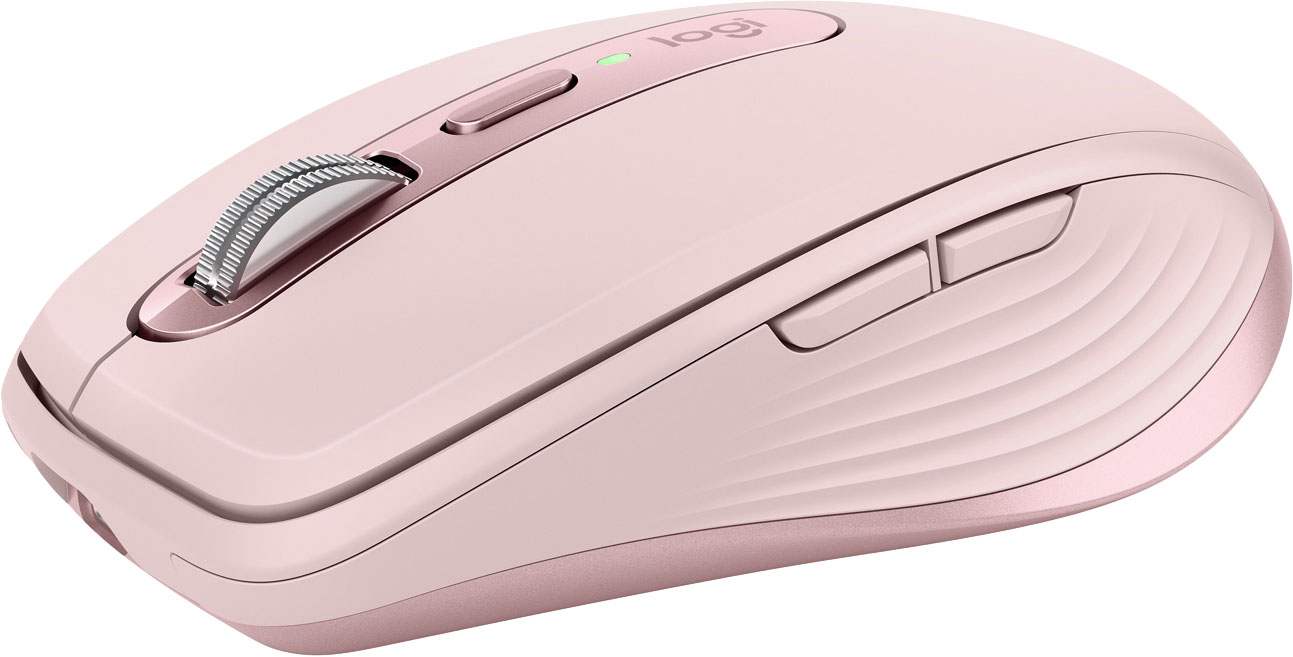
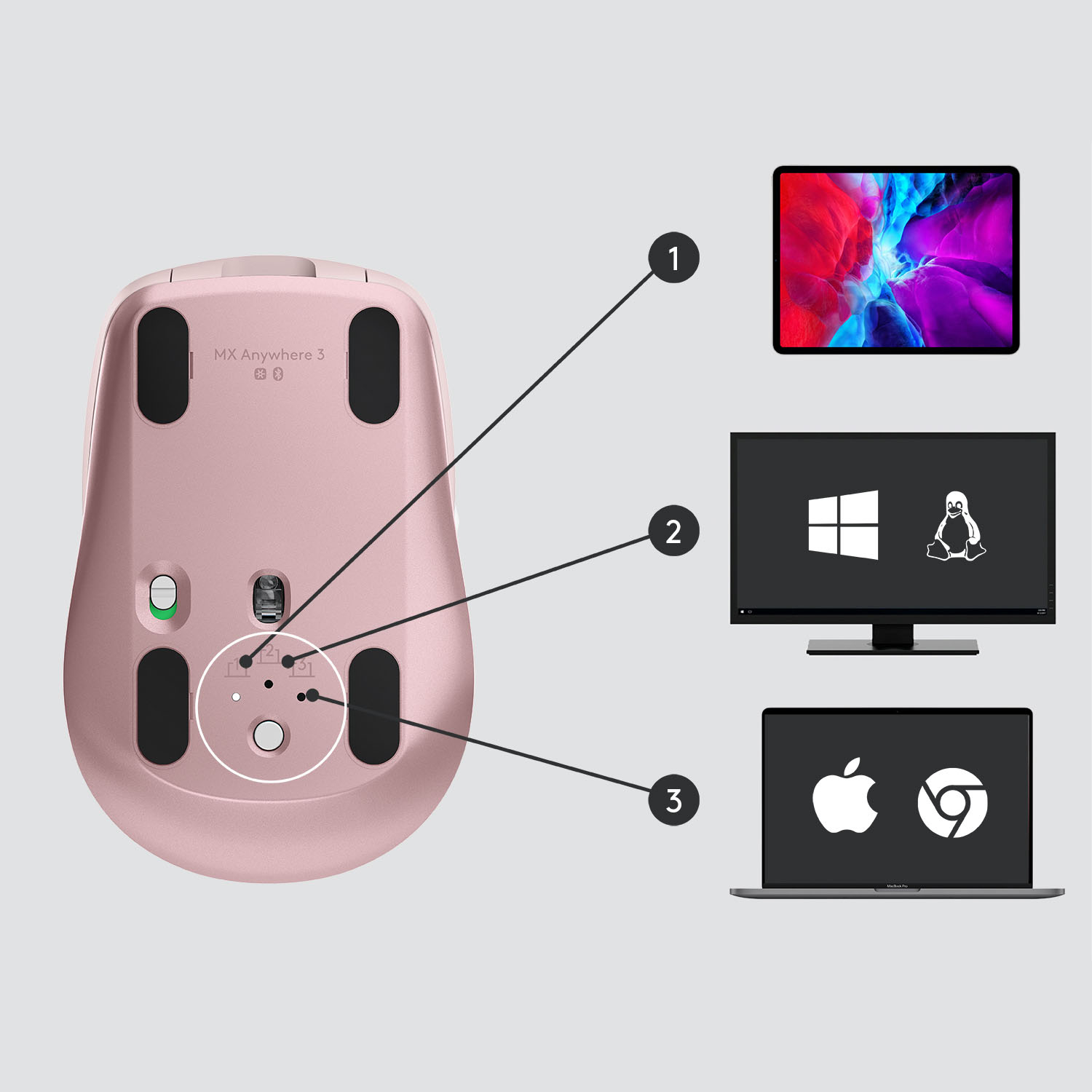
A:AnswerHello StevenLino, The MX Anywhere 3 can connect either way---with the USB RF recevier or via Bluetooth. If you're wanting to not occupy a USB port [for the receiver] Bluetooth would probable be your best option. Also, yes, you can copy and paste from one machine to another using Logitech Flow. You will need to download Logitech's Options software to help set that up. Here's the link to download: https://support.logi.com/hc/en-us/articles/360025297893. - Richard from Logitech
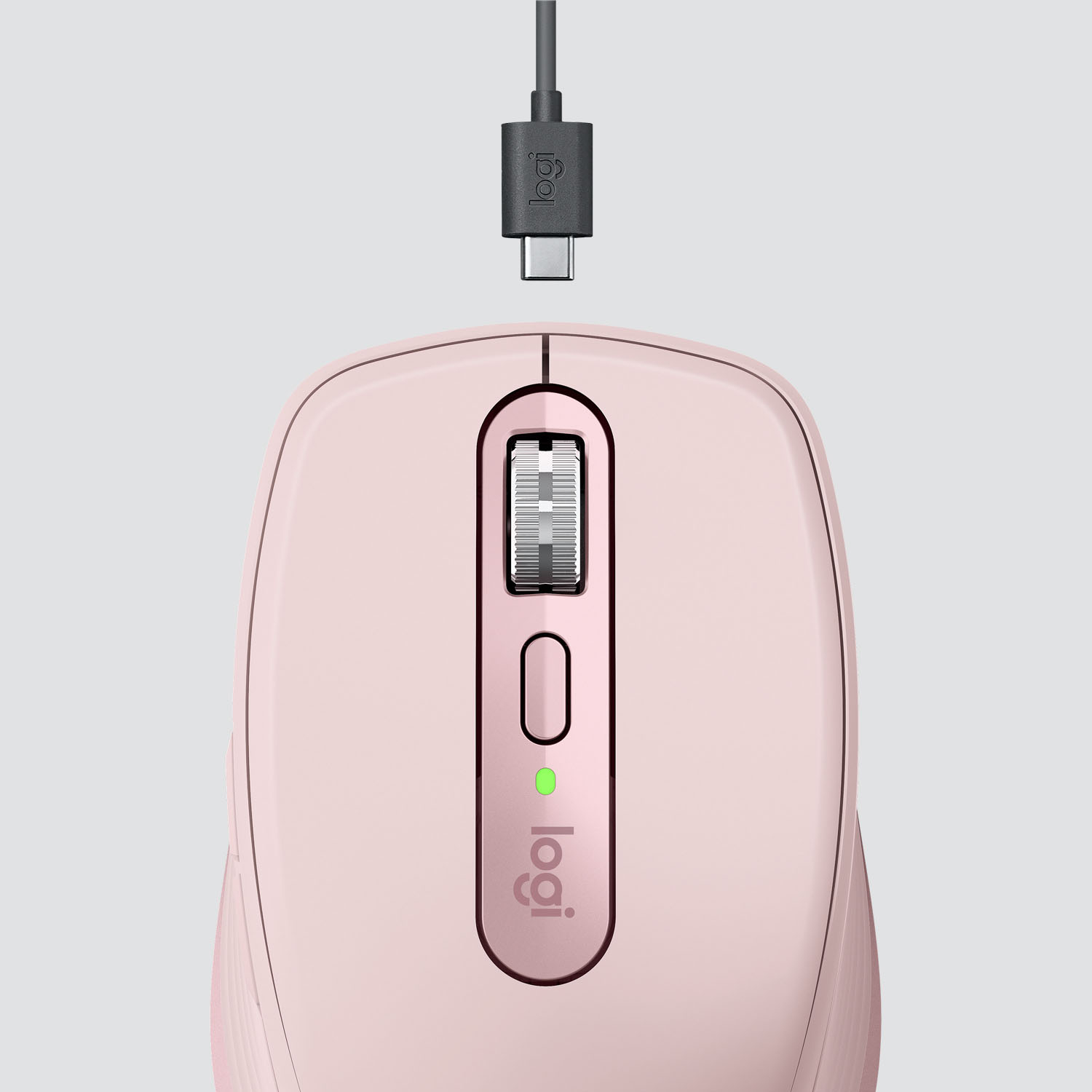
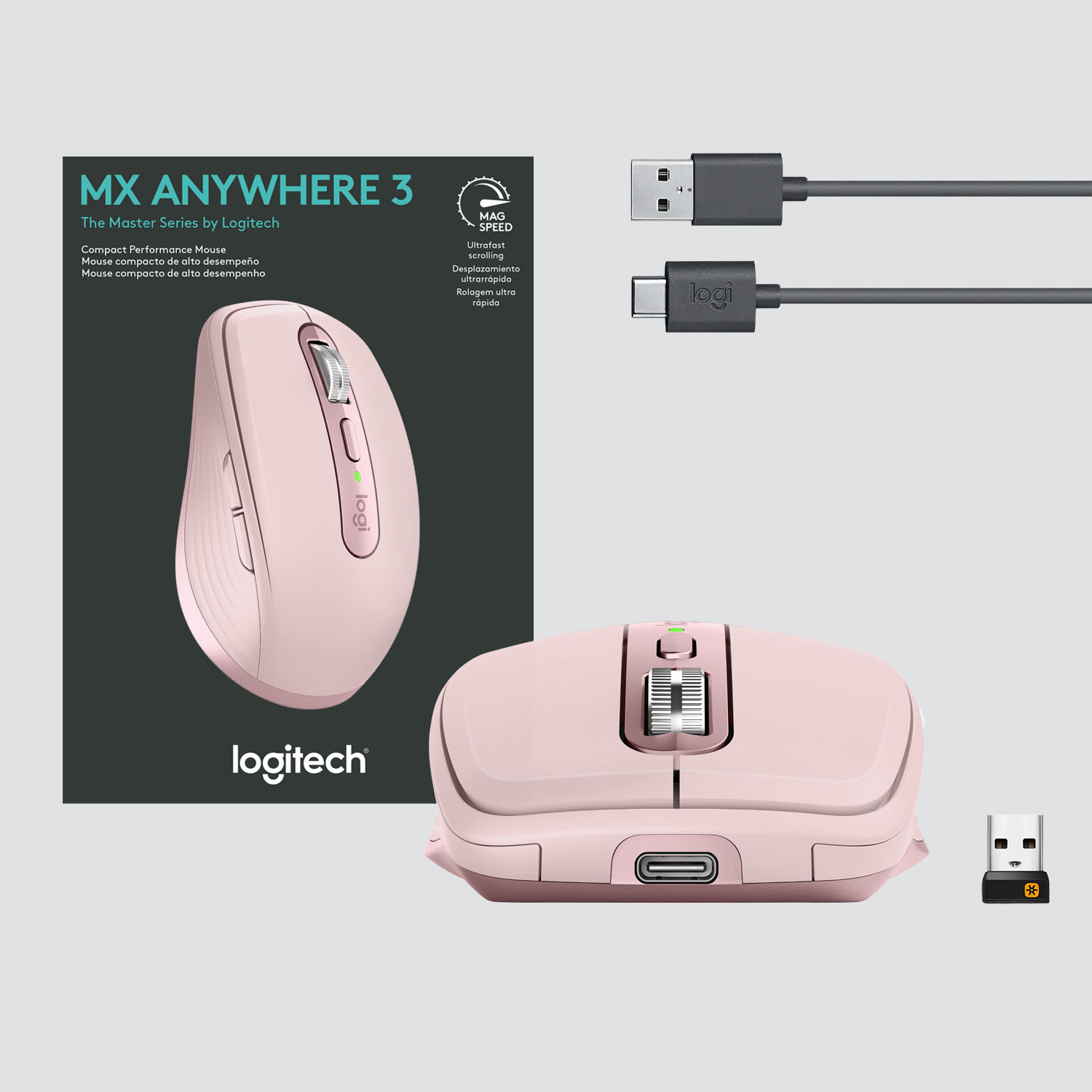
A:AnswerHello Erik. The MX Anywhere 3 mouse has a rechargeable battery. The charging cable comes in the packaging and the battery is not user-changeable.
A:AnswerHello! The MX Anywhere 3 is compatible with the Unifying receiver (it will have an orange star on the receiver) and not the Bolt or standard USB receiver. The Unifying receiver is included in the box.