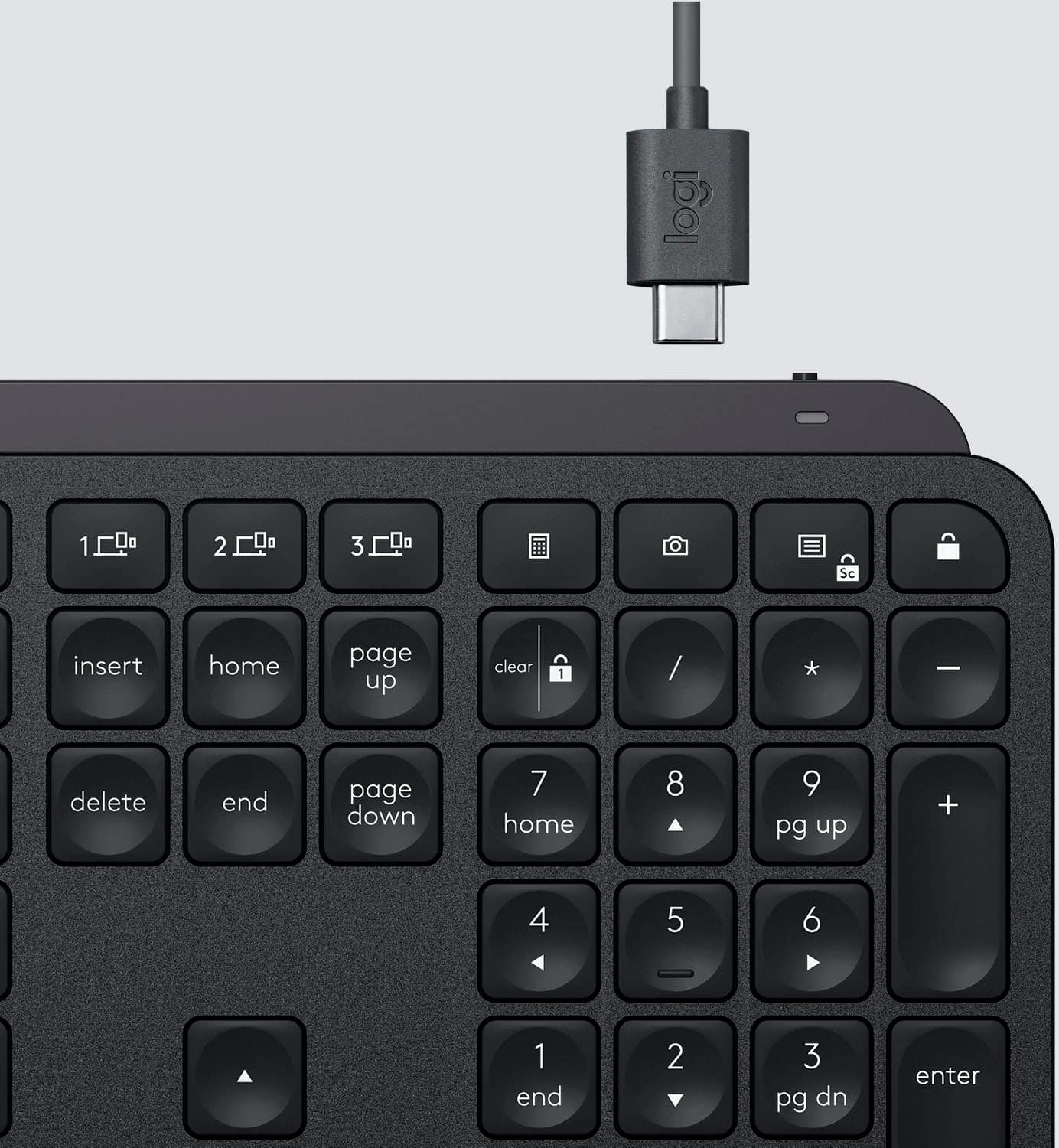
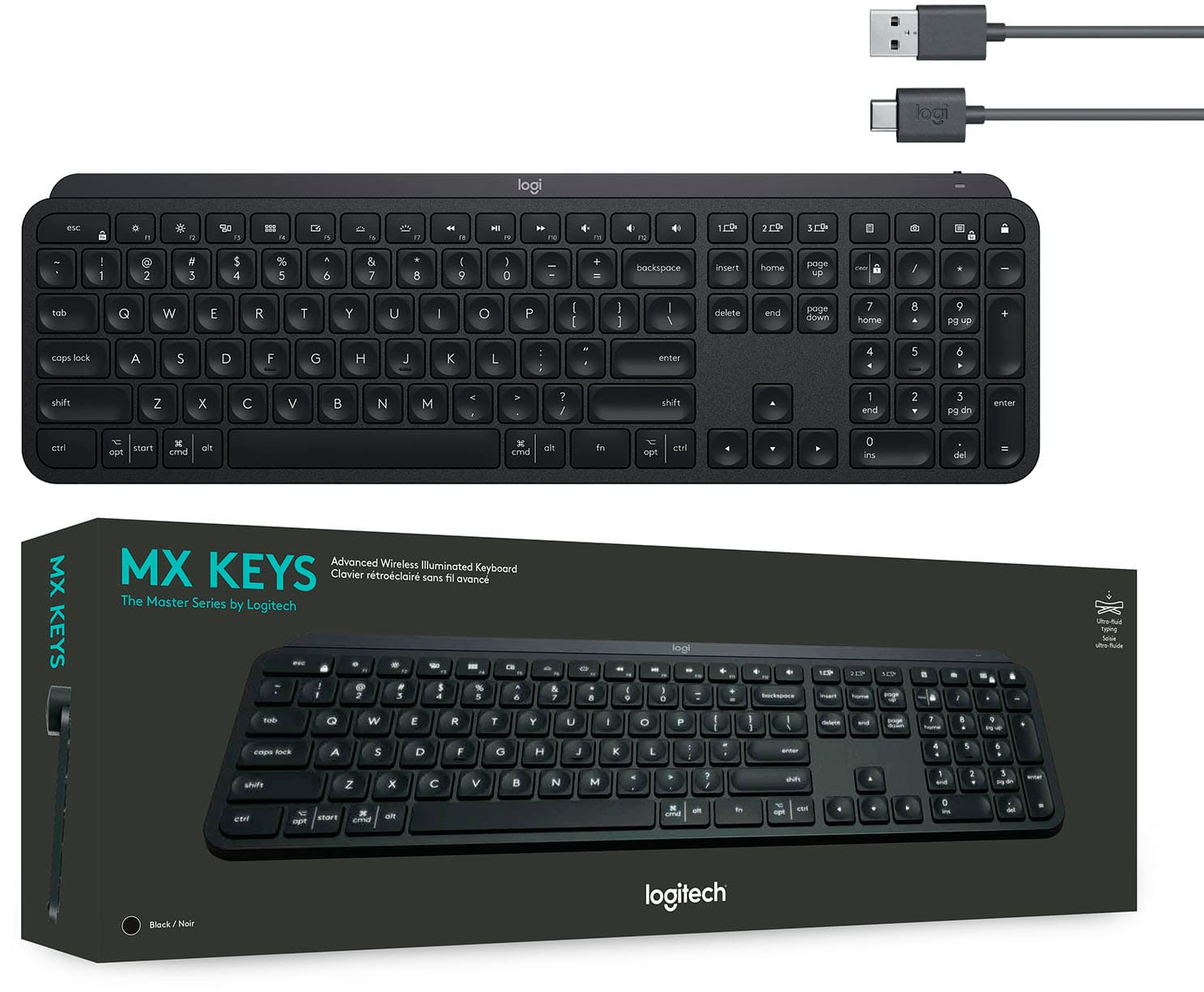
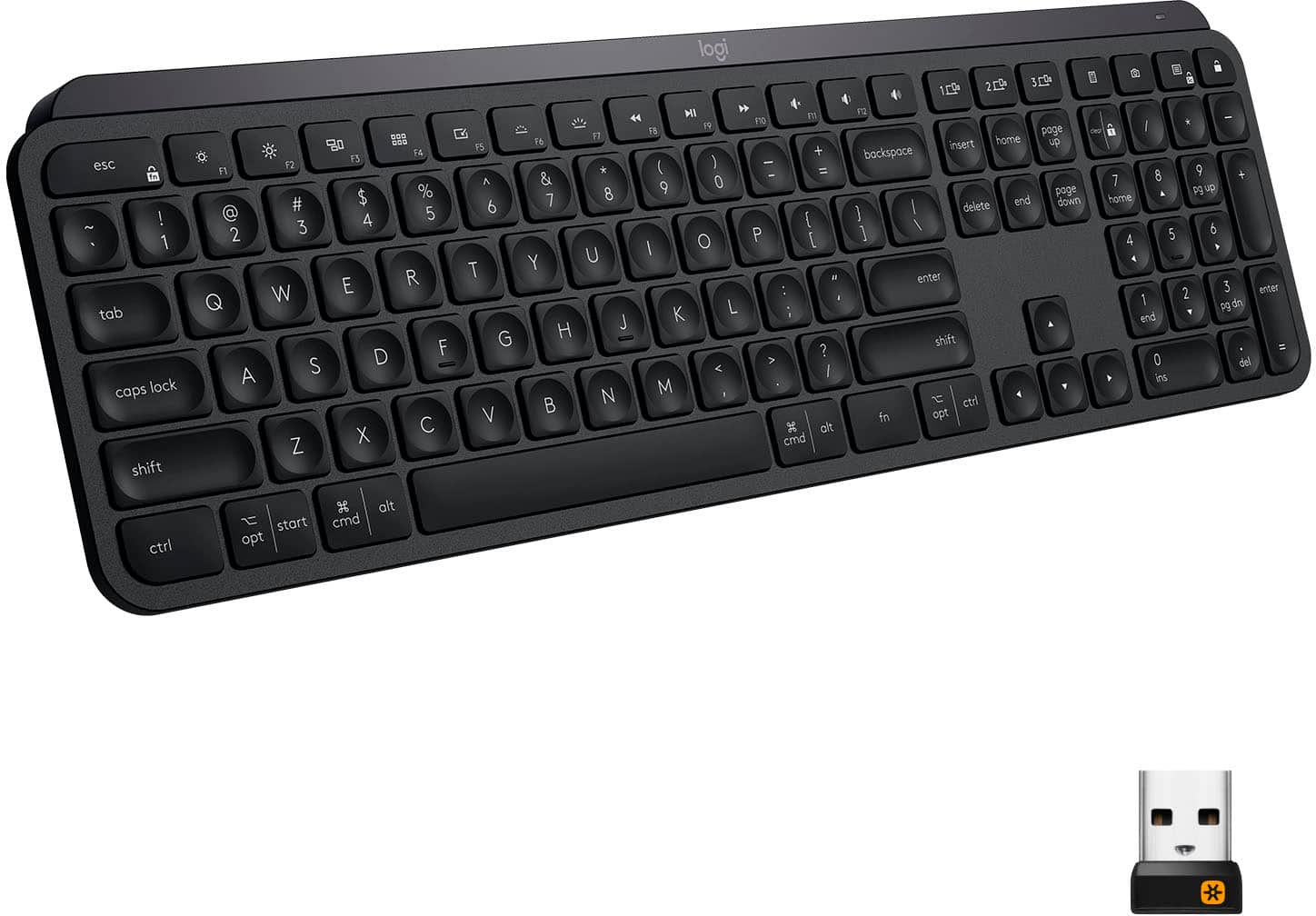
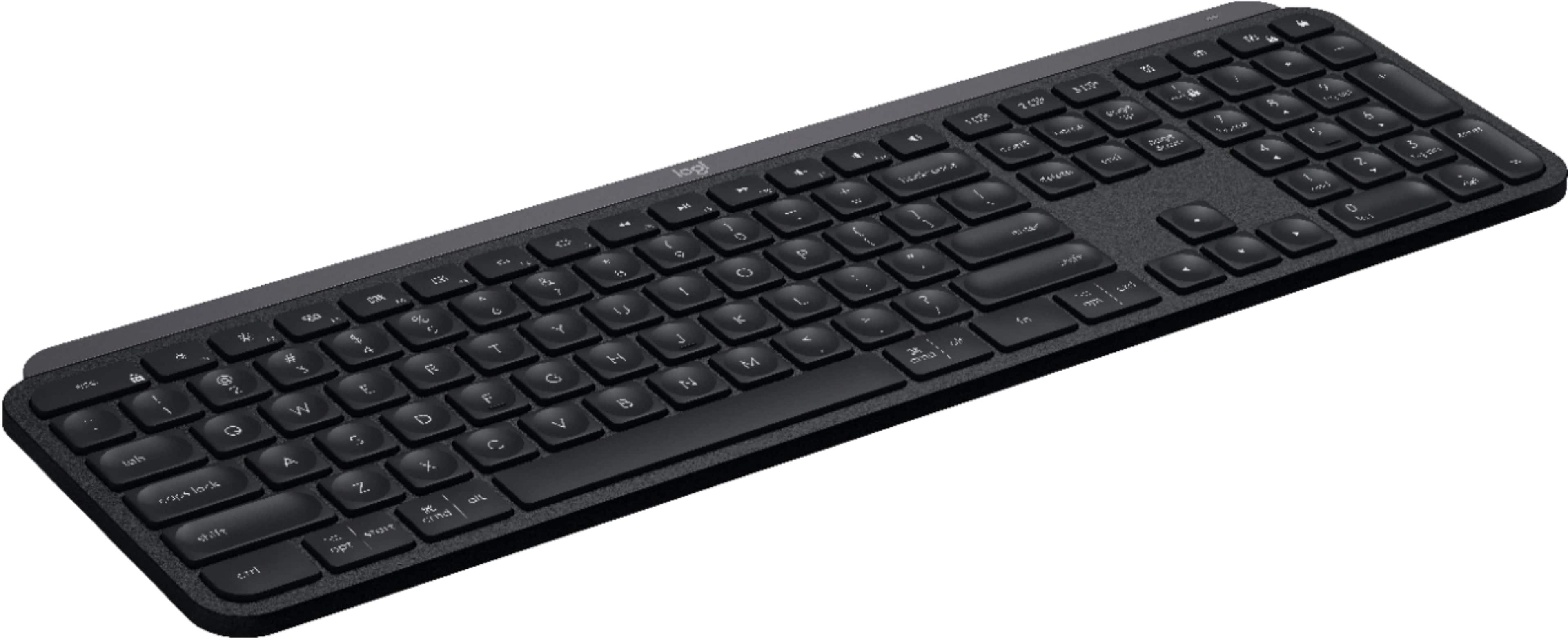
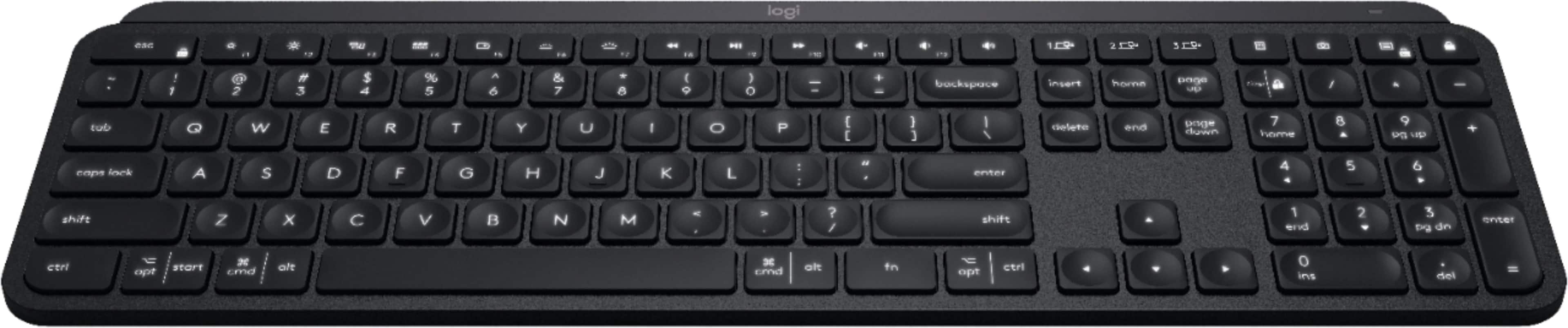
A:Answer There's an option in the Logitech options software to set the function keys as regular F1-F12 keys. Otherwise they are set to use the hotkeys by default and you have to hold the FN button for any F1-F12 key, which is fine, since I find myself using the hotkeys more, anyway.

![The text on the image is grouped and corrected as follows:
1. F10, F11, F12: These keys are located in the top row of the keyboard, and they are used to access function keys.
2. 1, 2, 3: These are the number keys in the top row of the keyboard.
3. Sc - - + =: These are the arrow keys in the top row of the keyboard.
4. Backspace, Insert, Home, Page Up, Clear: These keys are located in the bottom row of the keyboard.
5. 1 / - P { [ } ] I / delete: These are the function keys that are used to navigate and modify text.
6. 7, 8, 9: These are the number keys in the bottom row of the keyboard.
7. Page Up, Page Down: These keys are located in the middle row of the keyboard and are used to navigate through documents.
8. Home, End, Page Up, Page Down: These keys are also located in the middle row of the keyboard and are used to navigate through documents.
9. Shift, Ctrl, Alt, Fn, Windows, Opt, Ctrl: These are the function keys that are used to access various system functions and shortcuts.
10. 0, Ins, Del: These are the number keys in the bottom row of the keyboard.
The image shows a close-up view of a black keyboard with the keys labeled, making it easier to identify and understand their functions.](https://pisces.bbystatic.com/image2/BestBuy_US/images/products/6366/6366560cv15d.jpg)