Questions & Answers
- Model:
- 910-005743
- |
- SKU:
- 6373448
Q: QuestionCan this mouse connect to a 11-inch (2018) iPad Pro?
Asked by Applelover4ever.
- A:Answer Yes, this can connect to an 11-inch (2018) iPad Pro.
Answered by CommunityAnswer
Q: QuestionIs this compatible with a MacBook Air 2020?
Asked by Cin.
This question was asked about the related product: Logitech - Pebble M350 Wireless Optical Ambidextrous Mouse with Silent Click - Wireless - Rose
- A:Answer Hello Cin, yes, the M350 Bluetooth Optical Mouse is compatible with a Macbook Air. Just make sure your Bluetooth is on and you will be able to pair up with the M350 mouse.
Answered by Logitech
Q: QuestionAre you able to switch between devices, just like when switching with the Logitech wireless keyboard feature? I'm trying to use this mouse for both my iPad and Macbook Pro
Asked by mrizz.
This question was asked about the related product: Logitech - Pebble M350 Wireless Optical Ambidextrous Mouse with Silent Click - Wireless - Rose
- A:Answer Hello. The M350 Pebble mouse can switch between 2 devices: 1 via the USB receiver, and 1 via Bluetooth. You can switch between the 2 devices by short pressing the connect button on the bottom of the mouse. Blue signifies it is connected to Bluetooth, Green signifies it is connected to the USB. So to use it with an iPad and MacBook Pro, you will have to use the USB with the MacBook Pro and Bluetooth with the iPad.
Answered by Logitech
Q: QuestionIs this also compatible with a desktop PC?
Asked by Elaine.
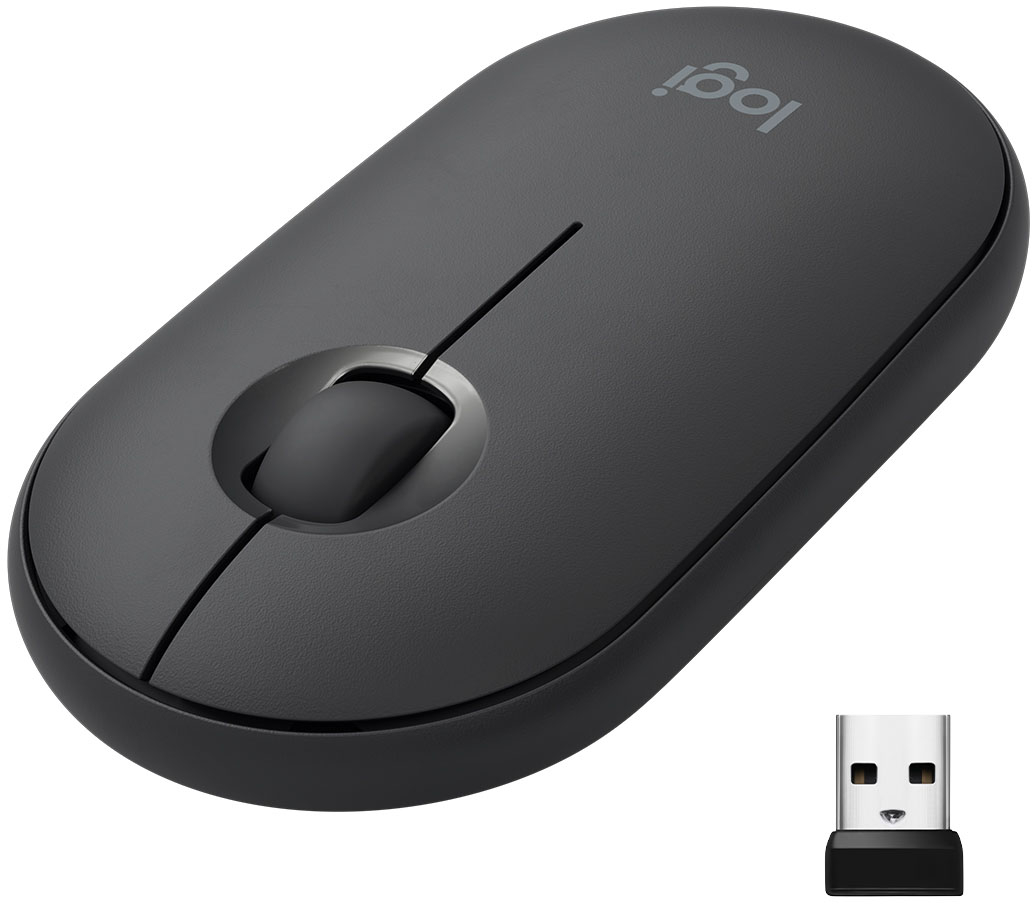
- A:Answer Dekay replied that it includes a Unifying dongle, and that is NOT correct! See my included picture (M355 dongle on left, actual Unifying dongle on right). It comes with a Logitech nano-receiver that isn't compatible with the Unifying series. The mouse itself can be paired to a Unifying dongle, but Unifying devices cannot be paired to the included one. It seems odd, but I just bought one and was surprised that the included USB dongle was not recognized by the Unifying software, until I noticed the dongle itself does not have the Unifying symbol on it (the mouse does). So I grabbed a Unifying dongle I have and tried to pair the mouse, and it worked. Now my keyboard and this mouse can be used together with just one dongle. Do note that once you pair it with a Unifying dongle, the included one seems to be useless. Unpairing it from the Unifying dongle will not get it to re-pair with the included one, and I have not found any other way to do it. Probably not an issue for most people, but I thought I should mention it.
Answered by TinyZombie
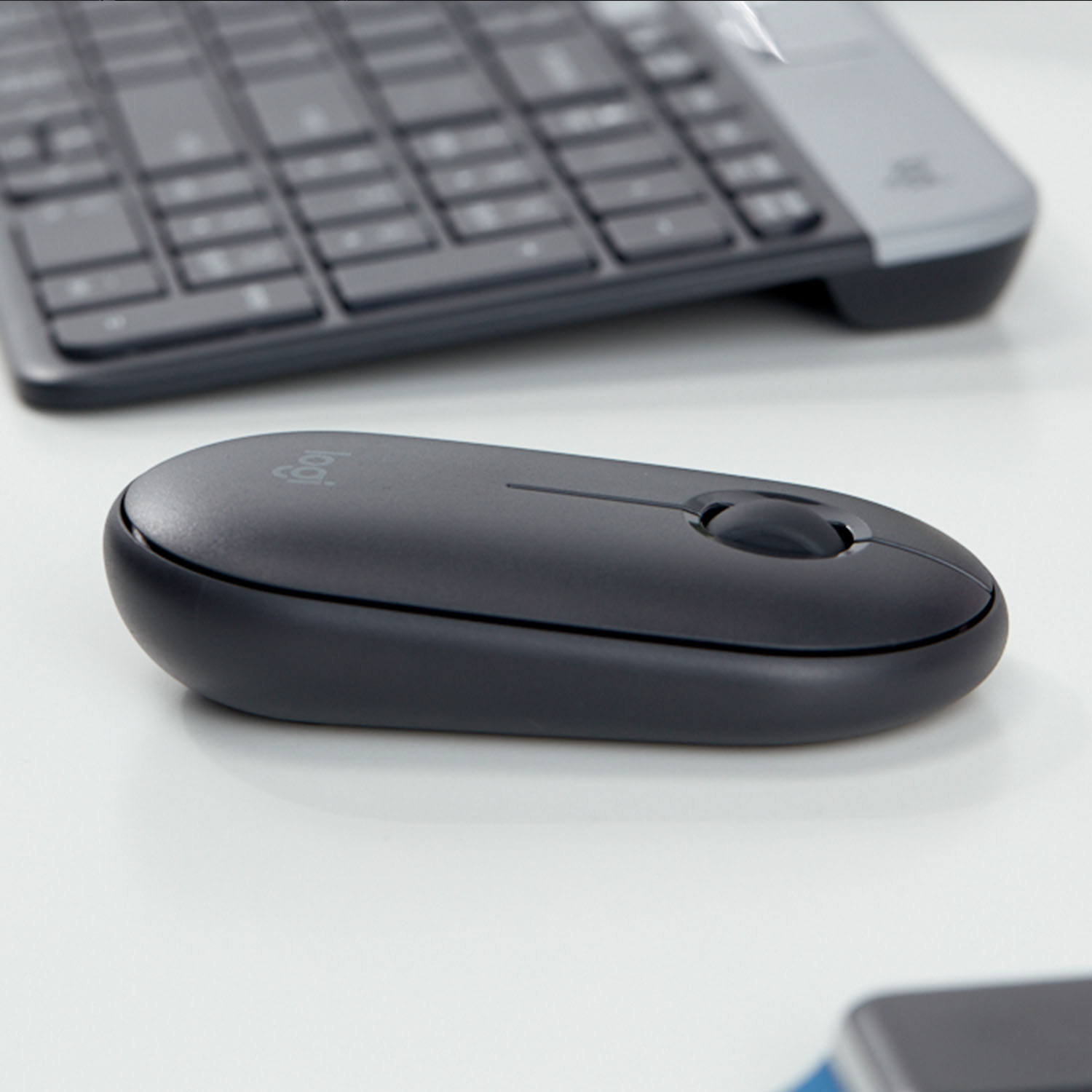
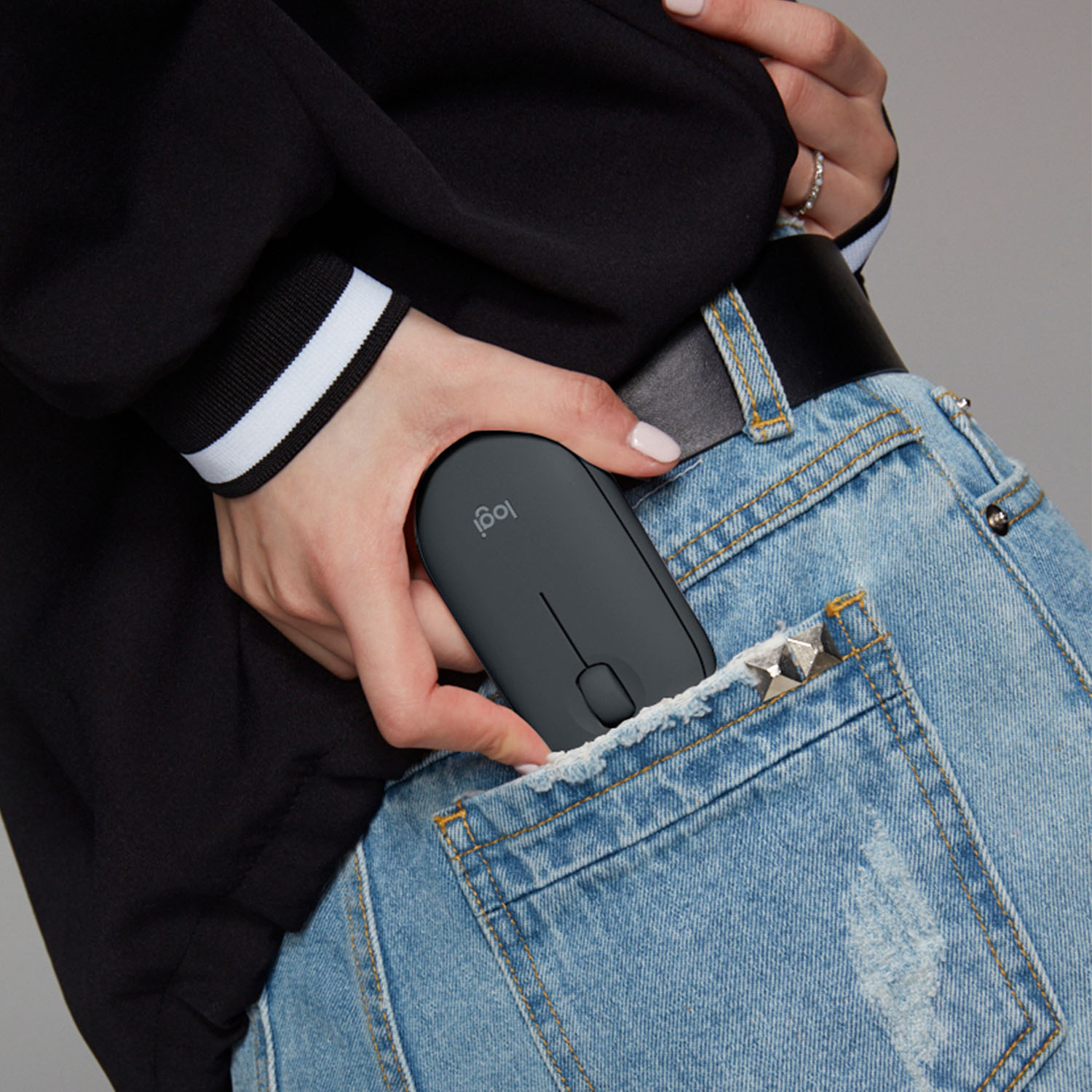
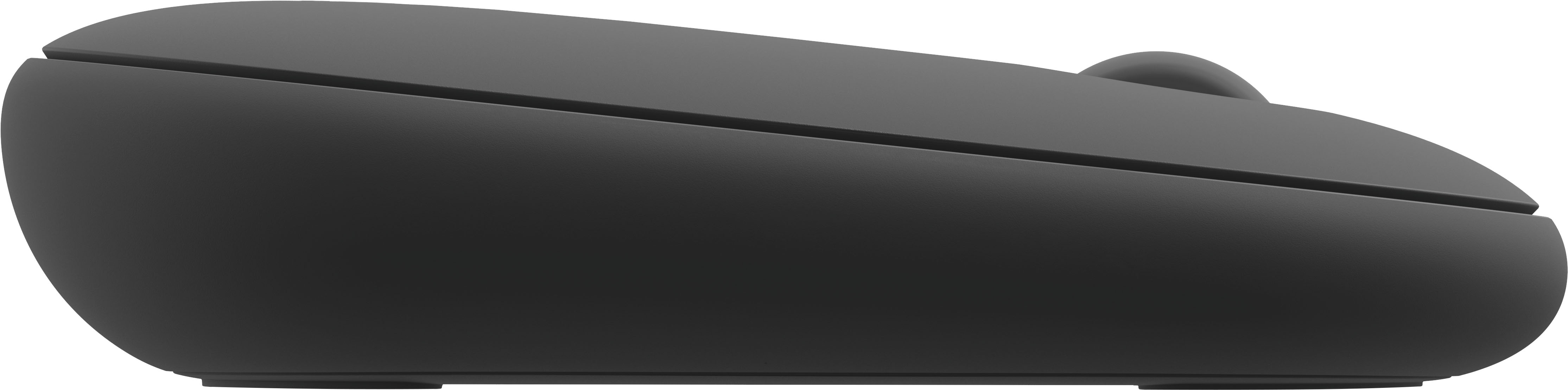
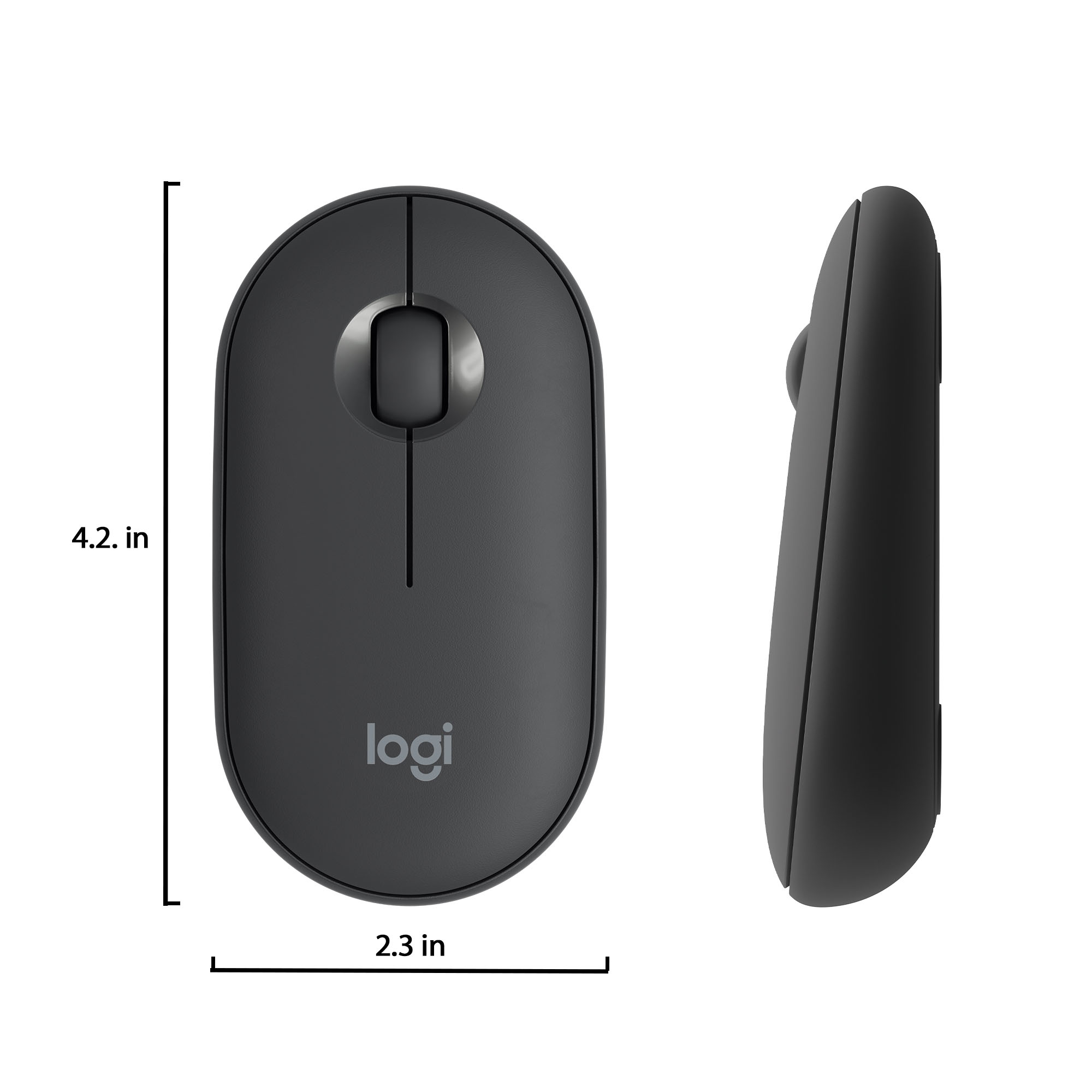
Q: QuestionIs this mouse flat?
Asked by Frances.
- A:Answer Yes, this mouse is flat
Answered by CommunityAnswer
Q: QuestionIs it compatible to the Samsung Chromebook?
Asked by Cman.
- A:Answer Yes. Anything with a USB port or Bluetooth
Answered by Alexis
Q: QuestionWill this mouse connect to an IPad 6th generation?
Asked by Anonymous.
This question was asked about the related product: Logitech - Pebble M350 Wireless Optical Ambidextrous Mouse with Silent Click - Wireless - Rose
- A:Answer As long as your ipad has bluetooth capabilties, this mouse will be able to connect to your device.
Answered by KC808
Q: QuestionDoes "work in silence" mean the buttons are silent?
Asked by JP.
This question was asked about the related product: Logitech - Pebble M350 Wireless Optical Ambidextrous Mouse with Silent Click - Wireless - Rose
- A:Answer Yes it is fairly silent, I had no issues with it in meetings or quiet spaces.
Answered by Moonbin
Q: Questionwhat is the difference between this Logitech and the made by apple mouse?
Asked by terr.
This question was asked about the related product: Logitech - Pebble M350 Wireless Optical Ambidextrous Mouse with Silent Click - Wireless - Rose
- A:Answer You'll have more gesture options available with the apple mouse, mainly one/two fingers double-tap and left right swipes similar as on the trackpad, something you might get used to but not essential, some other Logitech mouses have forward and backward buttons can serve similarly. Apple mouse is rechargeable. Both are pretty flat, so they aren't ergonomic comparing to other Logitech mouses. I often hold the apple mouse in 45 degrees because of its shape and end-up right clicks a lot by mistake.
Answered by Alex
Q: QuestionHow difficult is changing the battery?
Asked by Susan.
This question was asked about the related product: Logitech - Pebble M350 Wireless Optical Ambidextrous Mouse with Silent Click - Wireless - Rose
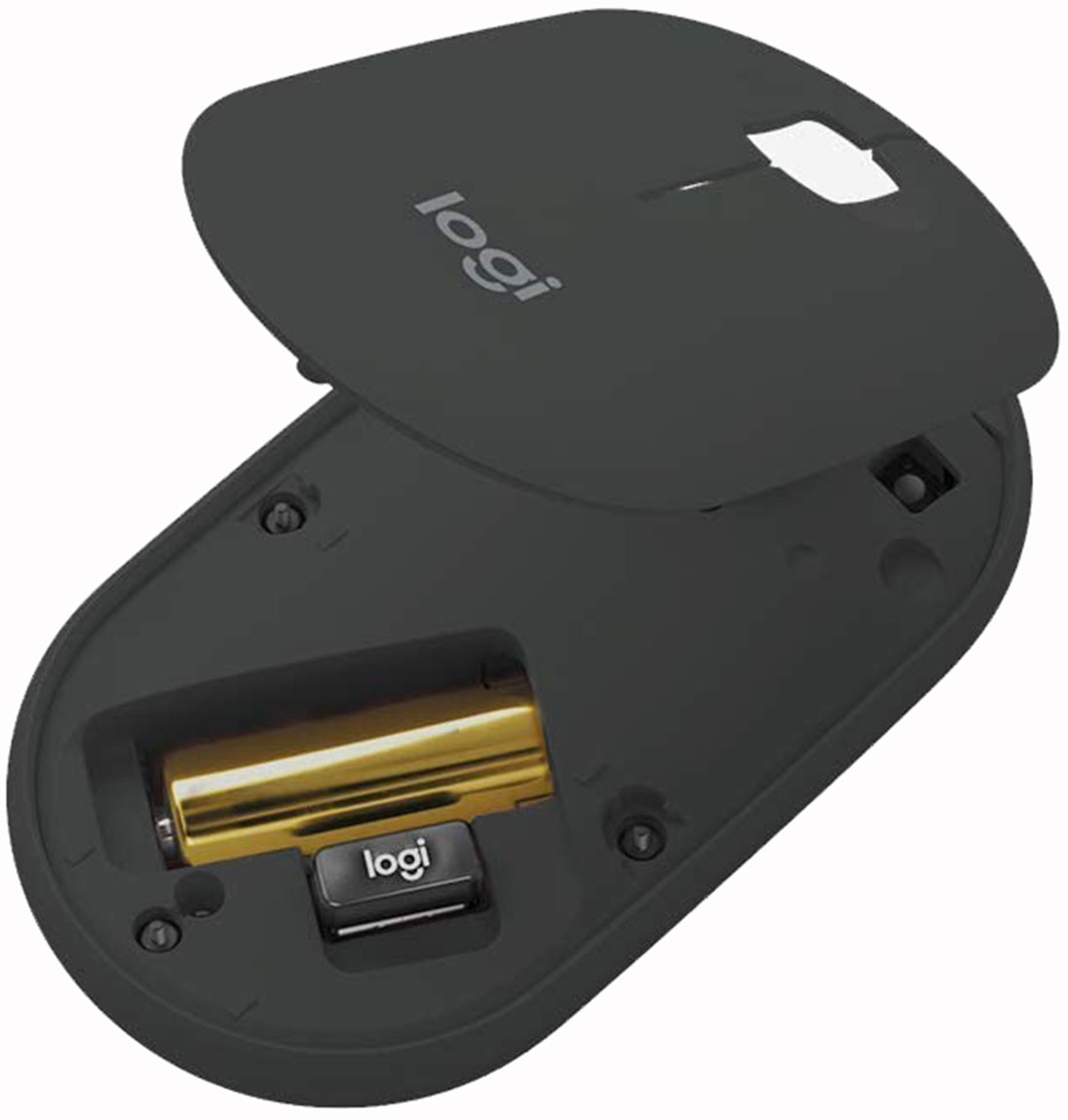
- A:Answer It couldn't be easier. Just slide the button to off on the bottom. Pop off the cover off with your nail. Take the battery out effortlessly. The cover snaps right back into place.
Answered by Lisa
Q: QuestionI was wondering how loud this mouse is when clicked? I want to get it for college and don't want to disturb anyone in my lectures.
Asked by KadesChaos.
- A:Answer it's really not too loud. But if you're a gamer and doing a lot maybe consider the Pebble m350 by logitech. It's quieter and glides really nice.
Answered by tammy
Q: QuestionDoes this mouse work without usb receiver
Asked by Mel.
This question was asked about the related product: Logitech - Pebble M350 Wireless Optical Ambidextrous Mouse with Silent Click - Wireless - Rose
- A:Answer Hello, the M350 can be connected to your device via bluetooth.
Answered by Logitech
Q: QuestionDoes this come with a USB connection? My computer's bluetooth does not work.
Asked by Natalie.
- A:Answer It comes with the USB receiver, you will find it inside the mouse after removing the top.
Answered by XUglyTasteX
Q: QuestionDoes this work on IPAD AIR 4th generation(2020) ?
Asked by Mel.
This question was asked about the related product: Logitech - Pebble M350 Wireless Optical Ambidextrous Mouse with Silent Click - Wireless - Rose
- A:Answer Hello, this will work on your iPad via bluetooth connection.
Answered by Logitech
Q: QuestionDo you need a mouse for a chrome book and what other accessories do I need for a chrome book.
Asked by Frank.
- A:Answer Hello, a Chromebook has a built in trackpad, which does not require a mouse to use. Having a mouse does make it easier to navigate the screen of your Chromebook.
Answered by Logitech
Q: Questionwould this work with an Imac?
Asked by Anonymous.
- A:Answer Works with my MacBook Air 2020.
Answered by Andrew
Q: QuestionIs this mouse compatible with the iPad 7th generation?
Asked by ShayKay.
This question was asked about the related product: Logitech - Pebble M350 Wireless Optical Ambidextrous Mouse with Silent Click - Wireless - Rose
- A:Answer Yes! It is 100% compatible via Bluetooth.
Answered by RCCola
Q: QuestionDoes it come with a mouse pad? I bought one a while ago and started using it recently, and forgot if it came with a mouse pad. Anyone who knows please tell me.
Asked by S.
- A:Answer No pad came with mine.
Answered by Nola
Q: QuestionWill this mouse work with an iphone 8 running iOS 14.7.1? And can it connect without the usb connector?
Asked by Jean.
- A:Answer Hi Jean, The M355 should be able to connect with your iPhone 8 using Bluetooth connectivity.
Answered by Logitech
Q: QuestionIs this compatible with a MacBook Air m1?
Asked by lizzette.
- A:Answer Hello Lizzette, yes, the M350 Pebble mouse will work with your Macbook. As long as it is running macOS 10.14 or later. The pebble can connect via Bluetooth or via USB. Have a great day.
Answered by Logitech
Most-viewed items
- $949.00$949.00The price was $1,099.00
- $239.99$239.99The price was $269.99
- $329.99$329.99The price was $469.99
- $149.00$149.00The price was $399.00
- $122.00$122.00The price was $129.99
- $1,149.00$1,149.00The price was $1,299.00
- $159.99$159.99The price was $179.99
- $449.99$449.99The price was $649.99