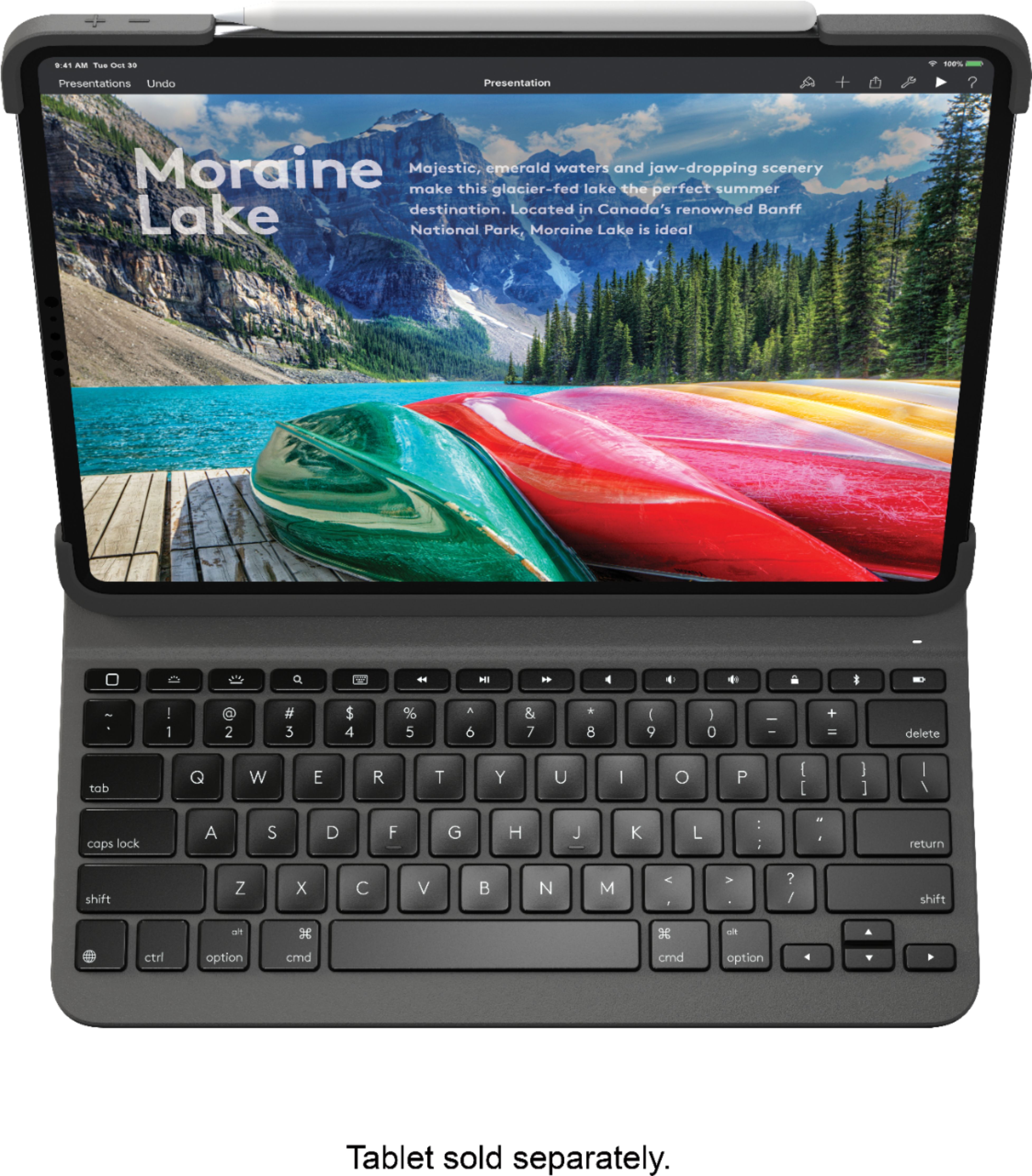
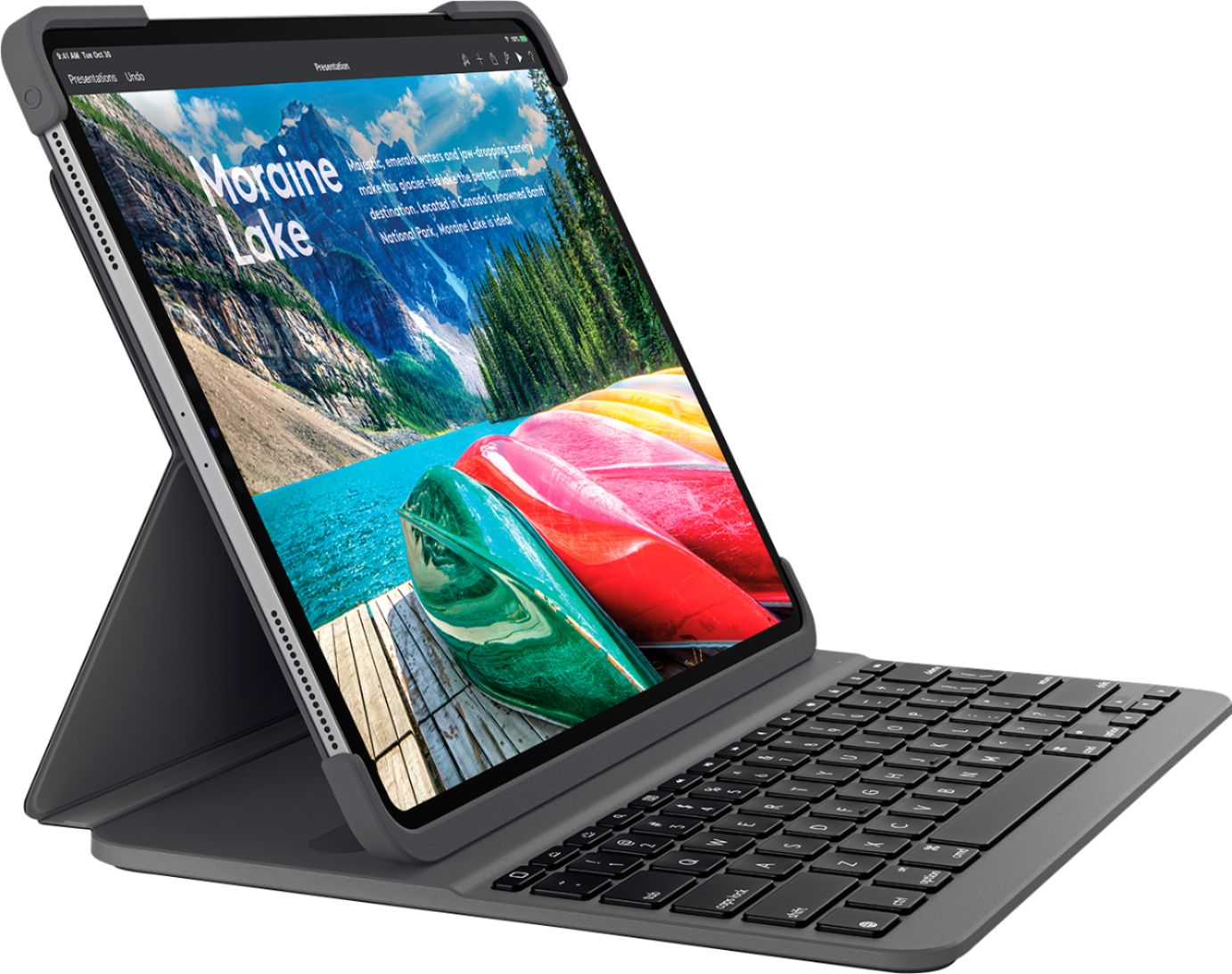
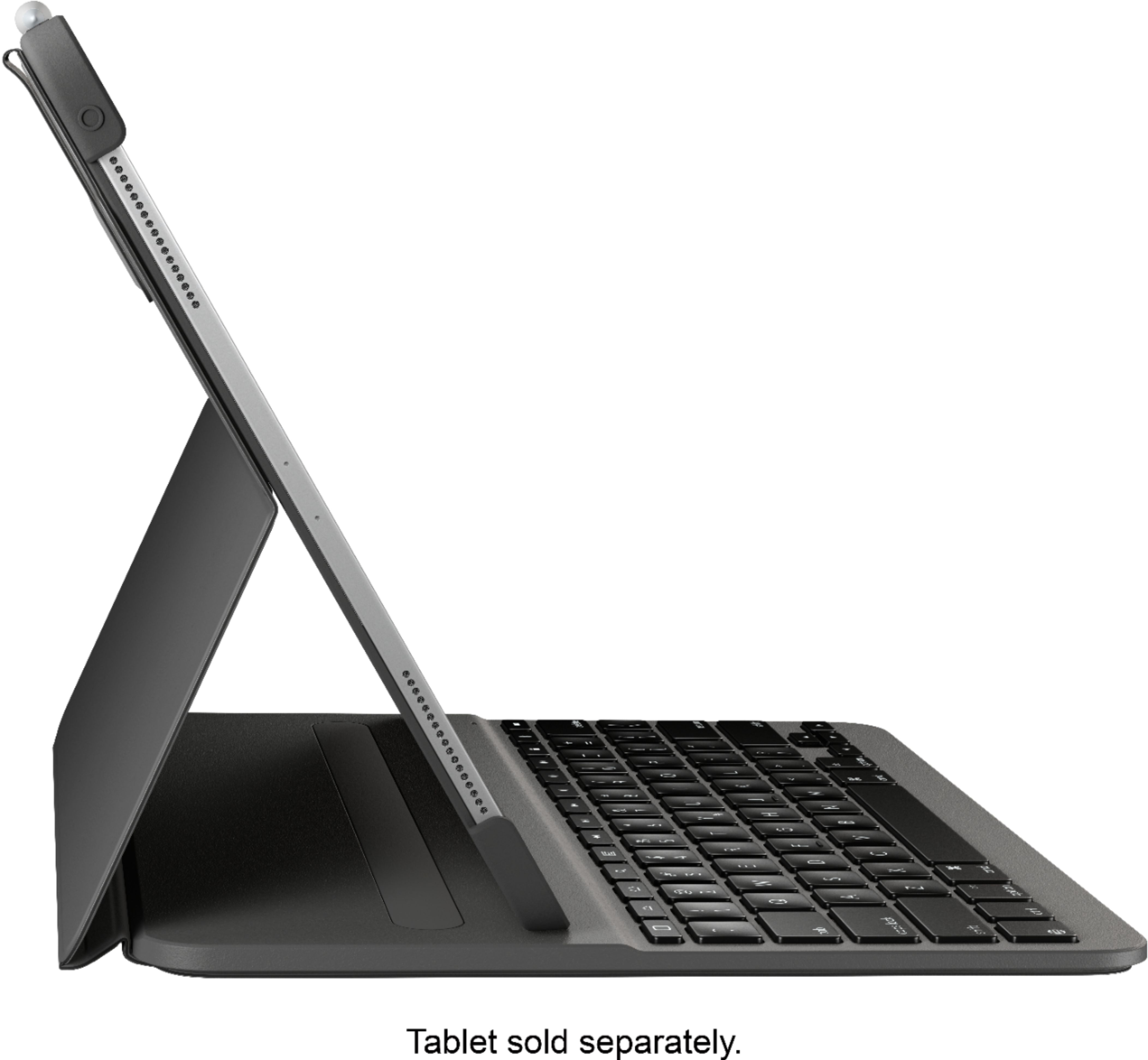
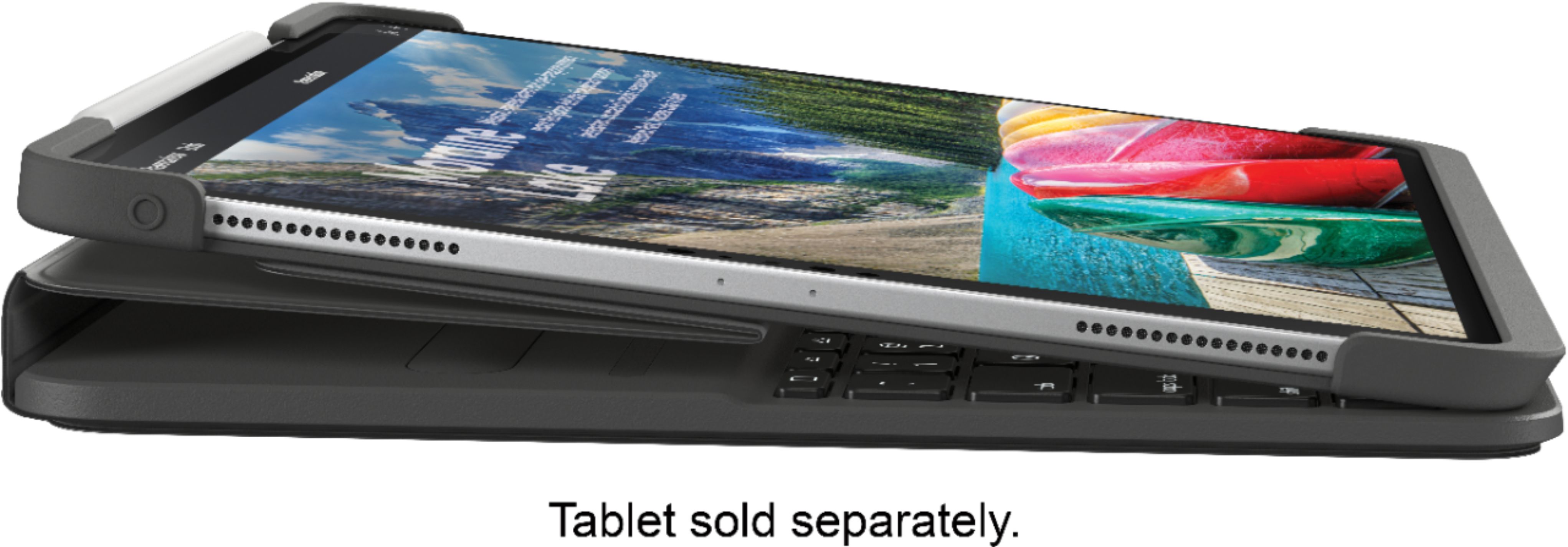
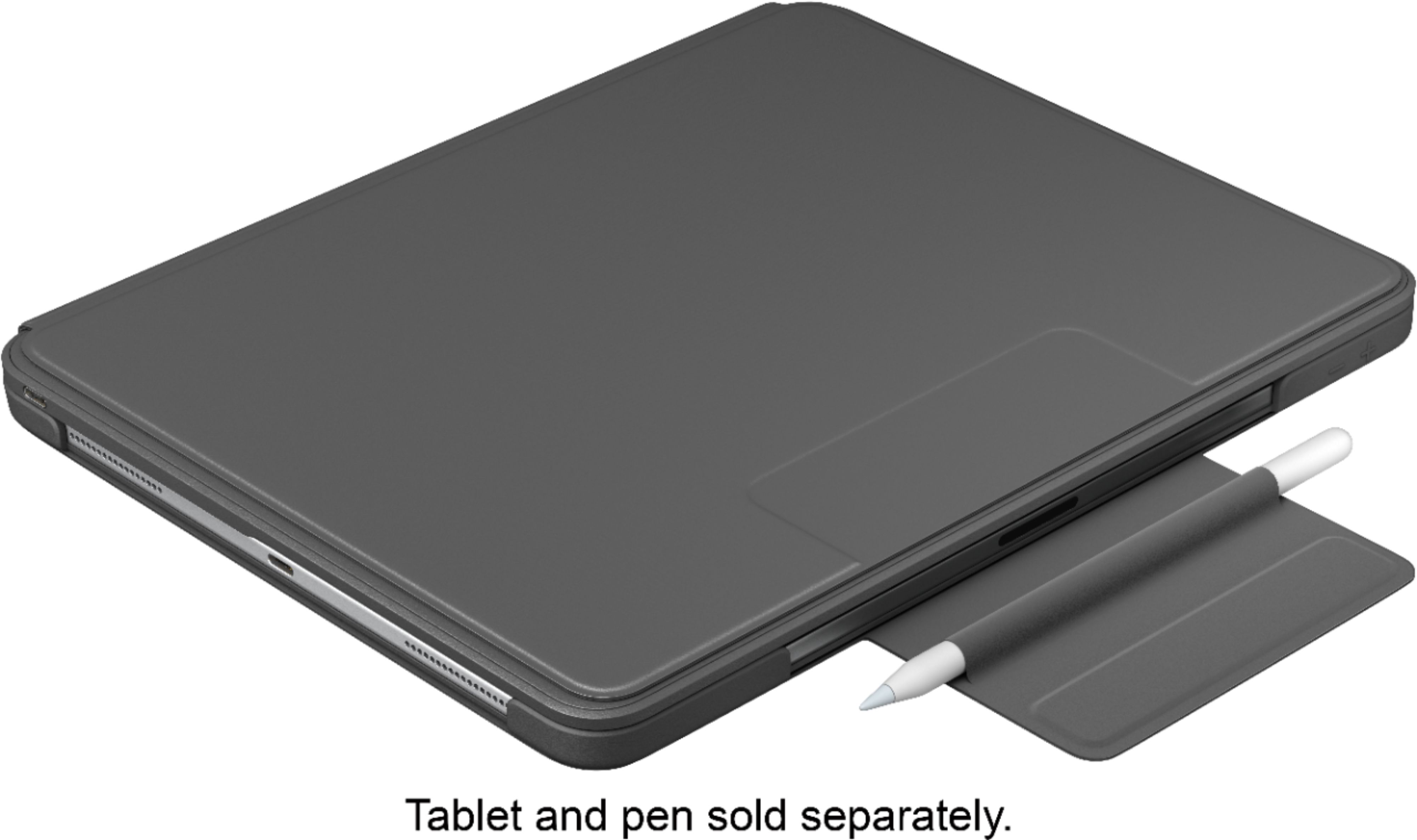
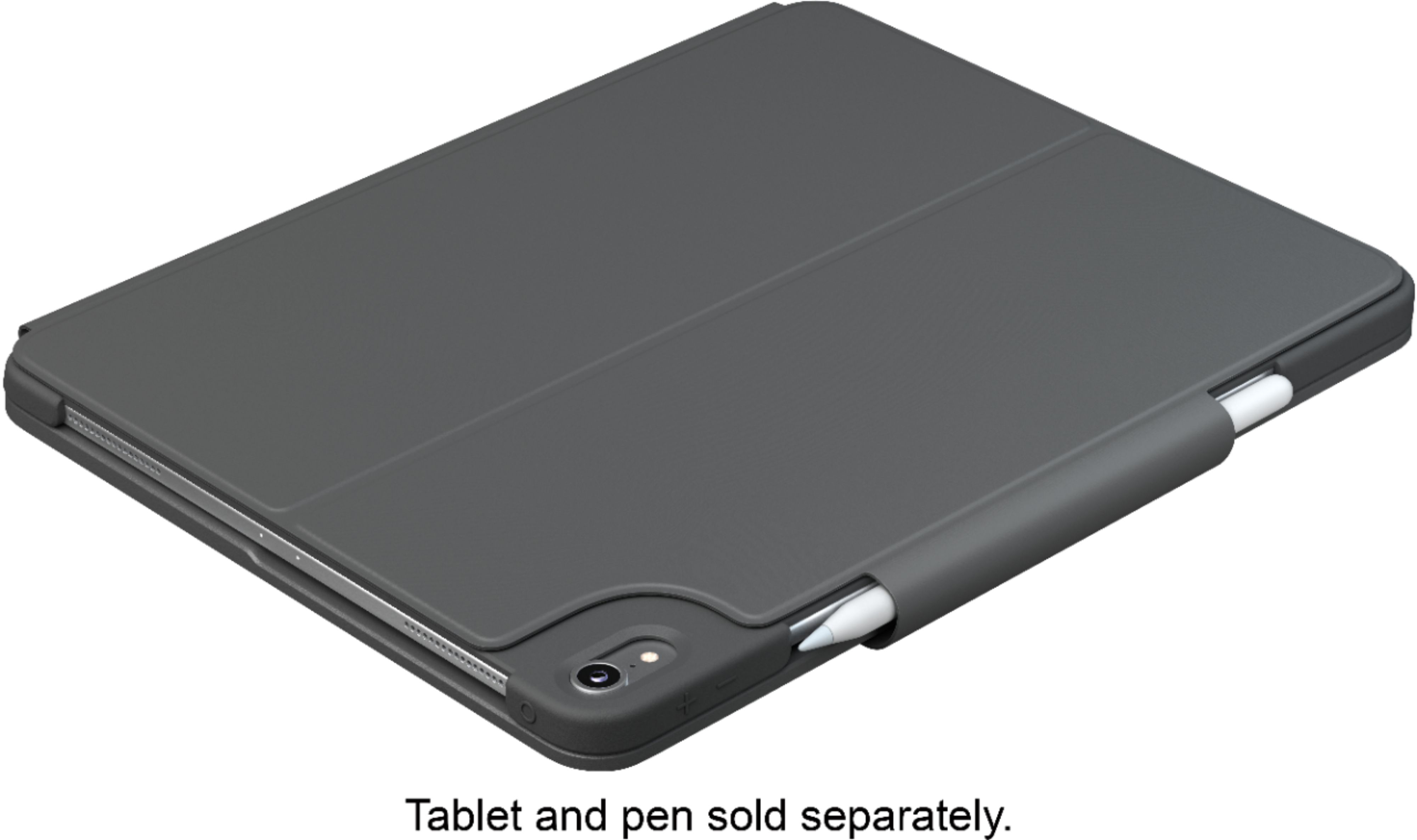
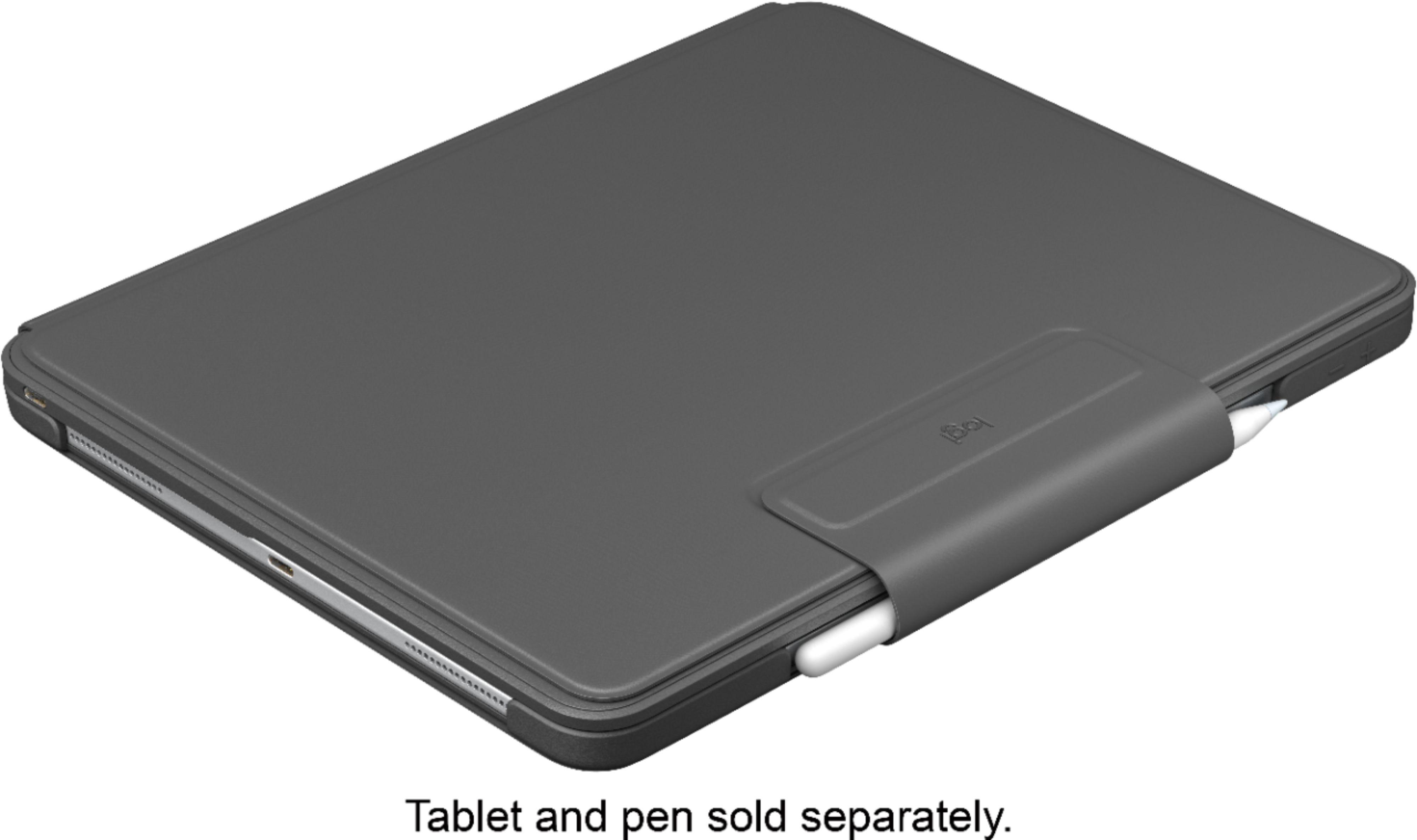
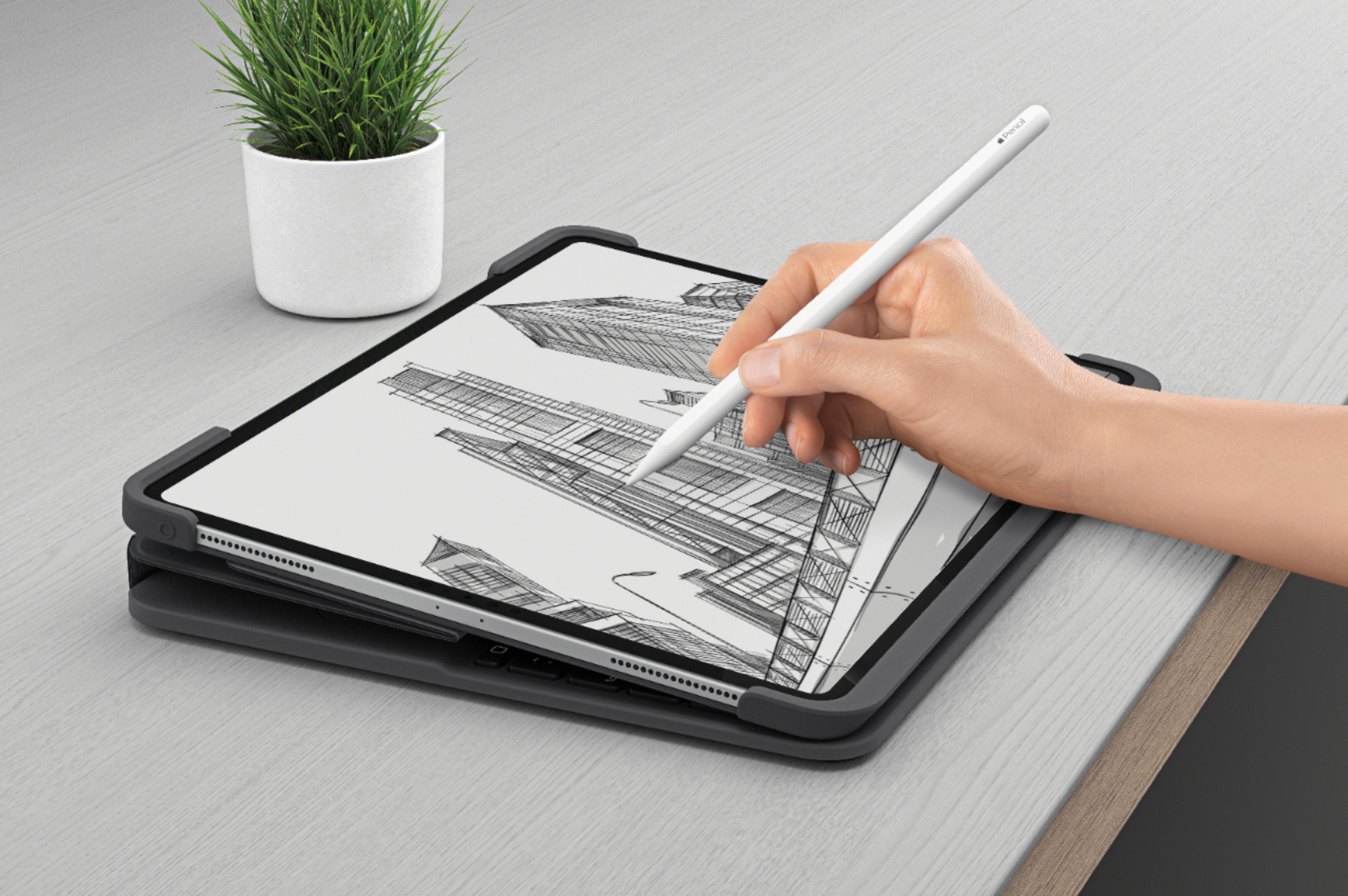

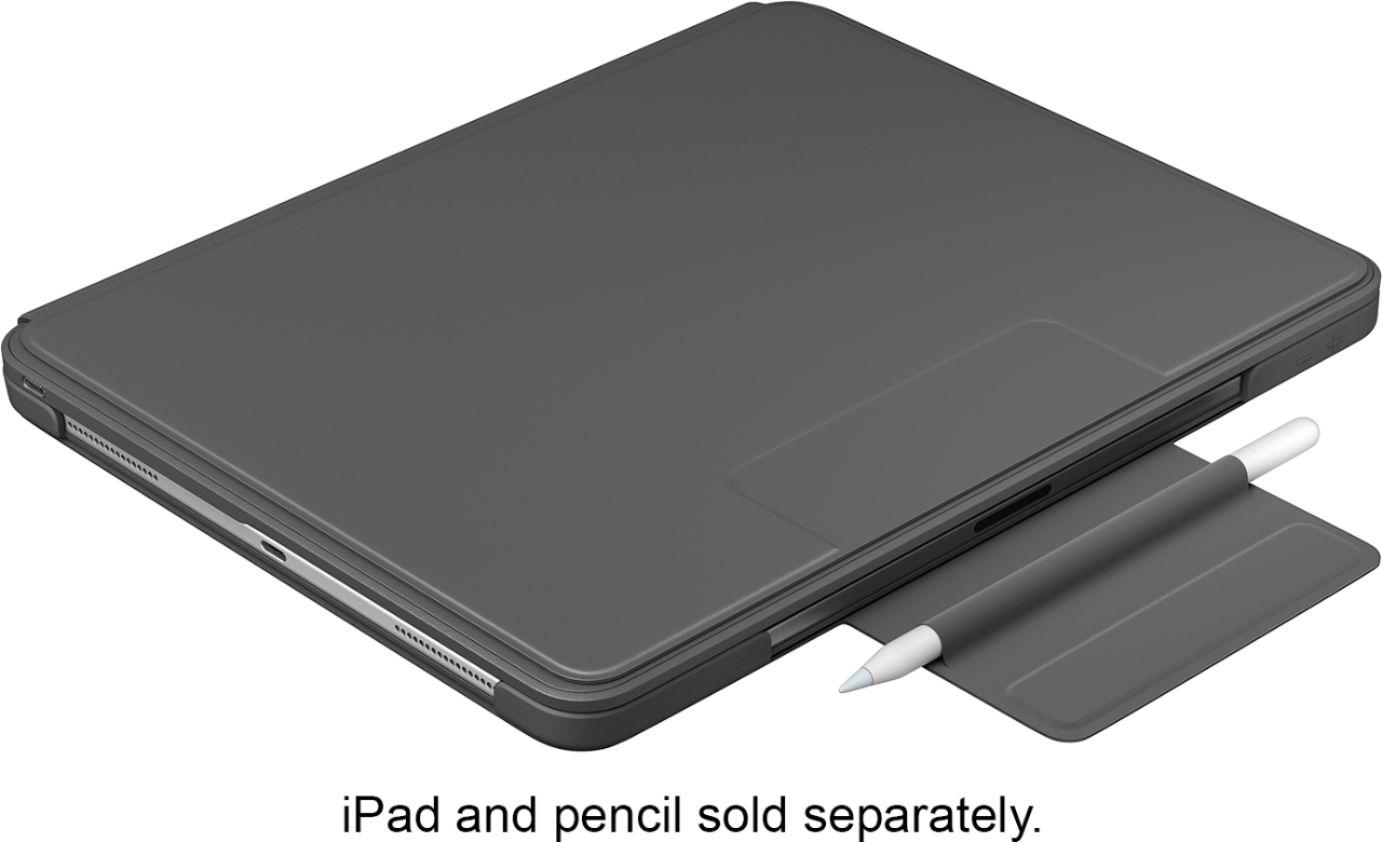
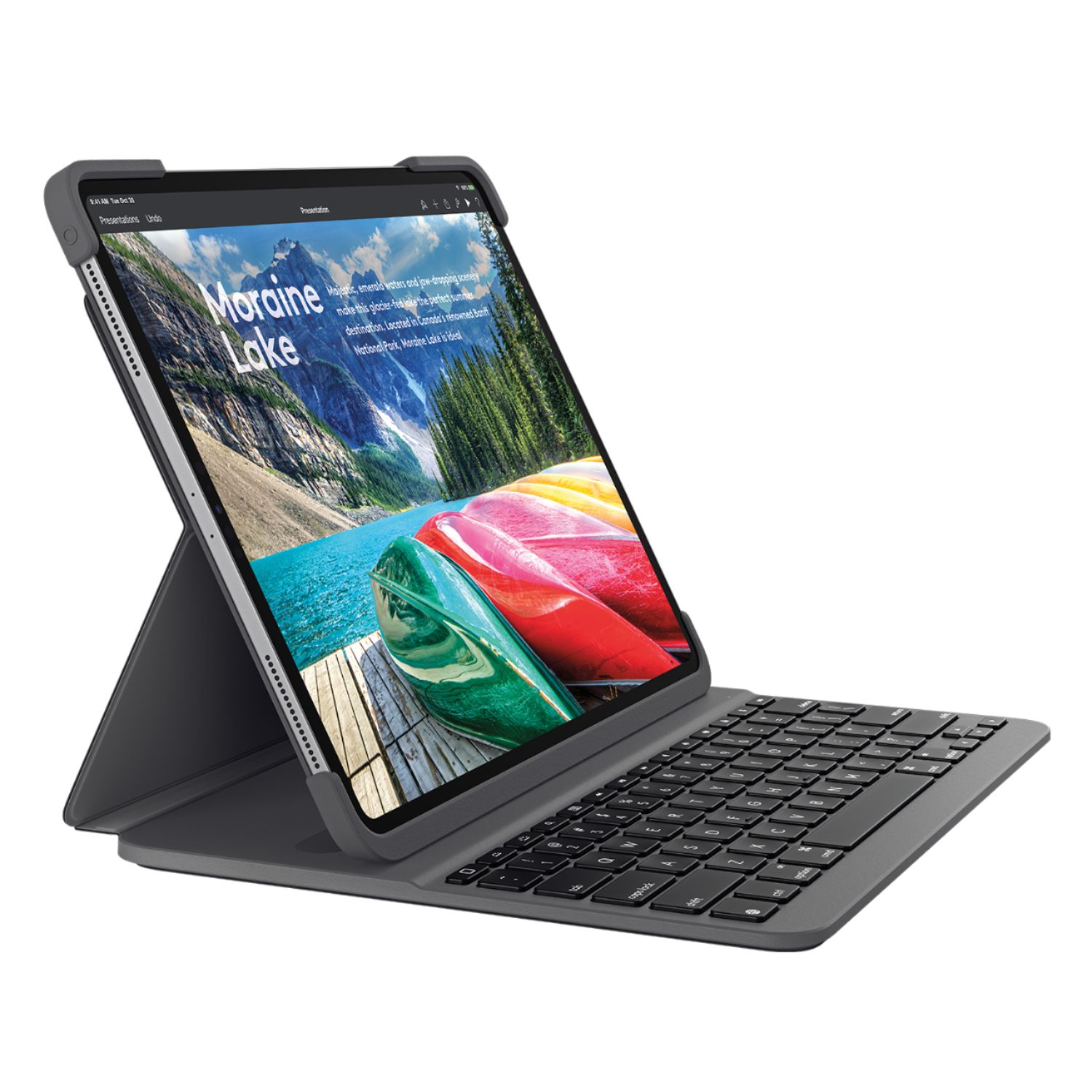
A:AnswerHello, the Slim Folio Pro Keyboard uses a USB-C charging cable. You can use your iPad Pro's charging cable or buy another USB-C cable to use with it.
A:AnswerThis is the only version of this keyboard available at bestbuy.com. You may be able to use your device software to use Russian letters in the program.
A:AnswerYou should be able to plug the Logitech Slim Folio case into a power outlet, in order to charge the case's internal battery with the included cable. Once charged, connect to your iPad and flip the power switch on the keyboard case. Connect your iPad to the keyboard case with Bluetooth. The case has a rechargeable battery that lasts up to three months on a single charge (based on two-hour daily use).