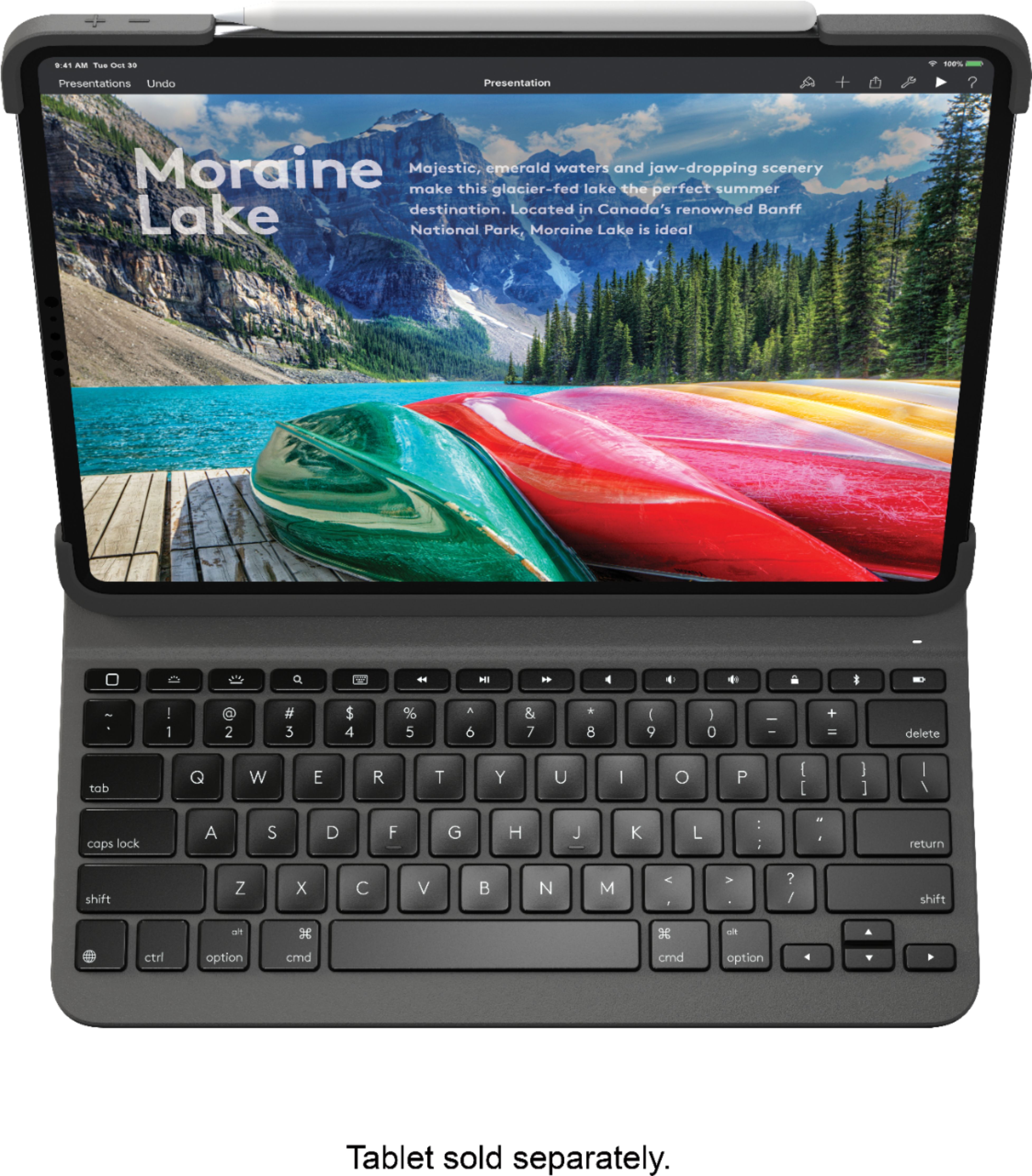
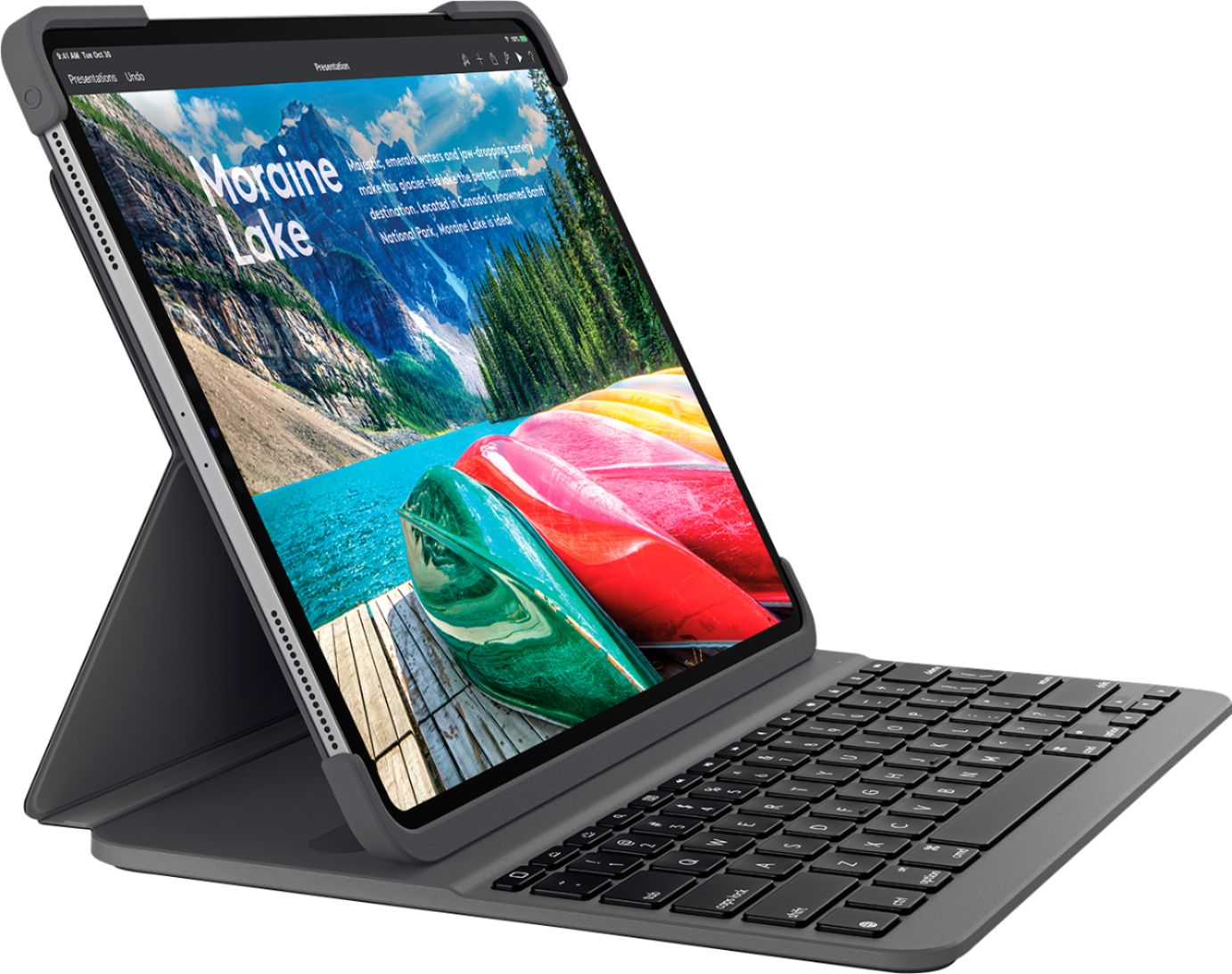
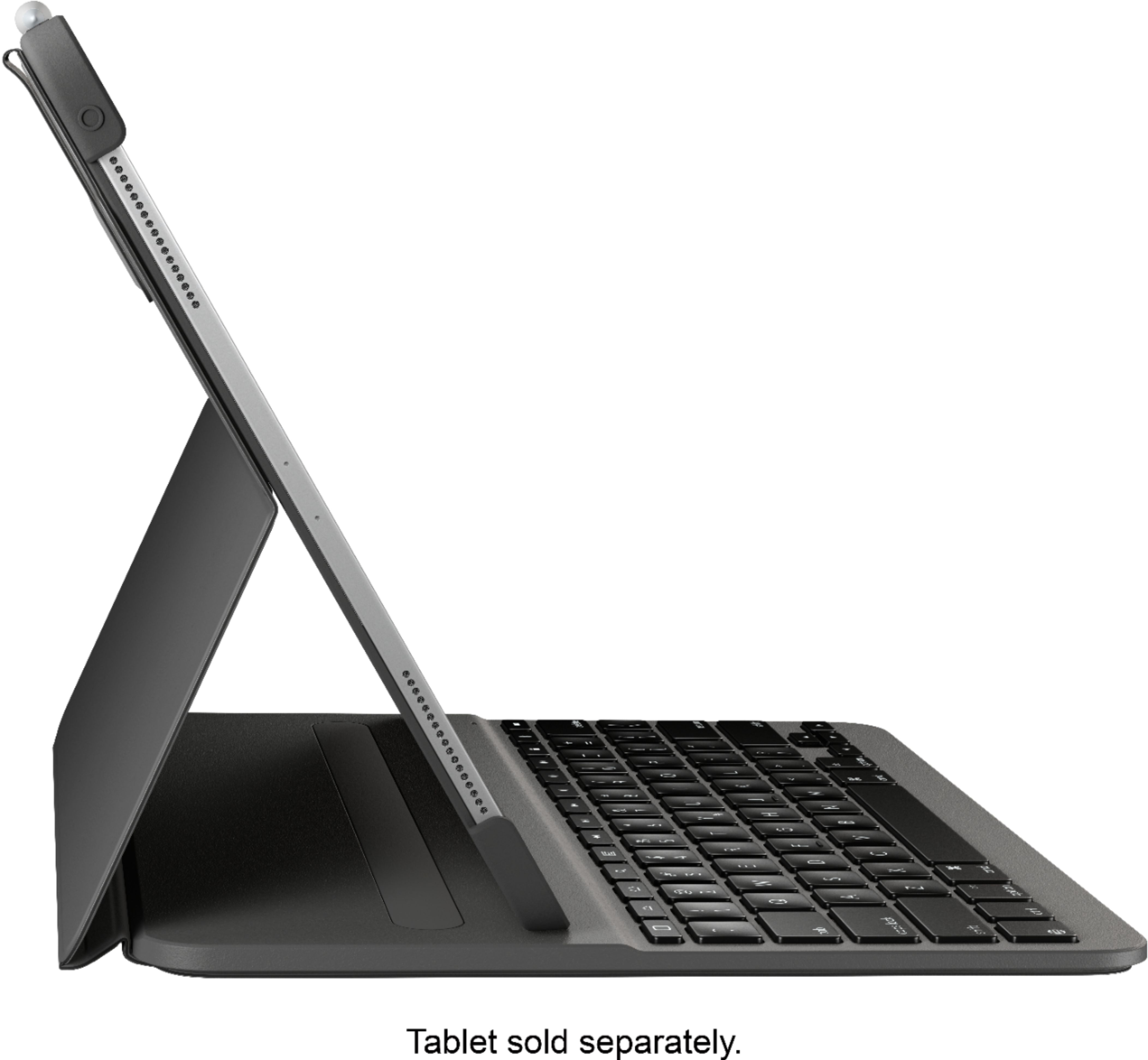
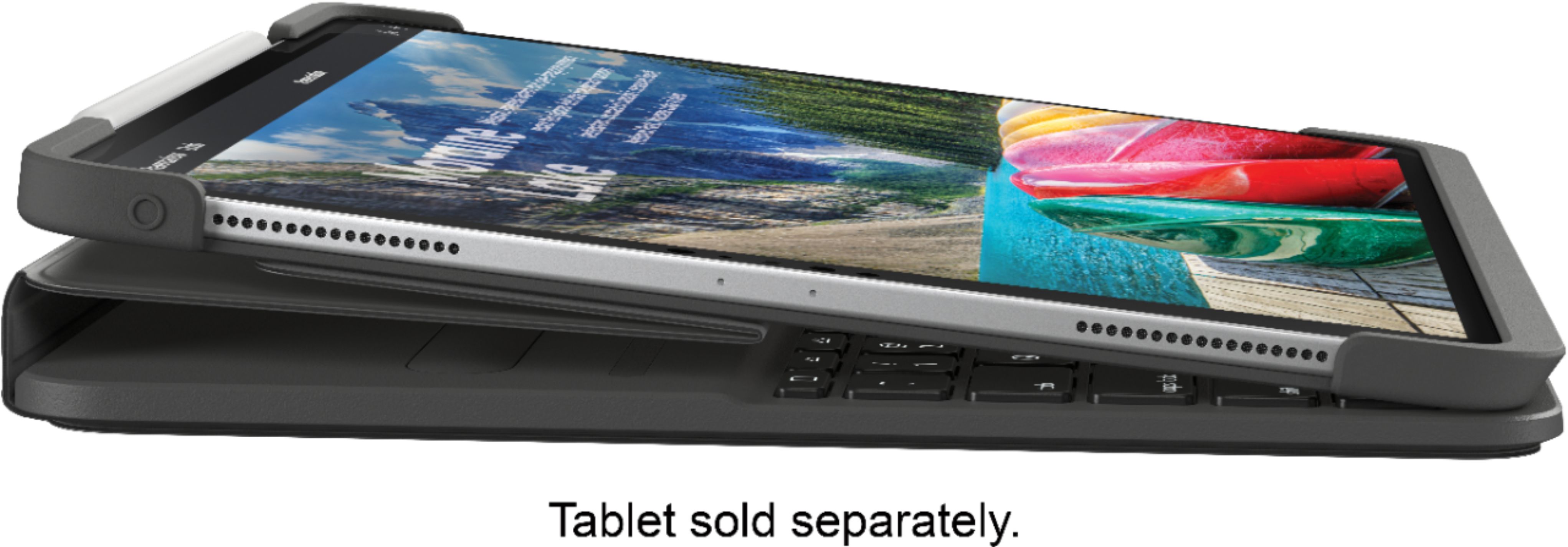

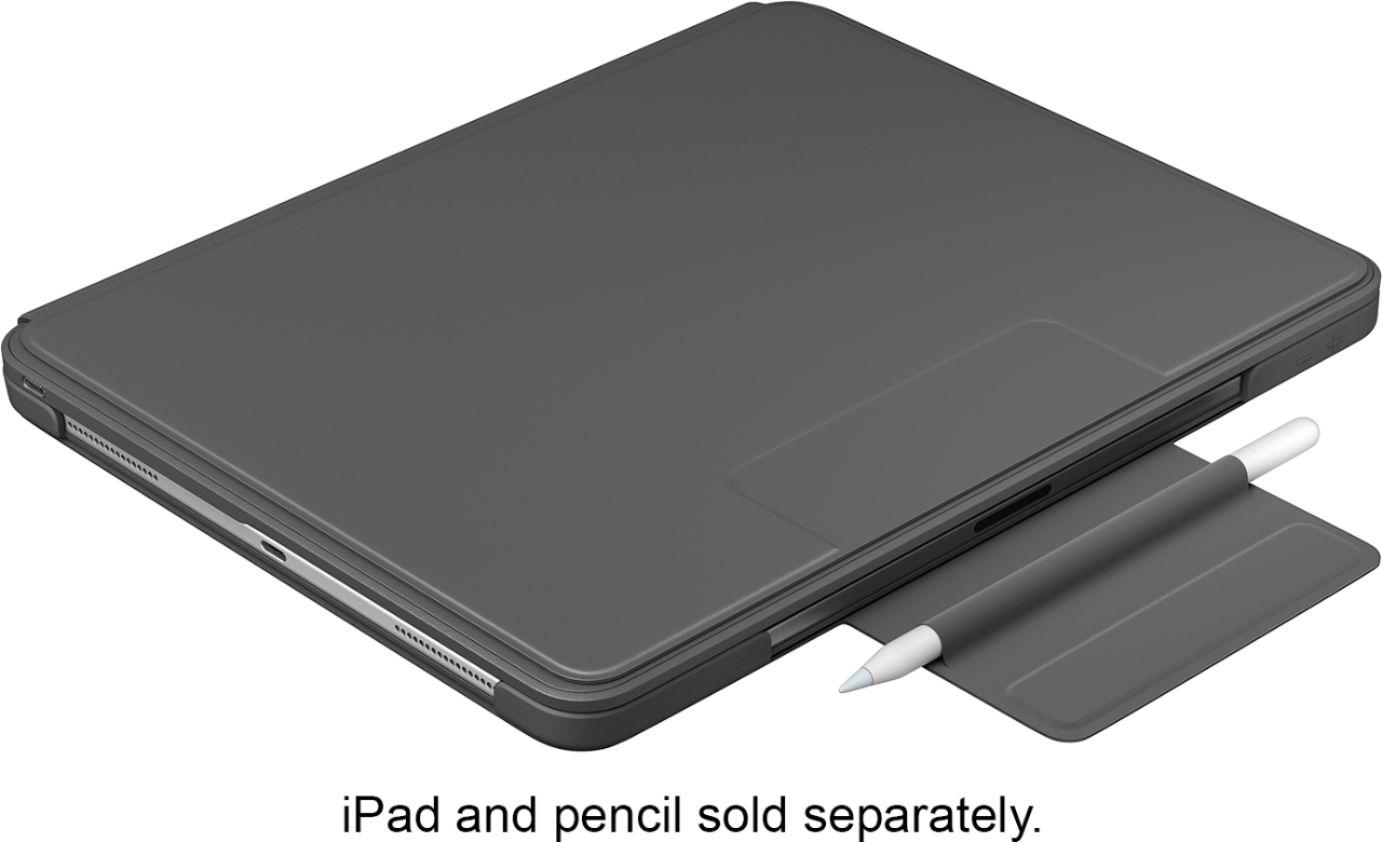
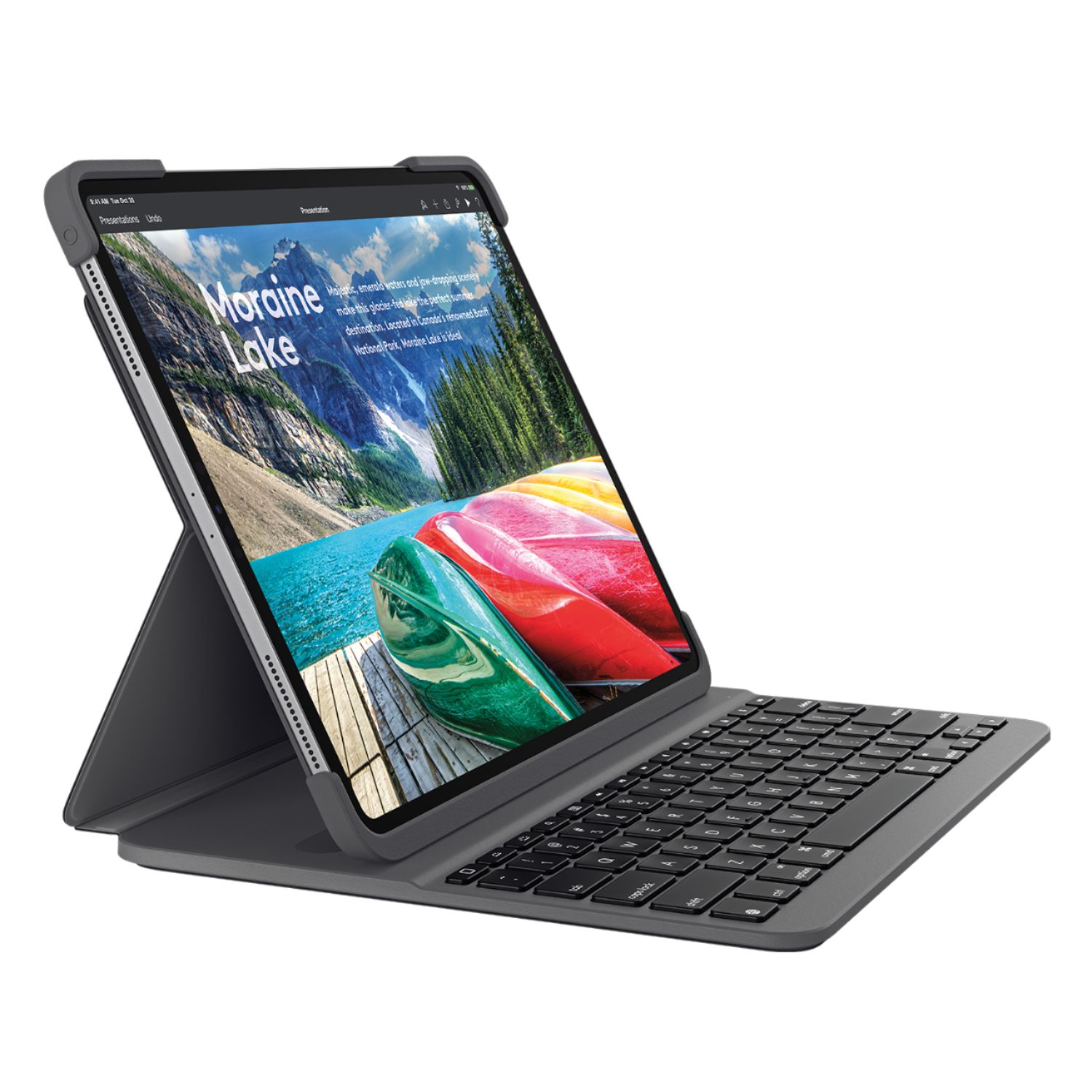
A:AnswerYes, the keyboard needs to be plugged in to charge. It does not charge through the iPad, but does use the same USB-C connector that comes with your iPad Pro
A:AnswerTry removing the keyboard from your Bluetooth connections in your iPad Pro settings. Then press and hold the Bluetooth key on the top row of the keyboard for 2 seconds till you see a flashing white light, indicating it is back in pairing mode. Reconnect your iPad Pro to the keyboard that should resolve the issue. Page 4 of the startup guide will also walk you through this https://www.logitech.com/assets/65702/slim-folio-pro-qsgs.pdf