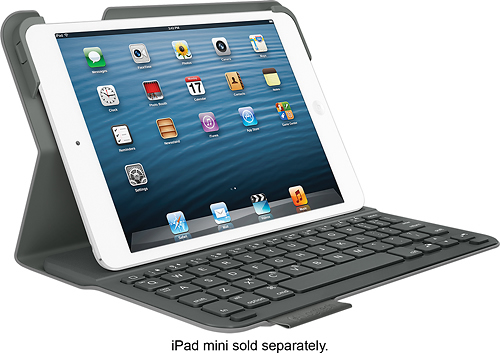
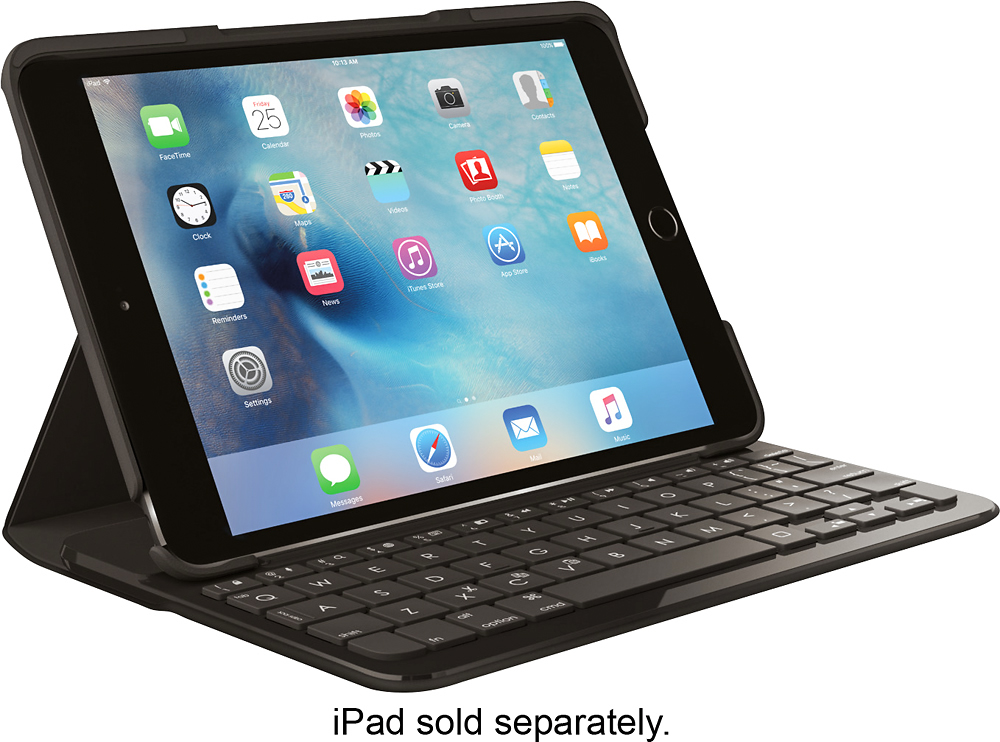
A:AnswerThe keyboard and iPad both need to be charged. The keyboard lasts for weeks or months while the iPad needs to be charged every couple days in my experience. They each have their own battery so each one needs to be charged. There is no power shared between the two devices.
A:AnswerI think there's some pretty good free language apps where you can easily switch back and forth between different languages, I got one so my Thai wife could type in her language.
A:AnswerI’m not really sure ipads have wireless mouse compatibility but the touchscreen still works while in the folio. So it still functions as a regular iPad but instead of pressing the digital keys on the device you can use they keyboard. So if there is a wireless mouse for an iPad it pretty much wether you’d want to spend the extra money or not.
A:AnswerI don't know if you figured it out yet but it doesn't auto connect the first time, you have to manually setup via blue tooth settings and then it should stay connected whenever you turn both devices on.
A:AnswerI've noticed the battery life is very good. I can use it for a few hours store it and come back and use it a few more. It's actually quite good especially if you store it for a week or so before using it after the last charge.
A:AnswerNo but there are other keyboards for the Mini 4 at Best Buy. I believe the mini 4 is a slightly different size so the case wouldn't fit for the mini 4.