


Main Content

Questions & Answers

$119.99
Page Showing 1-8 of 8 questions
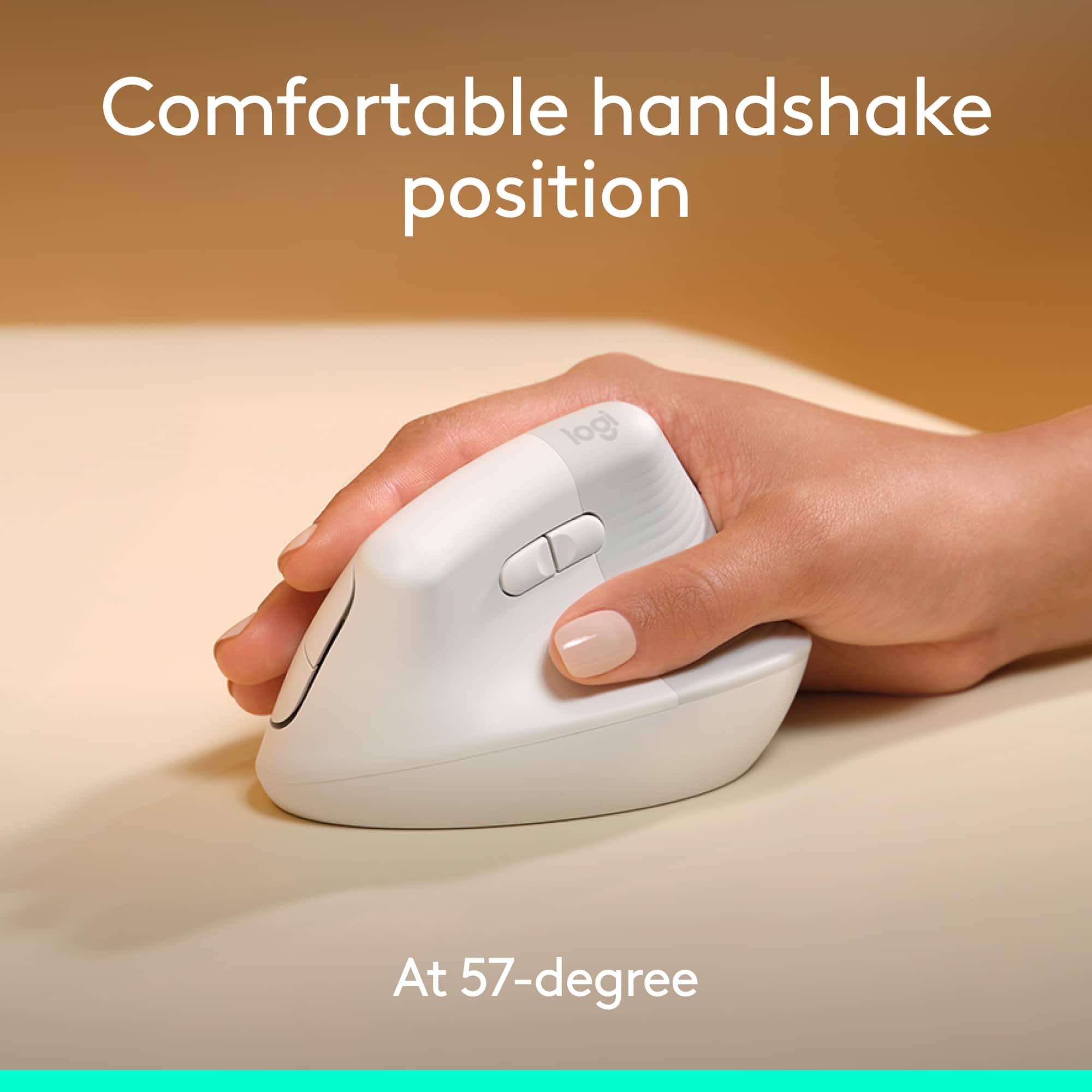
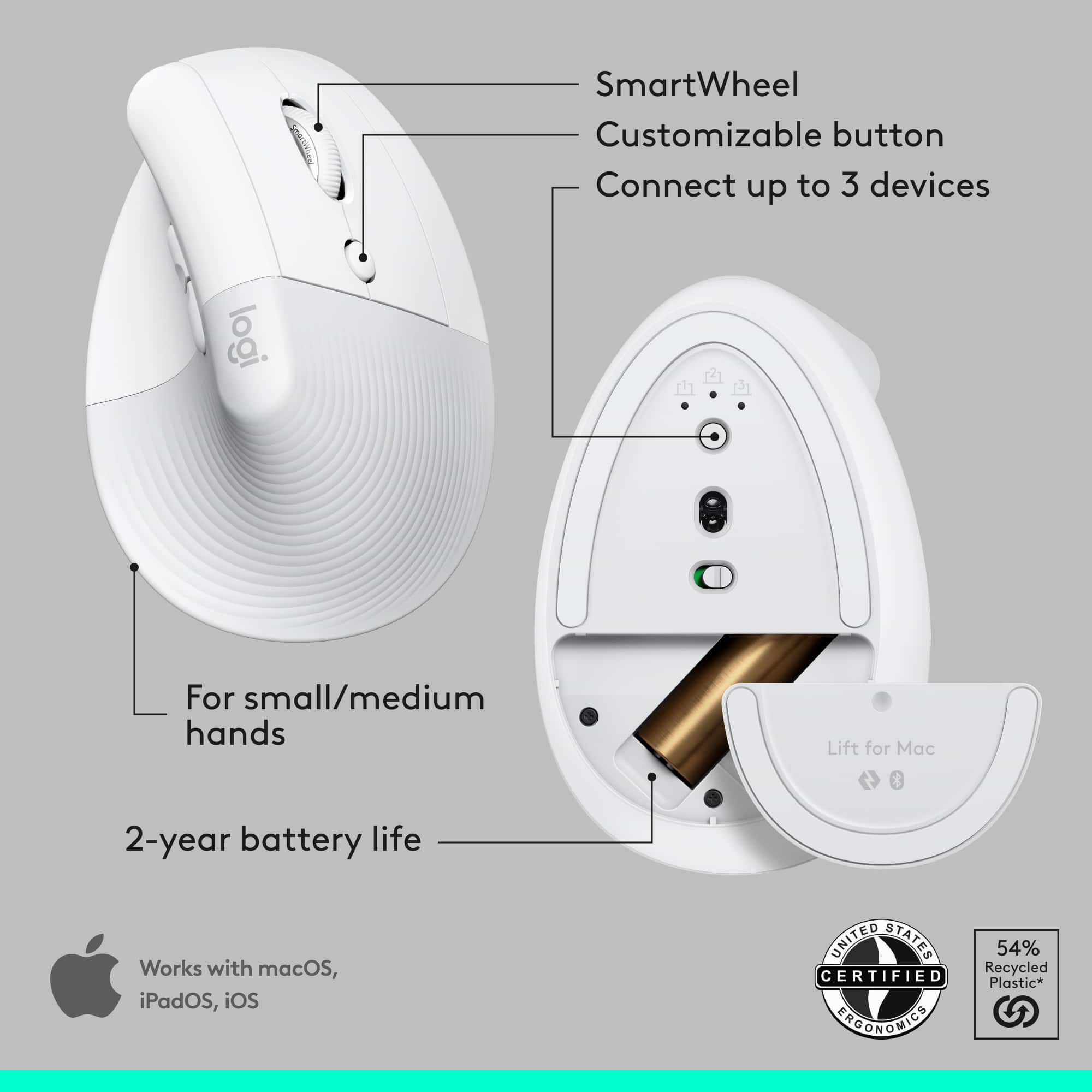
  • QuestionIs this mouse designed for right-handed users?

    • Answer Yes, this mouse is designed for right-handed users.
    This question and answer was generated by AI based on customer and product data.
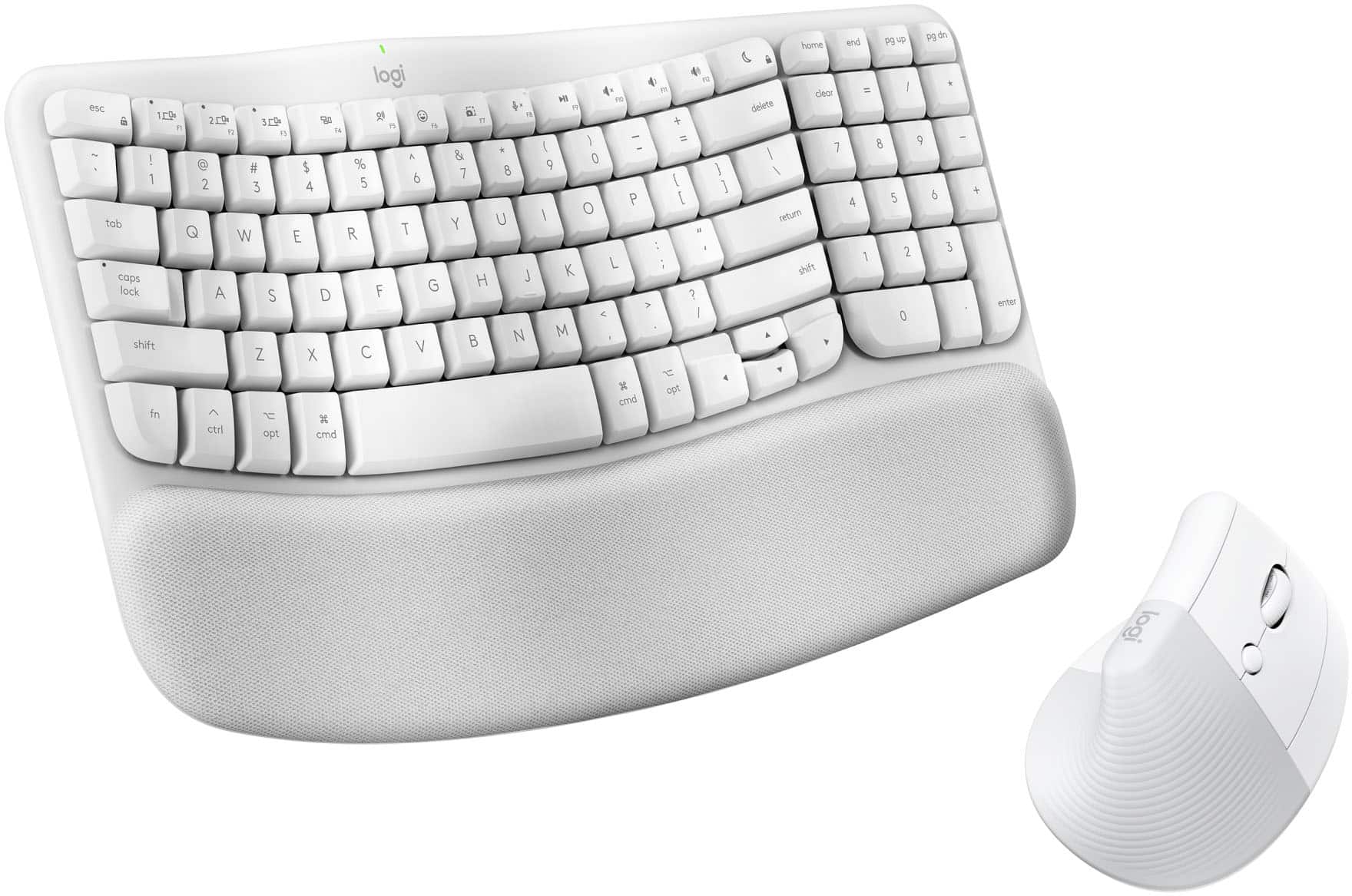
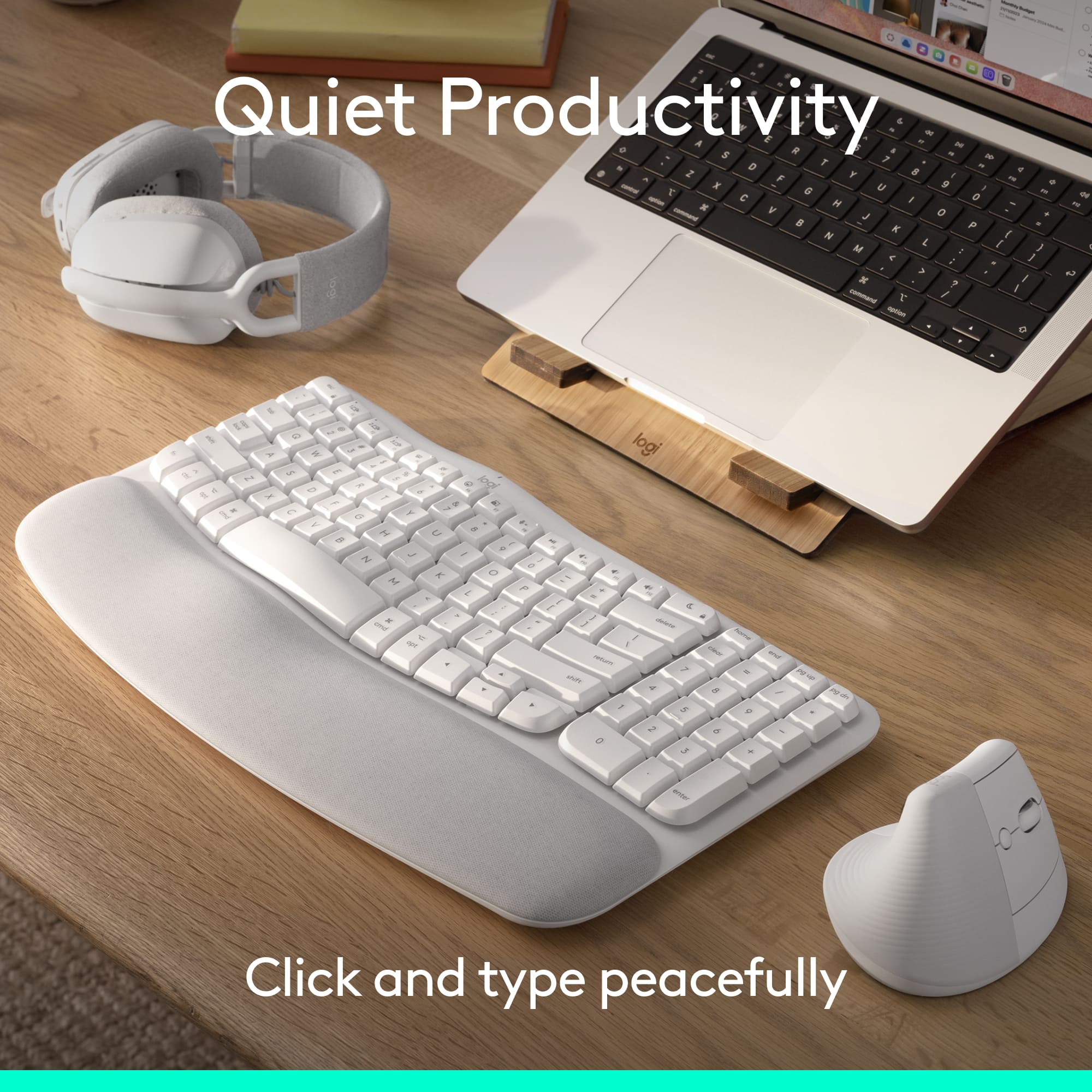
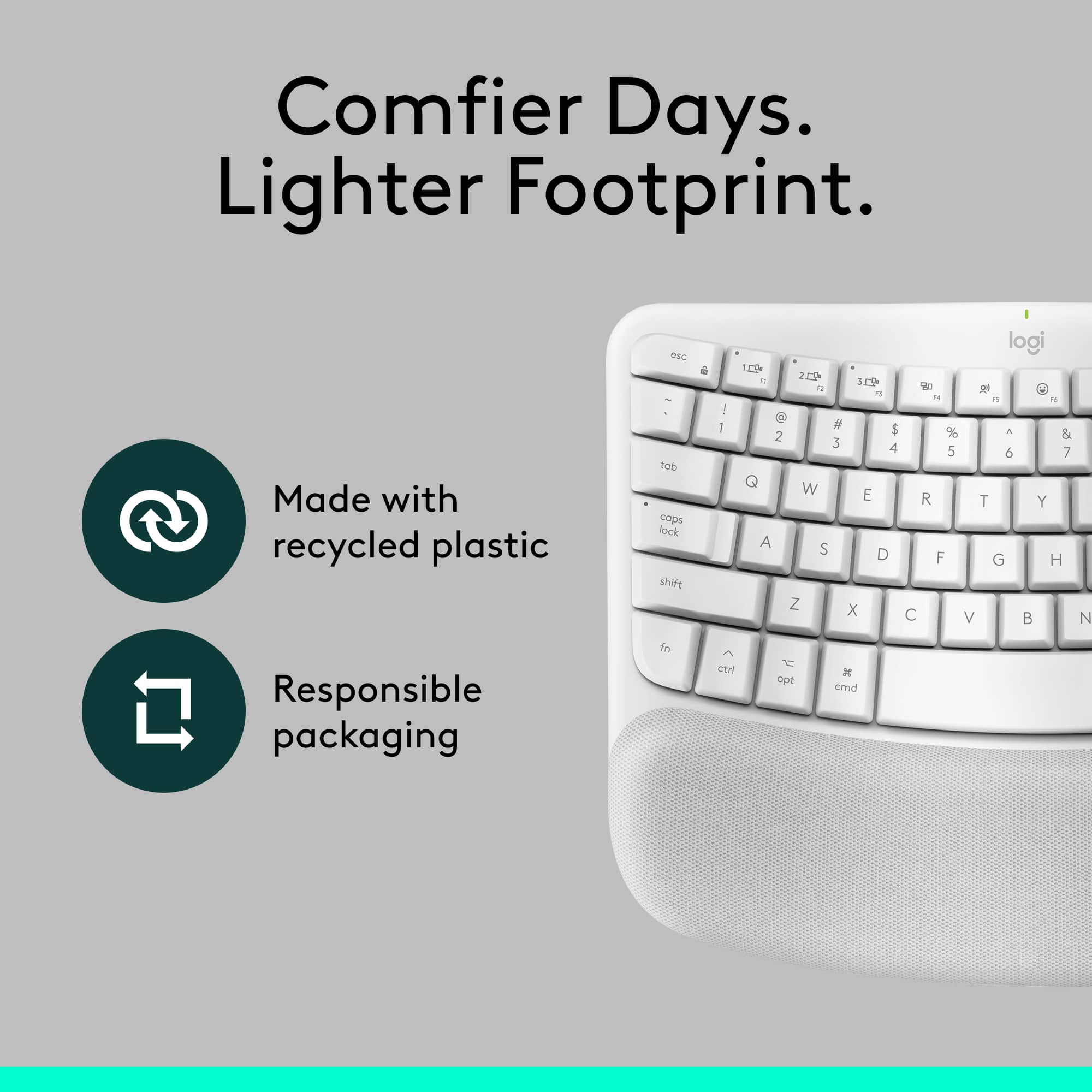
  • QuestionDoes this keyboard have multimedia keys?

    • Answer Yes, this keyboard has multimedia keys.
    This question and answer was generated by AI based on customer and product data.
  • QuestionAre batteries included with this product?

    • Answer Yes, batteries are included with this product.
    This question and answer was generated by AI based on customer and product data.
  • QuestionWhat is the maximum sensitivity of the mouse?

    • Answer The mouse has a maximum sensitivity of 4000 dots per inch.
    This question and answer was generated by AI based on customer and product data.
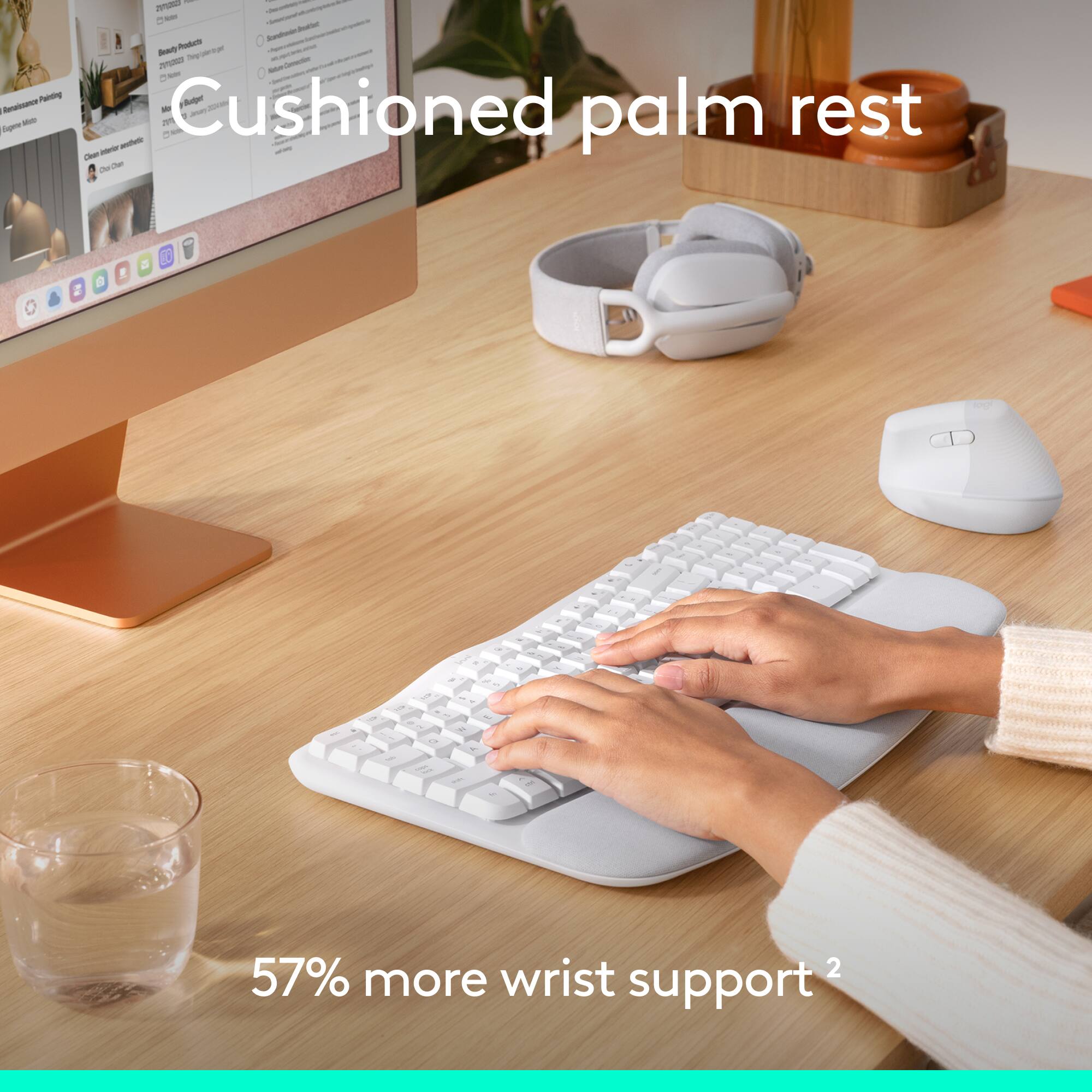
  • QuestionIs there a palm rest included with the keyboard?

    • Answer Yes, a palm rest is included with the keyboard.
    This question and answer was generated by AI based on customer and product data.
  • QuestionWhat kind of batteries does the keyboard use?

    • Answer The keyboard uses AAA alkaline batteries.
    This question and answer was generated by AI based on customer and product data.
  • QuestionHow many devices can be connected simultaneously?

    • Answer Three devices can be connected simultaneously to this keyboard and mouse combo.
    This question and answer was generated by AI based on customer and product data.
  • QuestionDoes this keyboard and mouse not work with a Dell laptop?

    Asked by Anonymous.

    • Answer It would work, but the keys are specialized for Mac, so it has a command key instead of a Windows key, and slightly different F-keys. The For Mac part simply means the keyboard and mouse use Bluetooth, so if you're looking to keep your USB port open, these would work great if you're also willing to sacrifice the Windows button—granted, I'm sure you could set up a keyboard shortcut for the command key to be a windows key.

      Answered by user231163