A:AnswerIn order to help you effectively, please provide your information to our support team via email at socialcare@logitech.com with your
- Name:
- Email Address:
- Country:
- Product Name:
- Brief description of issue:
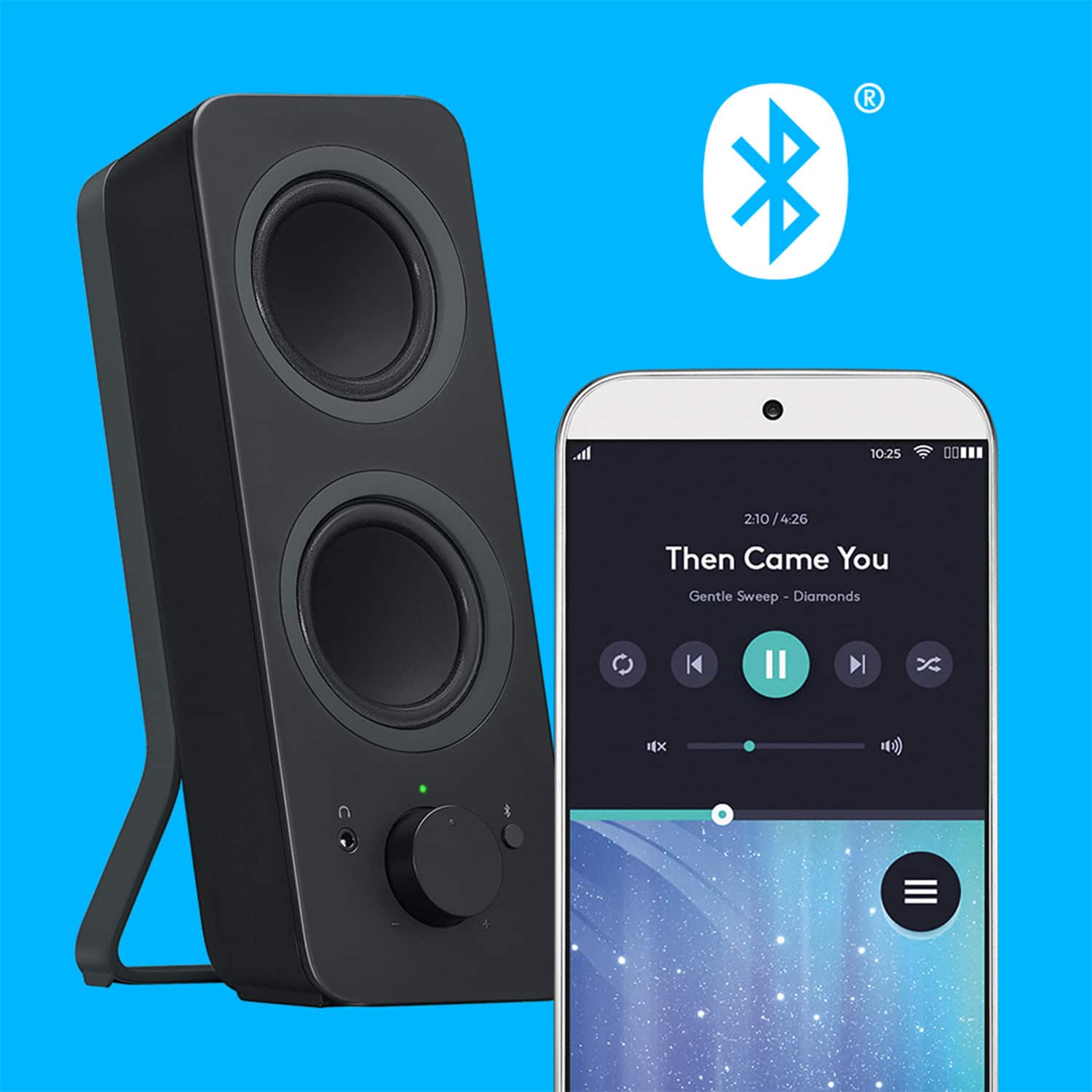
A:AnswerYes, the Logitech Z207 speakers can connect to an Xbox via Bluetooth. However, for wired connection, it would depend on the specific ports available on both the speakers and the Xbox.
A:AnswerUnfortunately, no. The Logitech Z207 speakers do not have a "party mode" or the ability to play the same music on two separate sets of speakers simultaneously from a single iPhone via Bluetooth.
A:AnswerYes, the Logitech Z207 speakers are compatible with the Samsung Odyssey G5 monitor. They can be connected to the monitor's 3.5mm audio input jack.
A:AnswerThe Z207's open design is for aesthetics and potentially better sound. However, it leaves them vulnerable to dust, spills, and pets. Consider regular cleaning and protective measures if you're concerned.
A:AnswerHey there! The Logitech Z207 speakers don't have a subwoofer. However, you can connect a subwoofer to any speaker as long as the amplifier can handle the combined impedance of both the subwoofer and speaker.
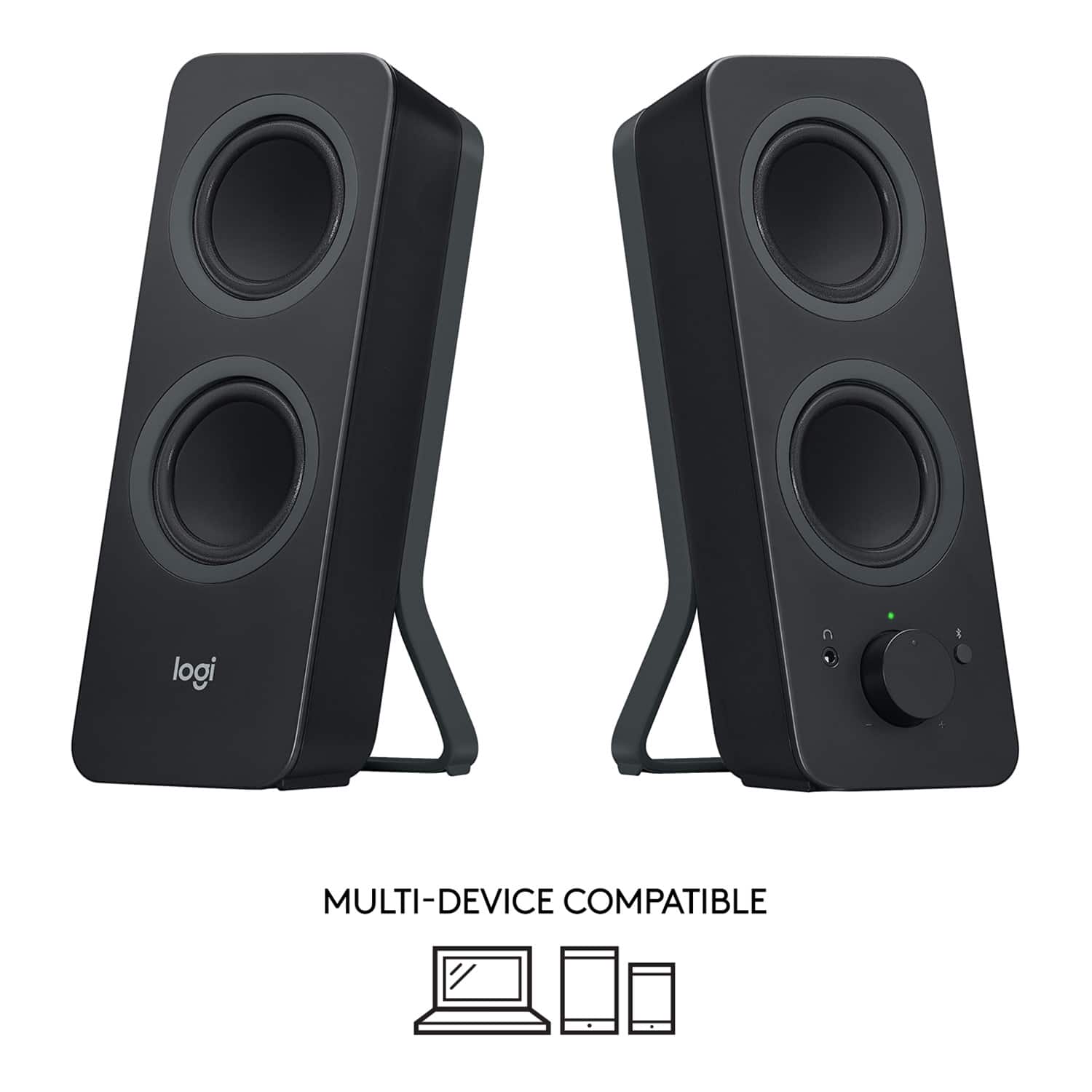
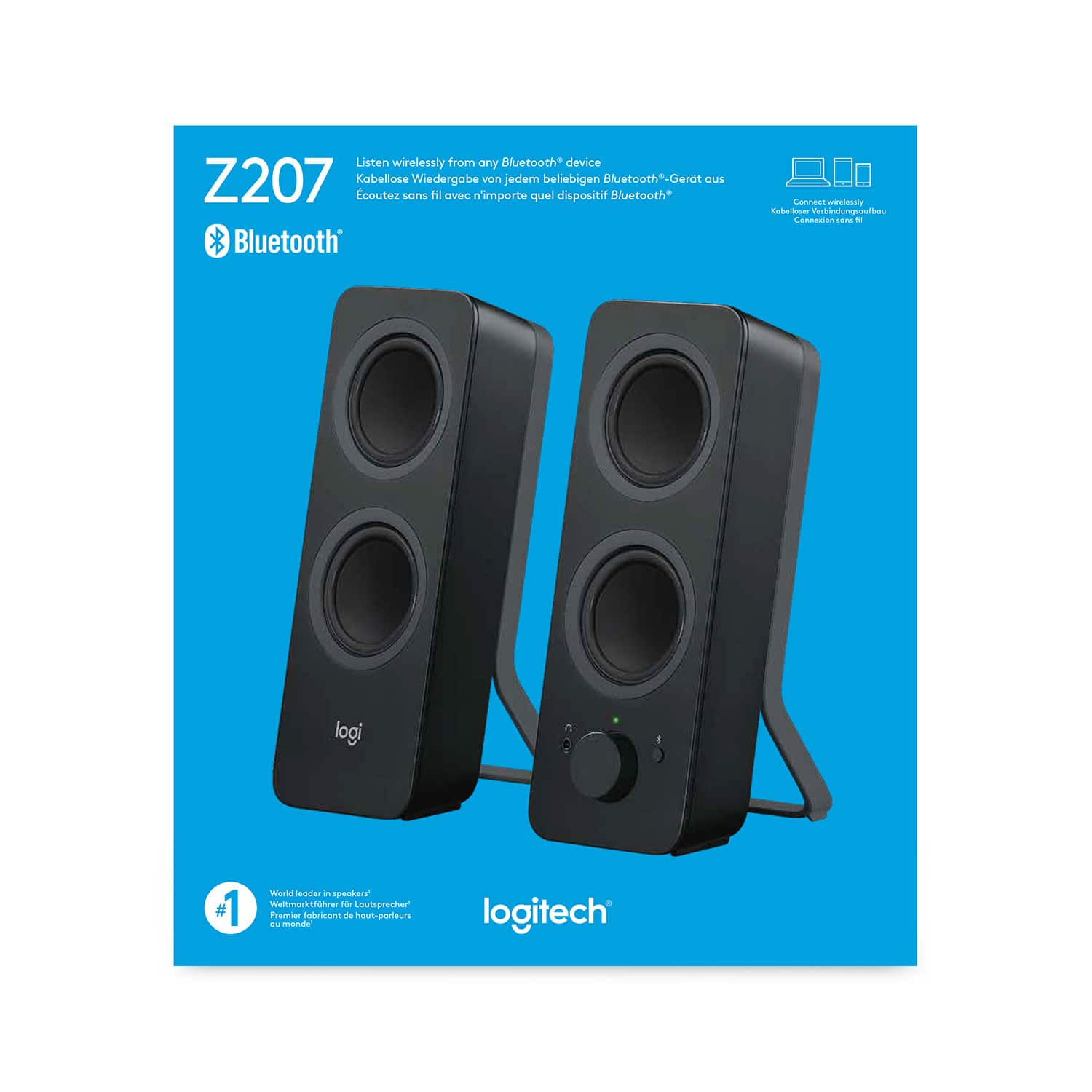
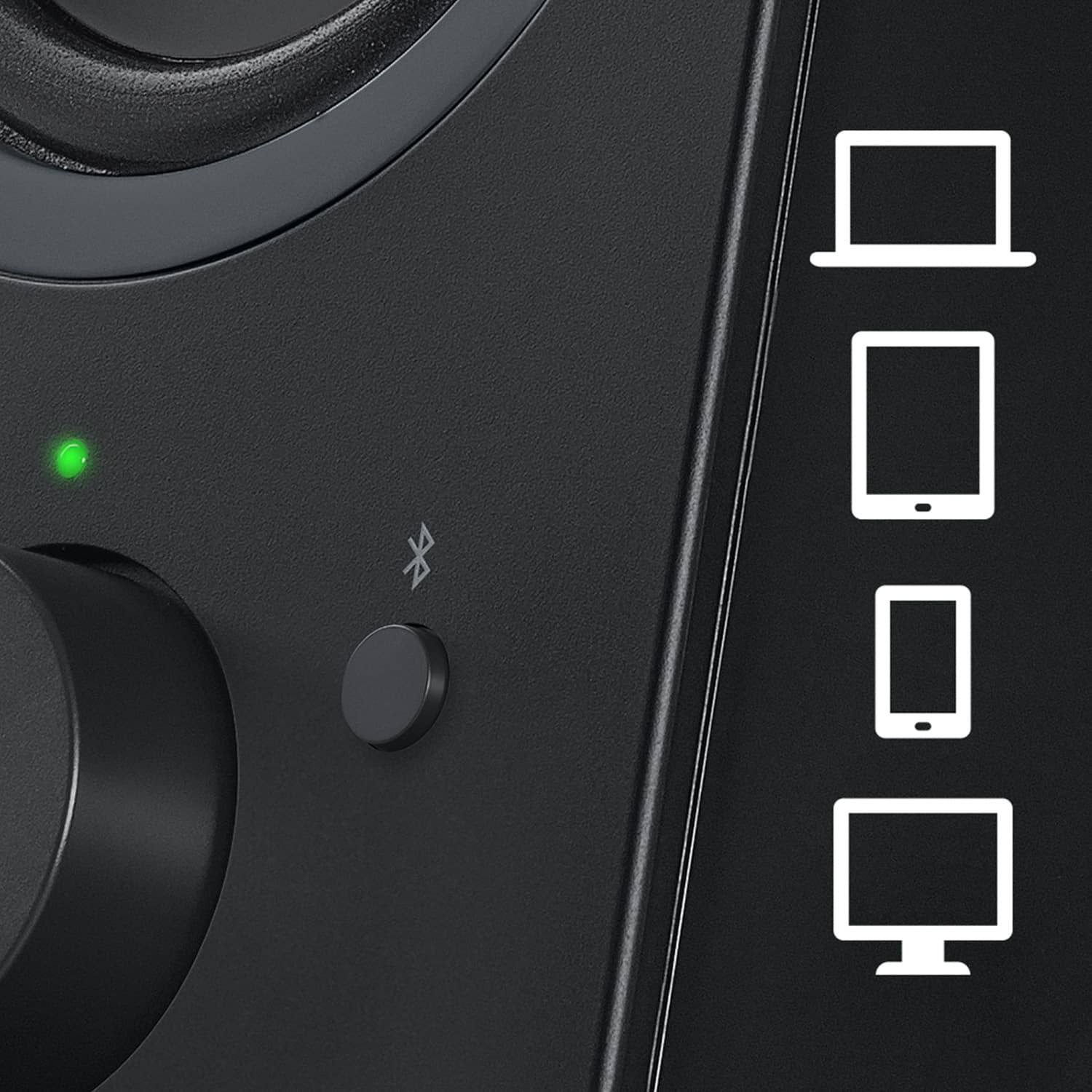
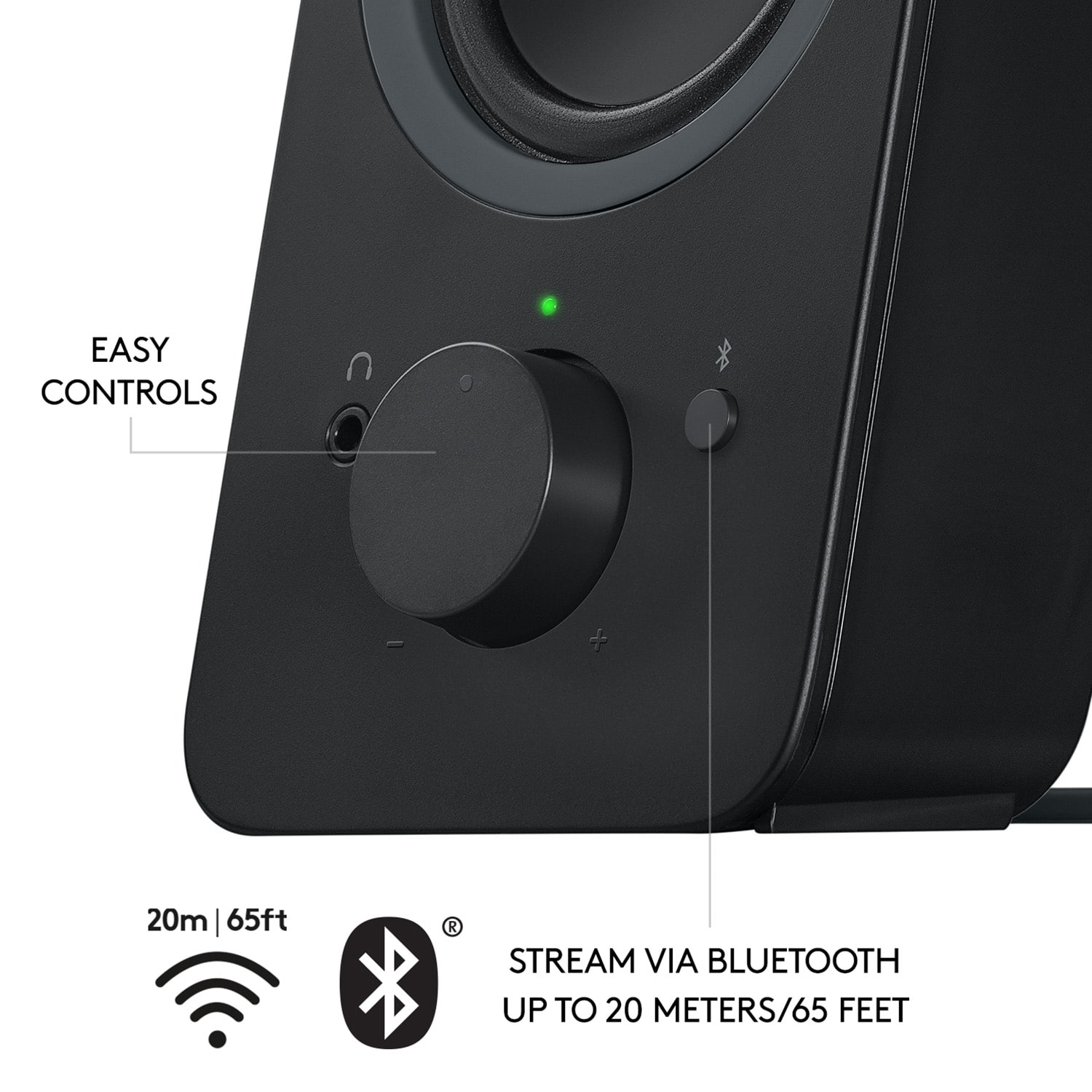
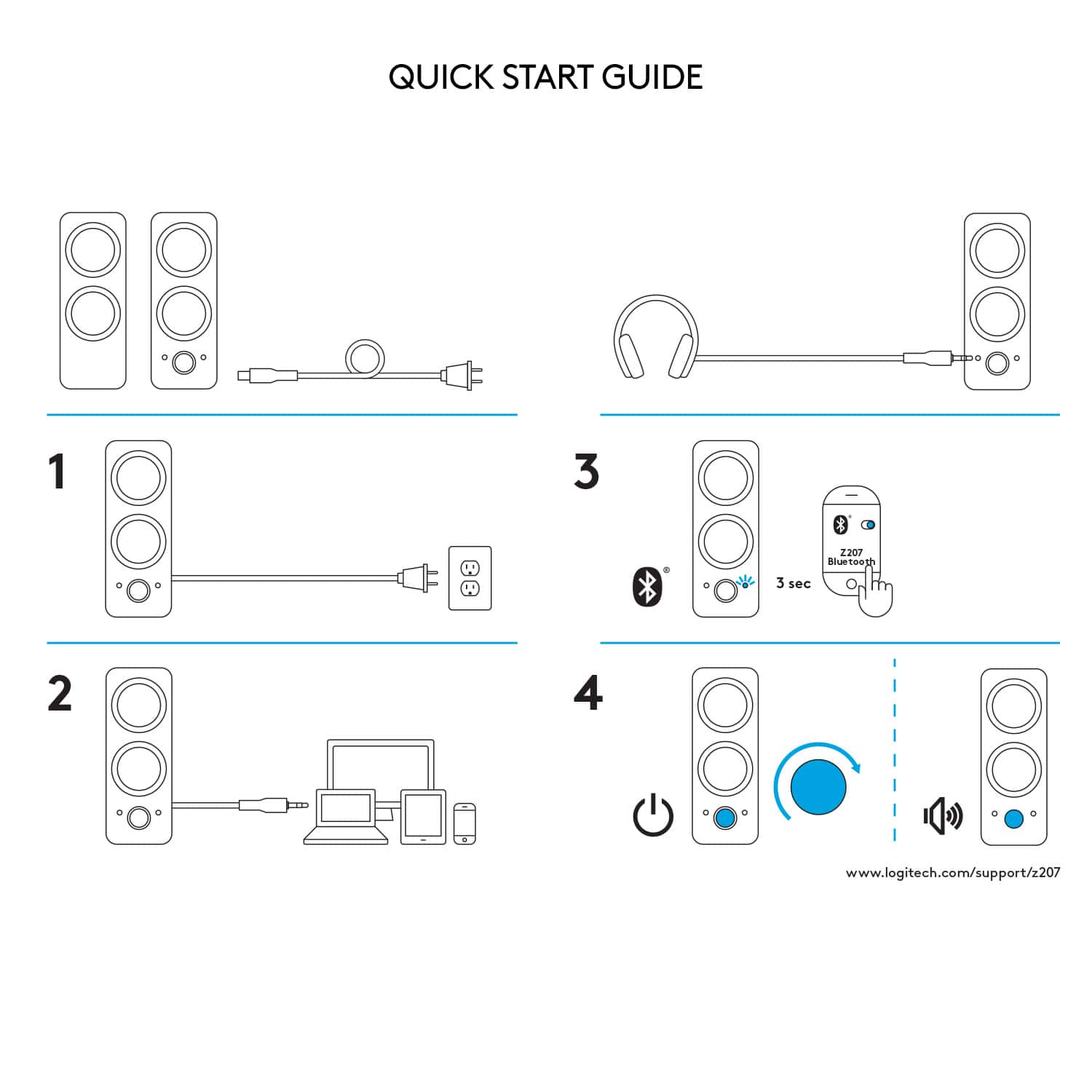
A:AnswerHey! The device works with Bluetooth enabled devices and any device with a 3.5 mm input including a television, computer, smartphone, tablet and music player.
A:AnswerHello there! Please note that the Z207 is not compatible with a monitor. It works with Bluetooth enabled devices and any device with a 0.14 in (3.5 mm) input including a television, computer, smartphone, tablet and music player.