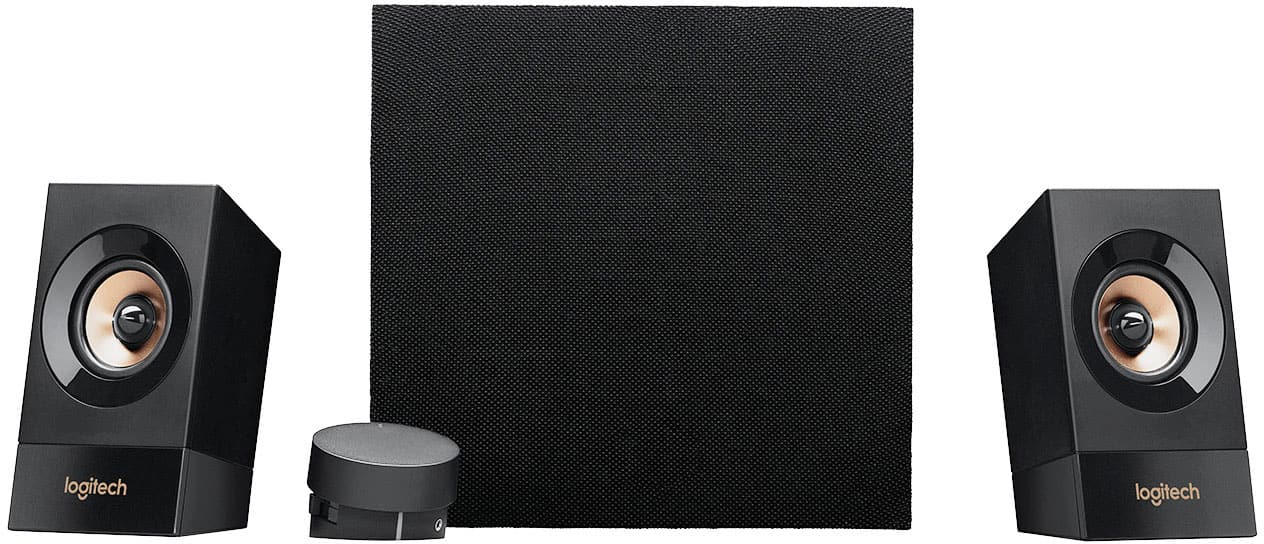
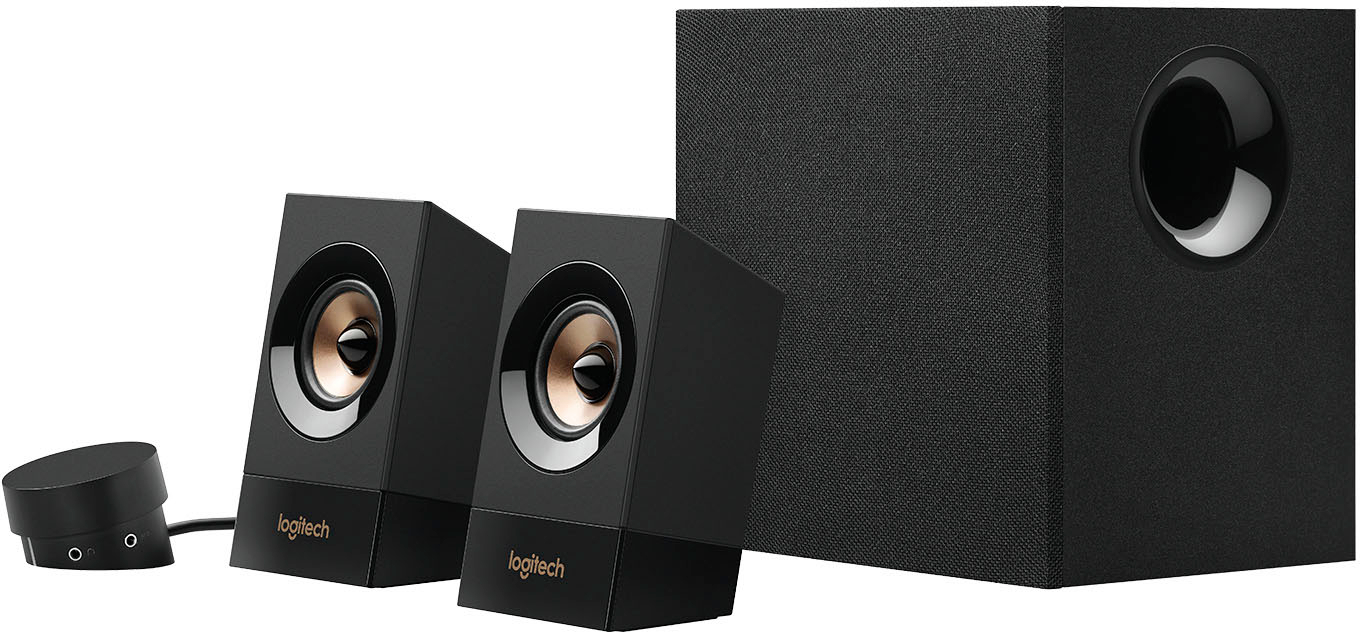
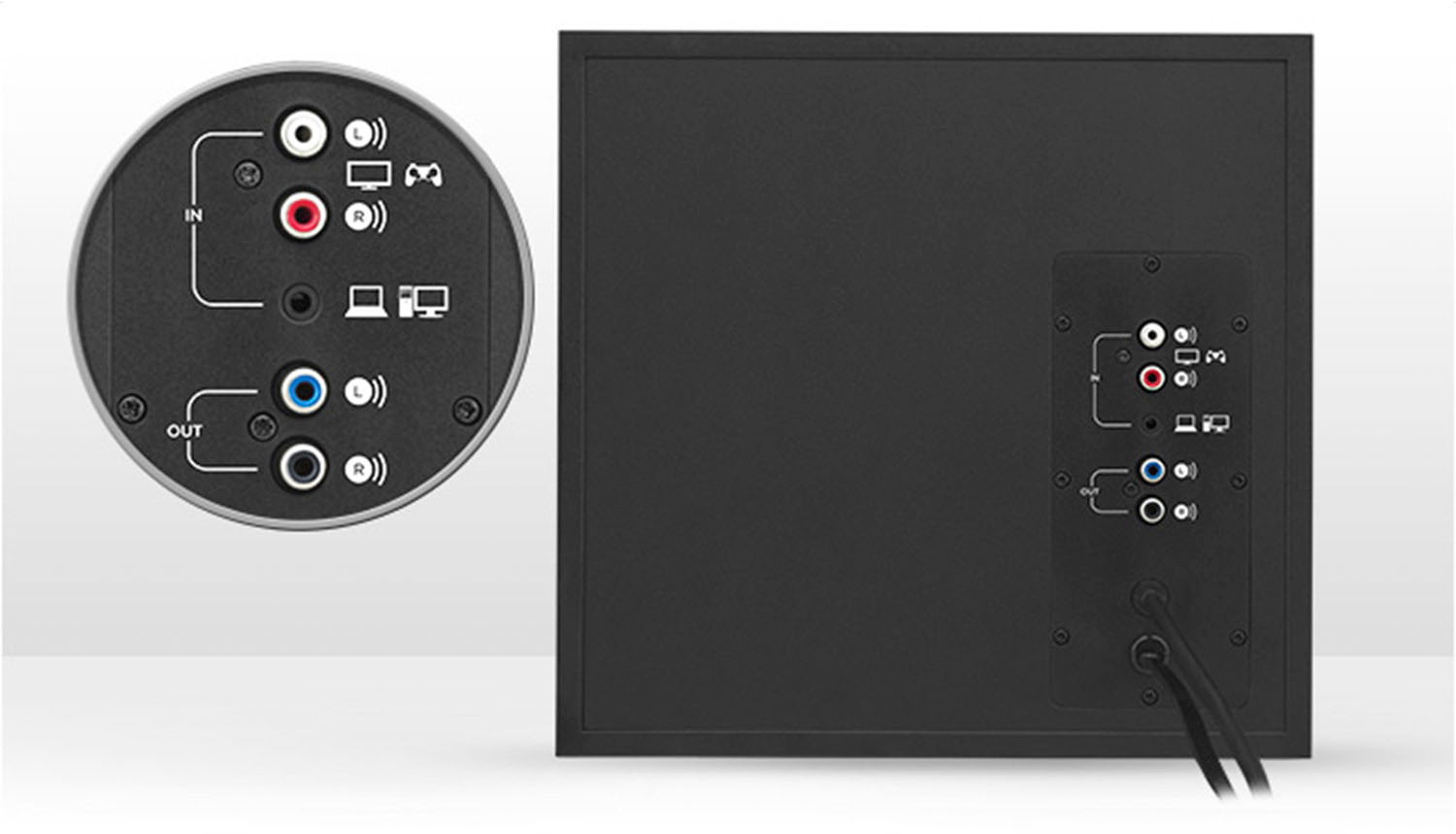
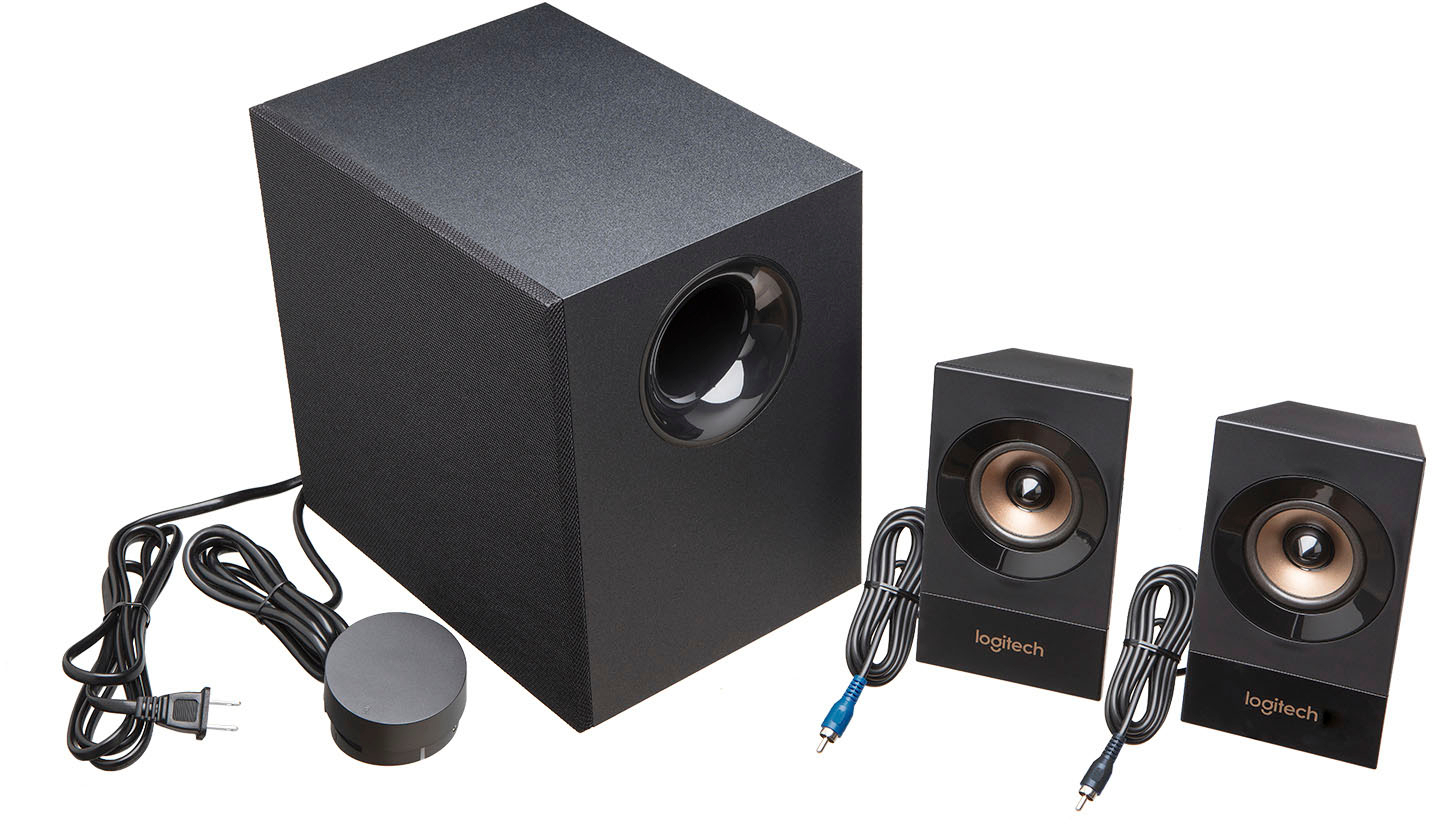
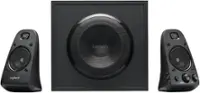
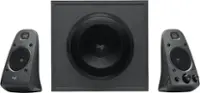
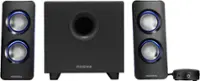
A:AnswerIf you have a wire that connects to your iPod and the other end is a standard 3.5mm male audio jack, then yeah you'd be able to connect your iPod to the speakers because there is an aux input port (female) on the volume control hub thingy. The speaker set comes with a male to male aux cord, but I don't know if iPod Nanos have an an audio jack (I think they do but idk for sure; you'd know though.)
A:AnswerYes, the speaker system has RCA inputs for the sound, so you would need a cable with RCA on one end, and whatever connector the Xbox has on the other end.
A:AnswerIf you have the included 3.5mm audio cable hooked up to your monitor and the speakers, you should be just fine. I would check the monitor settings to make sure the audio is not trying to output to a different source like the Xbox. In case you need it, here's the setup guide for the Z533 speakers https://www.logitech.com/assets/53958/z533-multimedia-speaker-system.pdf
A:AnswerOf course, Kelly. The RF80 has the standard RCA connectors. The speaker system uses 3.5mm jack. Just pick up a simple RCA to 3.5mm adapter off of amazon for a couple of bucks and BAM!! You shall be in business!
A:AnswerIf your TV has a 3.5mm stereo jack yes. If it has the typical RCA jacks, just pick up a simple RCA to 3.5mm audio adapter for a couple of bucks and you are golden.
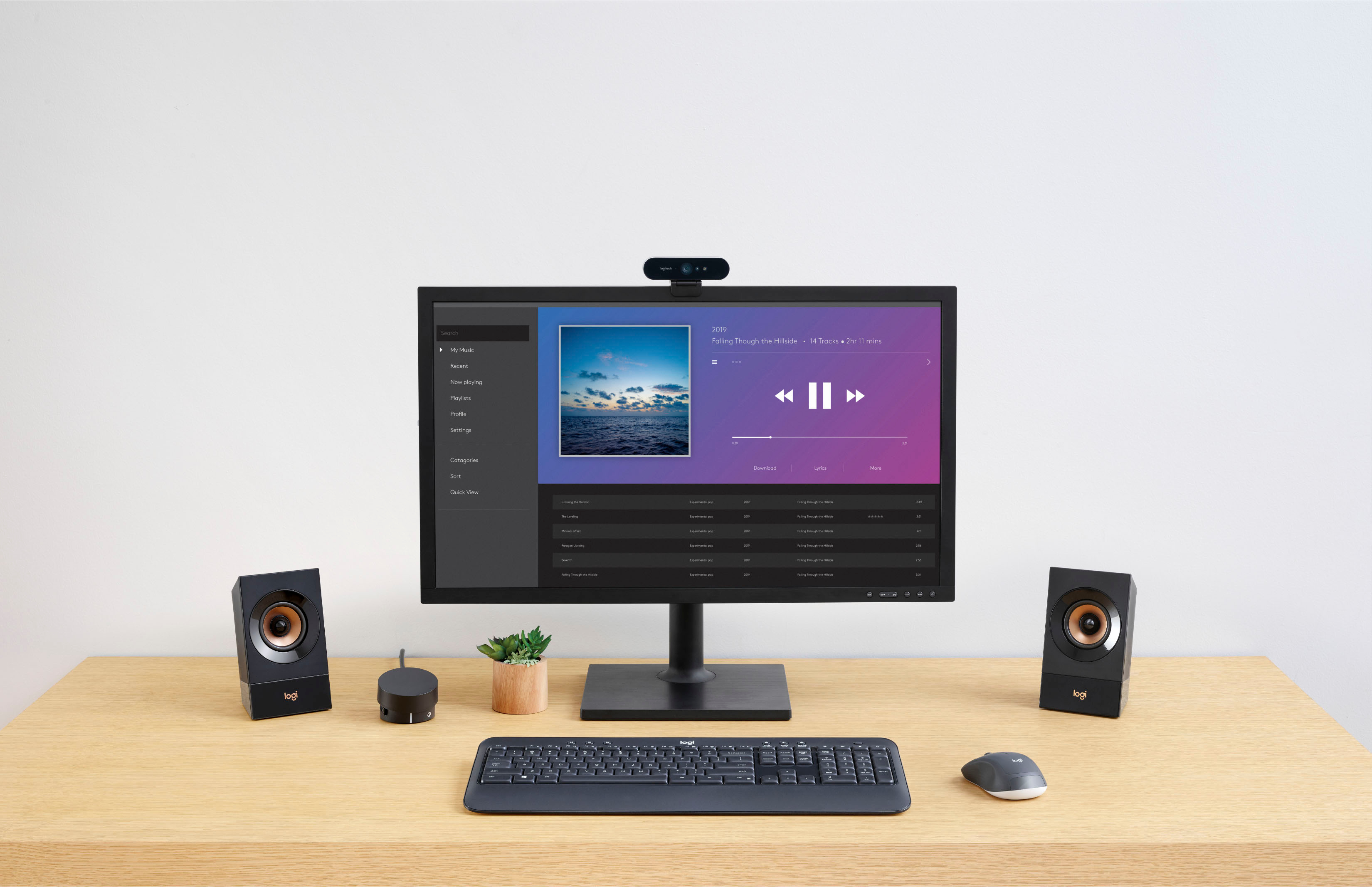
A:AnswerNope. They are wired, my friend. There is no software, so it connects to anything with a 3.5mm plug, even your mobile phone. So, of course Win10 is a YES.
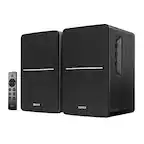
A:AnswerFrom my understanding, no. The dial adjustment is really nice: controls bass, volume, and has aux input, and headphone output. If you're looking for a remote controlled setup bestbuy will definitely have something for you.