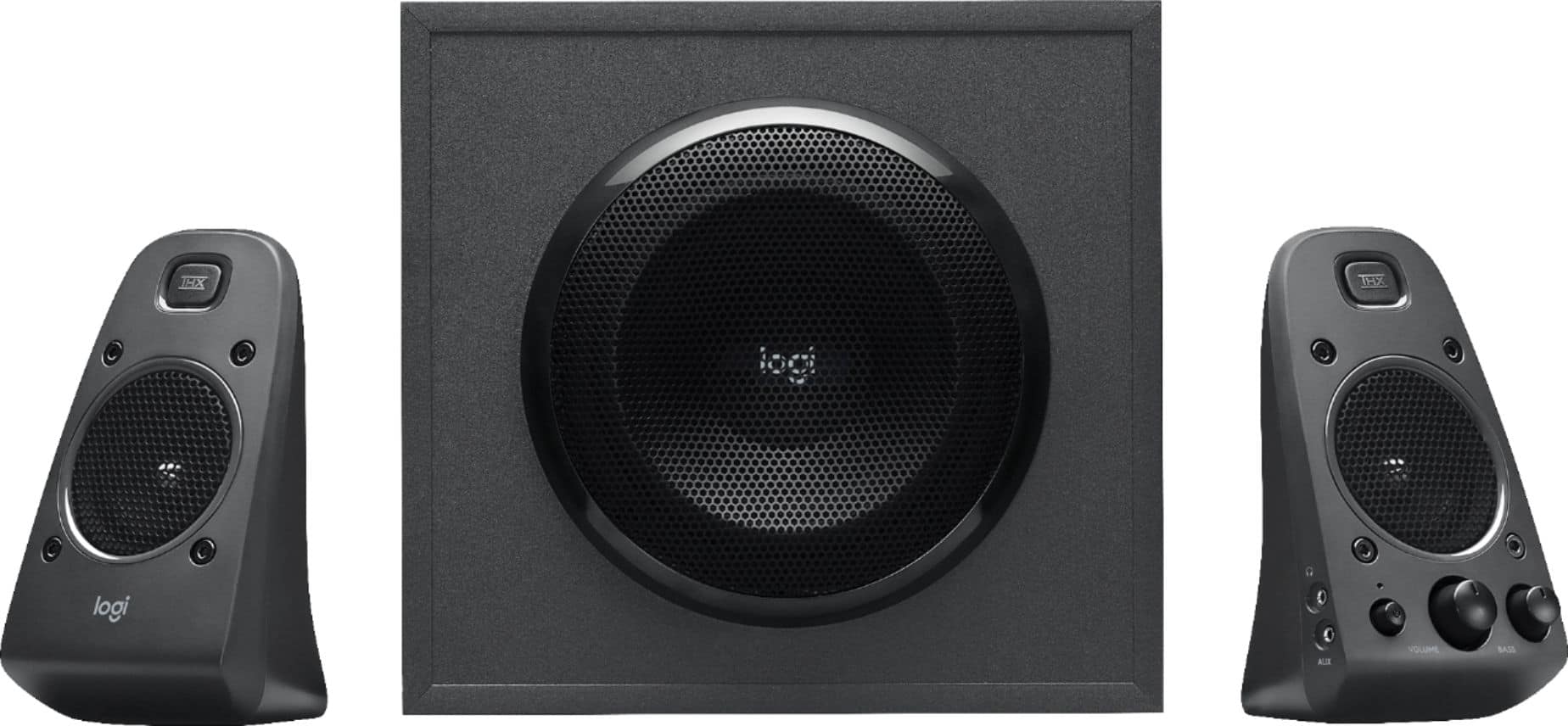
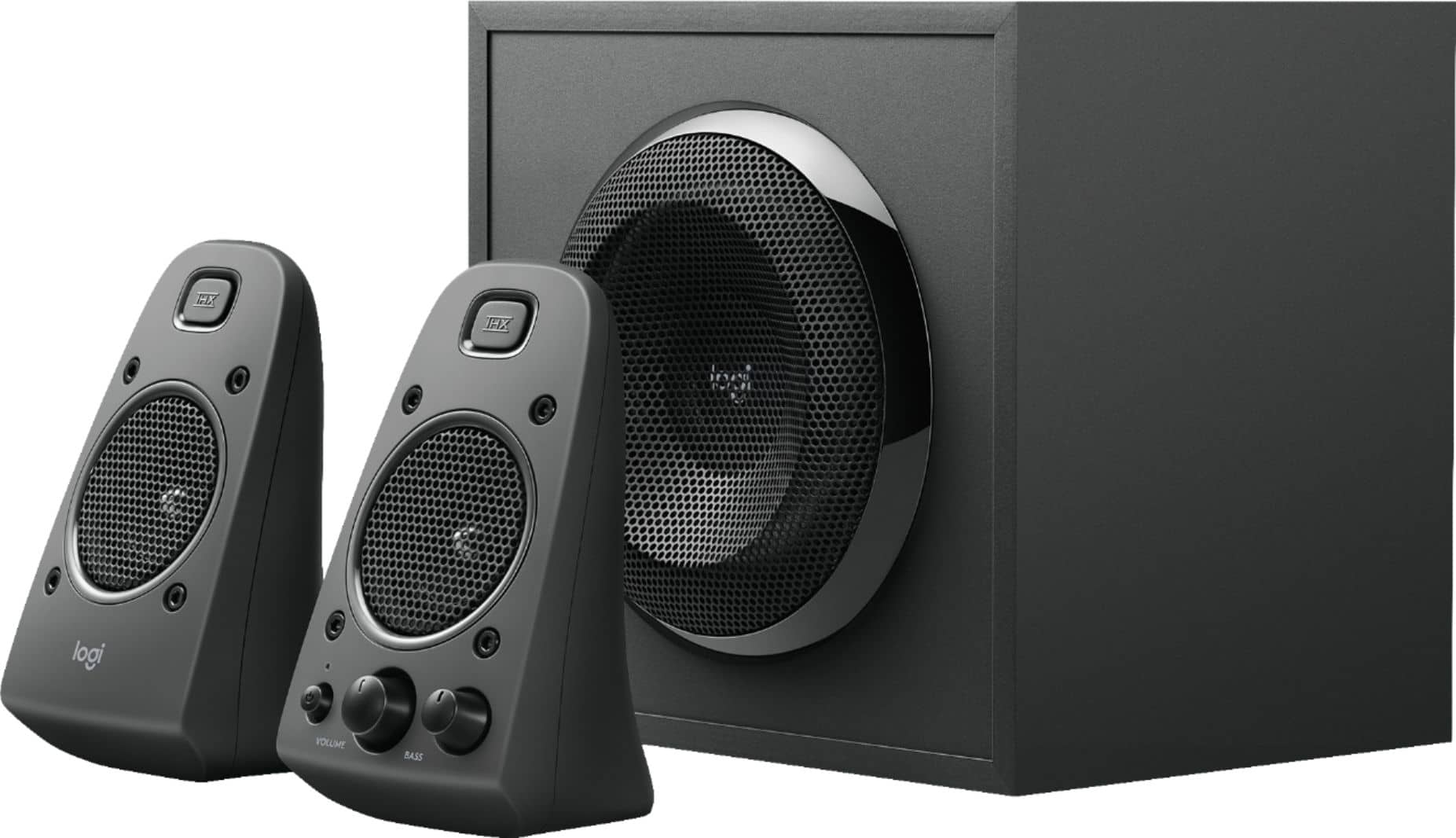
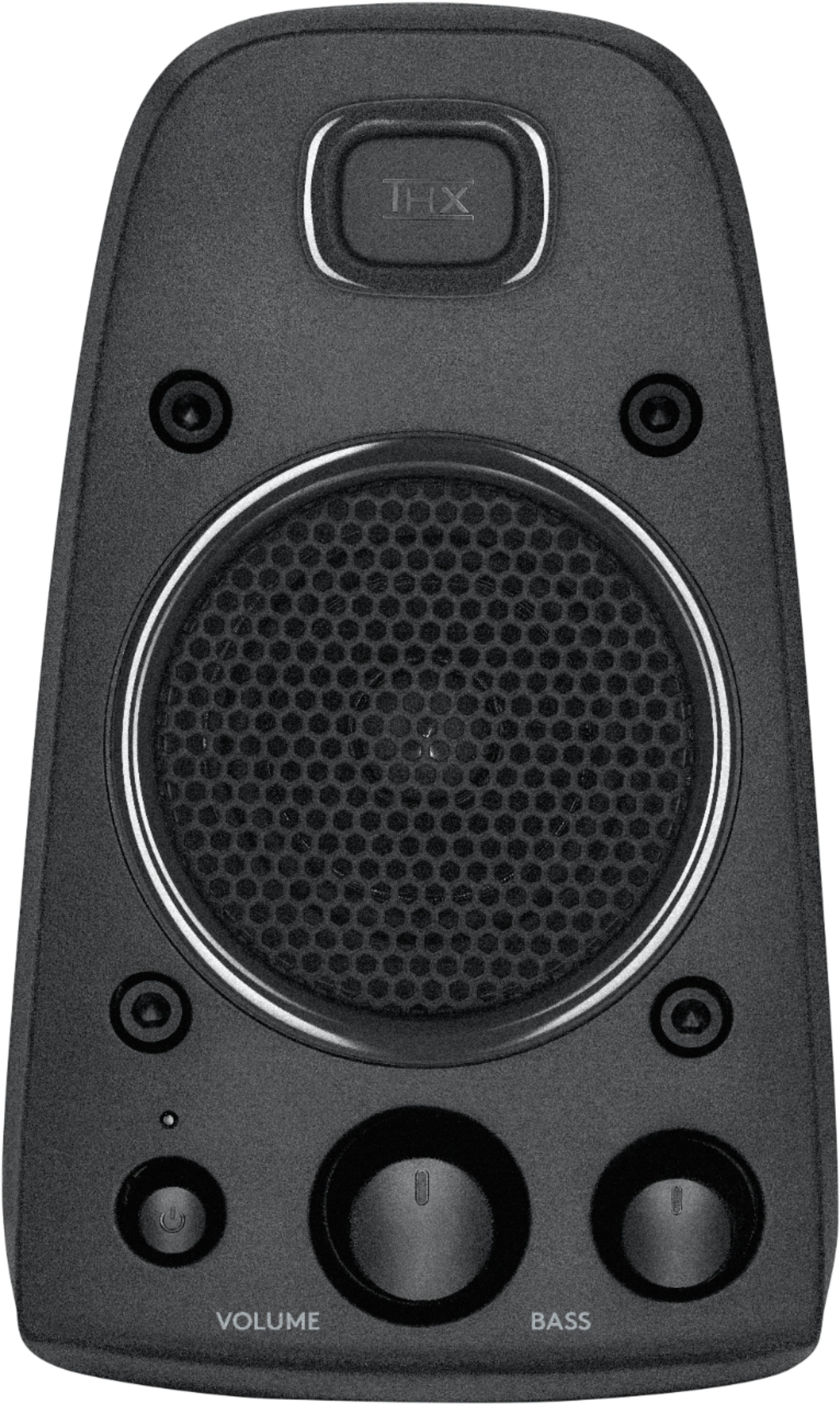
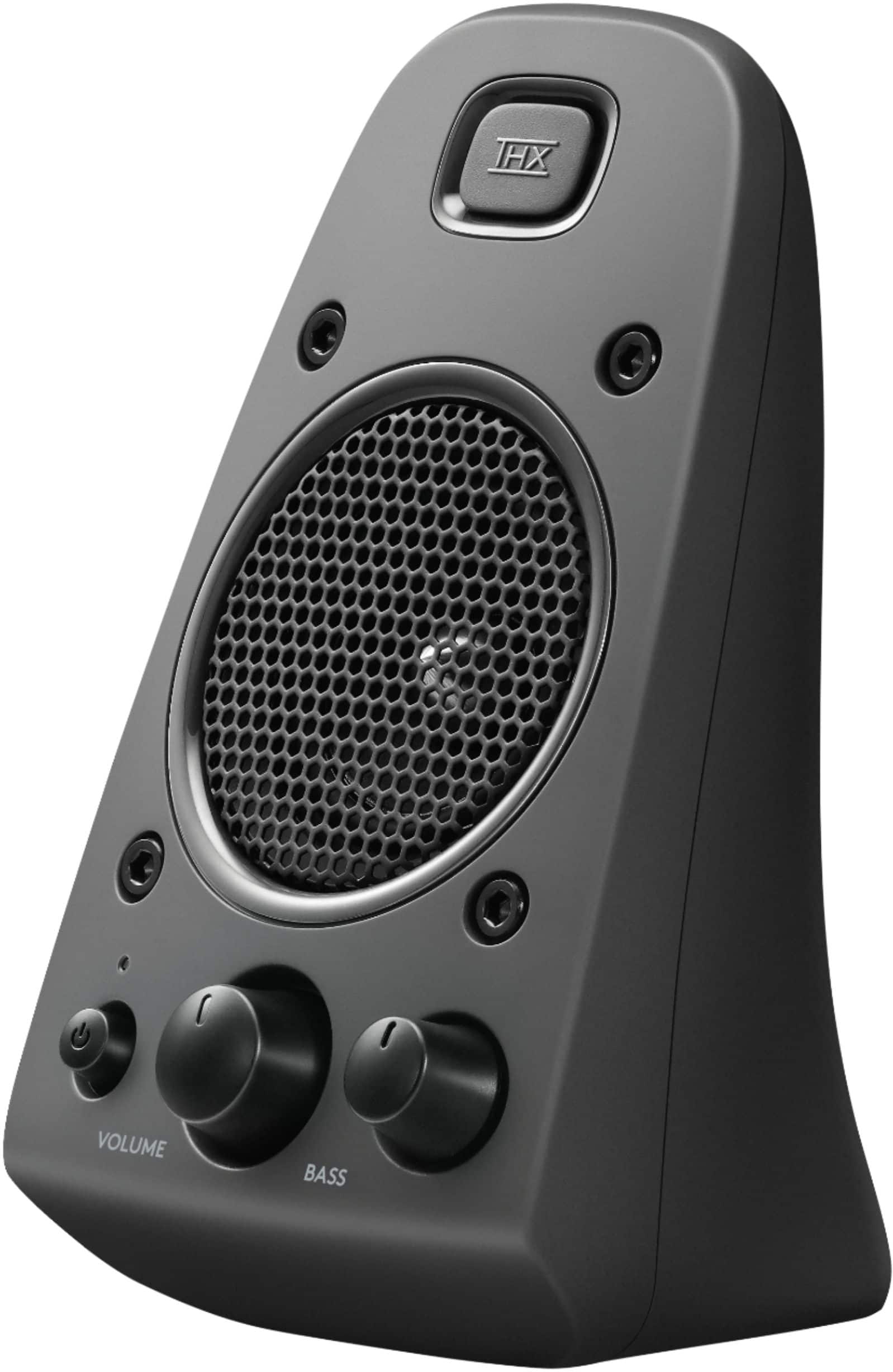
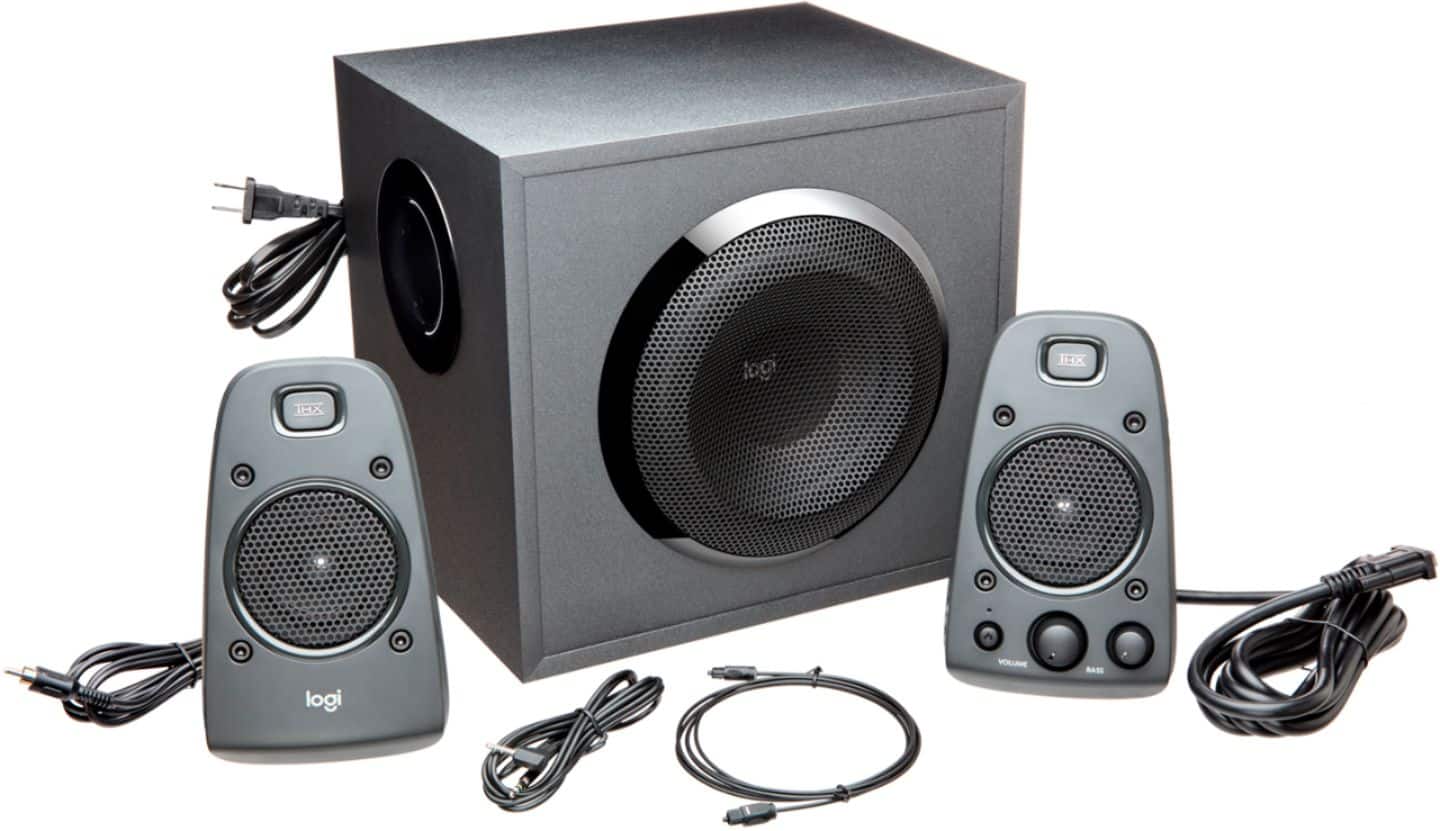
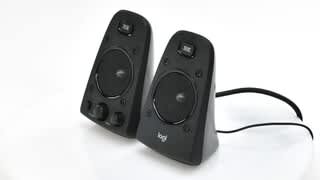
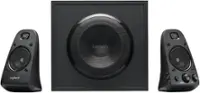
A:AnswerI personally found by turning the bass nob down located on the right speaker, it didn't shake the walls. But when you crank up that music and get that bass going, man its awesome.
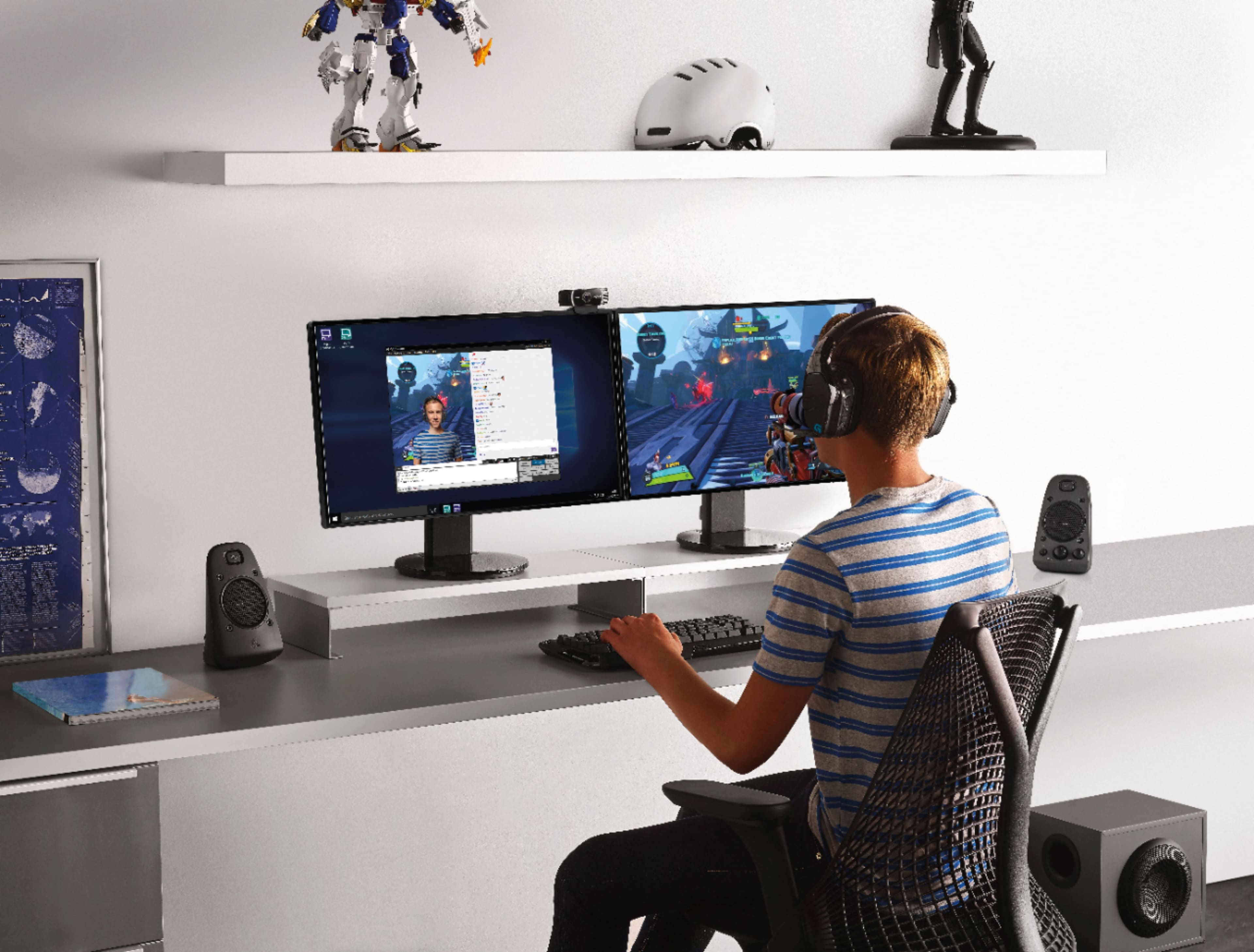
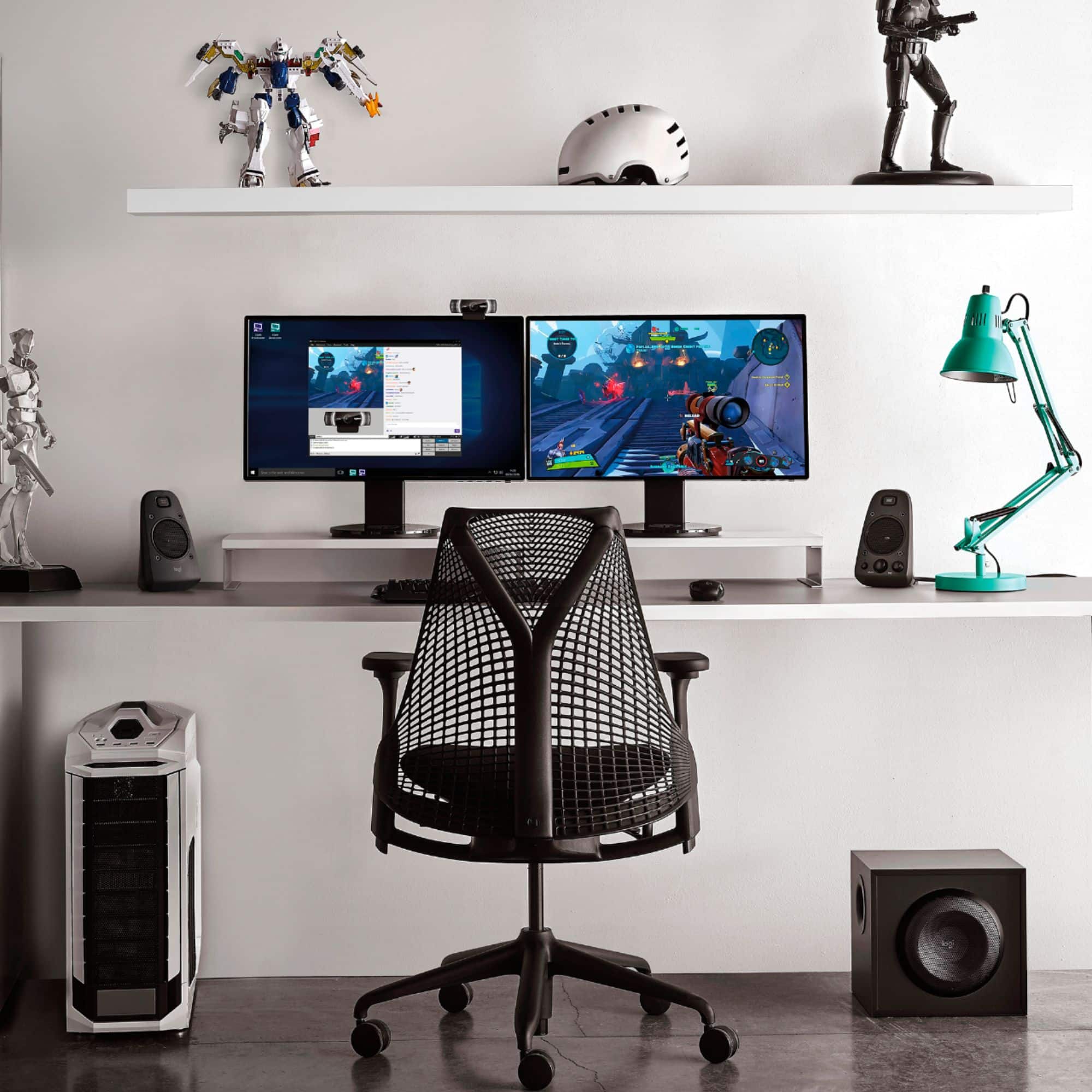
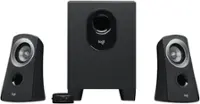
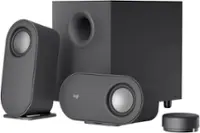
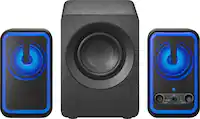
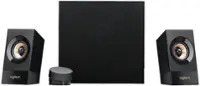
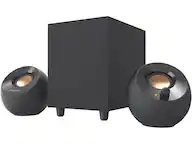
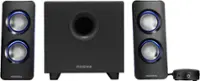
A:AnswerThe speakers are not mountable. If you want to put them on the wall, perhaps shelves. But then you will have wires hanging down the wall. They are fairly sizable desk speakers and do take up a bit of space. The subwoofer is a beast too. be sure you have room under your desk.
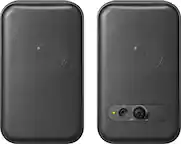
A:AnswerThere is an a jack available on the left side of the right speaker. You can plug in headphones there (I’m assuming that you are asking about corded headphones).
I don’t imagine that they work with headphones with integrated microphones, given the type of connectivity. But I am unsure.
A:AnswerYou can connect them to a tv headphone jack or 3.5mm sound jack like the one on your smarts phone. You also could use rca jacks if your tv has those for sound out. They might make a popping sound when you turn your tv on if you leave the speakers powered on but no harm done. They will work well for movies.
A:AnswerOnly if you want to splice into the wiring and know what you are doing. Logitech didnt provide an easy way to do this, probably to protect their intended sound output.