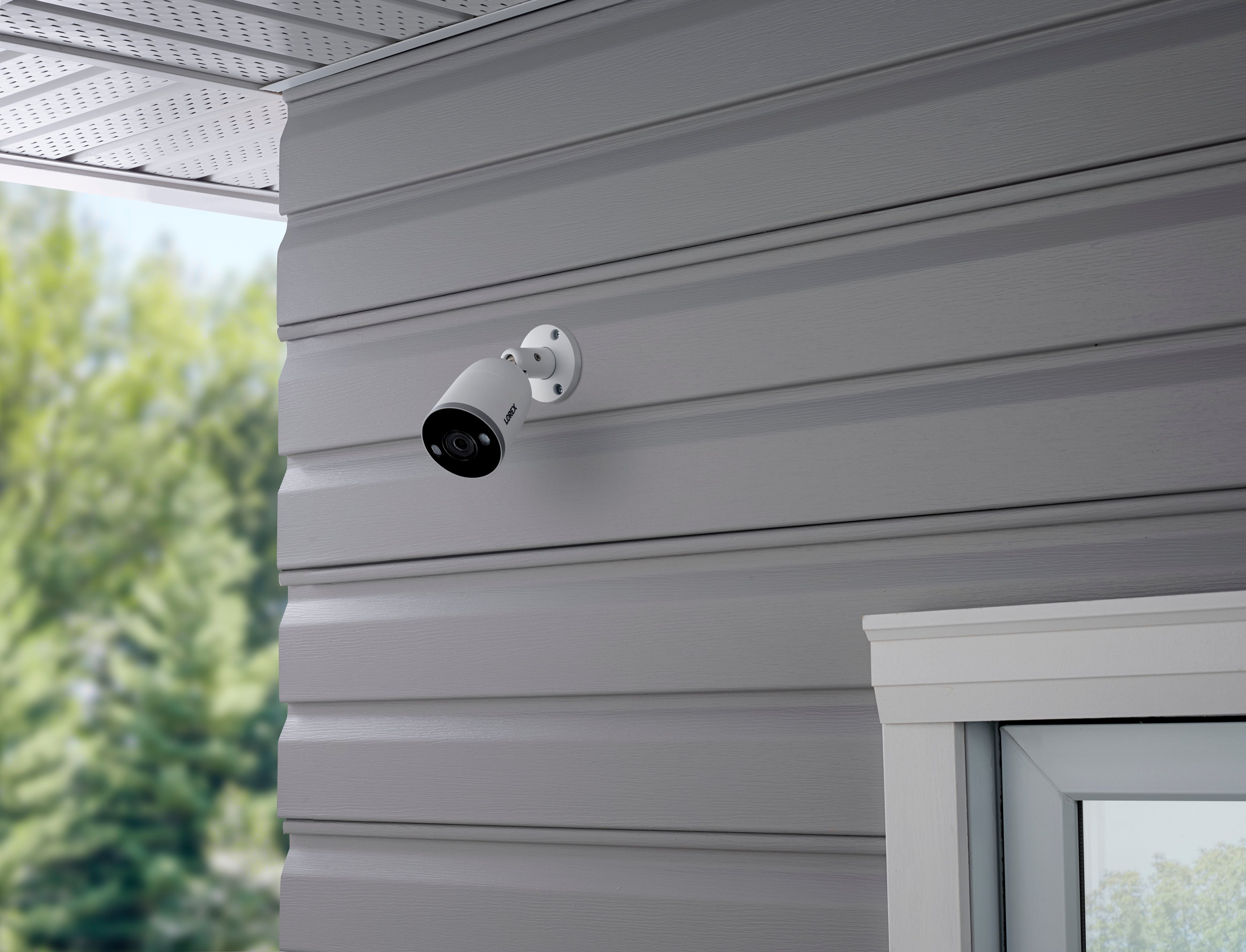
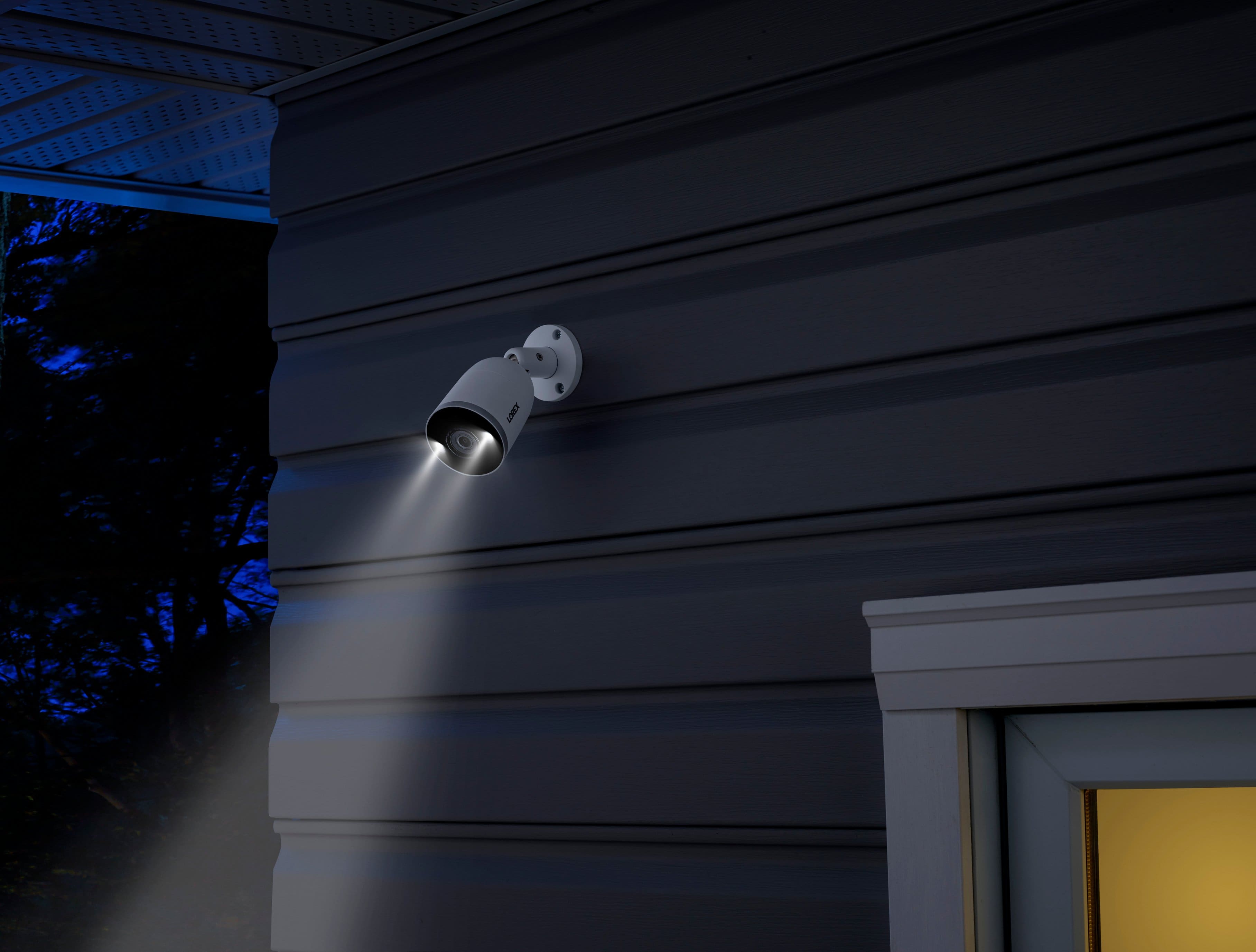
A:AnswerNo, its easy to replace the Hard Drive. Before removing the old hard drive just backup any video then remove the old one and replace with the 8tb, and then system will ask to format the new drive and it will start recording on the hard drive.
A:AnswerIf the cameras are IP Cameras and if they are compatible with onvif protocol then they should work. However we do not guarantee proper functionality and issues related to non Lorex cameras will not be supported.
A:AnswerFor (4) camera live feeds 24 hours total. So it runs continuous and on the 24 hour 1 minute it deletes along the way. But constantly keeps the past 24 hours saved. If 1 camera alone, storage would likely be 96 hours.
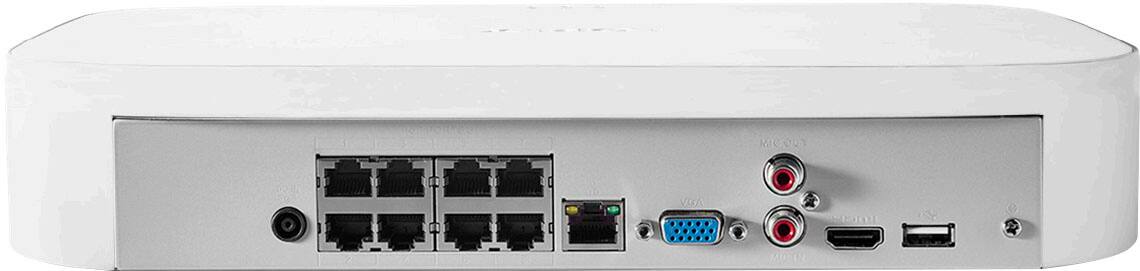
A:AnswerYes you need to have it connected to the internet. The USB is there to connect a mluse or save video files to A thumb drive. Like if you need to submit to law enforcement as evidence. Never heard of anyone using a bluetooth adapter and cant verify that, but highly doubt it would work. You would still need to install drivers for the adapter and which the OS most likely runs an embedded version of linux i wasnt able to see any way to install other software.
A:AnswerLorex has a manufacturer's warranty of 1 year. If something happens to your product, you may contact us at 1-888-425-6739, and we will help you diagnose the issue and get a replacement if the item is ever deemed defective. Regarding Geek Squad this is something you would need to address through them.
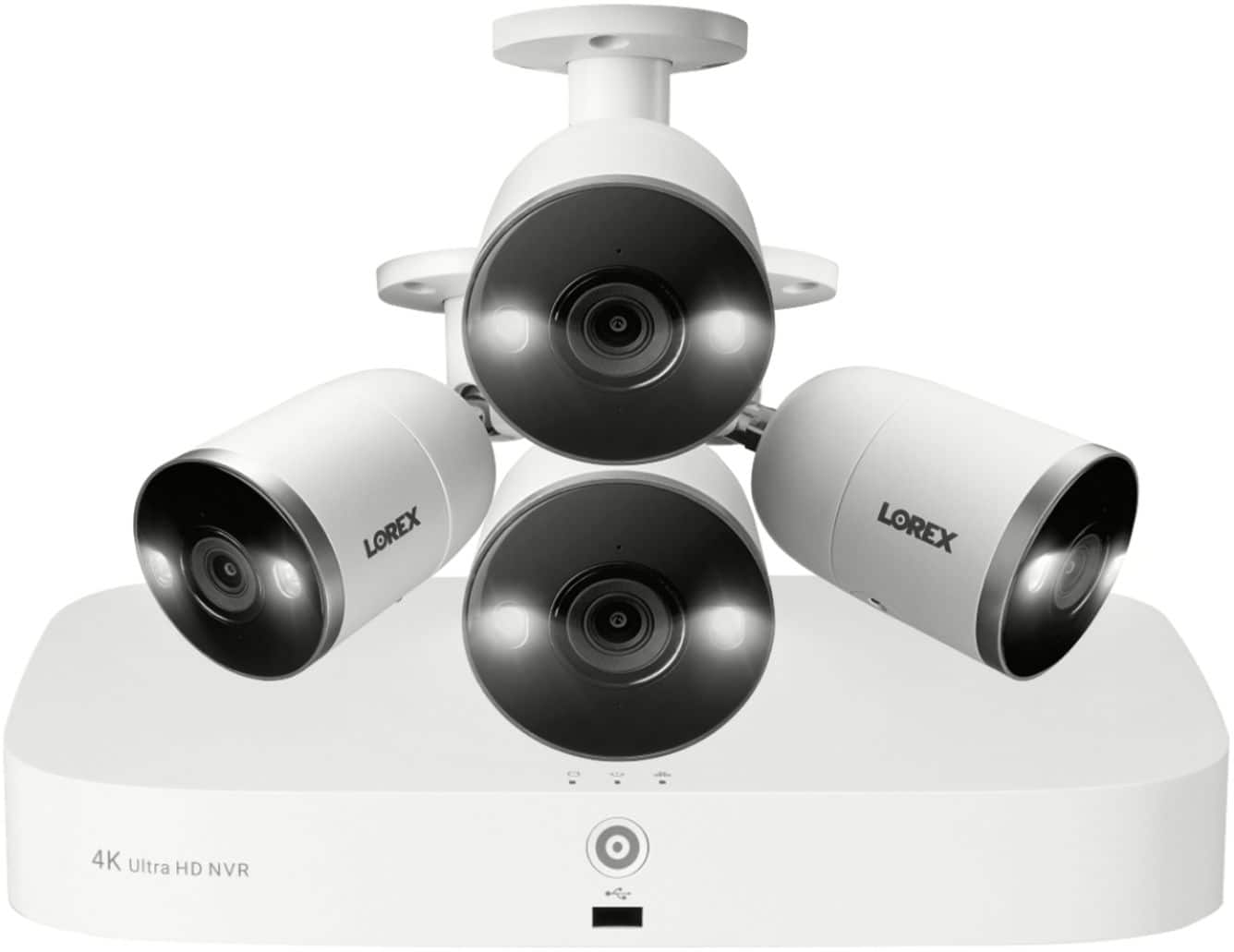
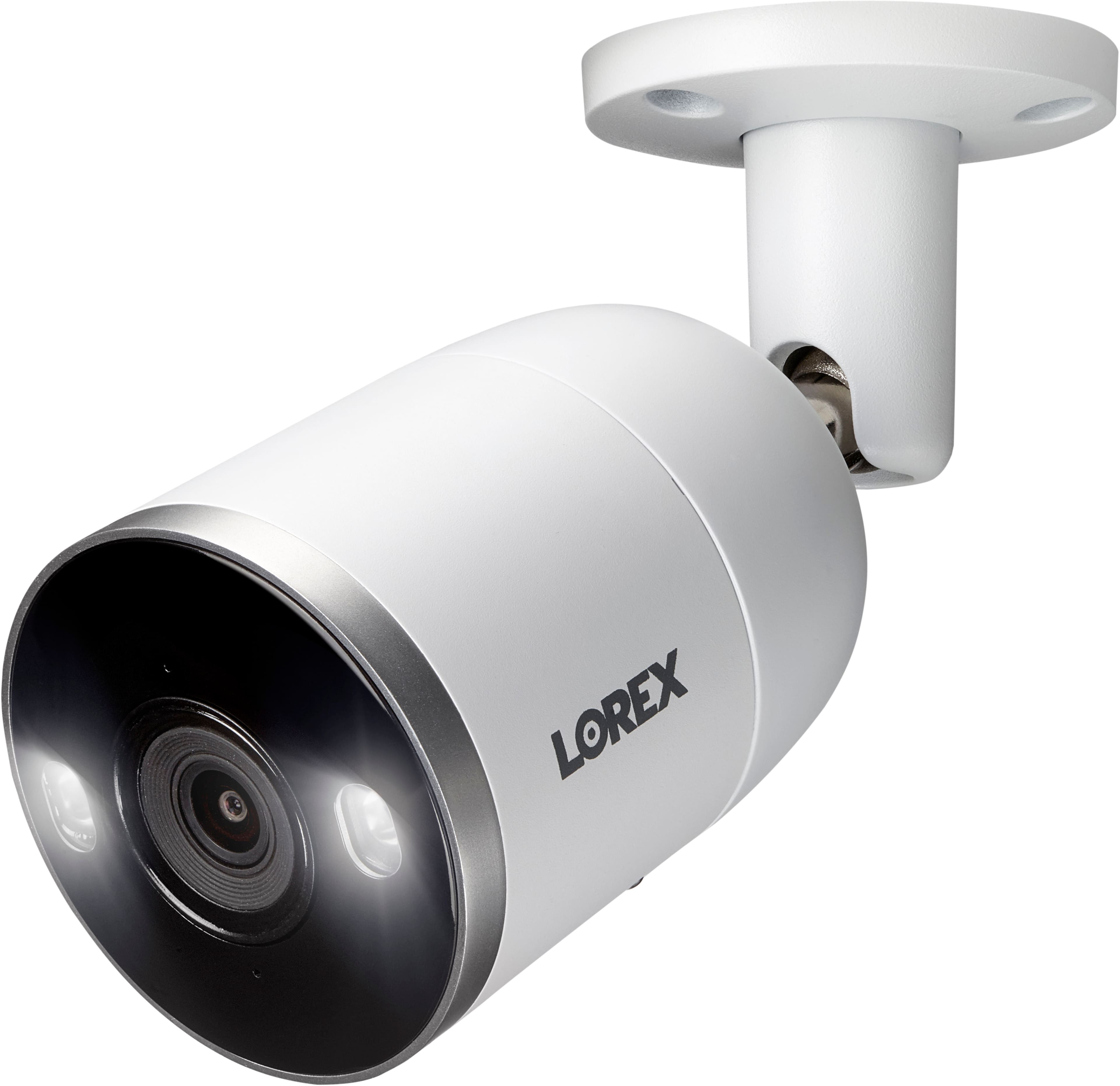
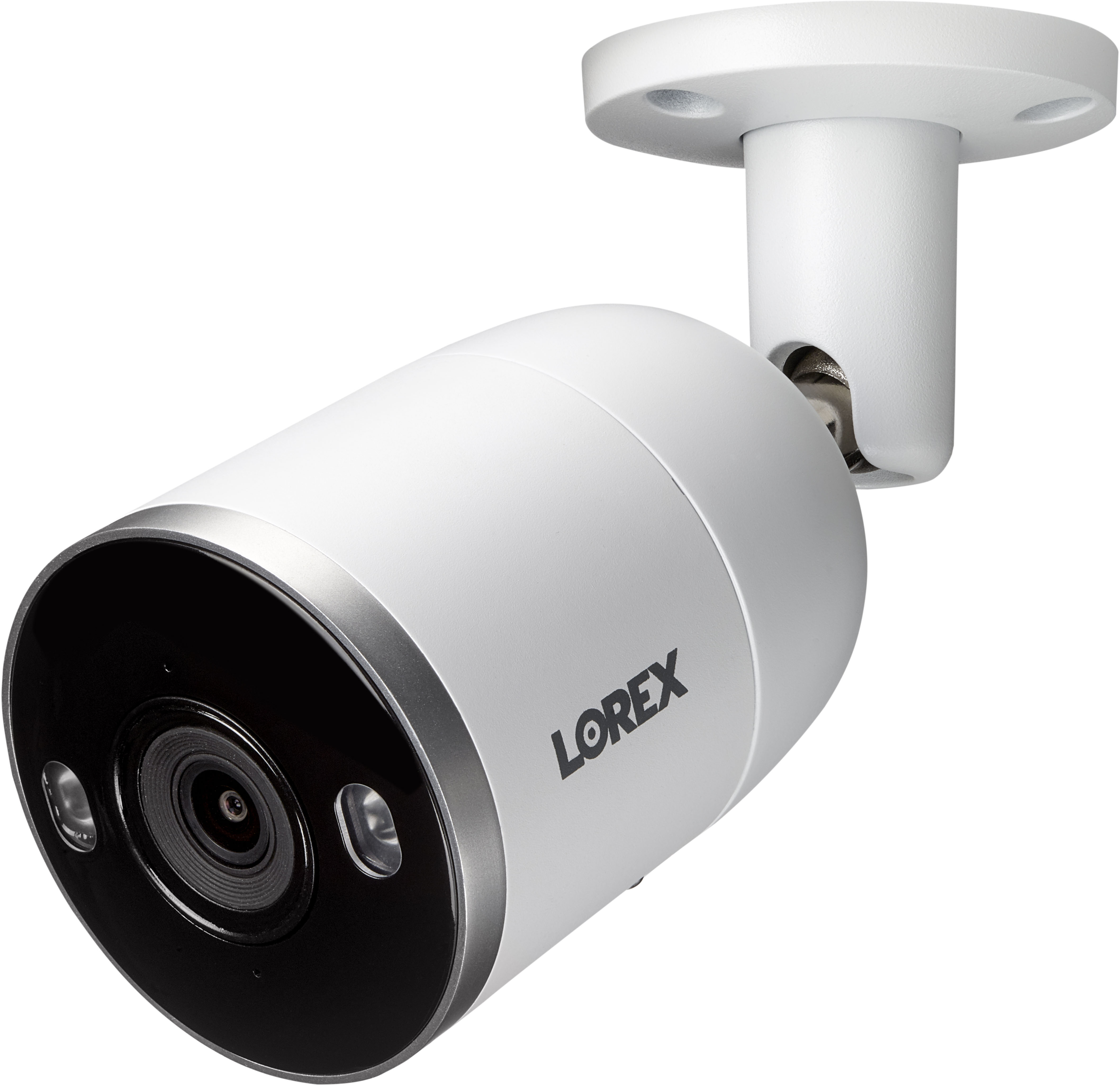
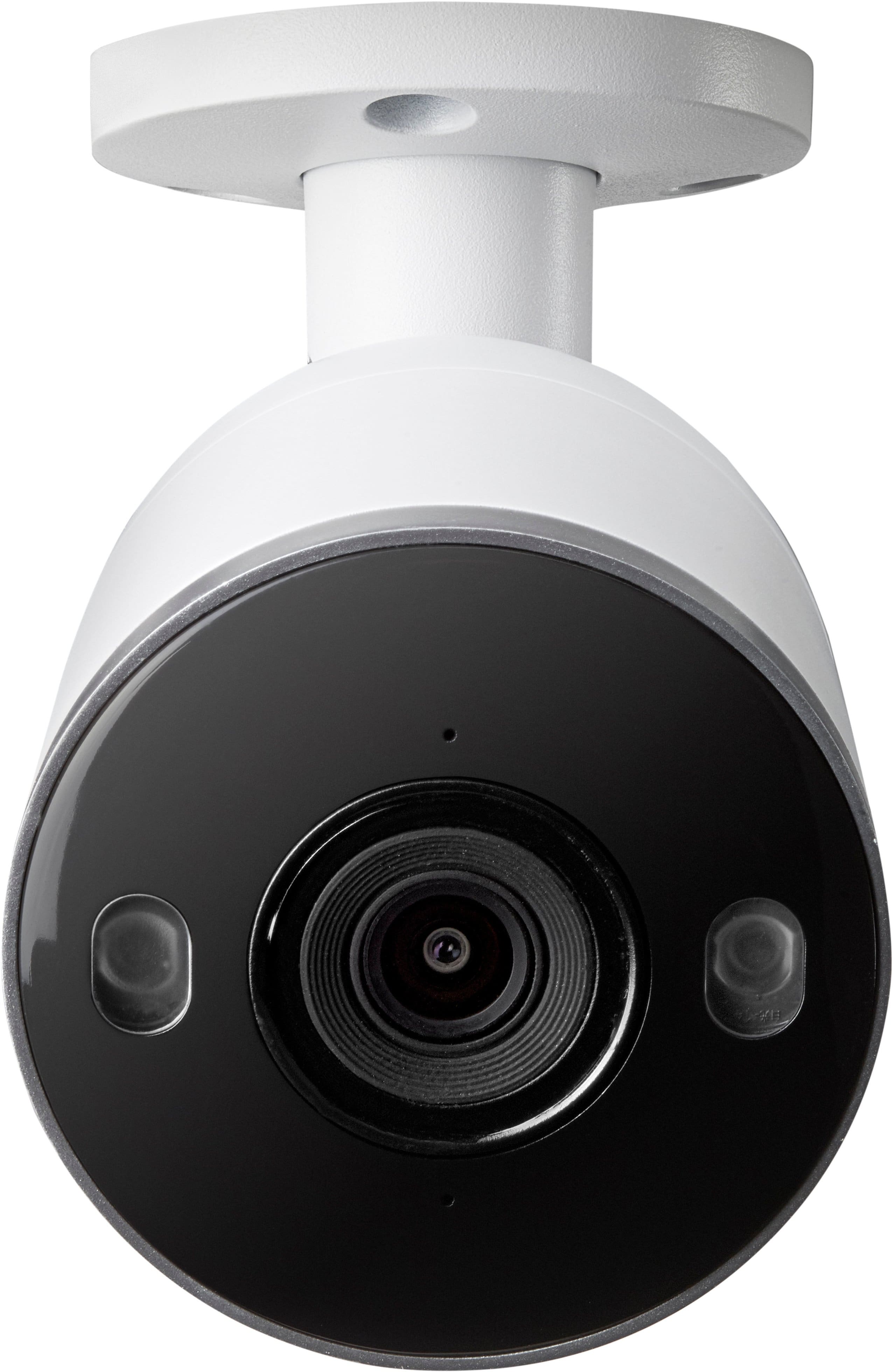
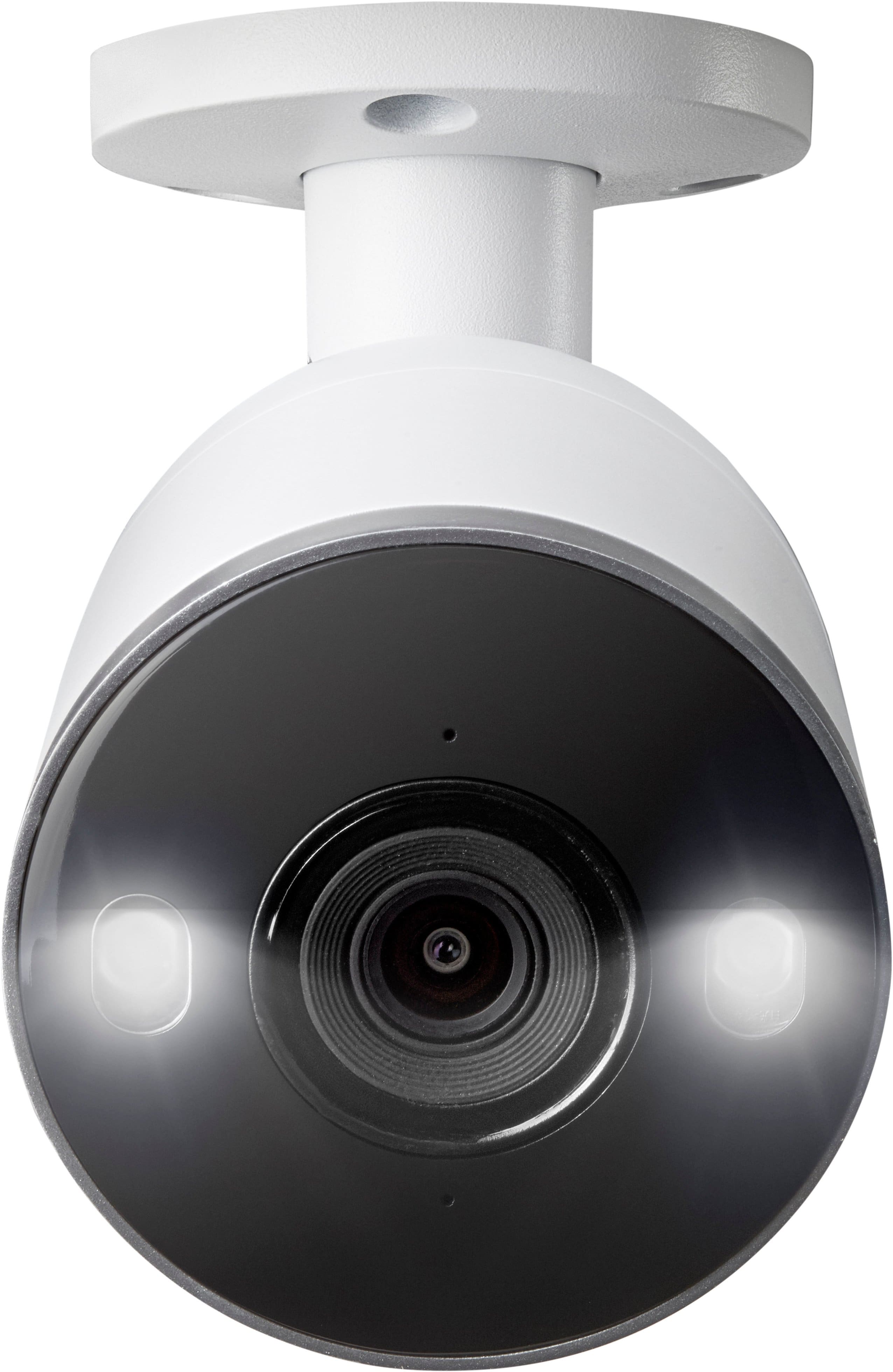
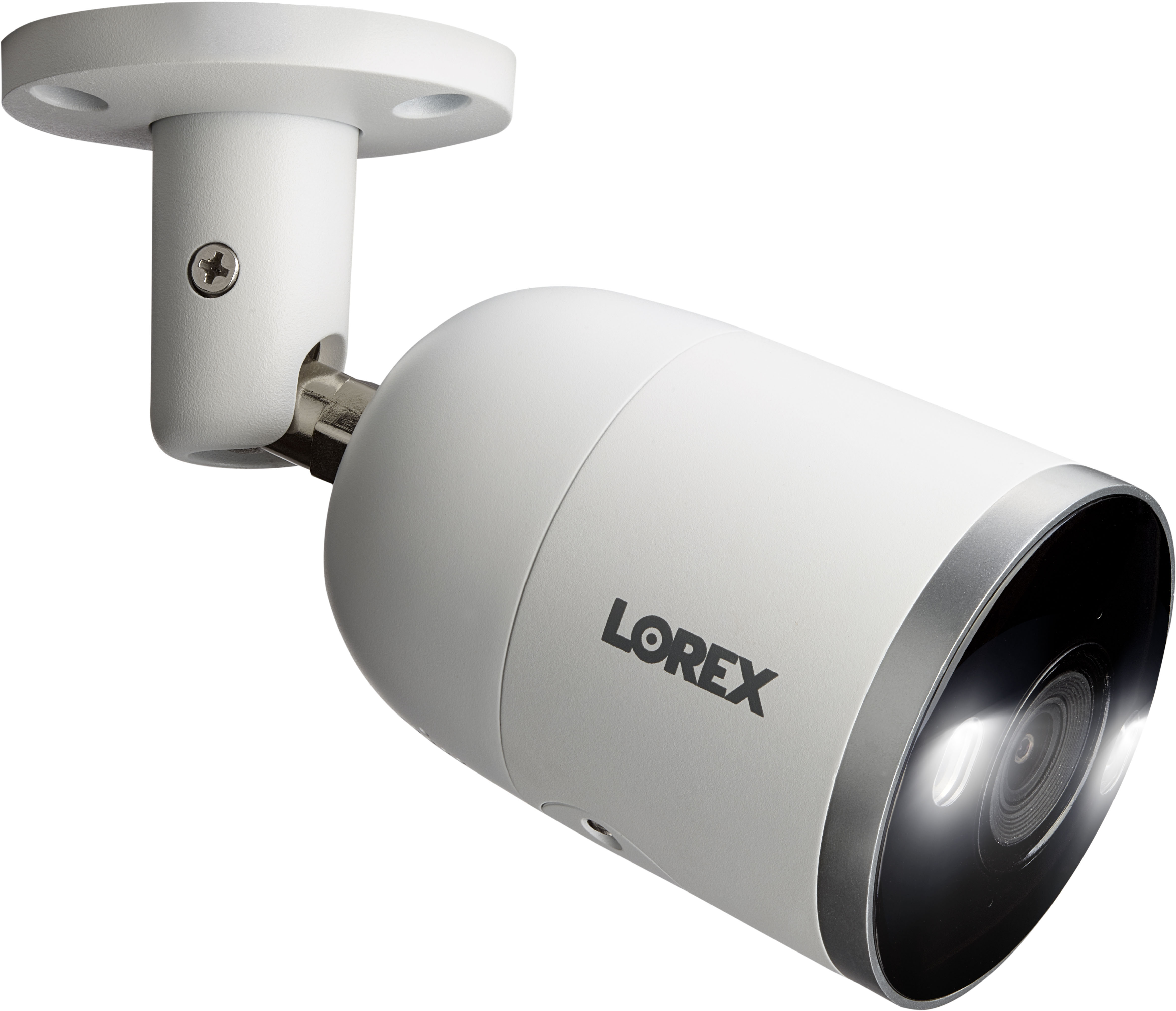
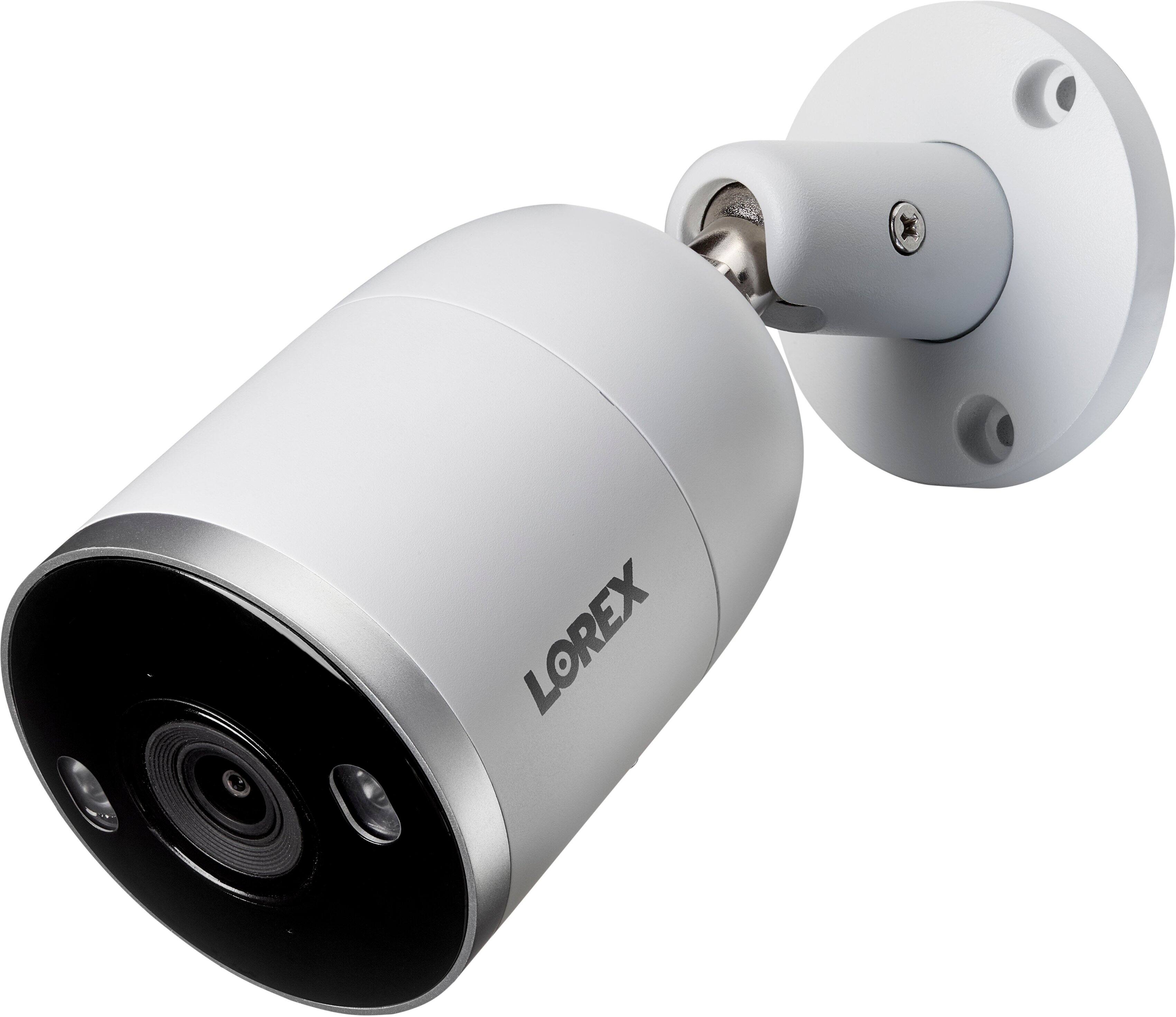
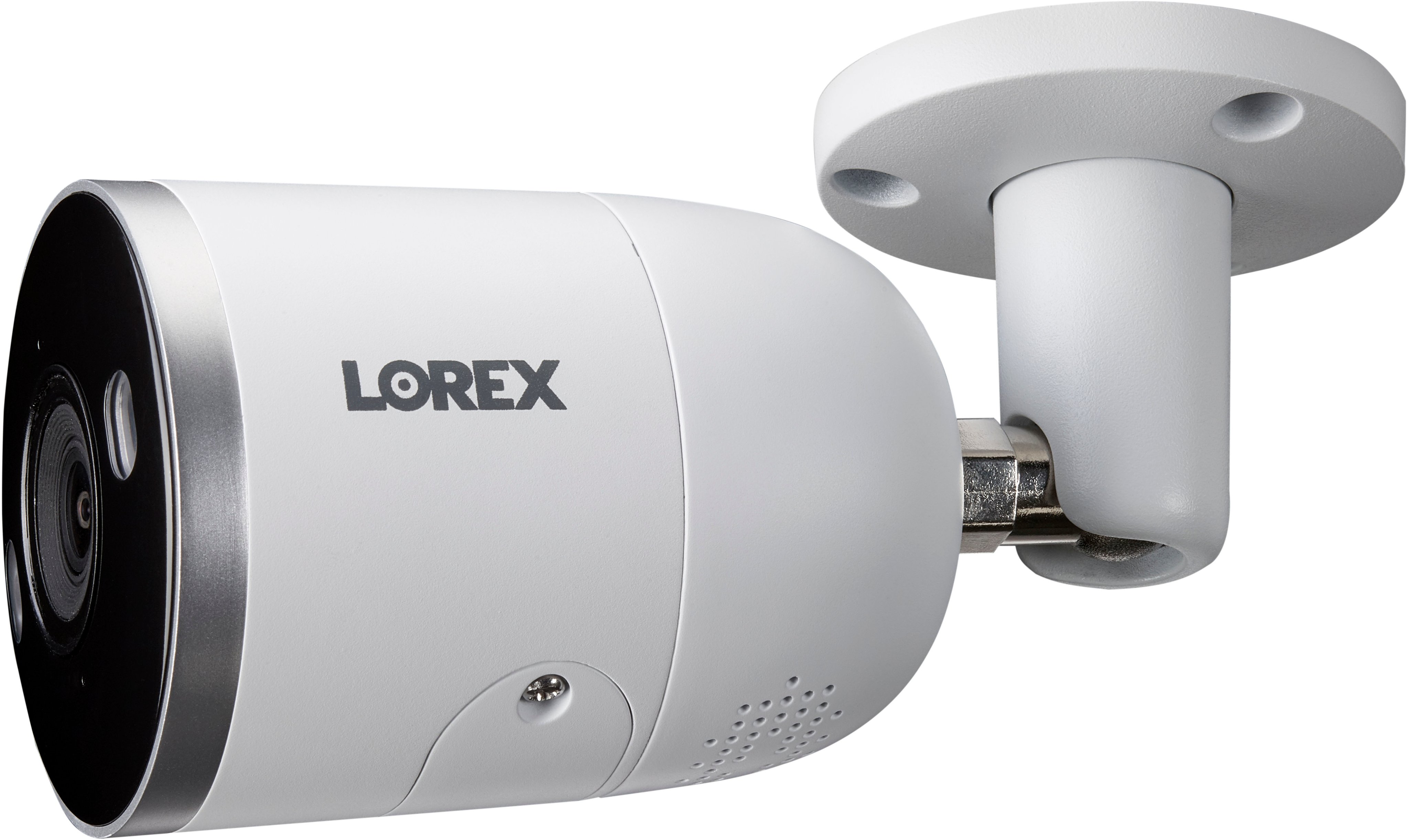
A:AnswerNo need to install covers. It has an IP67 rating, meaning it can tolerate extreme temperatures ranging from -22°F to 140°F (-30°C to 60°C). It also has a durable, all-metal housing for added protection.
A:AnswerYes and no, the easiest way yes is to directly connect to a TV or hdmi computer monitor and use the attached mouse. Or you can adjust settings through Lorex home app. OR you can also adjust settings through the IP address on a computer on the same network. I like TV best though, it's a lot easier to see on a 65 inch screen. If you want to hide it in a closet maybe try a wireless USB mouse .