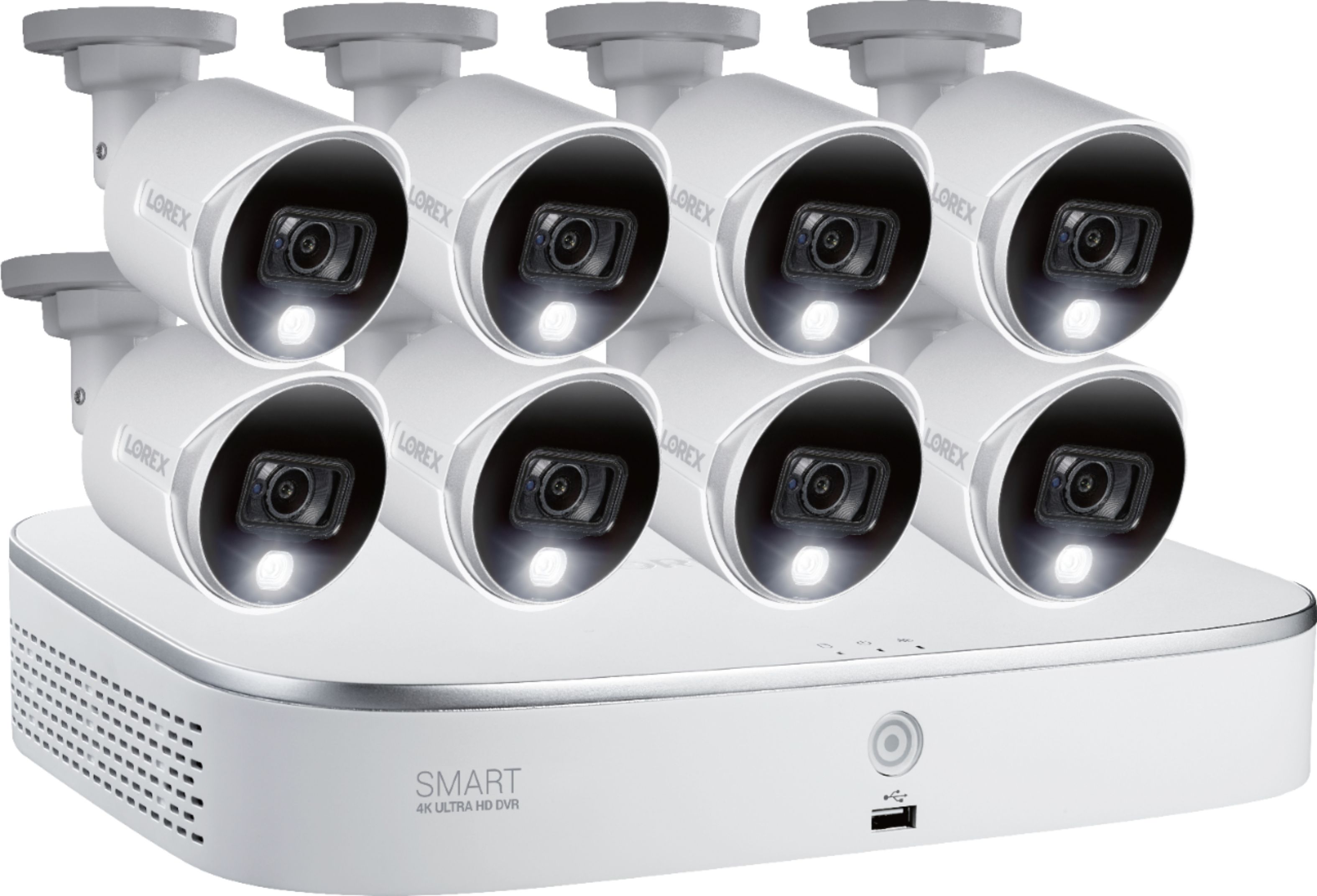
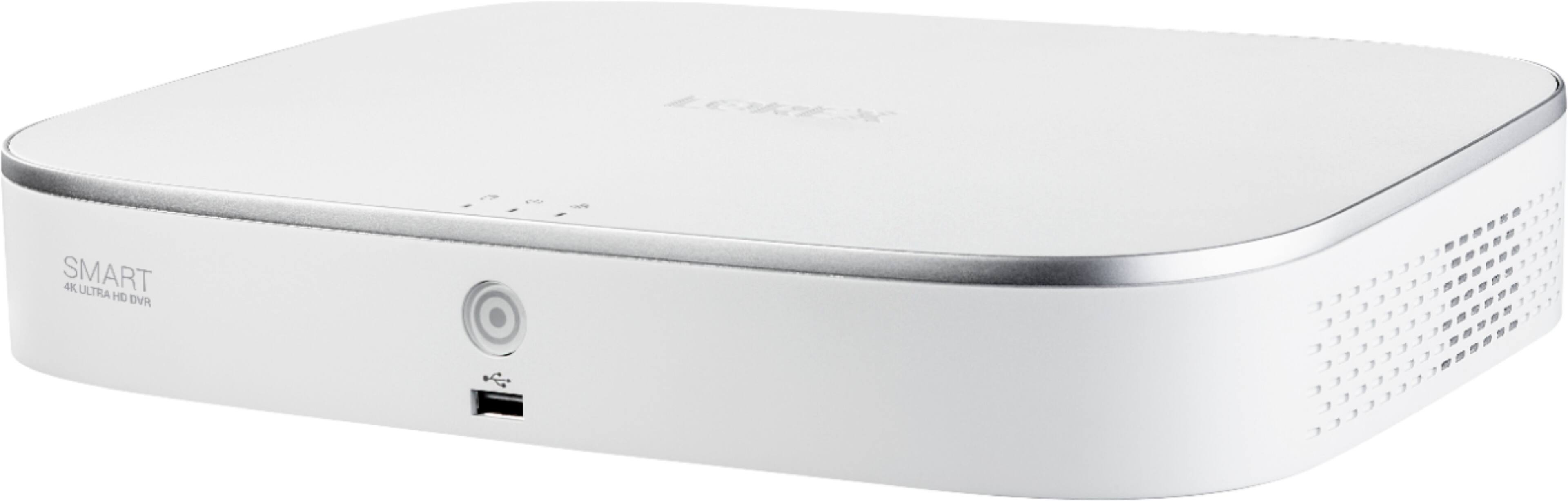
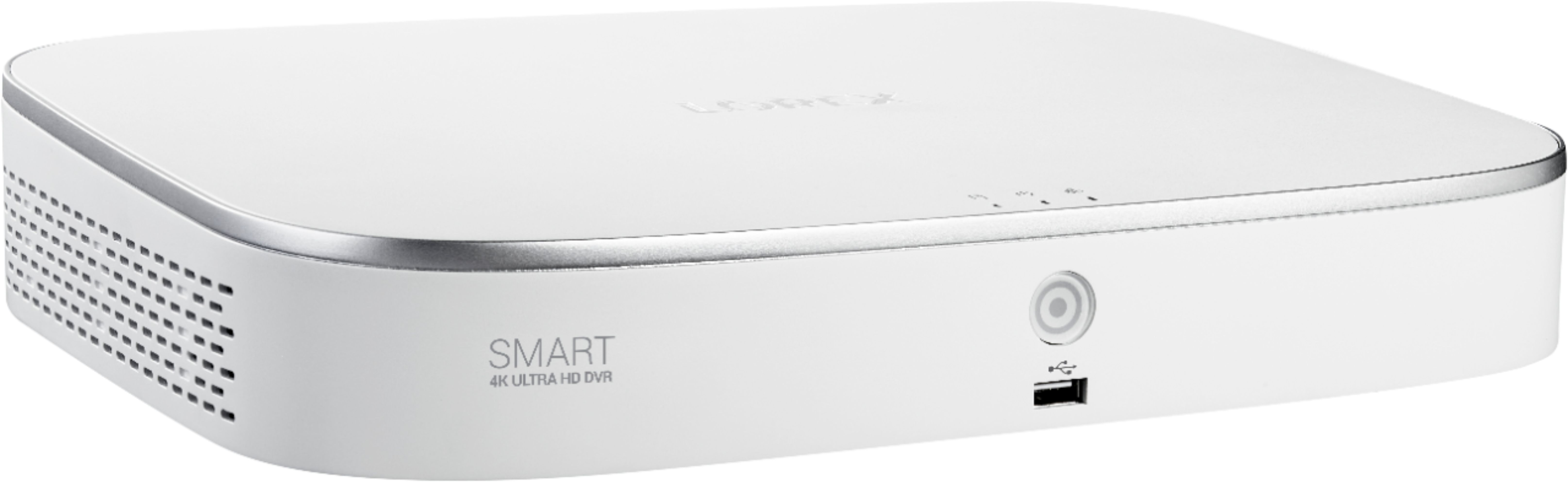
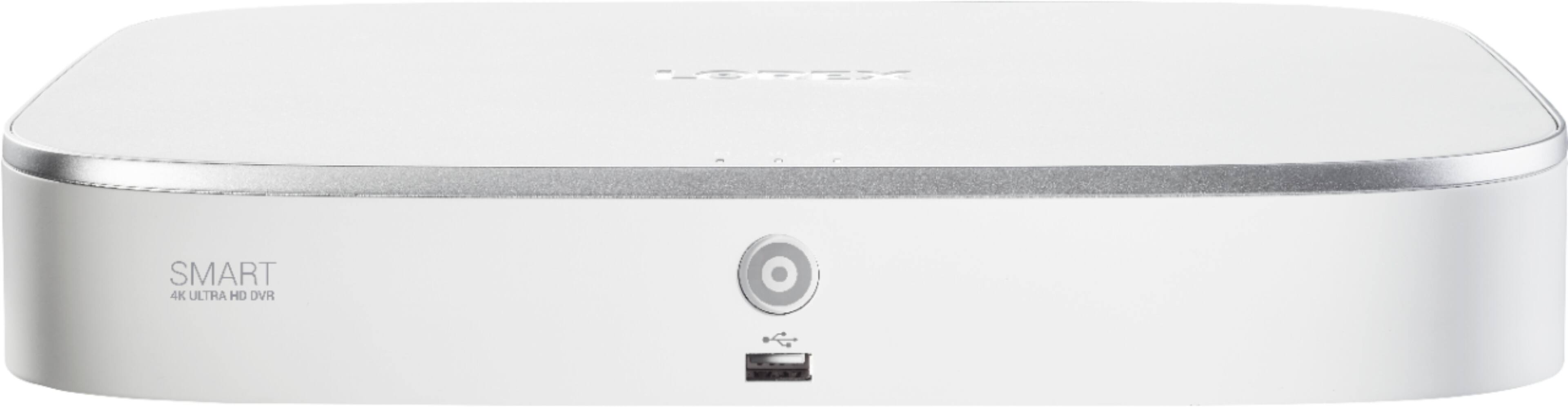
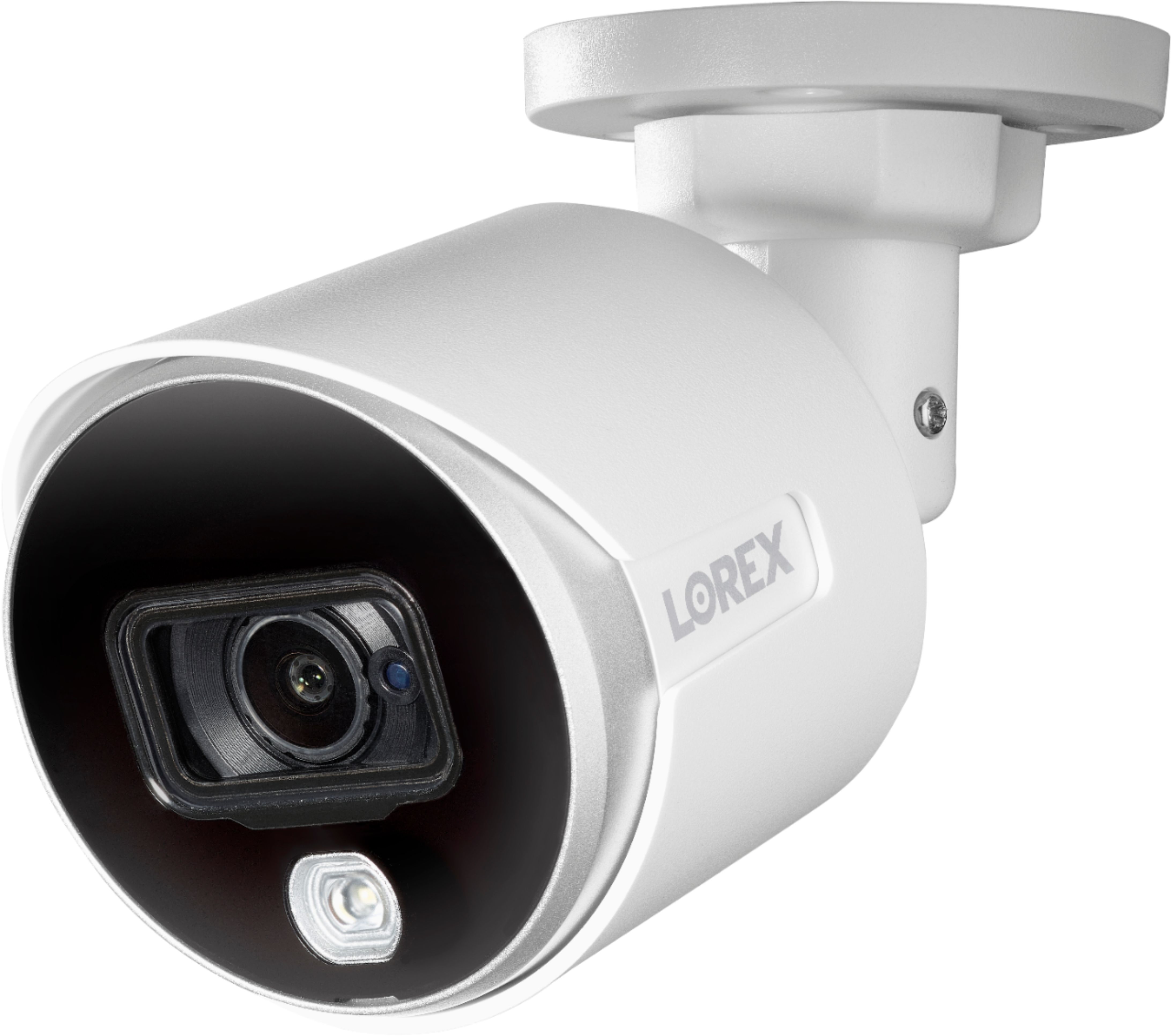
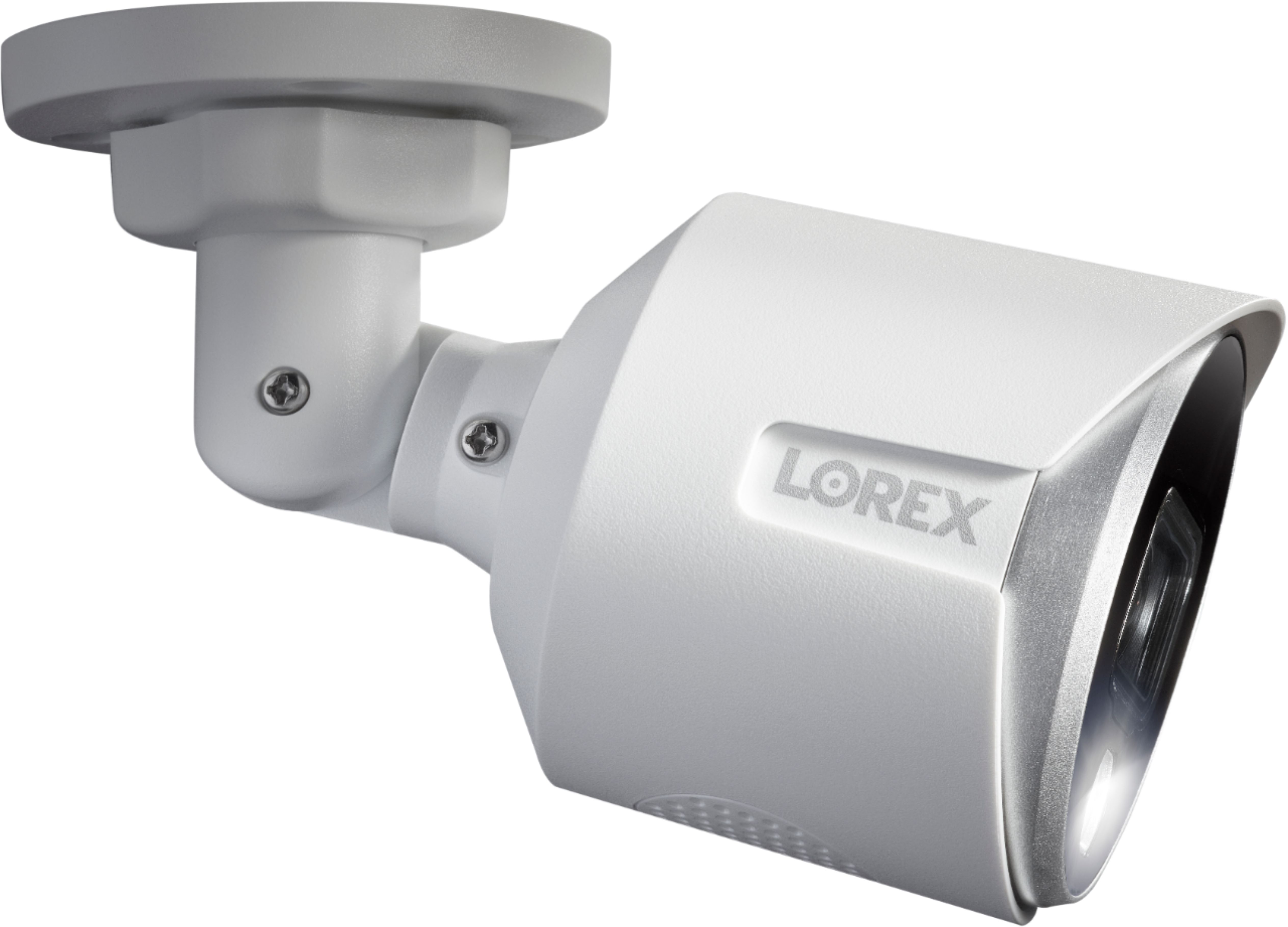
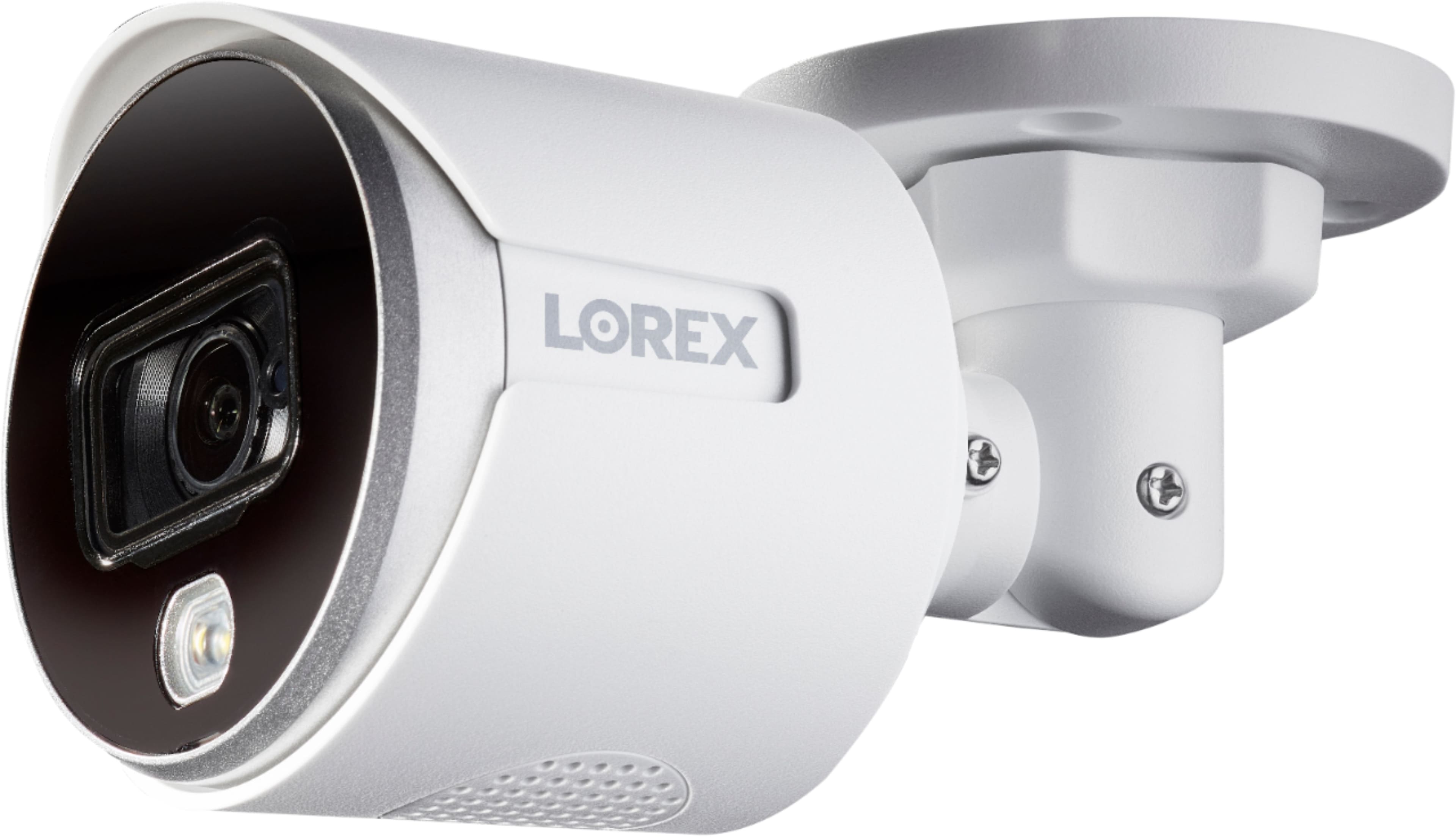
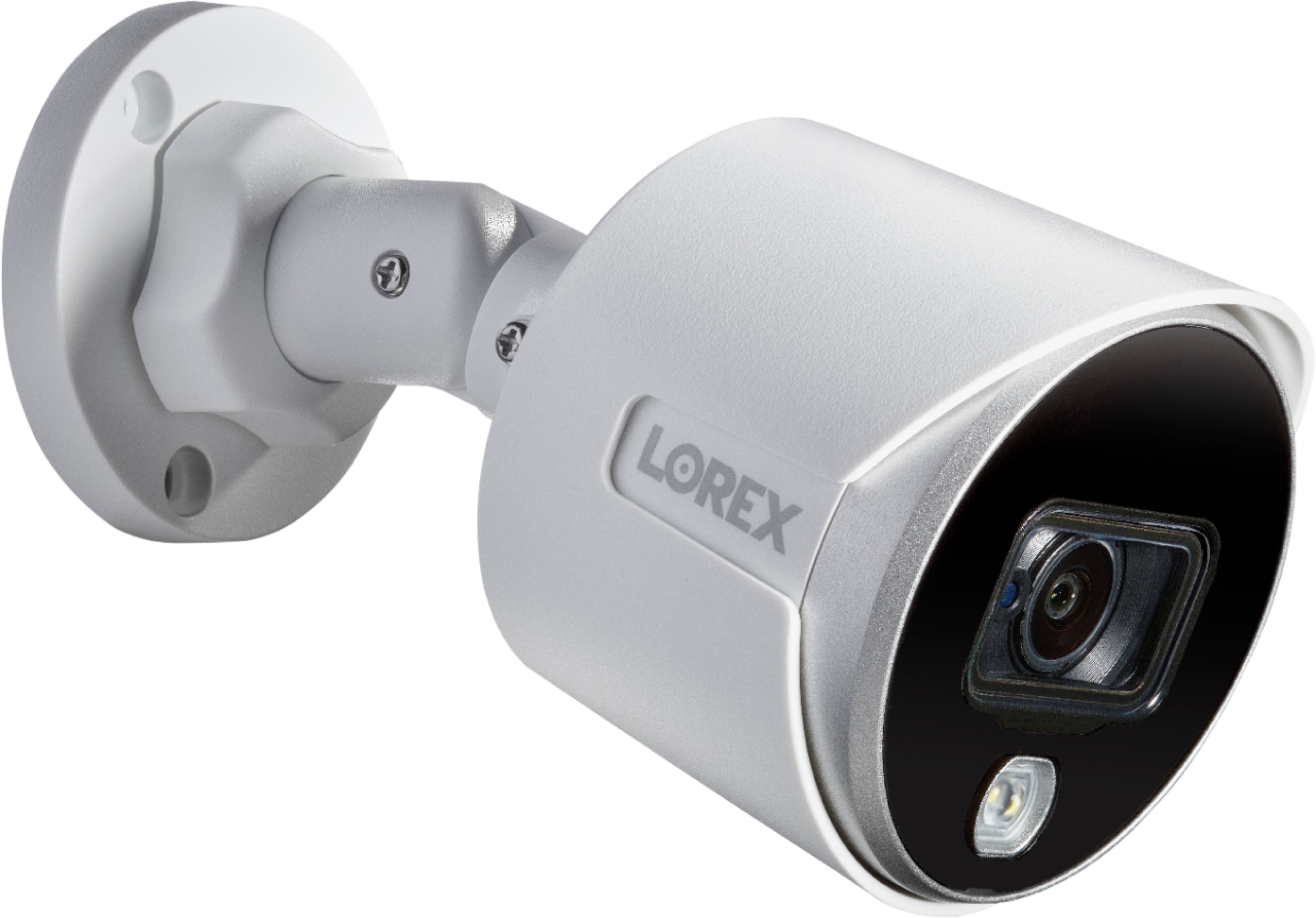
A:AnswerYes your monitor will show all four cameras at a time and each camera has an identification on it so you know which one it is. You can then select an individual camera via the mouse or menu to look at things more closely. On the Lorex home app on your mobile device these cameras will show up as a film strip. In other words when you open the app it will show you camera 1 and when you swipe to the left it shows camera 2, swipe again to get to cameras 3 and then 4.
A:AnswerI believe so as long as the second phone has the app and is configured as a second user. In addition to notifications, you can also set up e-mail alerts.
A:AnswerThis DVR will only work with these specific type of cameras. You cannot have an ip camera or wireless camera connect to it using the current software. You can however use the Lorex Home App on your mobile device and monitor both these cameras on this dvr as well as other Lorex wireless cameras that you purchase. Realize though that the video being stored on the DVR is only from the wired cameras and not the wireless ones.
A:AnswerI just double checked and these cameras DO NOT have a microphone so they do not record audio. The DVR is capable of recording audio and the camera set up includes audio settings and the manual even refers to audio recording which causes a lot of confusion but the bottom line is the cameras do not have microphones which means no audio recording. Lorex makes another system with 4k cameras that do record the audio. Sorry for the confusion.
A:AnswerThis sytem automatically overwrites previous recordings. I can't remember what the default setting is on the DVR, but you can set it however you want it. You can also set it up if the DVR is hooked up to the internet, that it will send you an email if there is a system malfuntion or storage issue.
A:AnswerYes you can. You need to obtain the DVR's ip address, I believe you can find that in the system information. Once you have the ip address you need to use Microsoft's browser and enter in the ip address in the url. The url line is where you type in say bestbuy.com but to reach your dvr you would type in the ip address. The IP address is four grouping of numbers delimited with periods. Most home networks start with 192.168.XXX.XXX where the XXX is a number between 000 and 255. Once you type in the proper address a log in screen will show up and you will need to enter your credentials to log in. I read that other browsers do not work but I have never verified that because Microsoft's Explorer and Edge have always worked for me.
A:AnswerThe maximum frame rate that you can record at with these cameras are 15 FPS even if you were to reduce the frame rate from 4K to 2K. (2K is the lowest resolution you can record at for these cameras)
A:AnswerYes, my new house was pre-wired throughout with Cat5e wire and all 6 of my cameras are connected to the Cat5e wire with video baluns. These are cheap and reliable