A:AnswerYes. Currently office 365 invokes Rosetta first time to work on m1 processor and from then on it runs great. I have used outlook word and excel and it’s fine. Microsoft will soon release new version of office 365 that runs on native m1 cpu. Go for it. Super fast system.
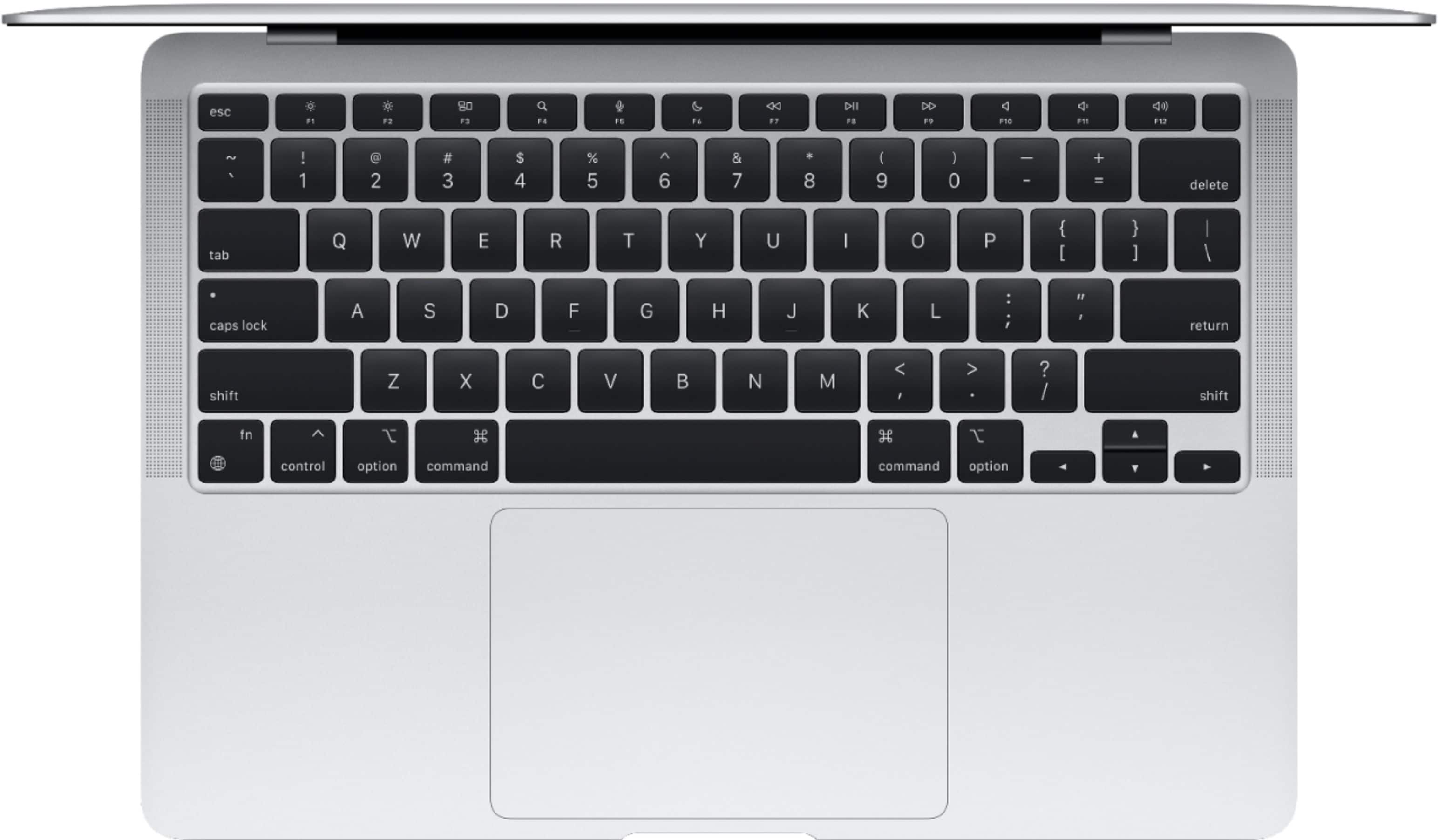
A:AnswerIt does have Touch ID. As this is an Apple product, it does not have any Microsoft software pre-installed, such as Office. It does have the Apple alternatives - Pages (similar to Word), Numbers (similar to Excel), Keynote (similar to PowerPoint), etc. Similarly, Google Chrome is not pre-installed. Apple’s web browser, Safari, is included.
Take a look under the “Specifications” section. A list of the main Apple applications included are noted under the “Included” subsection.
A:AnswerYour Mac comes with a wide range of apps already installed, so you can have fun, work, connect with friends, get organized, buy things, and more. Productivity programs like Pages, Numbers and Keynote and creative programs like Photos, iMovie and GarageBand are all available for free with your new Mac.
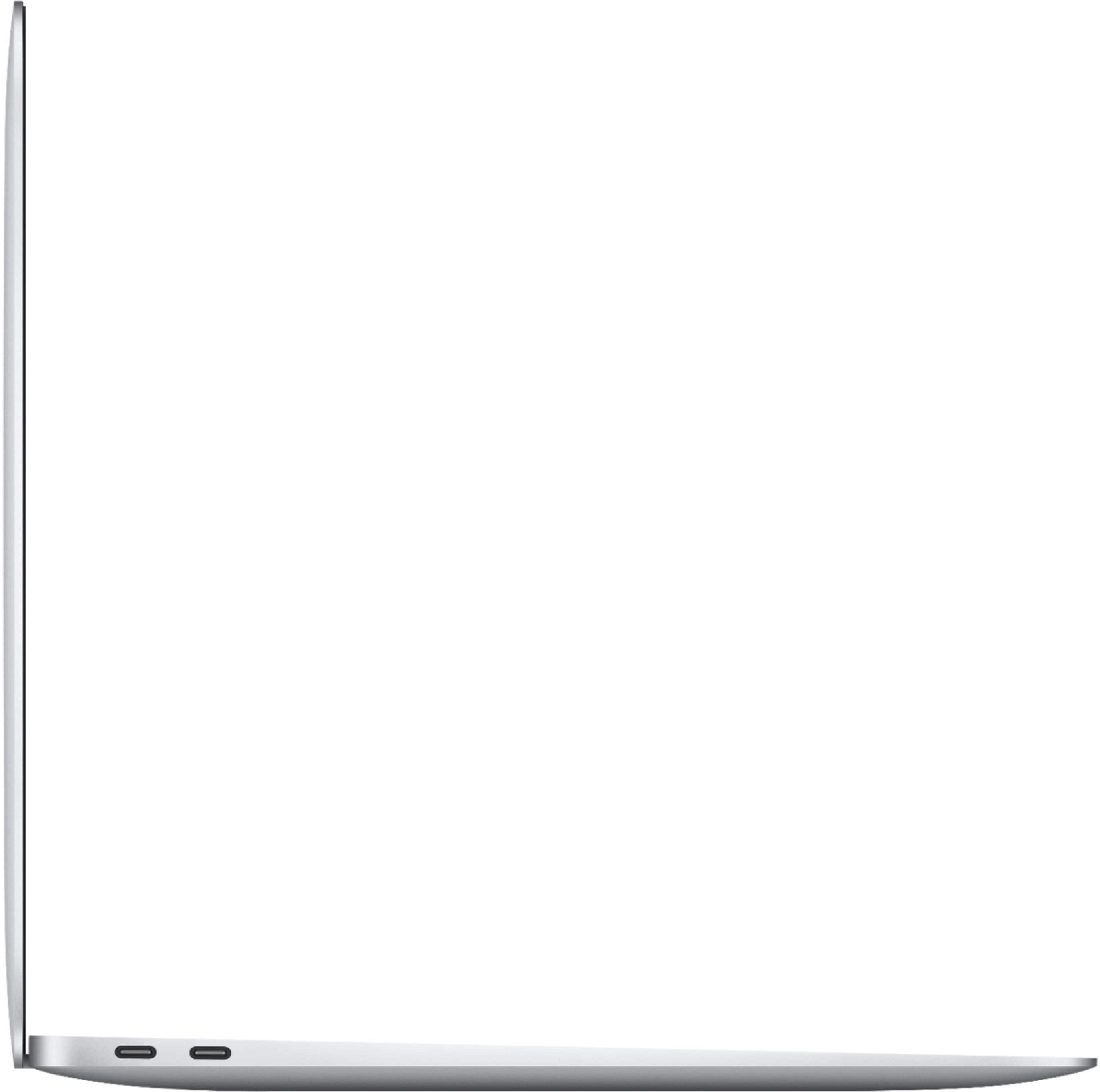
A:AnswerThe problem with this computer is they have Thunderbolt 4 for the openings which is new. You need an adapter and make sure it is thunderbolt 4 and not thunderbolt 3. Since it is fairly new it is harder to find adapters.
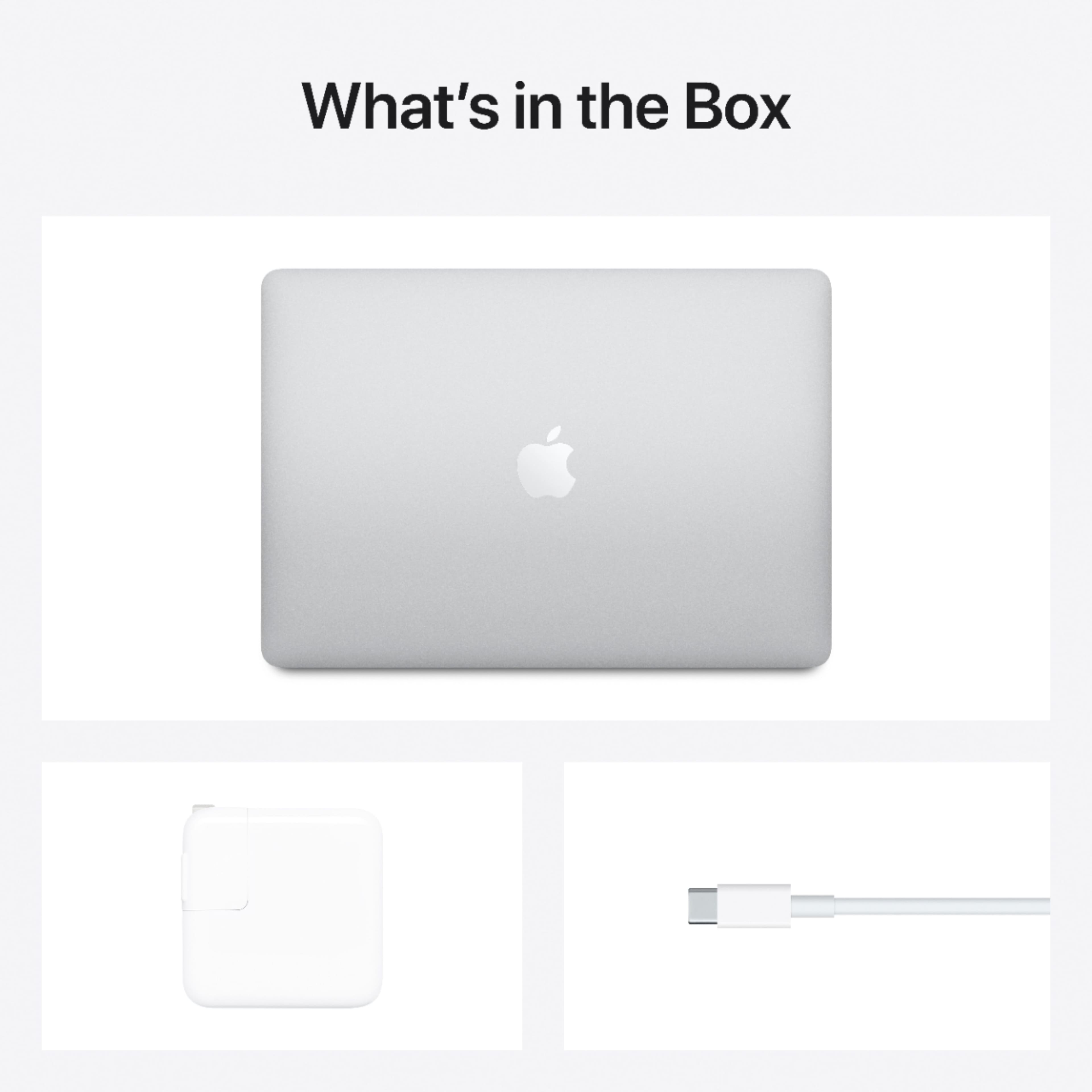
A:AnswerIt will be a factory seal from Apple. It will have a pull tab to open it. On edge. They are factory sealed all from Apple or sold as an open box.