A:AnswerIt probably just meant the lowest prices that year. If you are a total tech member and it is within the 60 day window they should do a price match.
A:AnswerFor most non-power users, they should not notice any difference in speed between the M1 Pro and the M2 Pro which is not announced yet. It’s estimated the speed increase will be about 20% so saving $400 on the current model is a better option I feel for the majority of users.
A:AnswerAccording to their website:
We are working with Apple to complete a 64-bit version of MixMeister, and hope have an update to share soon. In the meantime, please note that Mixmeister will not work on macOS Catalina or higher. If you wish to continue using this software/app, please continue to do so on macOS Mojave. Your license will also work at no extra cost on Windows and our software will work with all popular Virtual Machine software such as Parallels or VMware.
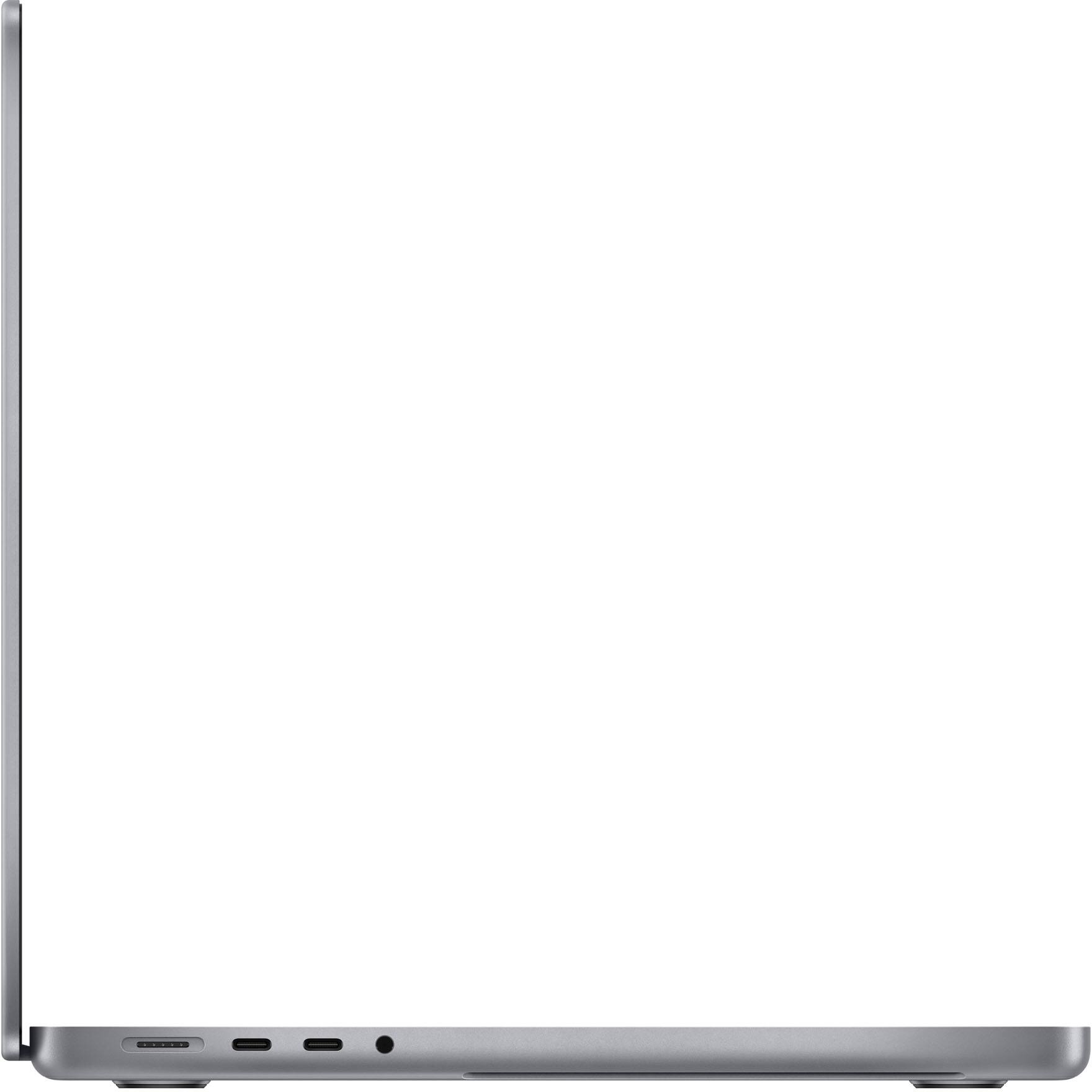
A:AnswerYou will need to buy and adapter with a female DVI end going to a male HDMI end. There are other docks/hubs available that will offer other options but a simple adapter may be your cheapest option.
A:AnswerYup! Microsoft Windows makes the whole office suite for Mac. Look and feel is comparable to using on a windows machine. I use mine for teaching all the time and I run PowerPoint with plugins from poll everywhere and it works great. You also have access to keynote (Mac’s version of PowerPoint) which works really well also. Mac also has pages and sheets which are apples version of popular windows Office apps.
A:AnswerI have been able to connect to two monitors so far with Type C and the HDMI port provided. I also have used my ipad pro 12.9 as a 3rd monitor. I dont have any issues when running 3 monitors.
A:Answeryes, macbook pro can do it all. or there is new apple product Mac Studio: Apple M1 Max - Silver, this one more powerfull than this macbook book pro . It depend on you , if you want portable then macbook pro , if not I'm recommed Mac Studio: Apple M1 Max - Silver.