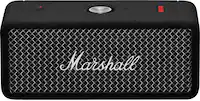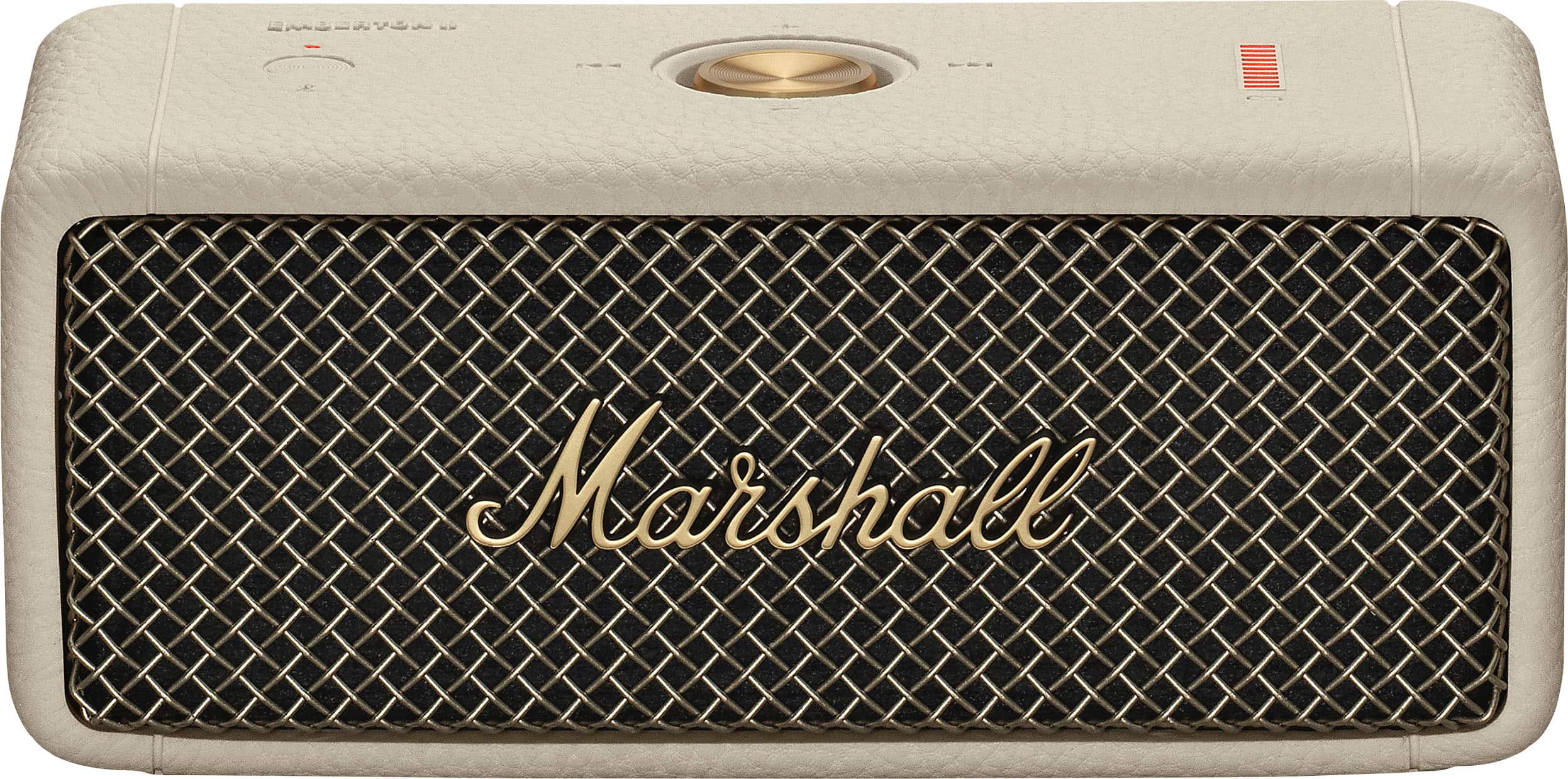


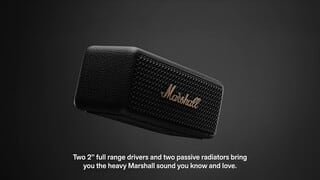
A:AnswerHello DG, thanks for your question. To charge the Emberton II, you will want to use a USB-C charging cable into a charger with 5V/3A. Be sure to avoid fast chargers. Hope this helps, let us know if you have more questions.
A:AnswerHello, if the your TV supports Bluetooth, then it will most likely connect to your TV, yes. Keep in mind that Audio lag will be a factor: connecting a speaker with a cable to your TV will remove any audio lag.
A:AnswerMarshall measures its speakers' loudness with their SPL rating: SPL rating measures how loud they are, indicating the sound level (in decibels, dB) produced at a specific distance (usually 1 meter) with a standard power input (usually 1 watt). The Emberton II has an SPL rating of 87 dB SPL @ 1 m.
A:AnswerHello, the Emberton II will connect with a phone using Android 14, it can connect by Bluetooth. If you need any assistance with the connection, please reach out to the Support Team through the official online shop.
A:AnswerHello, the Emberton II supports Bluetooth 5.1 with the SBC Codec; it doesn't support aptX low Latency. We put a lot of work into making the speaker sound amazing regardless of what codec your device will support.
A:AnswerHello Tasha, thanks for your interest in the Emberton II. The Willen can be used as an home office speaker for meetings and conversations, but the Emberton II does not have a built-in mic, it will not function for conversations or meetings.
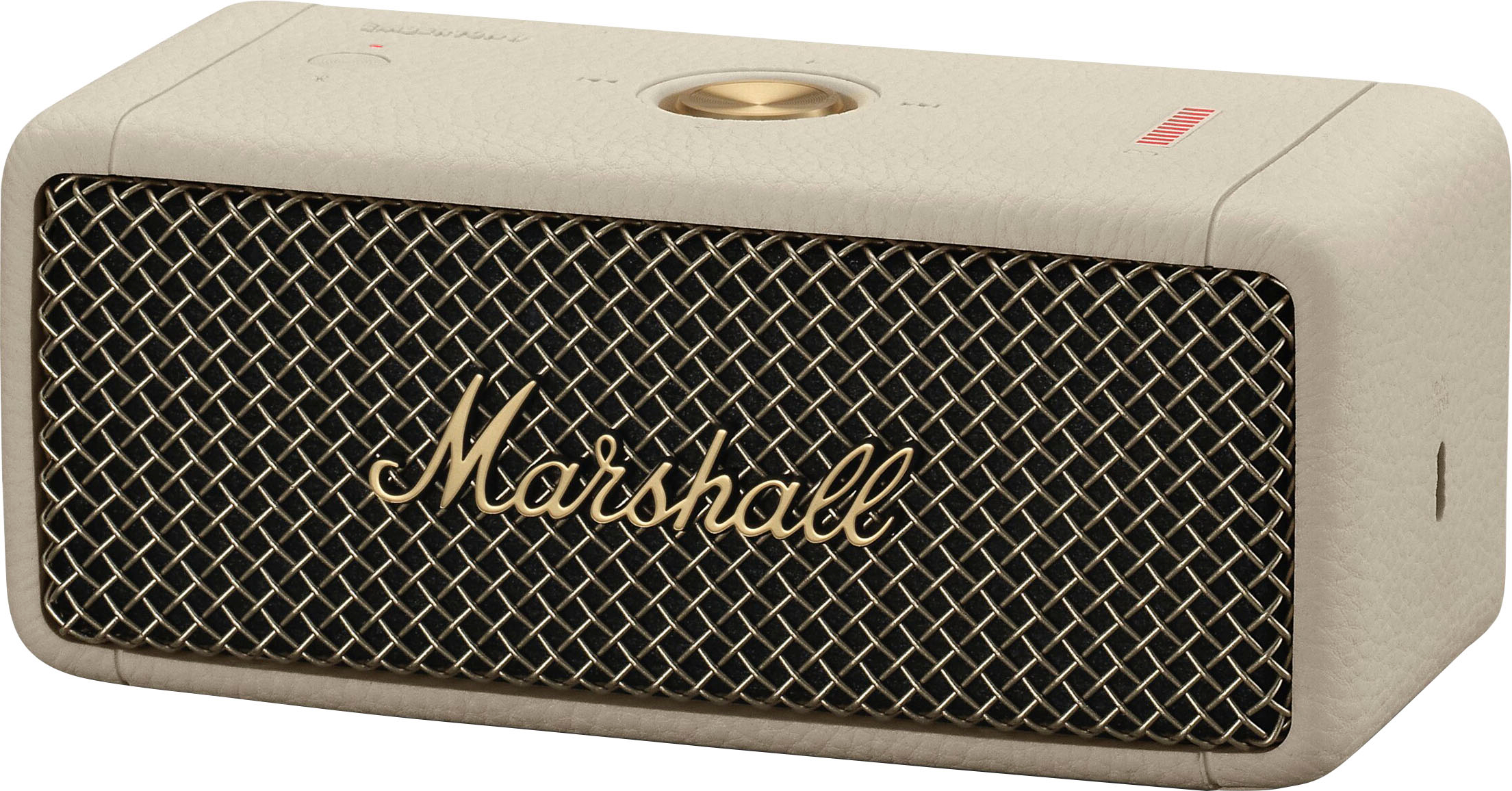
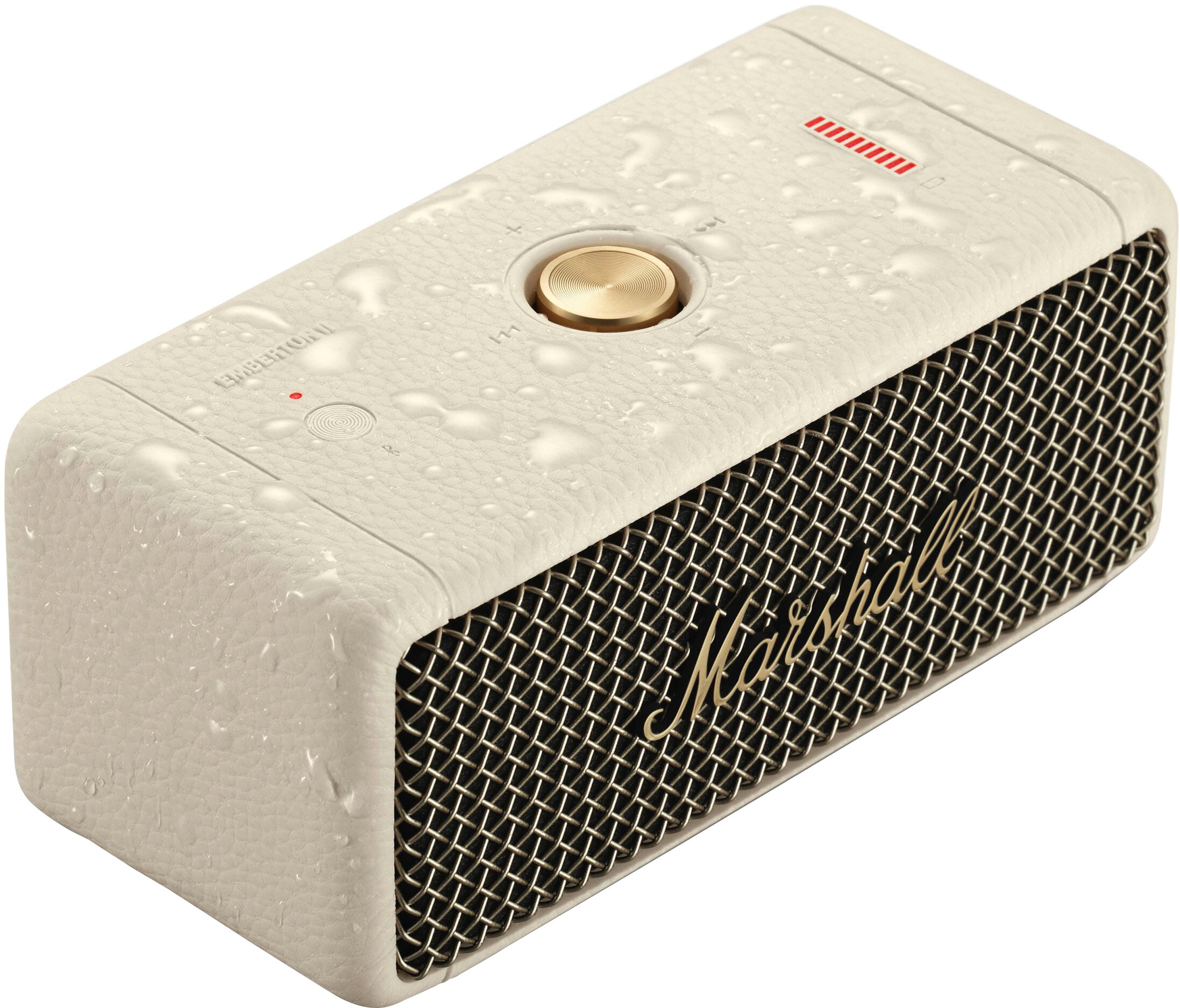
A:AnswerThat means its on. If you see red dot light on one side and red bars on the other than speaker is on. You need the marshall app to use speaker unfortunately
A:AnswerHello, thank you for your question. I am afraid it is not possible to disable the power-saving feature which will shut down the speaker after 5-10 minutes of inactivity. We appreciate your question. Take care, Annie :)