Appliances Presidents’ Day SaleEnds 2/25. Limited quantities. No rainchecks.Shop now

Main Content

Questions & Answers

Page Showing 1-10 of 10 questions
  • QuestionCan I adjust the sound or use EQ settings with MODE USB-C earbuds?

    Asked by Anonymous.

    • Answer Not directly on the earbuds. Mode USB-C has no built-in EQ or companion app, but you can fine-tune your sound through your device’s audio settings or any EQ function in your favorite music app.

      Answered by Customer Service

  • QuestionHow durable are Mode USB-C earbuds, and how is the USB-C connector protected?

    Asked by Anonymous.

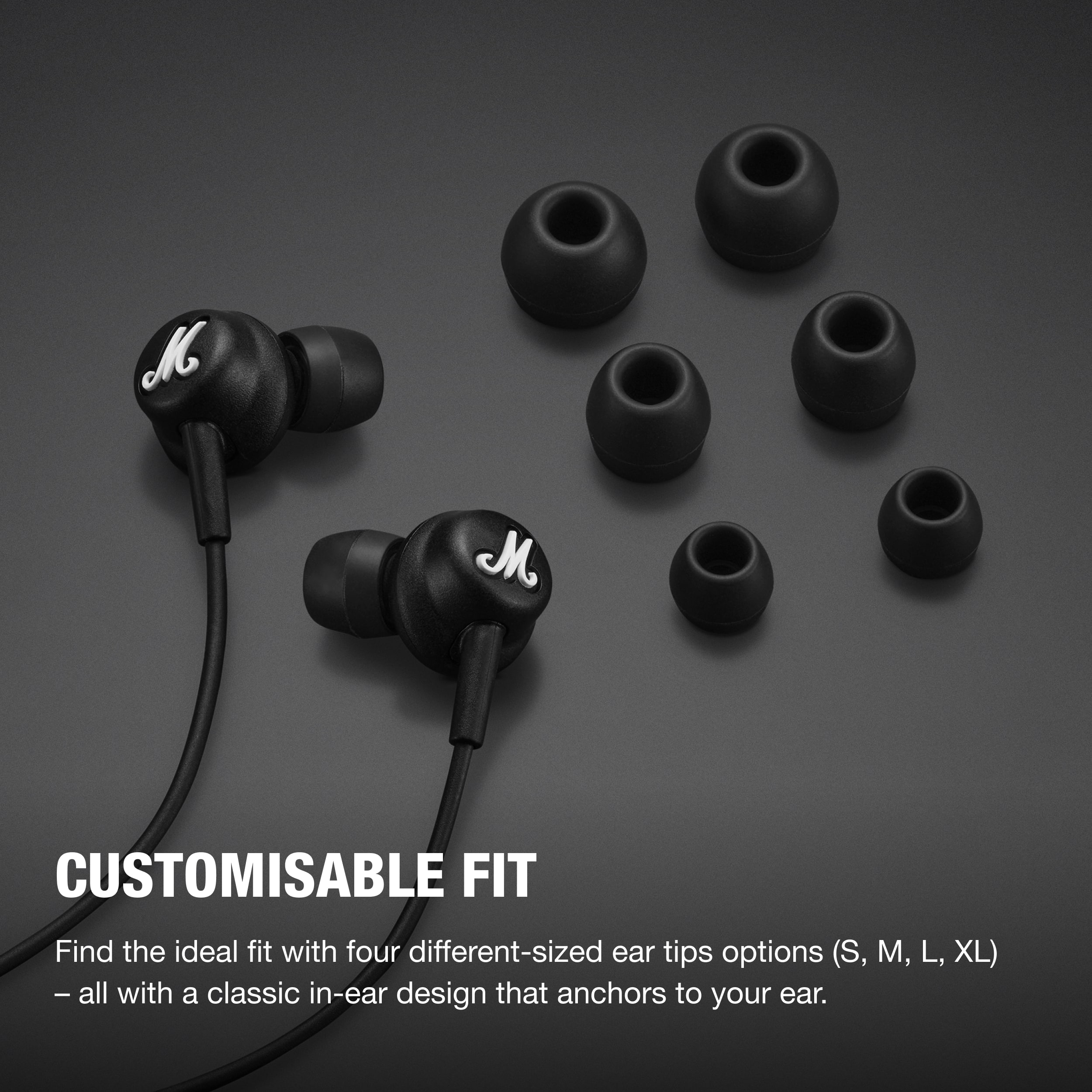
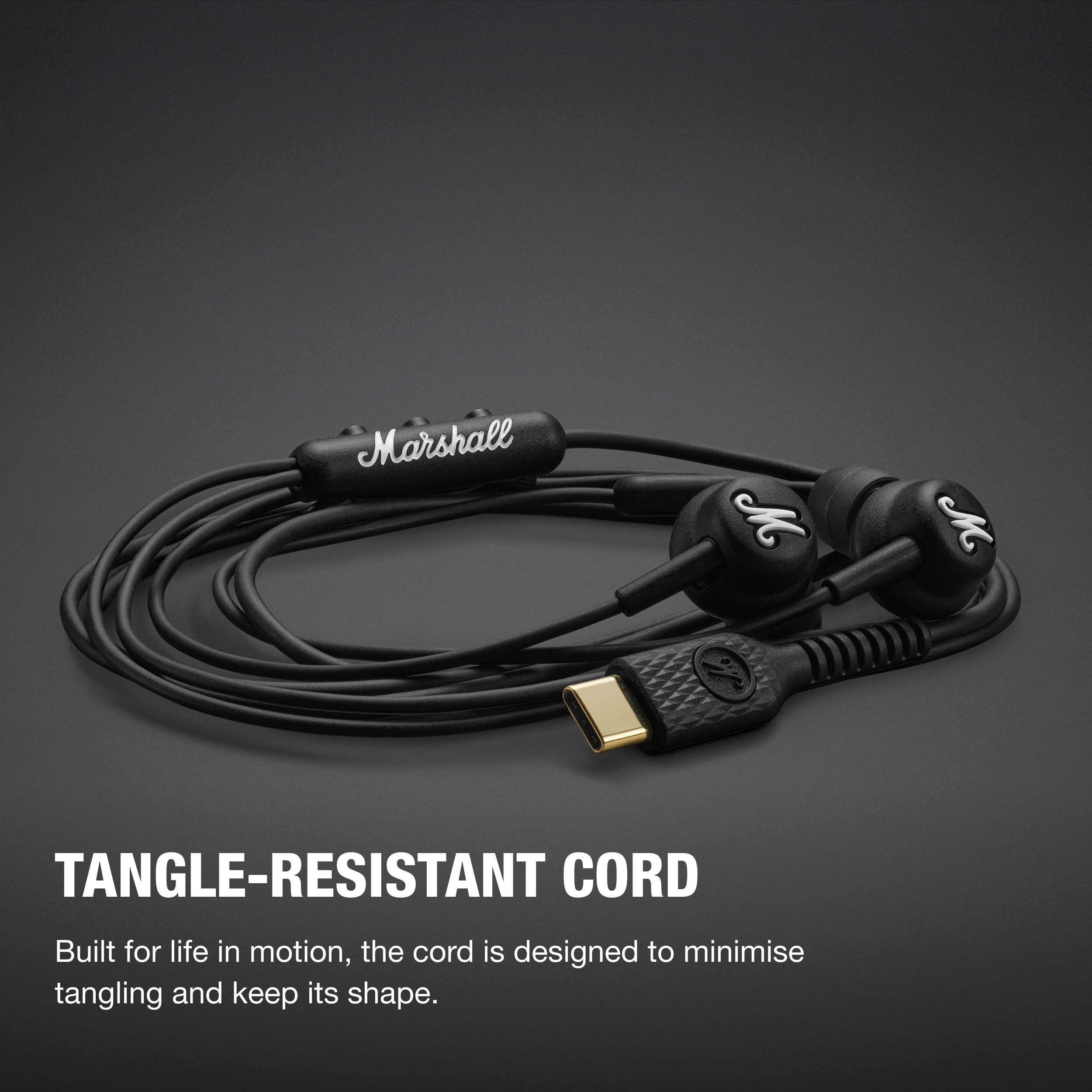
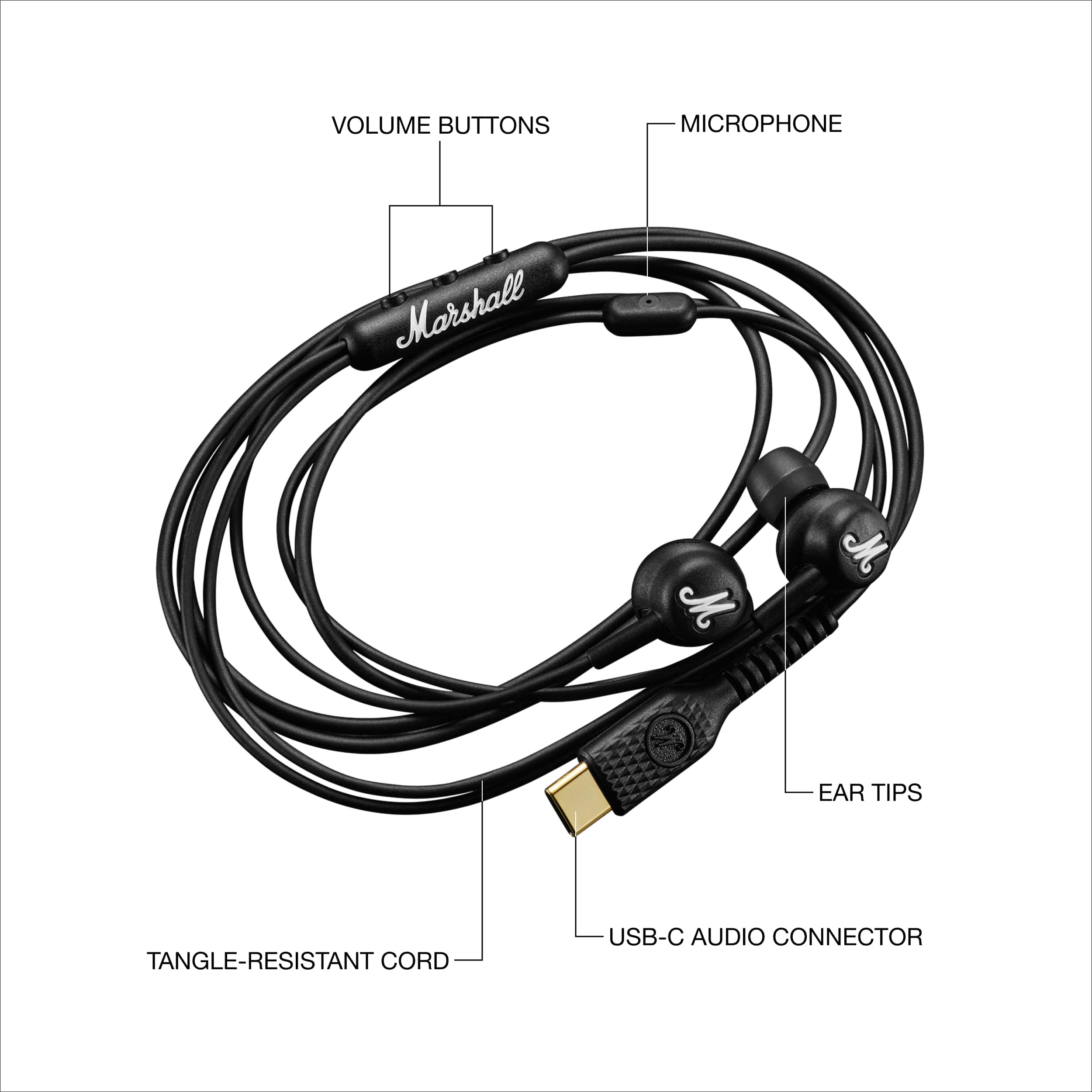
    • Answer Mode USB-C is built to last. The earbuds use hard, textured plastic that resists wear and avoids the stickiness that can appear in softer finishes over time. The USB-C connector is encased with metal shielding and soft TPU for durability and protection. It has been tested for 13,000 bend cycles and a tensile strength of 15 kgf. Other durability features include: • Hot-melted metal mesh on the earbuds, passing a 1.5 kg pull test. • Silicone M logo and oil-drip Marshall logo that resist UV yellowing. • Nano-coated, electroplated USB-C connector to prevent rust. • Securely fitted silicone ear tips that stay firmly in place. • Full TPU cable construction for improved flexibility and longevity.

      Answered by Customer Service

  • QuestionIs there any audio latency or delay with Mode USB-C earbuds?

    Asked by Anonymous.

    • Answer Latency is minimal, under 5 milliseconds, allowing for real-time listening and watching.

      Answered by Customer Service

  • QuestionWhy do I hear static, clicks, or intermittent audio while using Mode USB-C earbuds?

    Asked by Anonymous.

    • Answer Unusual sounds such as static or clicks often come from streaming sources or unstable connections rather than the earbuds themselves. Check your app or internet connection if this occurs.

      Answered by Customer Service

  • QuestionWhy is the microphone and playback volume low on my Mode USB-C earbuds?

    Asked by Anonymous.

    • Answer The earbuds themselves deliver full output, but the overall volume level may depend on the audio settings or output limits of your device.

      Answered by Customer Service

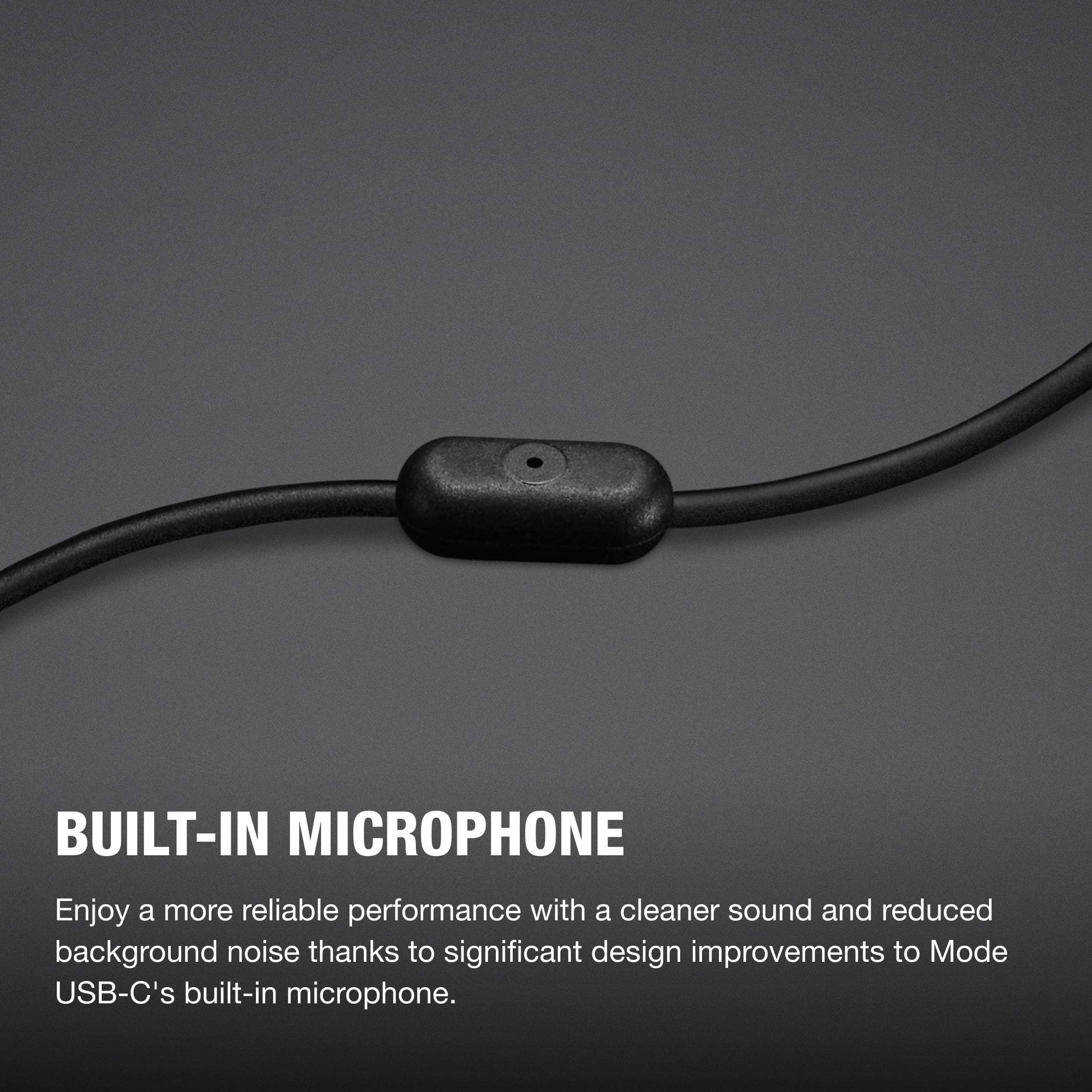
  • QuestionDo the built-in microphone and remote control buttons work on all devices?

    Asked by Anonymous.

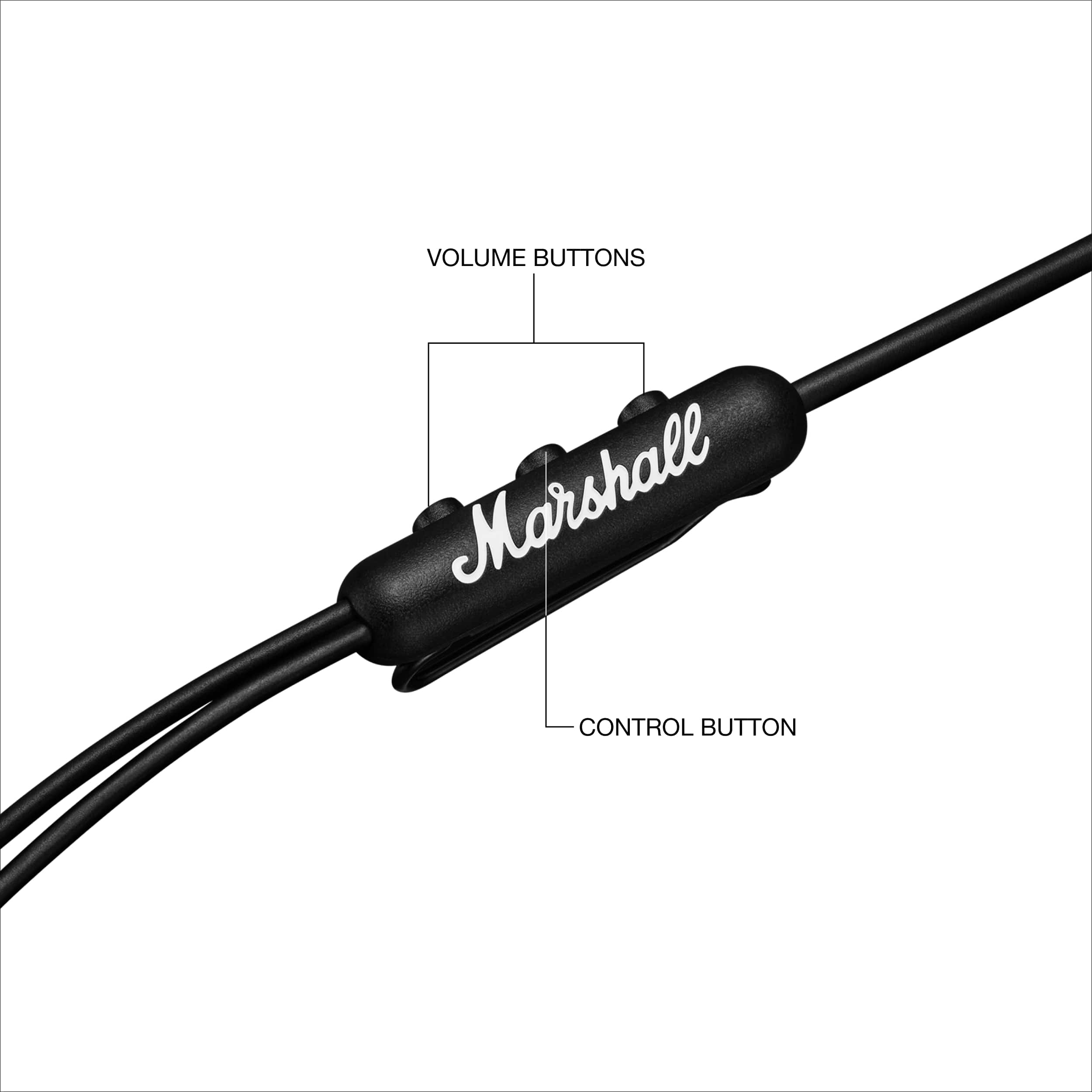
    • Answer The inline mic and remote are designed to work seamlessly with most smartphones and tablets. Functionality may vary on computers — play/pause usually works, but volume and track controls may depend on the system’s own software

      Answered by Customer Service

  • QuestionWhy aren’t my Mode USB-C headphones recognised by my computer or phone?

    Asked by Anonymous.

    • Answer If your device doesn’t detect the earbuds, try the following steps: • Make sure the USB-C plug is fully inserted. • Try another USB-C port, if available. • Test the earbuds on another compatible device. • Check for debris or dust in the port or connector. • Restart your device. • Ensure the USB-C port is enabled for audio in your system settings.

      Answered by Customer Service

  • QuestionDo I need to install drivers or carry out any setup before using MODE USB-C earbuds?

    Asked by Anonymous.

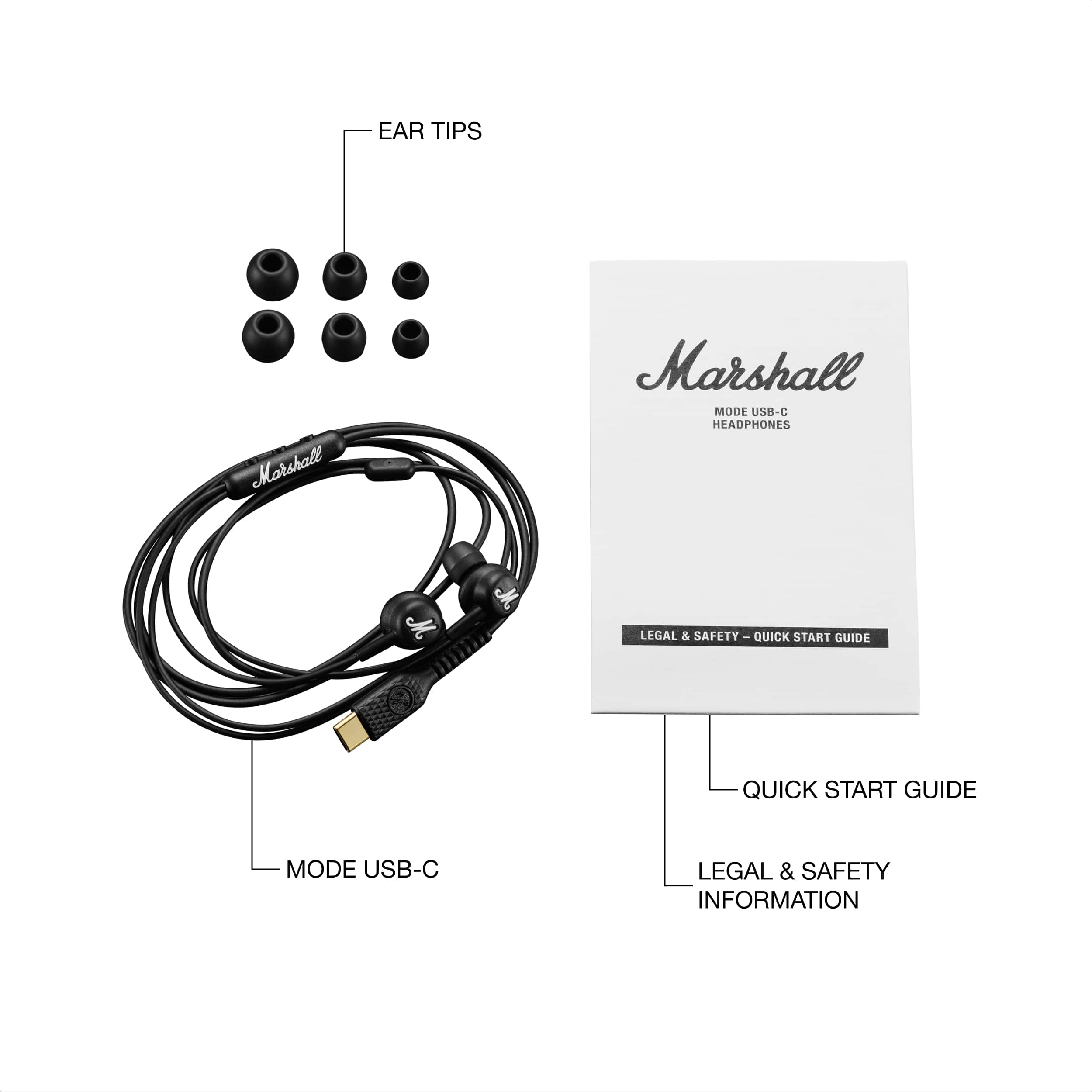
    • Answer No setup is required. Mode USB-C is plug-and-play on most systems, including Android, ChromeOS and macOS. These wired earphones use standard USB audio drivers already built into your device. Some Windows systems may offer optional software for additional features, but it’s not necessary for basic use.

      Answered by Customer Service

  • QuestionWhich devices are compatible with Mode USB-C earbuds?

    Asked by Anonymous.

    • Answer Mode USB-C works with any device featuring a functional USB-C port designed for audio output.

      Answered by Customer Service

  • QuestionWhat’s the difference between Mode USB-C wired earphones and other Marshall 3.5 mm wired models?

    Asked by Anonymous.

    • Answer Mode USB-C delivers the same Marshall signature sound but connects through a modern USB-C port instead of a 3.5 mm jack. This ensures compatibility with today’s devices while maintaining the powerful, balanced audio performance Marshall is known for.

      Answered by Customer Service