A:Answer Hi Jim, thanks for your comment. Have you tried a different power outlet or a different power cable?
Here are instructions on how to reset the speaker, please give this a try and if it doesn't work, reach out to Customer Support at support@marshallheadphones.com.
Perform a factory reset (noting this will delete all Bluetooth pairings):
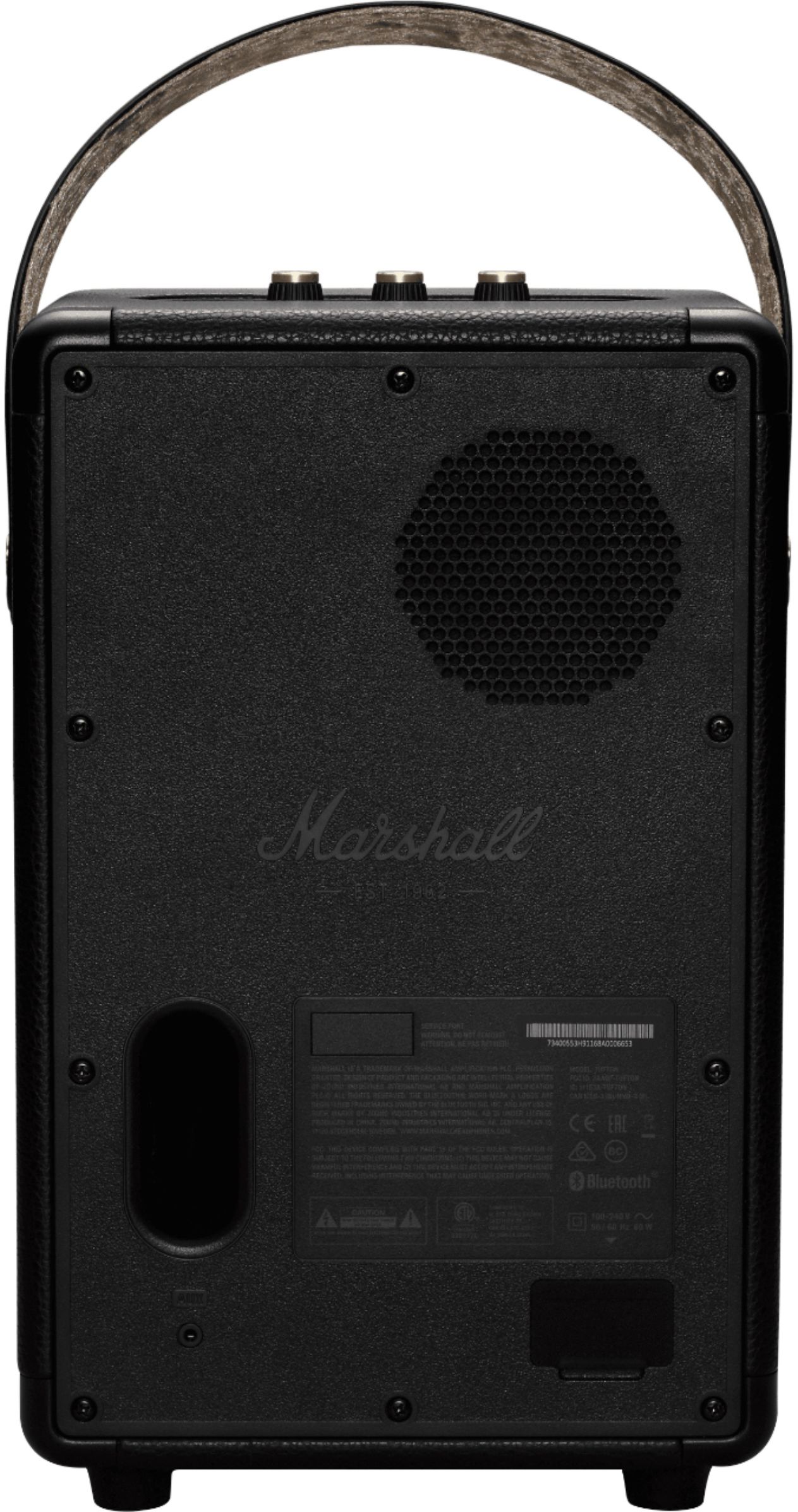
1.Plug the speaker into a working electrical outlet.
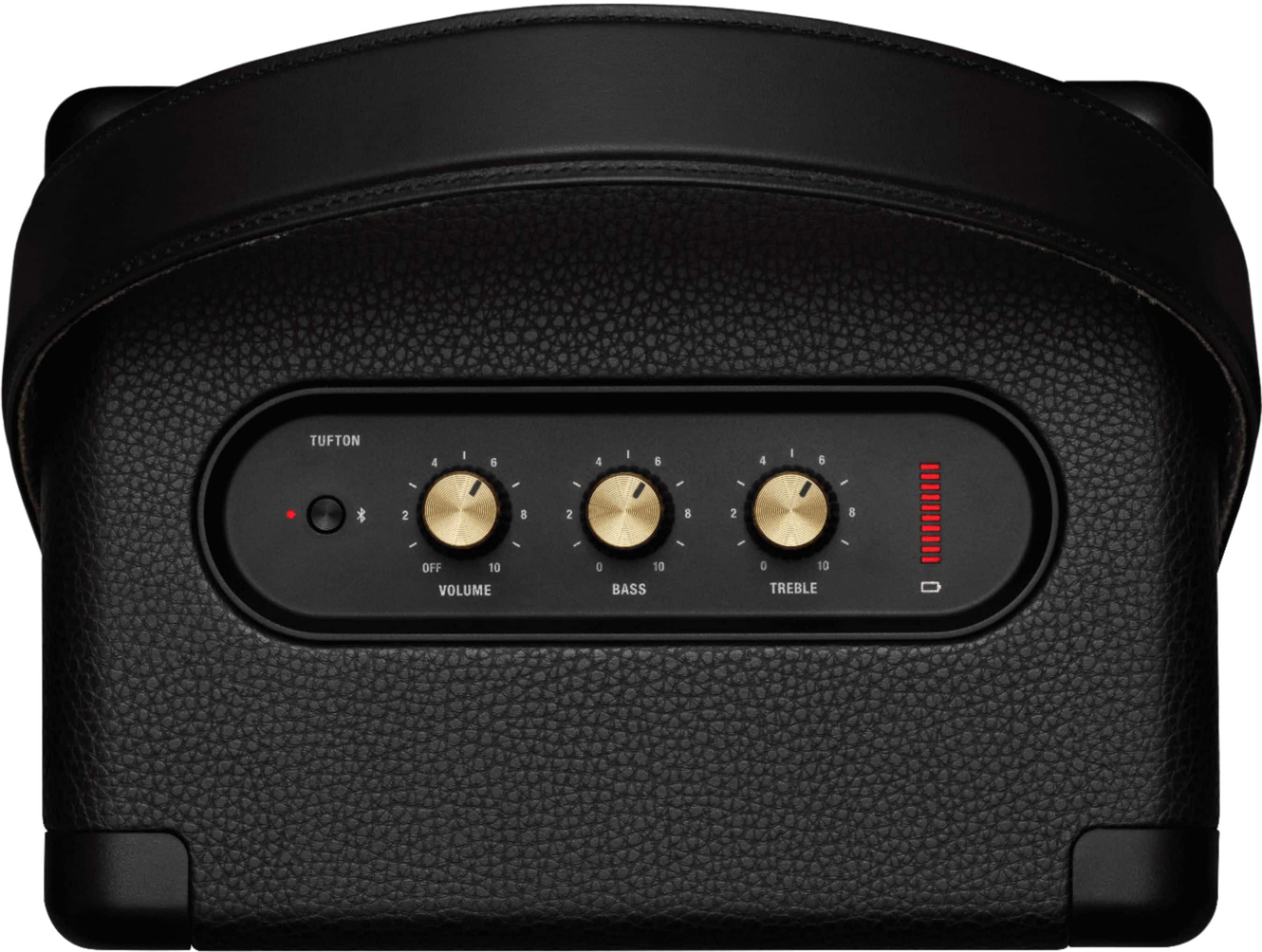
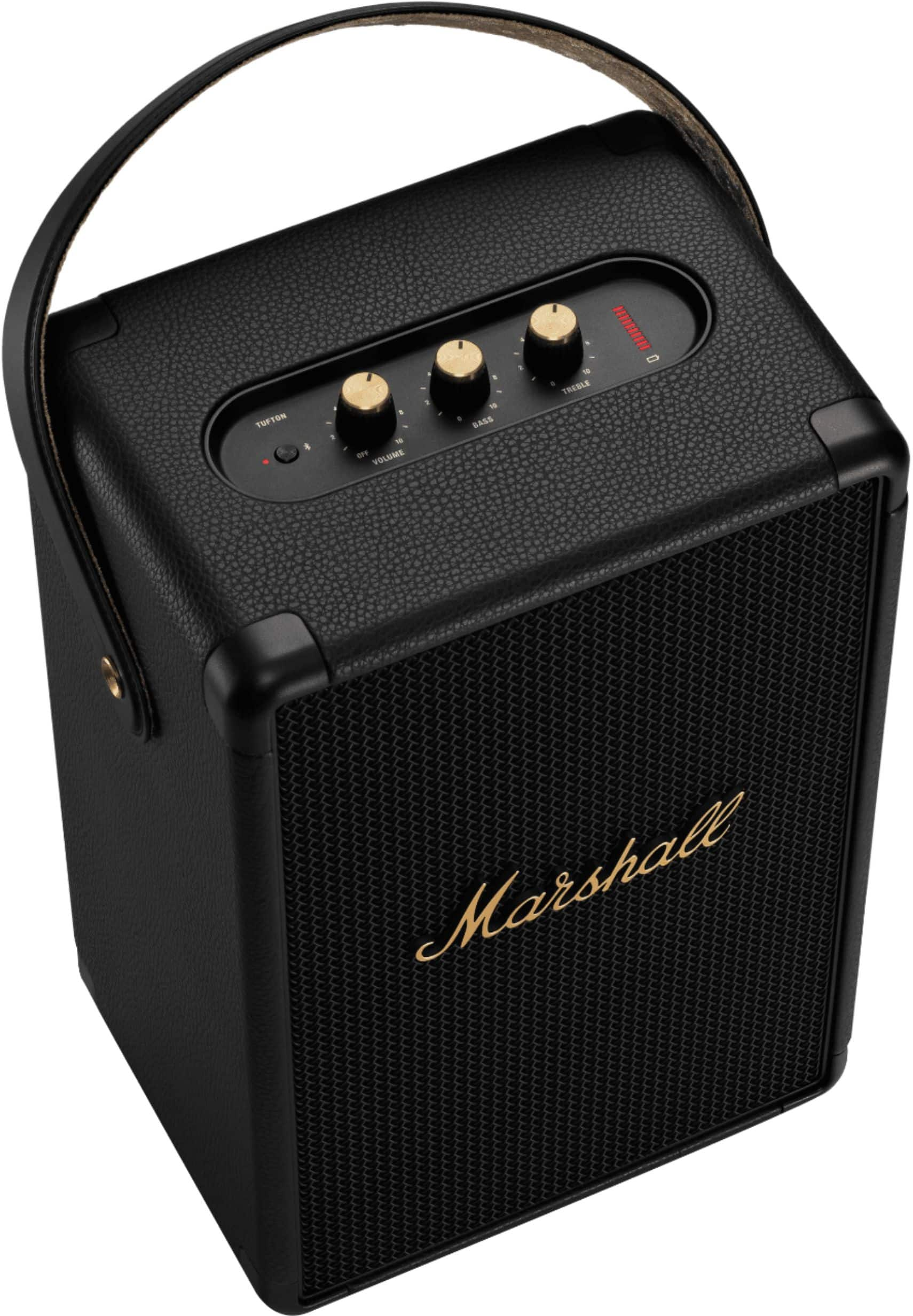
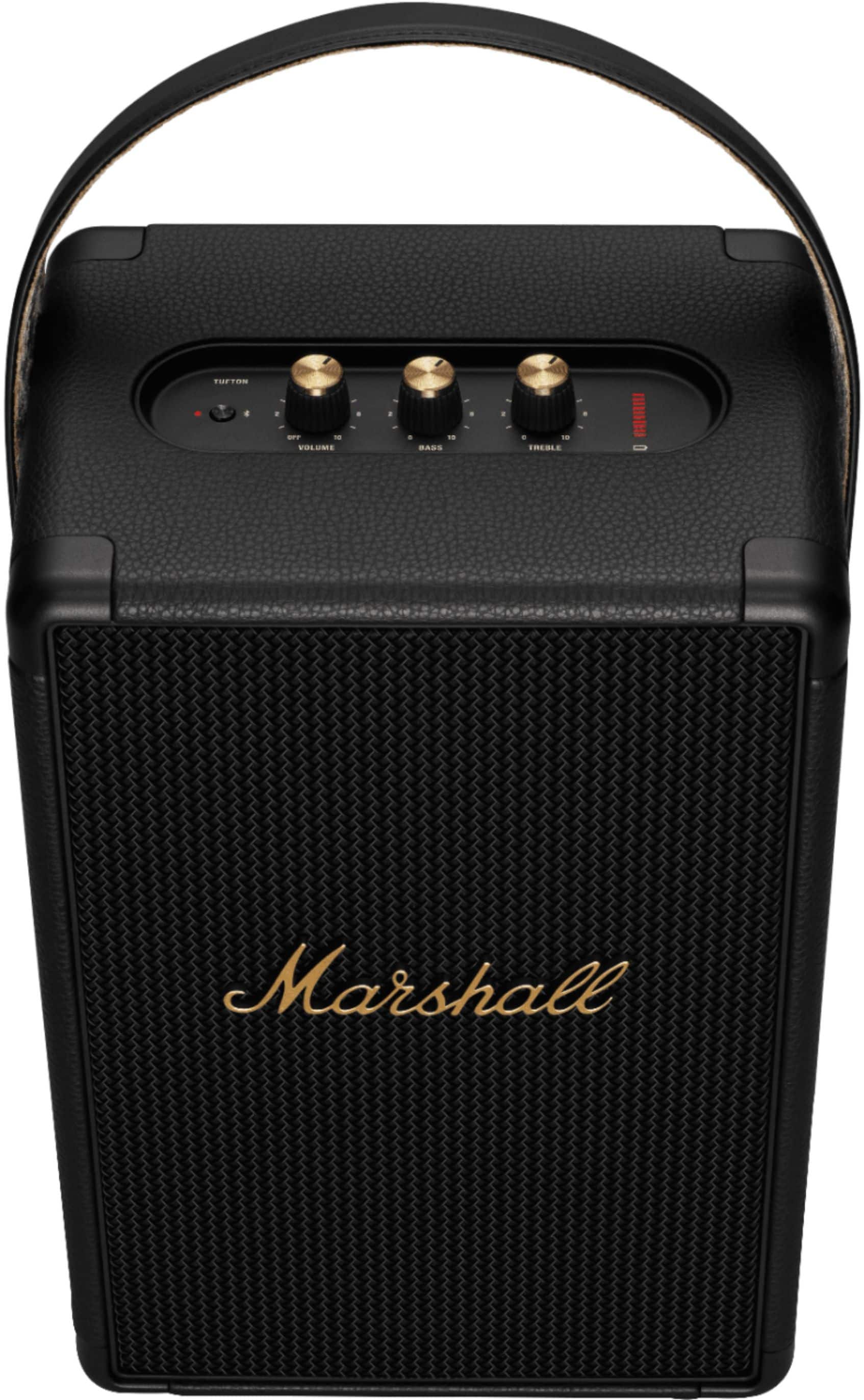
2. Turn the speaker off by turning the volume knob counter-clockwise until you hear a click.
3. Wait 15 seconds, then turn the speaker on again.
4. Push and hold the Bluetooth button for 6-8 seconds to reset the speaker to default settings.
5. Remove the Tufton from your sound device’s Bluetooth list before pairing again