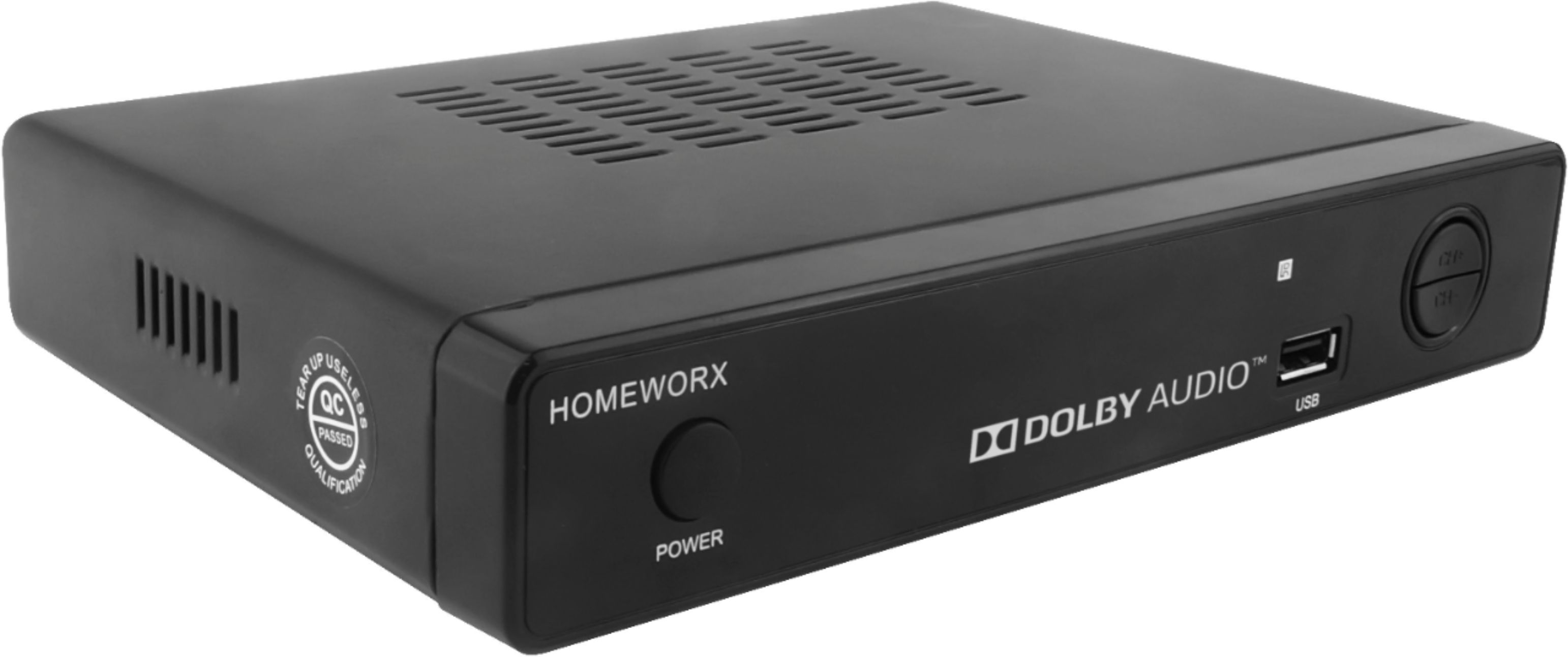
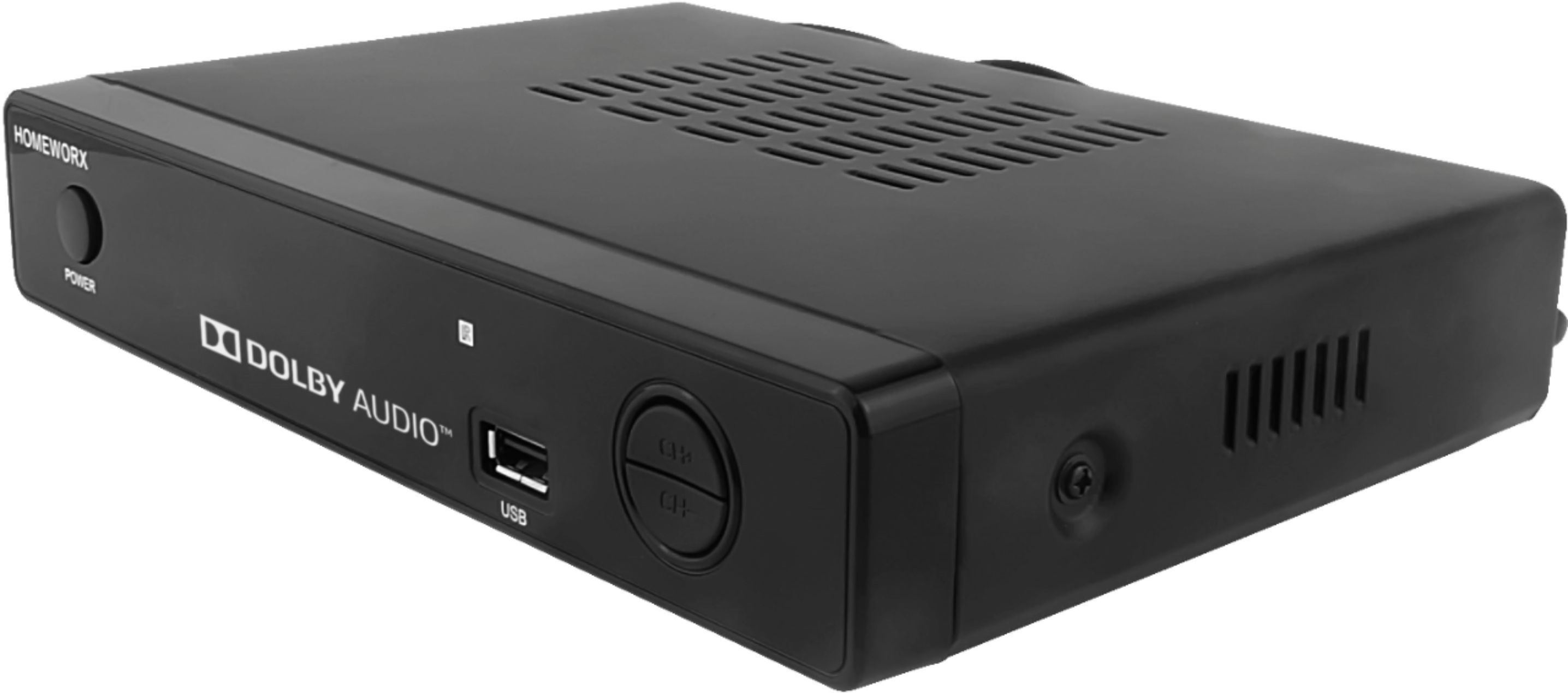
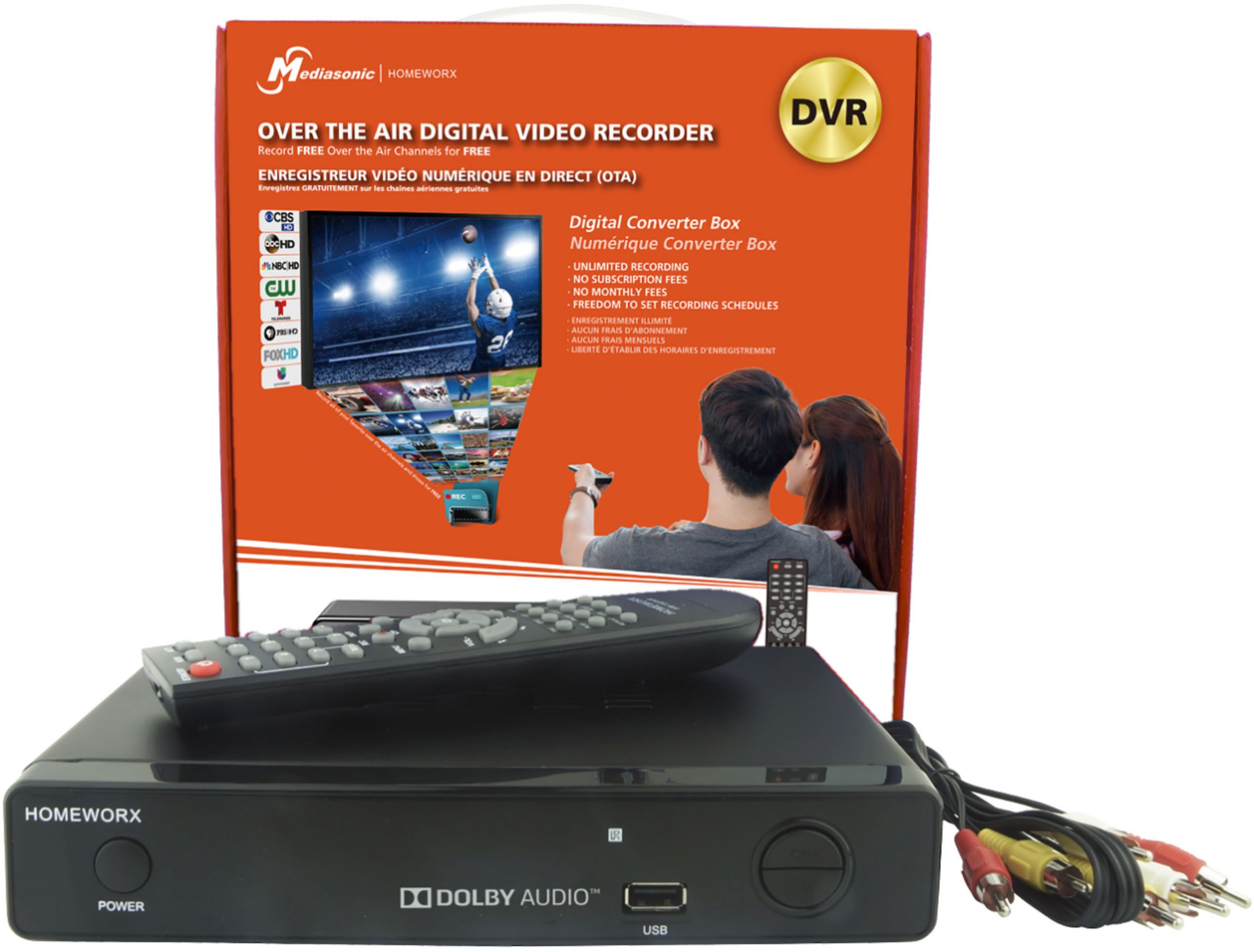
A:AnswerThese are designed to receive over-the-air (OTA) signals from an antenna. They are not replacements for cable boxes and often do not work as prescribed with cable boxes and cable company services.
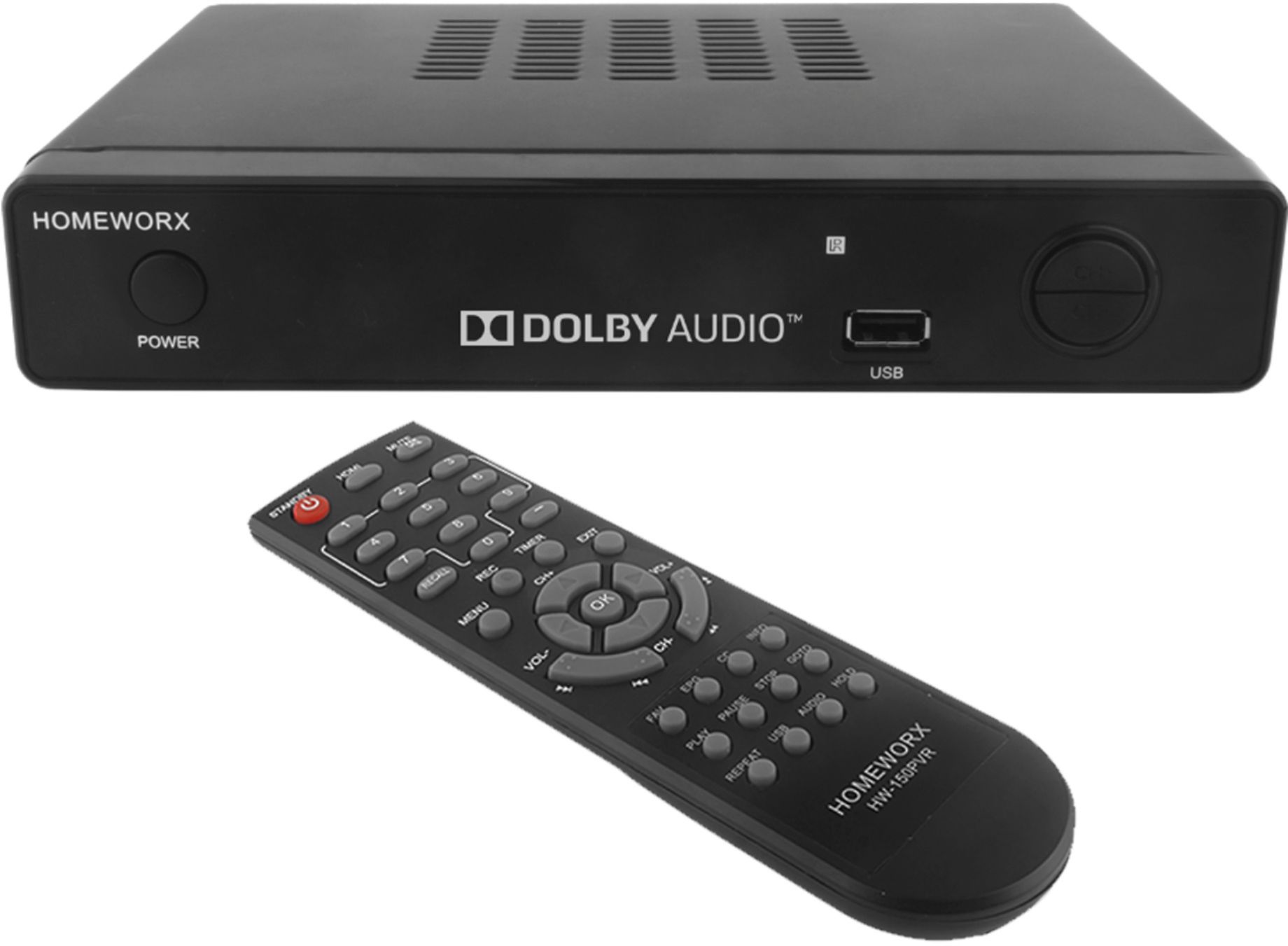
A:AnswerThis converter has both RCA and HDMI outputs, but only comes with RCA cables. Check your theater receiver to see what cable is needed. There is also a pass through antenna port that can be used for another device.
A:AnswerCox gives a general answer to this question on its website. Basically, it says that DVR service is not compatible with the mini box. I've read other forum comments that seem to affirm this assertion. It seems Cox may have been trying to divert customers from using DVR functions when they added the mini boxes. https://www.cox.com/residential/tv/learn/cox-tv-overview.html
A:AnswerYes. I have a cabin in Missouri and can't get internet unless I pay an arm and a leg. I used a HDMI cable from unit to TV and antenna coaxial to unit. For some reason I do get more channels with this than I do with the antenna right to the tv.
A:AnswerI use only a rather inexpensive indoor antenna and am able to pick up 25 channels with towers within 45 miles of my home. I have been more than satisfied with this product. My television is older, produced one year before flat screens came on the market.
A:AnswerI don’t know because I can’t get it to even work on my tv as it shows it is not compatible with spectrum internet. My time to return it has run out so I’m stuck with it.
A:AnswerOnce you record a show on a USB key or external drive attached, you can watch it by simply pushing the USB button on your remote and selecting the show to watch and then OK. Hope this helps.