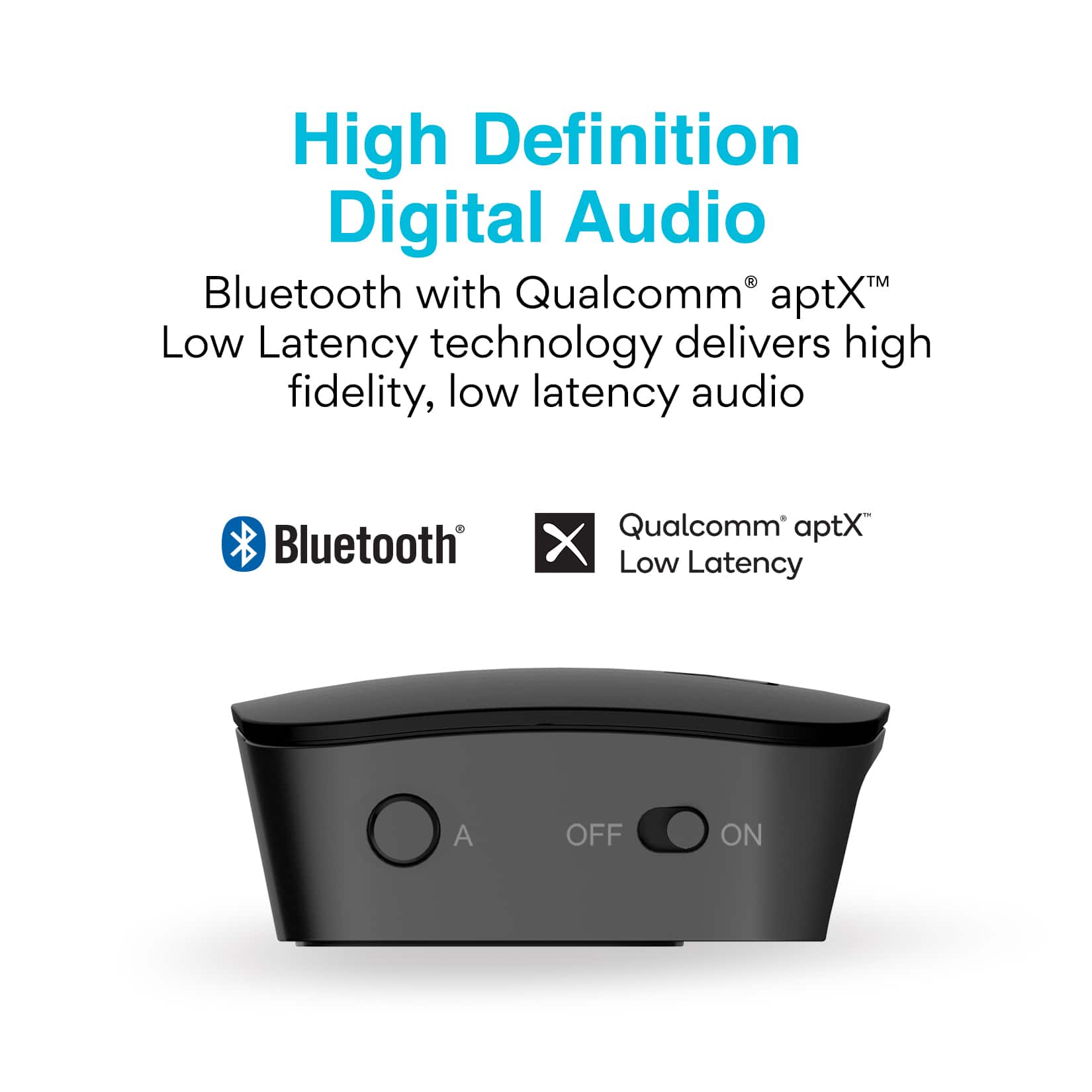
A:AnswerYes, Bluetooth is a digital wireless signal and there is always some latency (delay) due to the coding/decoding steps that must occur. The Connect transmitter is designed to minimize audio lag. In addition to regular Bluetooth audio, the Connect also supports both the aptX and aptX Low Latency audio codecs, which are offer lower latency (smaller audio delay) of <170 and <40 milliseconds, respectively, compared to regular Bluetooth audio which usually has 200+ milliseconds of delay. Because of this, we strongly recommend using the Connect with headphones that support aptX Low Latency, as this will make the lag imperceptible with TV programs. If that's not an option, then at least regular aptX is advisable. You can find a list of headphones that support both codecs at aptX.com
A:AnswerSome Bluetooth hearing aids can be used with this device but it all depends on the exact model and configuration since every manufacturer has a wide variety of hearing aid models available. We always recommend reaching out to the manufacturer of your hearings aids with the exact model number of your hearing aids to confirm the answers to these two questions 1) whether your hearing aids support the A2DP Bluetooth profile (which is required for stereo audio) and 2) whether your hearing aids can manually enter pairing mode and can be paired with a screen-less Bluetooth device. If the answer to both questions is "yes", then those specific hearing aids will work with this device.
A:AnswerYes, this is typically possible, but ultimately depends on the type of audio output your TV has. Most modern TVs have a digital optical audio output (also known as a TOSLINK or Optical S/PDIF connection) and allow for the optical output and the TV speakers or soundbar to be used simultaneously. If you want to be sure before buying this product, you can contact the manufacturer of your TV with the model number and confirm that the TV speakers or soundbar and the optical out can be operated simultaneously. Again, in most TVs this is totally fine. If your TV does not have an optical audio output, then playing audio to both the headphones and your soundbar will depend on the settings available on your TV - in this case you can call our support line at (626) 965-1008 (M-F 9am-5pm PST) and we can guide you through checking for the correct settings.
A:AnswerThis device will work with a Vizio smart TV as long as your TV has one of the following audio outputs: Optical S/PDIF (usually labeled Digital Optical Audio Out), a headphone jack, or red/white RCA connectors. Most modern TVs will have at least an Optical audio output, which this device will work with. Regarding hearing aids, this will depend on the specific model of the hearing aids. We recommend you contact the manufacturer with the exact model of your hearing aids to establish that 1) they support the A2DP Bluetooth profile, which is required for stereo audio and 2) they can be put into Bluetooth pairing mode manually, without the use of an app. You will need both of these to be true in order to use your hearing aids with a Bluetooth transmitter/streamer. The manufacturer of your hearing aids will be able to provide the answers to these questions and also explain the process for putting them into Bluetooth pairing mode, which you will need to do in order to connect them to this or any other Bluetooth TV adapter.
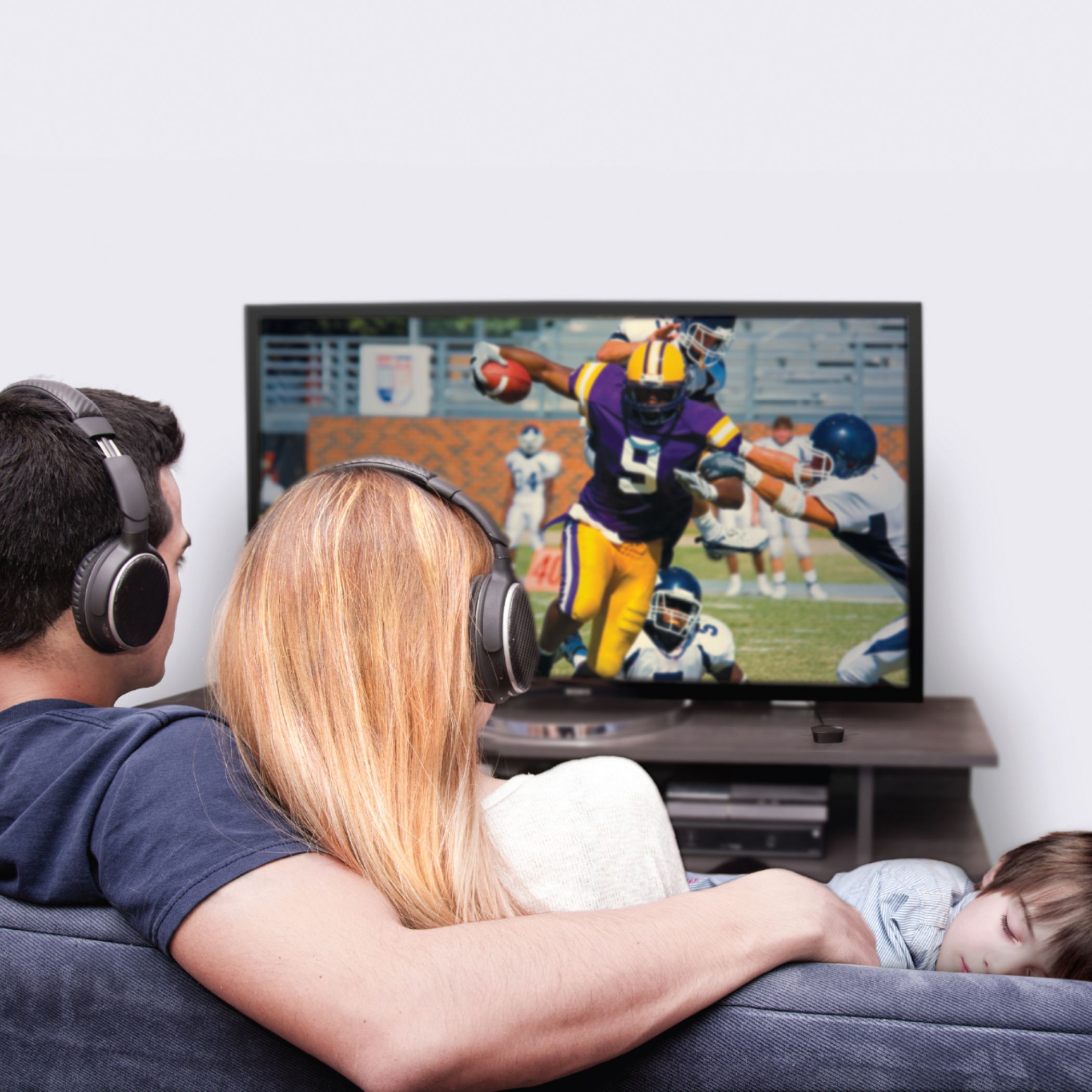
A:AnswerYes, depending on the type of audio output your TV has. Namely, if your TV has a digital optical audio output (also known as a TOSLINK or Optical S/PDIF connection), then you will be able to use this device with Bluetooth headphones AND hear the TV's built-in speakers simultaneously, so others can still listen to the TV without headphones. Most TVs do have an optical output, but if your TV does not have an optical audio output but has red/white RCA "audio out" connectors, then it could still work depending on the TV make/model. Some TVs will have a setting in the audio menu that will allow you to enable the TV speakers while also using the RCA audio output. If your TV is one of the few models that only has a headphone jack, with no optical and no RCA output, then your TV will likely mute the built-in speakers when you plug this device in, which means others won't be able to listen to the TV.
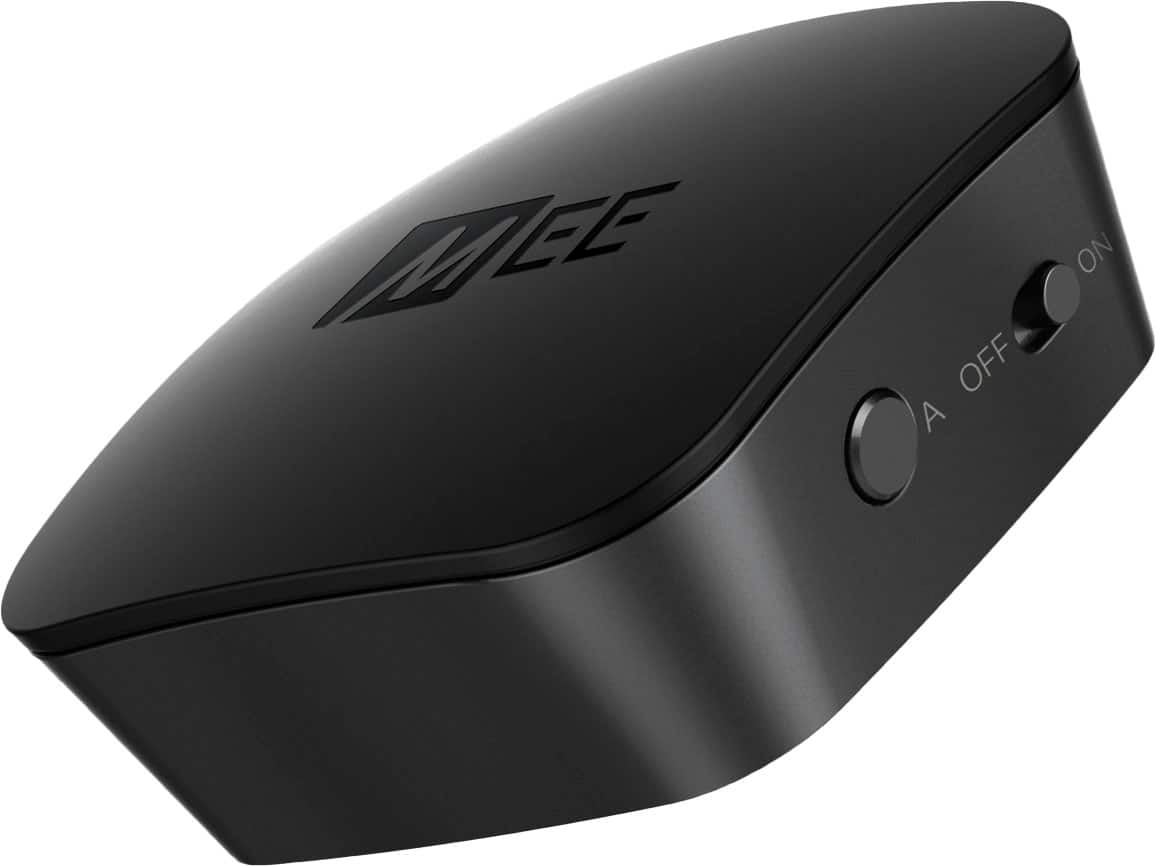
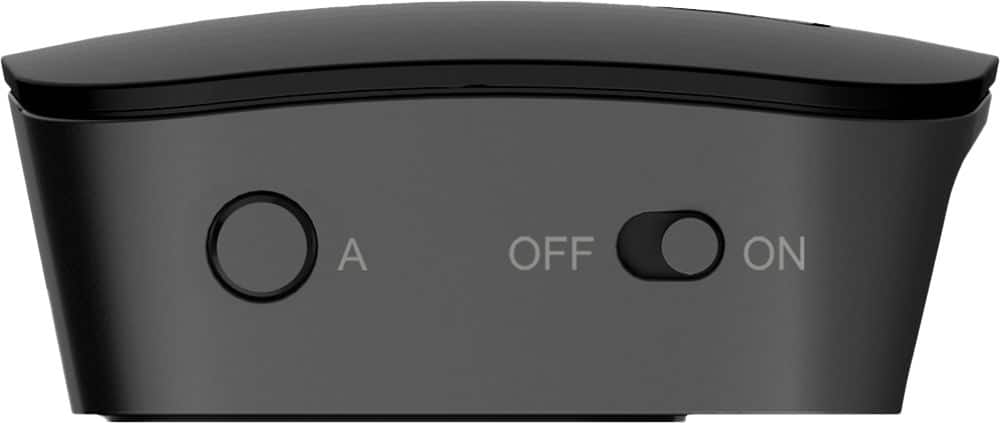
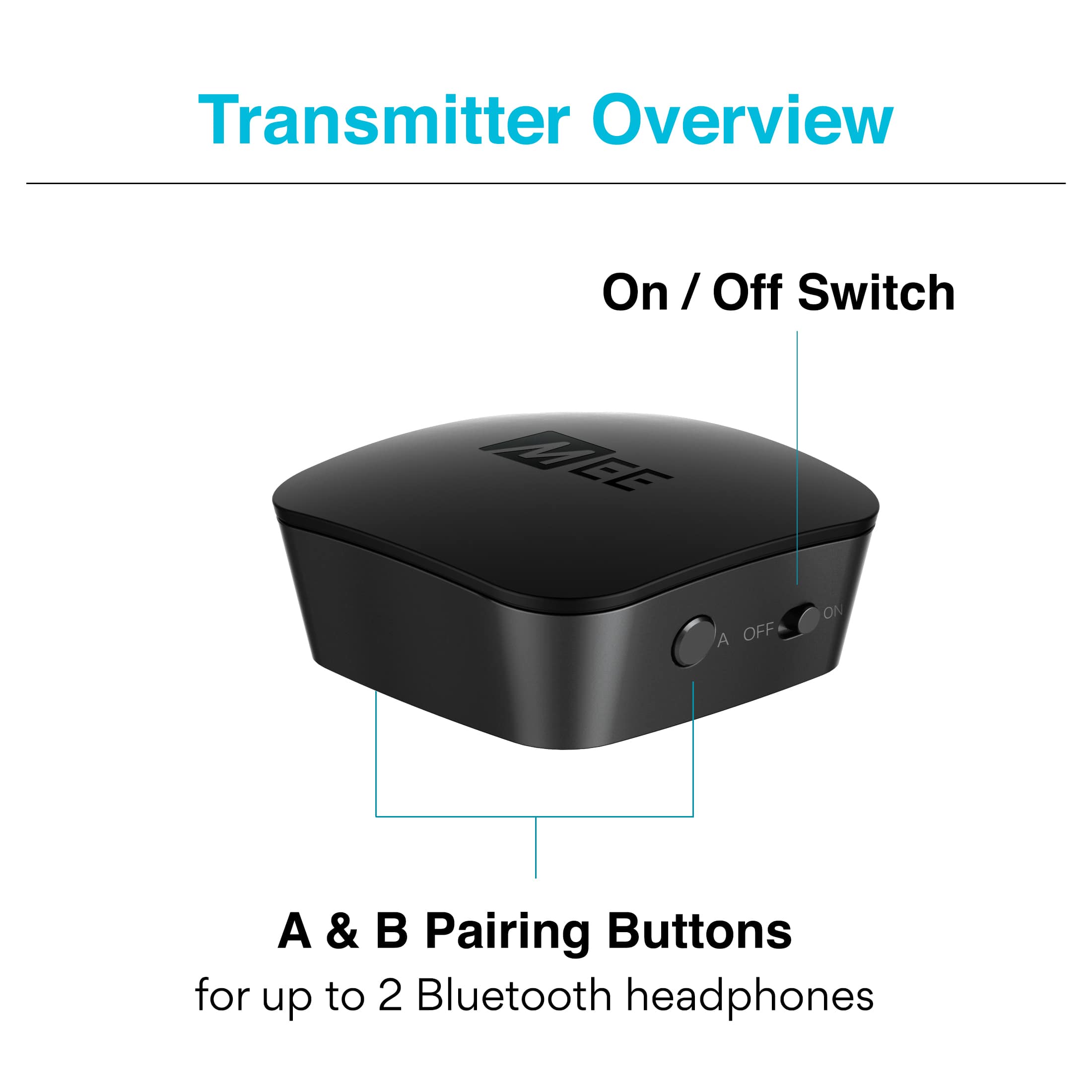
A:AnswerIf you see a solid blue light on the top of your Connect device indicating that it is connected to something, and need to identify which of your headphones or other Bluetooth audio devices it is connected to, you would simply turn off your Bluetooth devices one at a time until the blue light turns off. Alternatively, you can reset your Connect transmitter by holding the A button for 10+ seconds (the blue light will initially blink, but then stop within 10 seconds indicating a successful reset). This will erase all previous pairings and then you can pair whichever headphones you want to use to the transmitter. If you continue to have issues with your setup, or need any other assistance, please contact the MEE audio support department at 626-965-1008 M-F 9AM-5PM PST so that we can assist you with troubleshooting tailored to your specific situation.
A:AnswerYes, this device will work with PowerBeats Pro, and other Bluetooth earphones. Whether the TV gets muted or not depends on the way the TV is designed - some TVs even let you adjust this behavior in the settings menu. But with the vast majority of TVs you would be correct - plugging this or any other device into the 3.5 mm jack will mute the speakers (and send the audio to the headphones).
A:AnswerAirPods will usually try to reconnect to the last device they were used with, so if you use them first with this device and then with an iPhone, they will reconnect back to the iPhone. So if you plan to use this device often and don't want to repeat the pairing process, we generally don't recommend "sharing" one set of headphones between this device and other devices. That said, if you turn off the Bluetooth on your iPhone first, before powering on your AirPods, they will typically figure out that the iPhone is not available and connect to the second most recently used device (i.e. this device) instead.
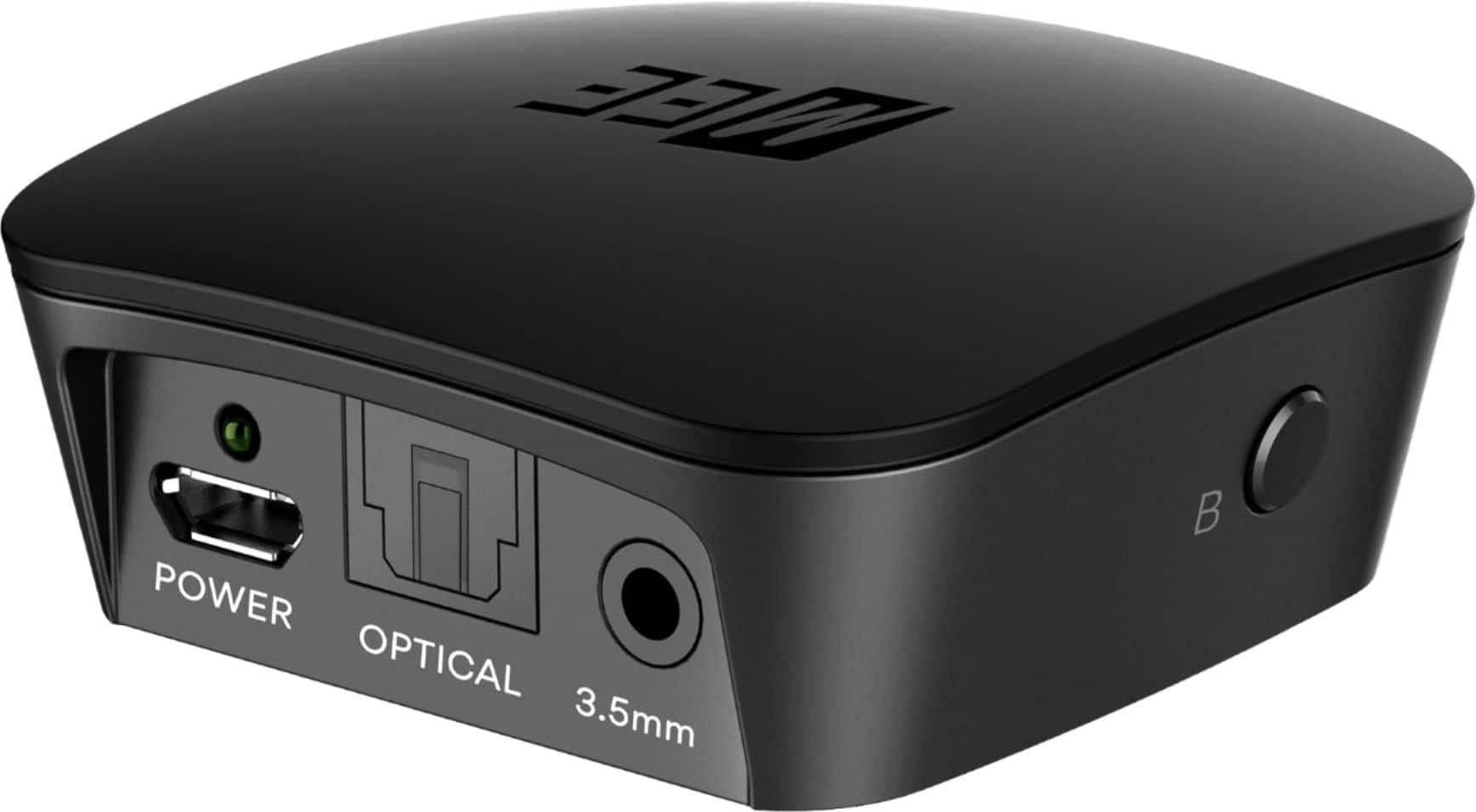
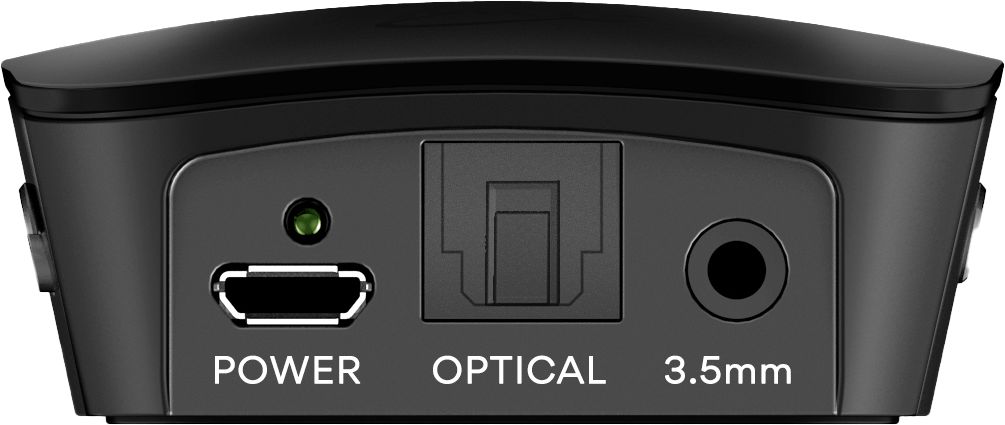
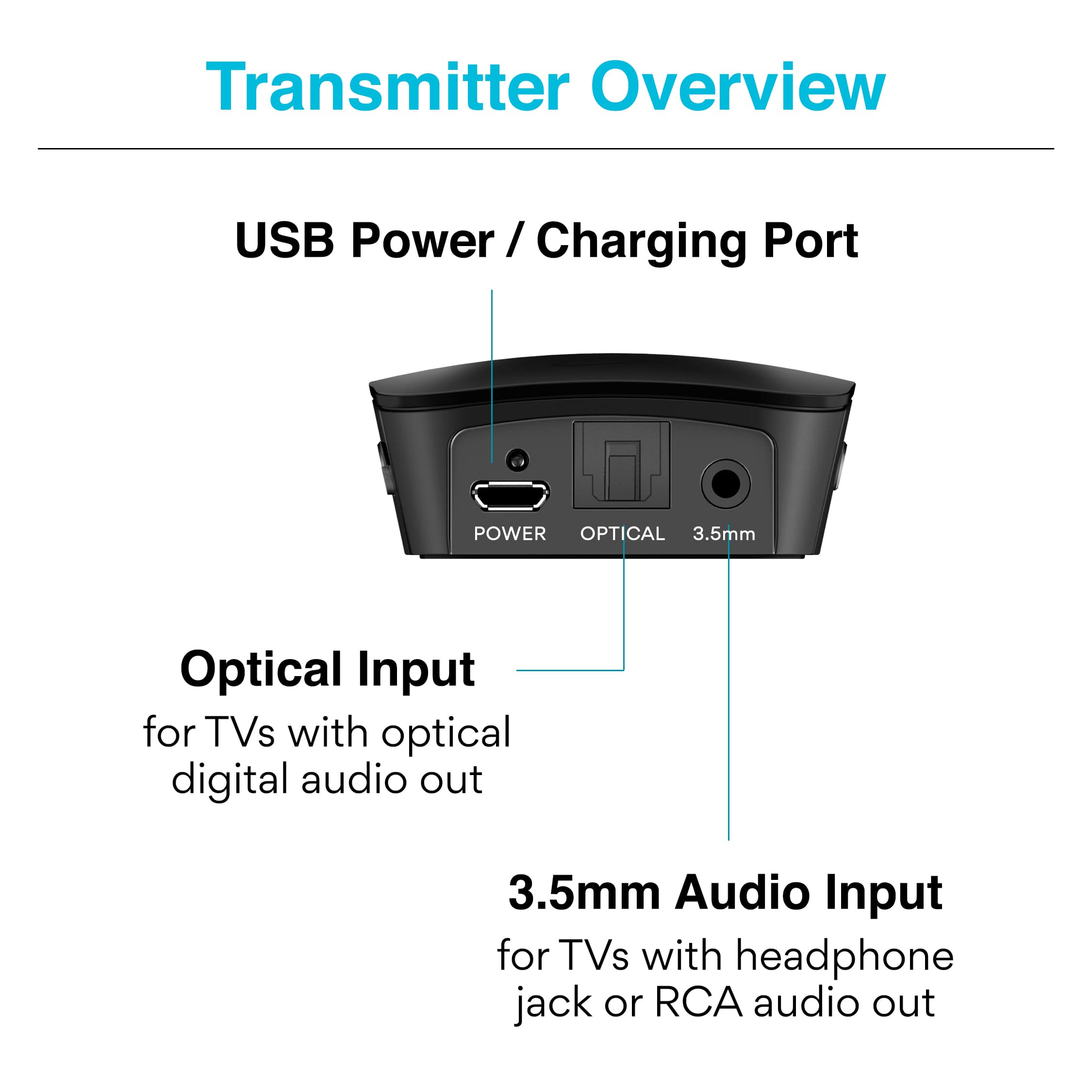
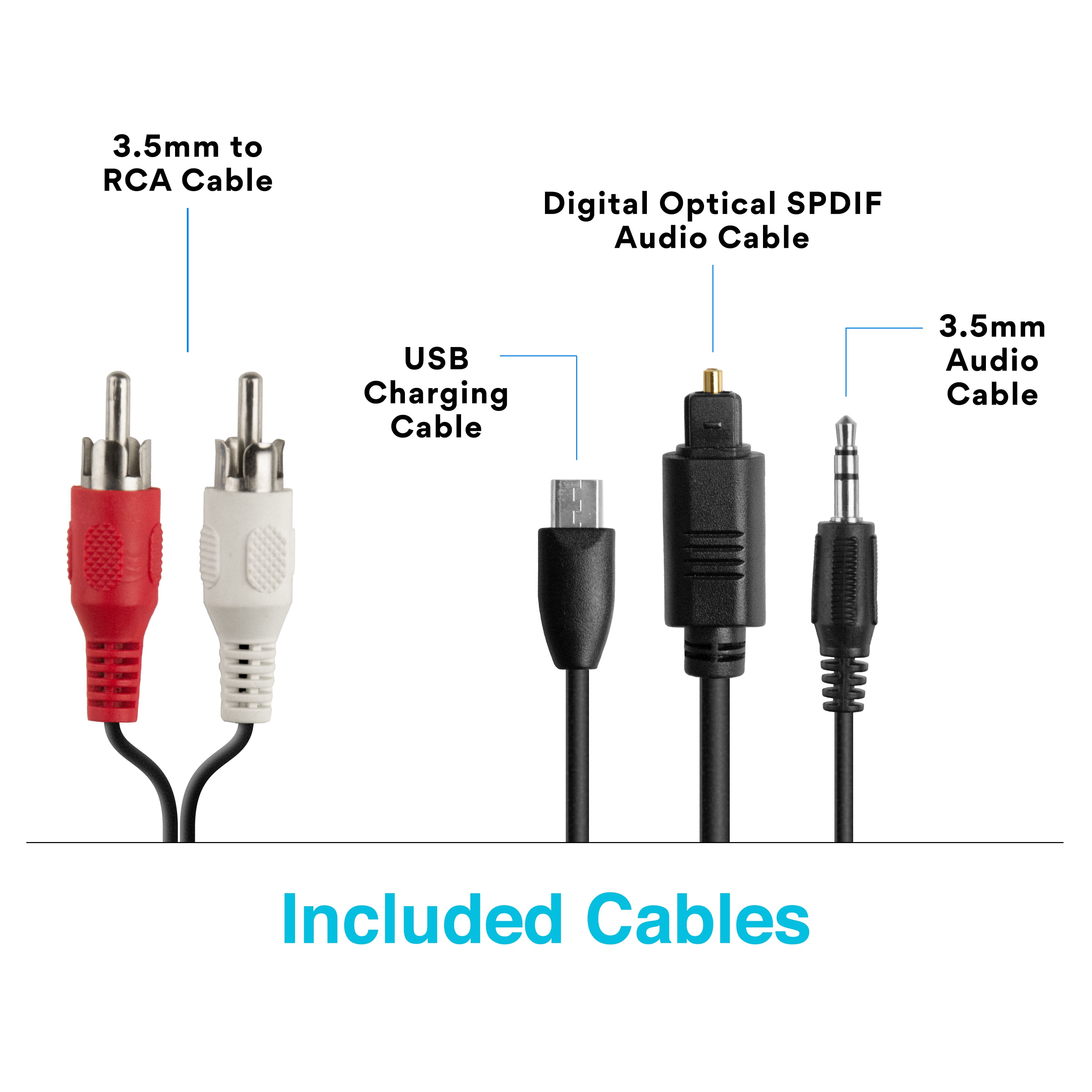
A:AnswerYou would need to plug this device into the USB port (for power) and also into the "audio output" port on your TV (for sound). This can be either a digital optical audio out, an RCA (red/white) audio out, or a headphone jack. Most TVs will have at least one of these available on the back or on the side, and some will have more than one audio out.
A:AnswerYes, as long as your TV has an optical audio output. If your TV has a digital optical audio output (also known as a TOSLINK or Optical S/PDIF connection), then you will be able to use this device with Bluetooth headphones AND hear the TV's built-in speakers simultaneously, so others can still listen to the TV without headphones.
A:AnswerThis device plugs into the analog or digital output of your amplifier or receiver (3.5mm, RCA, or Optical connection) and then streams the audio from that output to two Bluetooth speakers. So, if you have a spare audio output that is live when your soundbar and other devices are active, then you would be able to use this device and still have all of your other devices active. If you do not have an extra audio output, or if your receiver disables your soundbar or other devices when something is plugged into that audio output, then this device will not work for what you are trying to accomplish. In addition, please keep in mind that Bluetooth audio carries a lag of between ~40 and ~400 milliseconds compared to wires, so we do not recommend mixing speakers that are connected via wire (such as your soundbar) with Bluetooth speakers if you plan to have all of them playing at the same time, as it can create an echo effect. If you need all of the speakers to play at the same time, a wired setup will deliver a much more cohesive experience.
A:AnswerThis can be done by clearing past pairings from the Connect Hub via a factory reset. To reset the Connect Hub, first power it on and then press and hold the "Mode" button for approximately 5 seconds. Previously paired devices will be cleared from memory.
A:AnswerThe range in a typical room with typical Bluetooth headphones (e.g. Bose) is approximately 30 feet. Range may be reduced by walls or other objects being placed in the way.
A:AnswerThe power from the wall charger will charge the internal battery which powers the device. Theoretically this could power your device all the time, but the device will disconnect from bluetooth when not in use and you'll need to re-pair to listen again