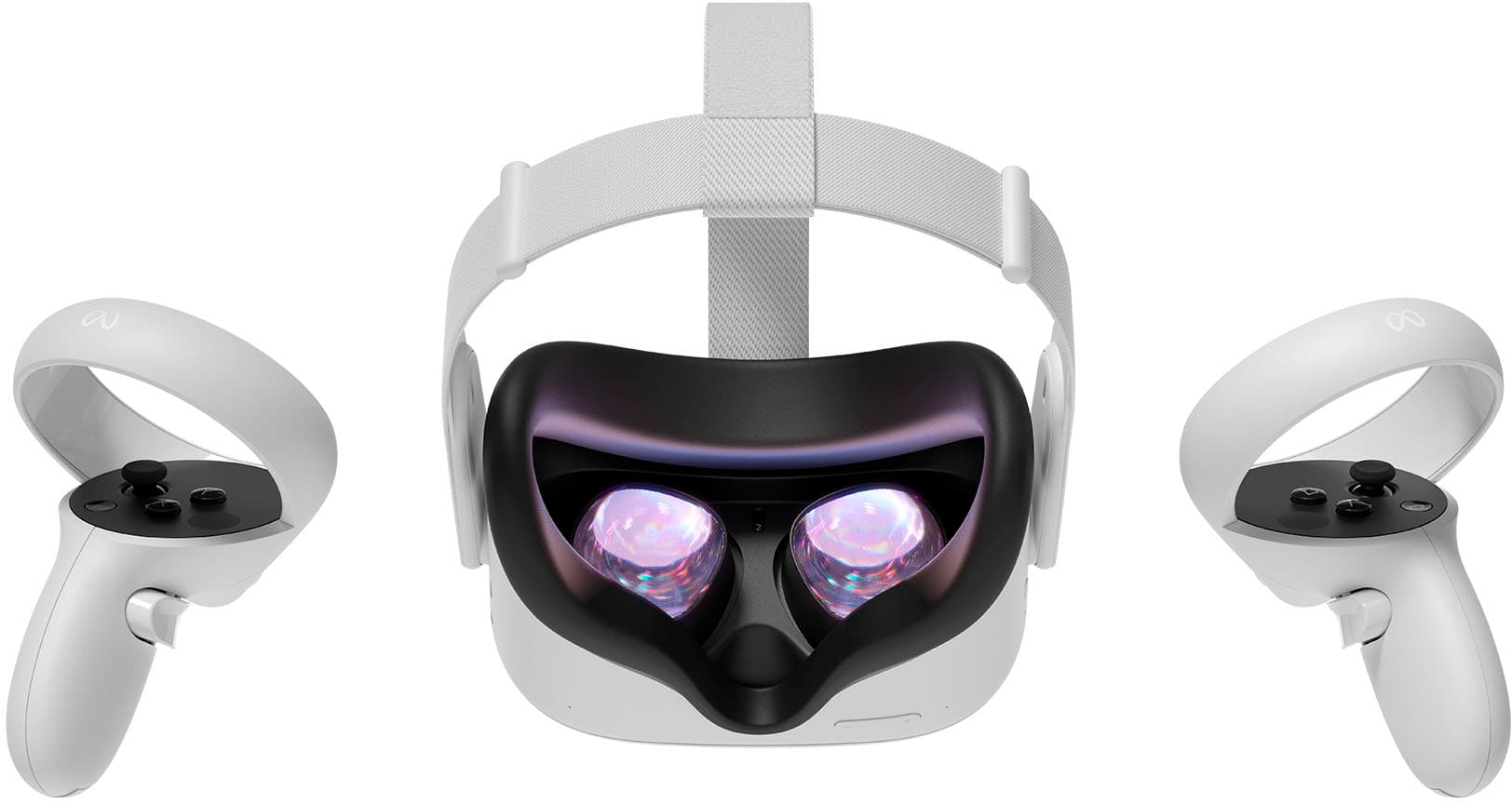
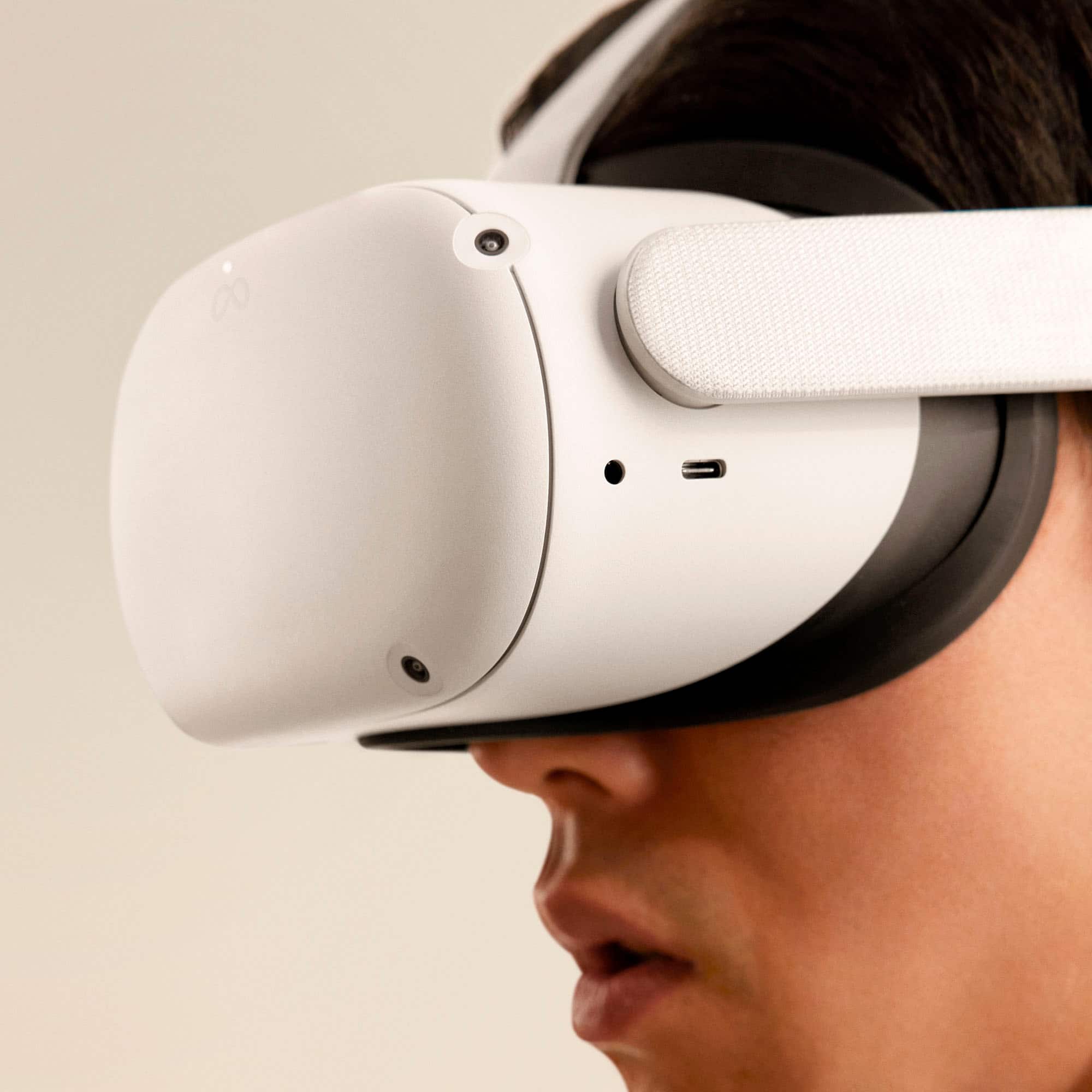
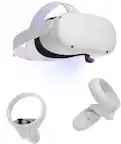
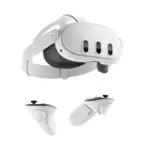
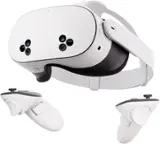
A:AnswerWell, the headset doesn't require a phone to be inserted into it, if that's what you're asking. The headset is completely standalone; the screen, the games, things like that are all integrated into the headset. A phone is required to download the Oculus app for setup, but aside from that, no phone is required in using it at all.
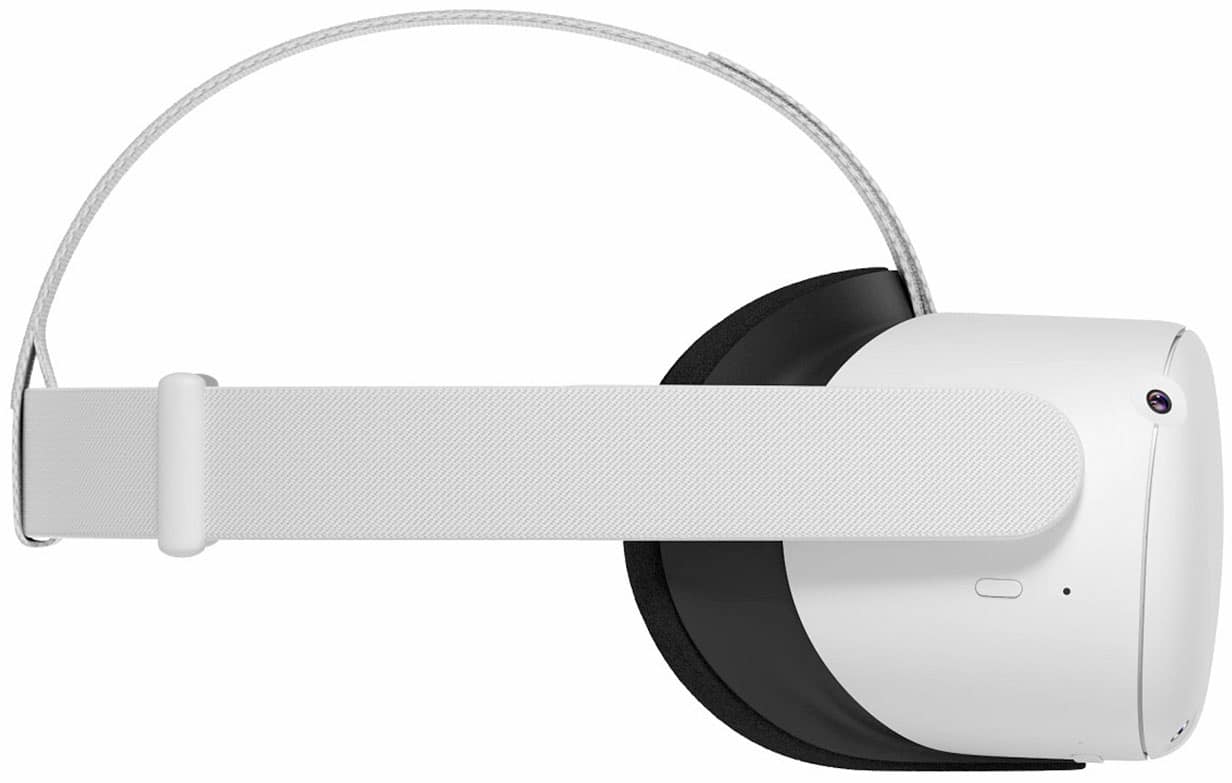
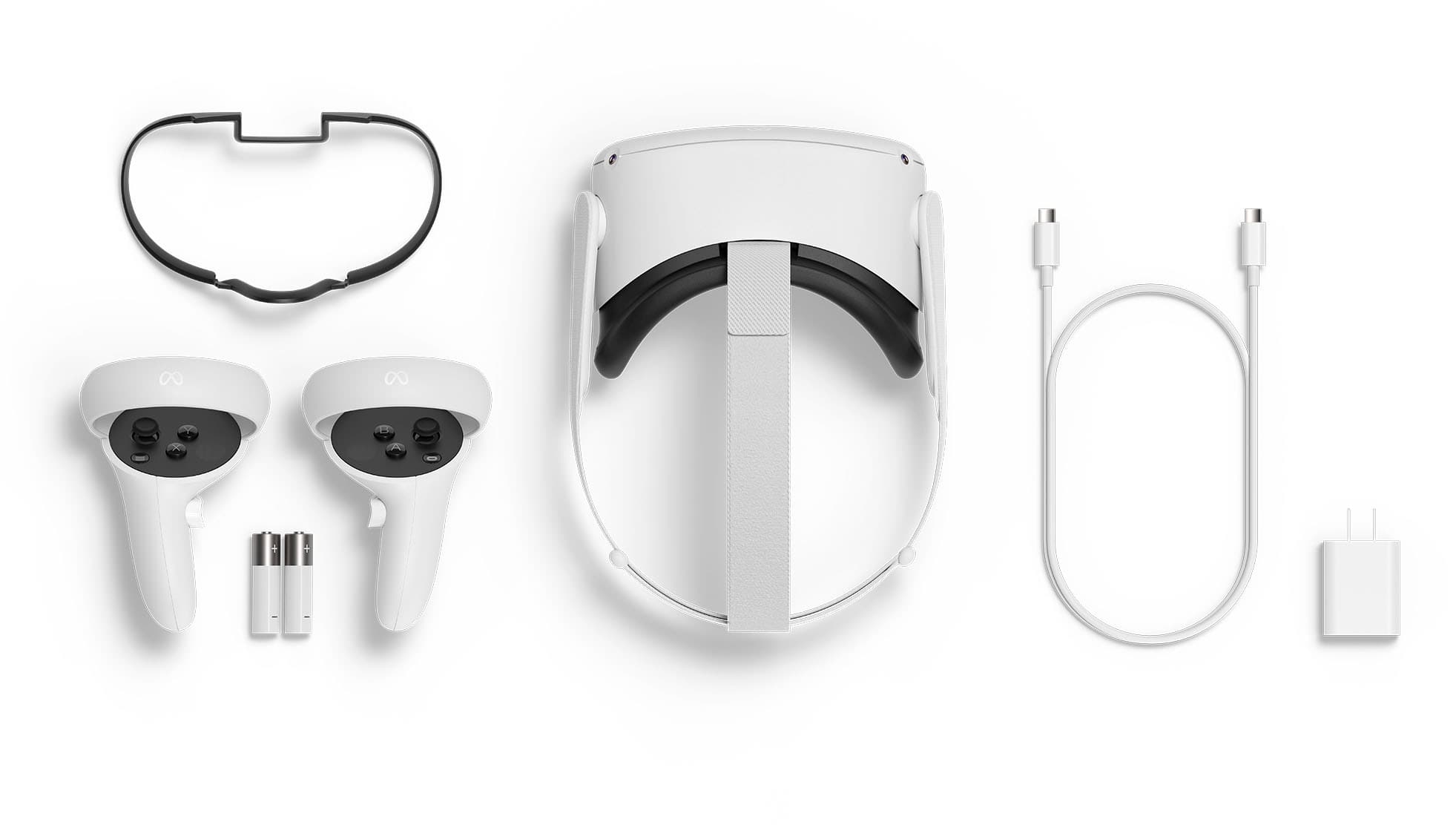
A:AnswerYes, there is a spacer included that you can put in to make a little extra room between your face and the lenses if needed. But if you can get comfortable with glasses and without the spacer I understand that is better (visually). There's an interesting video by an eye doctor (so he says - Dr. EyeGuy) about getting the Oculus Quest 2 to fit right and reduce eye strain while using it (https://www.youtube.com/watch?v=KtEuf5fQnDs).
A:AnswerYep. Most of the games are only 5 gigs or less. And it makes it very easy to remove programs to make more space. BUt i have a bunch of games on mine and have barely touched my memory
A:Answerwith this new restock it will come with a silicone face cover but if you intend to use it a lot I would recommend getting a new one from vrcover
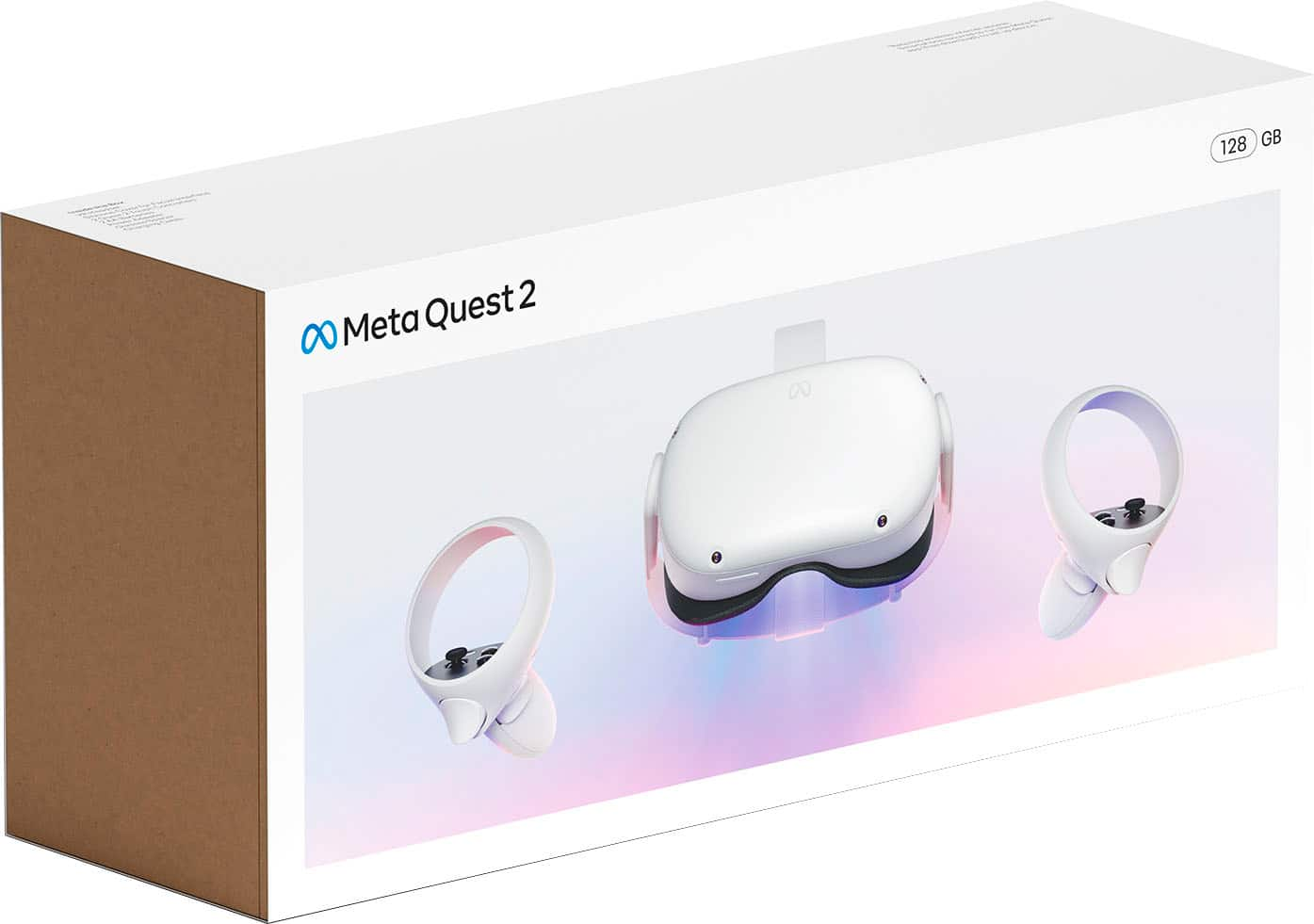
A:AnswerIt does not come in black. The original Oculus Quest 2 was black, but as it stands the Quest 2 from the factory is white. You could get a bit creative, and maybe do a sort of wrap on it to be fancy if you'd like. Although keypoints are not covering anything important like the quad cameras in the front. Enjoy your day!
A:AnswerI purchased the 256 very recently, it may just be the branch in your area specifically but if not that's unfortunate to hear. If it's no longer an in store option you may be able to order it for delivery to your local store.
A:AnswerSet up was a challenge for my age and VR experience! I'm 85 and just bought it for an exercise program I read about. Fortunately i did not prior order the exercise program for $12 a month, because I can't run the program! That program can only 'run' if I have an outside connection thru my PC. My PC needs a USB-c port to do that. I bought the USB-c cable, which will do me no good. A PAIN for me to set up. You need a list of requirements: you must download the oculus APP. Then you need your WIFI password, bluetooth active on your smart phone, a smart phone with enough capacity to 'power' the setup, your Facebook account set up correctly on your smart phone with latest password, Sometimes phone states you need serial numbers of headset and both hand controllers...the #s are hidden on your set. Sometimes (as in my case) my oculus APP had to be uninstalled and re-installed to work. AND don't forget! Your headset must be turned on when you try to pair it to the smart phone oculus APP. LOL .. also, once I got it up and running, I have done 15 min of searching and have not yet found an exercise video on the list of already-installed games. If there is not one available, I may have to buy it...I can only get/buy games from my oculus account - which I earlier set up. Good luck and if you are like me, you will definitely at least exercise your brain setting it up!
A:AnswerNo need for internet unless a multiplayer game. You can not "hook" it to internet unless your PC has a USB-c port. Old PCs do not have one. My new PC does not have one either..... Some say there is an 'air' hook up, but I don't know if/how that works.
A:AnswerHey there! Thank you for taking the time to share your experience with us. You can still game even with glasses! We have multiple options for this experience. If you would like you can visit our page and can get our glasses spacer product, or you can get the prescription lens pack!
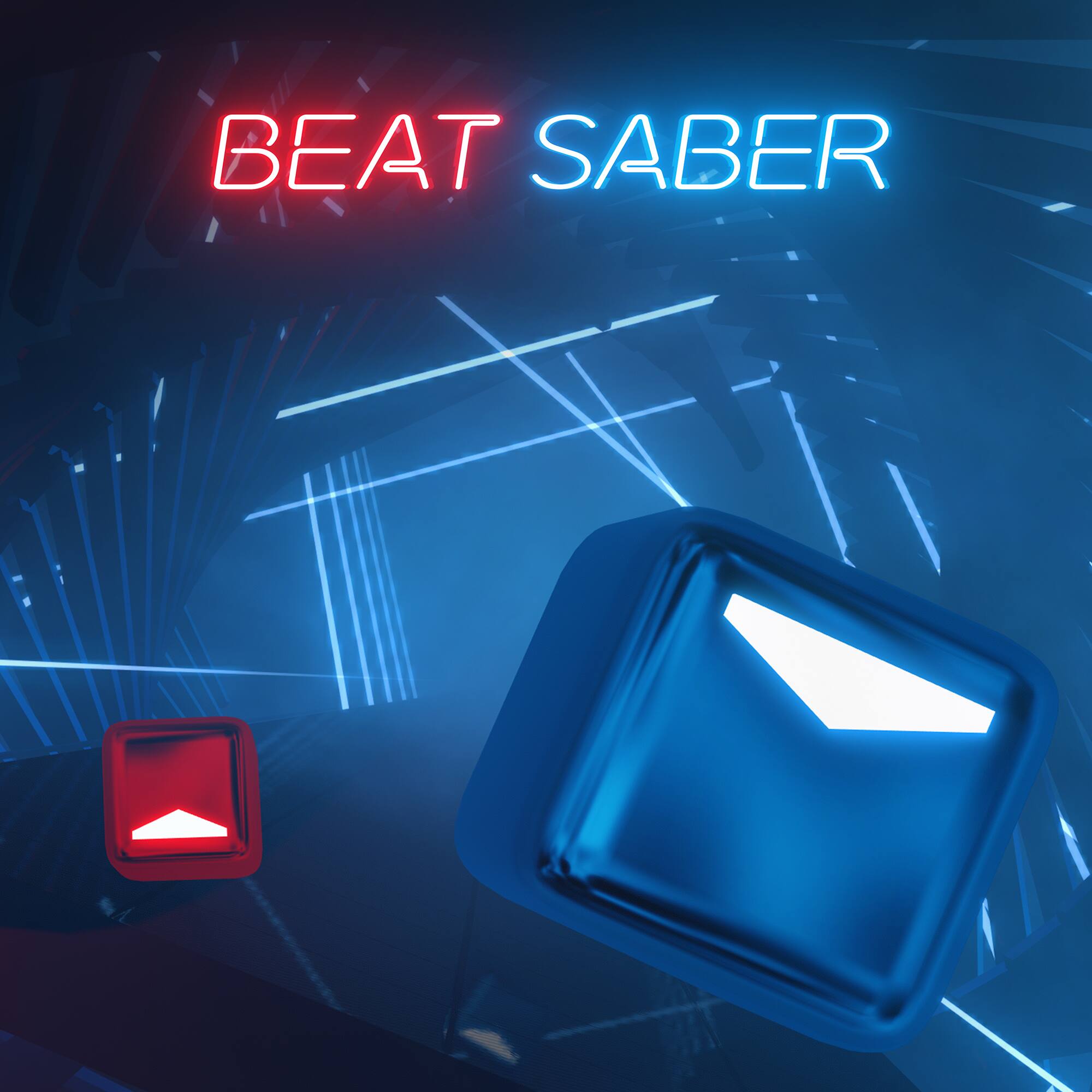
A:AnswerNo adapter needed. Look for games that say “co-op” (players can play together as a team) or “multiplayer” (can play as a team or compete against each other). Not all games allow users to interact in VR.
A:AnswerI was disappointed to find that was not true; although, you can preview some games (maybe that's what they meant by "free" games?).
However, there are many COOL "Explore" videos which take you (in the VR headset) to incredible places in the world. I walked up Mt. Everest with people who were actually doing it, listening like a fly on the wall to their conversations, staring down into the abyss they could fall into, etc. It is AWESOMELY real, again, just like we are perched on top of the 360-degree cameras. In the Quest2 headset, I went zip-lining in Puerto Vallarta, to Taiwan I think it was, and to many other incredible places in the world.
There are also several different landing places/settings you can choose from. Right now, our set shows us inside a traditional Japanese home when we power on the unit.
We won't be bored anytime soon.
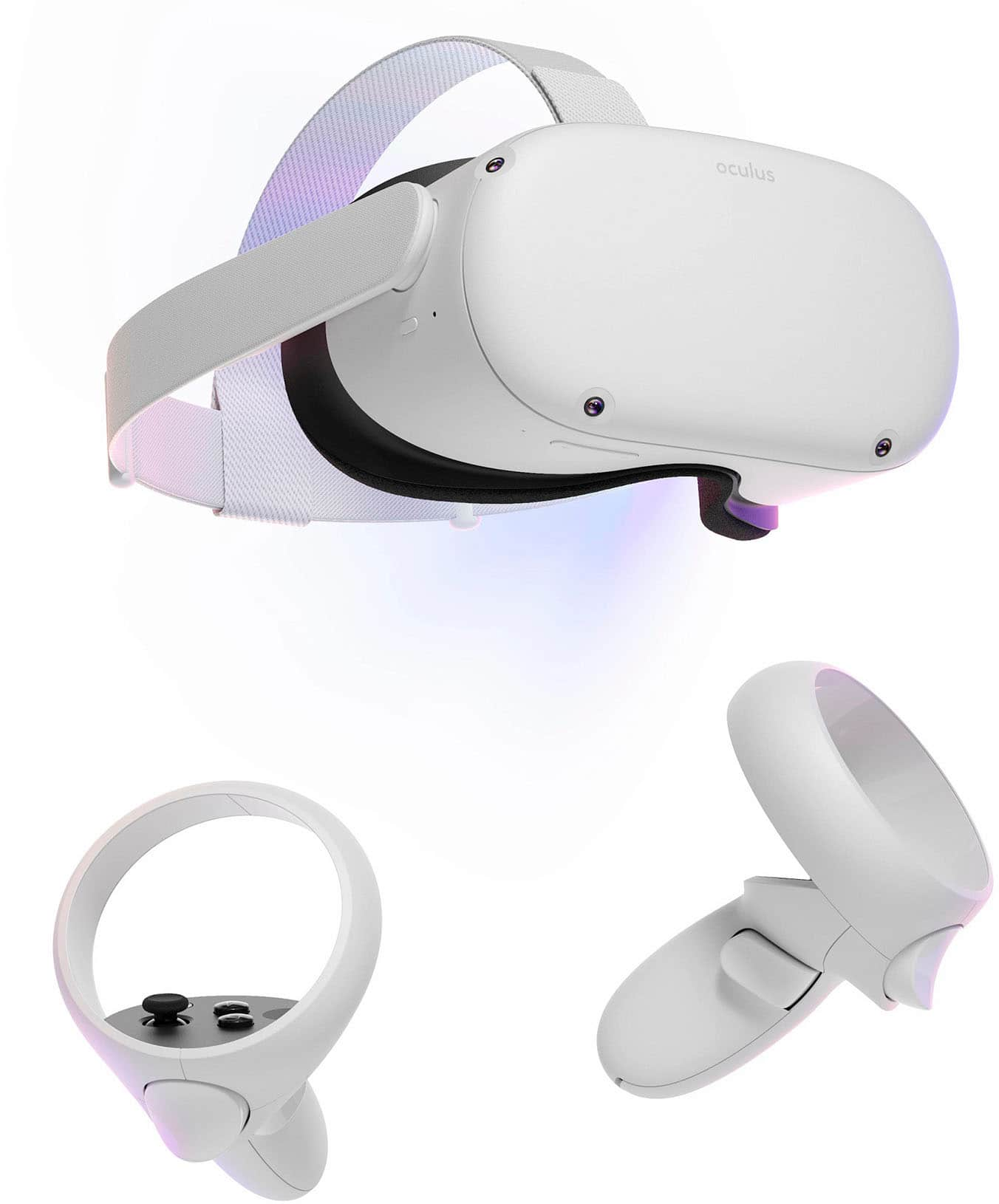
A:AnswerIt pretty much completely depends on the game you're playing. Some games will run with something like an i3 from a few generations ago and a 1060 3gb, some will require a little more power than that for the minimum, but for the most part, as long as you're not running on integrated graphics or something much worse than a GTX 970, you'll probably be fine to run most things.
A:AnswerYes.
This will require internet for the initial setup. You will also need an internet connection to purchase and download games.
Once the games are downloaded you can use it without an internet connection.