A:Answer Hi there! Great question.
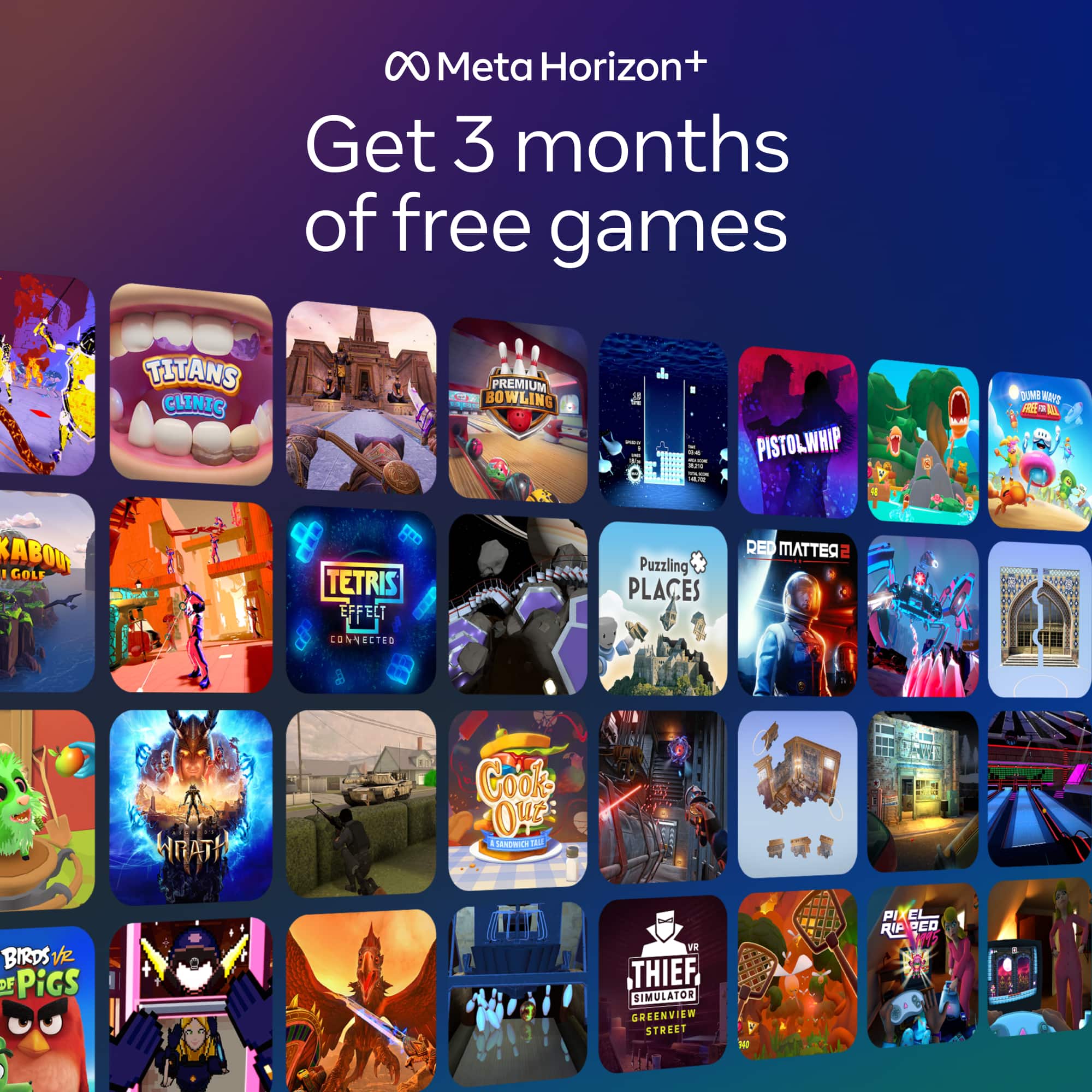
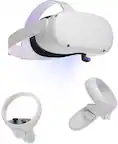
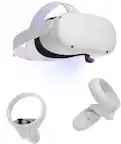
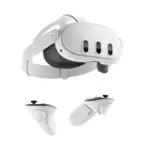
If you purchase a Meta Quest headset that's part of a limited time app, game or subscription promotion, you can redeem the content once you activate your headset. Once you activate your headset, you may receive a notification to your email account, on your headset or in the Meta Horizon mobile app with instructions on how to redeem your content. If you do not receive a notification, you can still redeem your content following the instructions below.
- Download and open the Meta Horizon app on your phone, then follow the instructions to activate your headset.
- When you get to Payments and extras, find the content included with your purchase.
- Tap Redeem or Options next to the content.
- Follow the on-screen instructions, then tap Continue.