A:AnswerHey there!
We are glad to hear you are interested in some PCVR using our Link Cable.
You can find all our Meta Link system requirements on our website to ensure your computer will work with our application!
A:AnswerHey there!
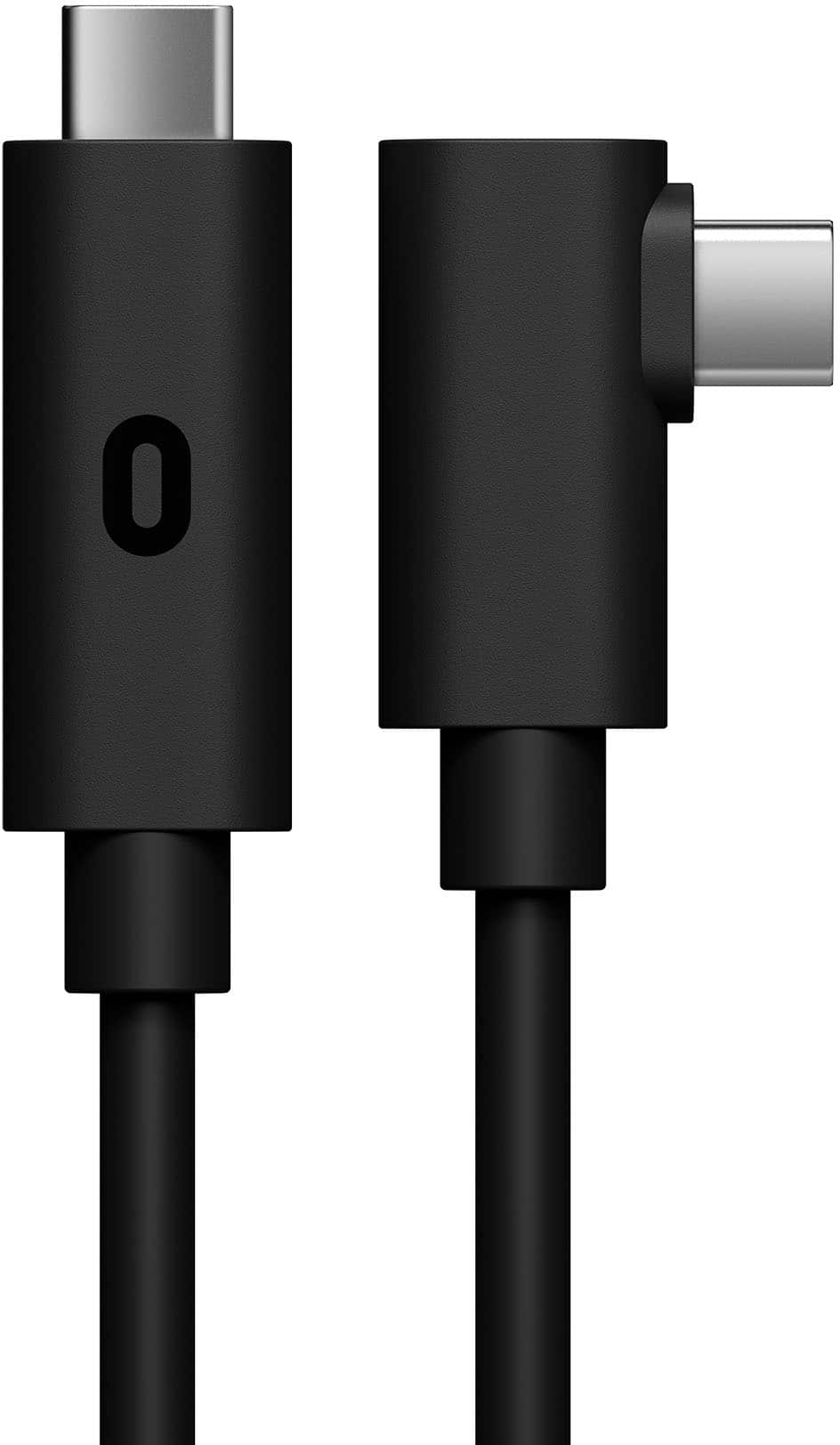
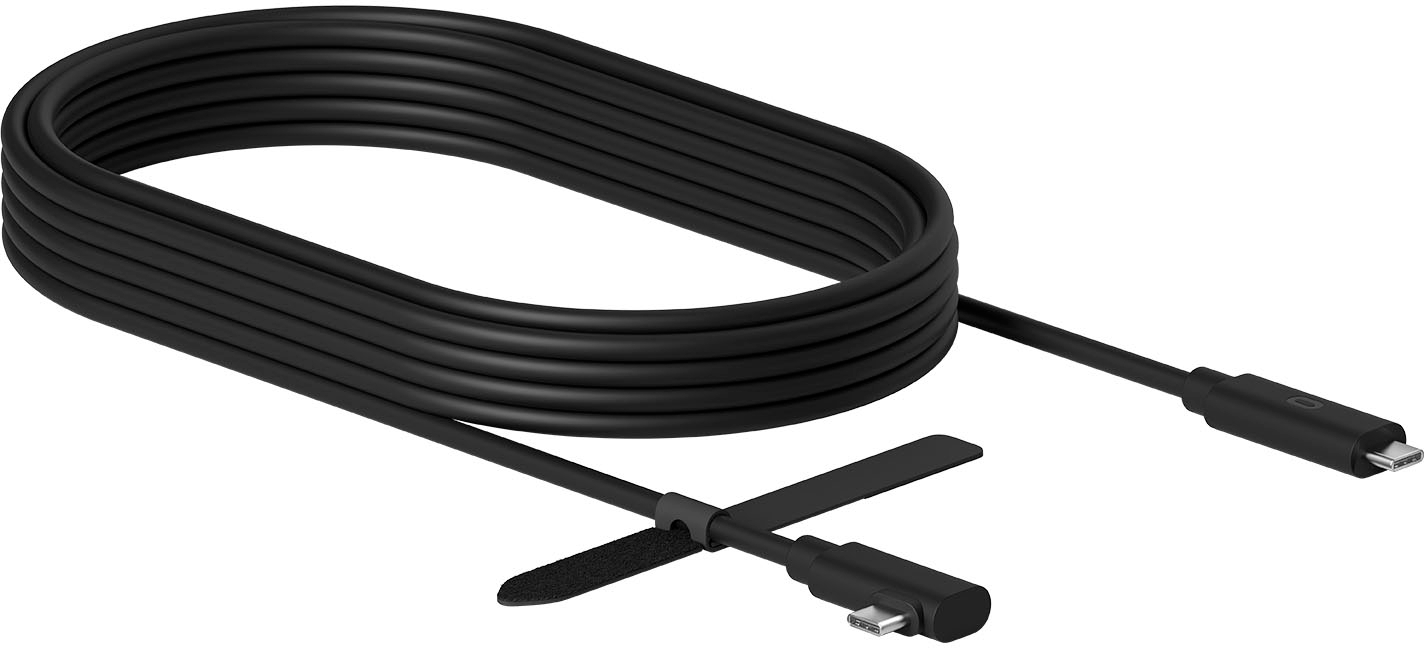
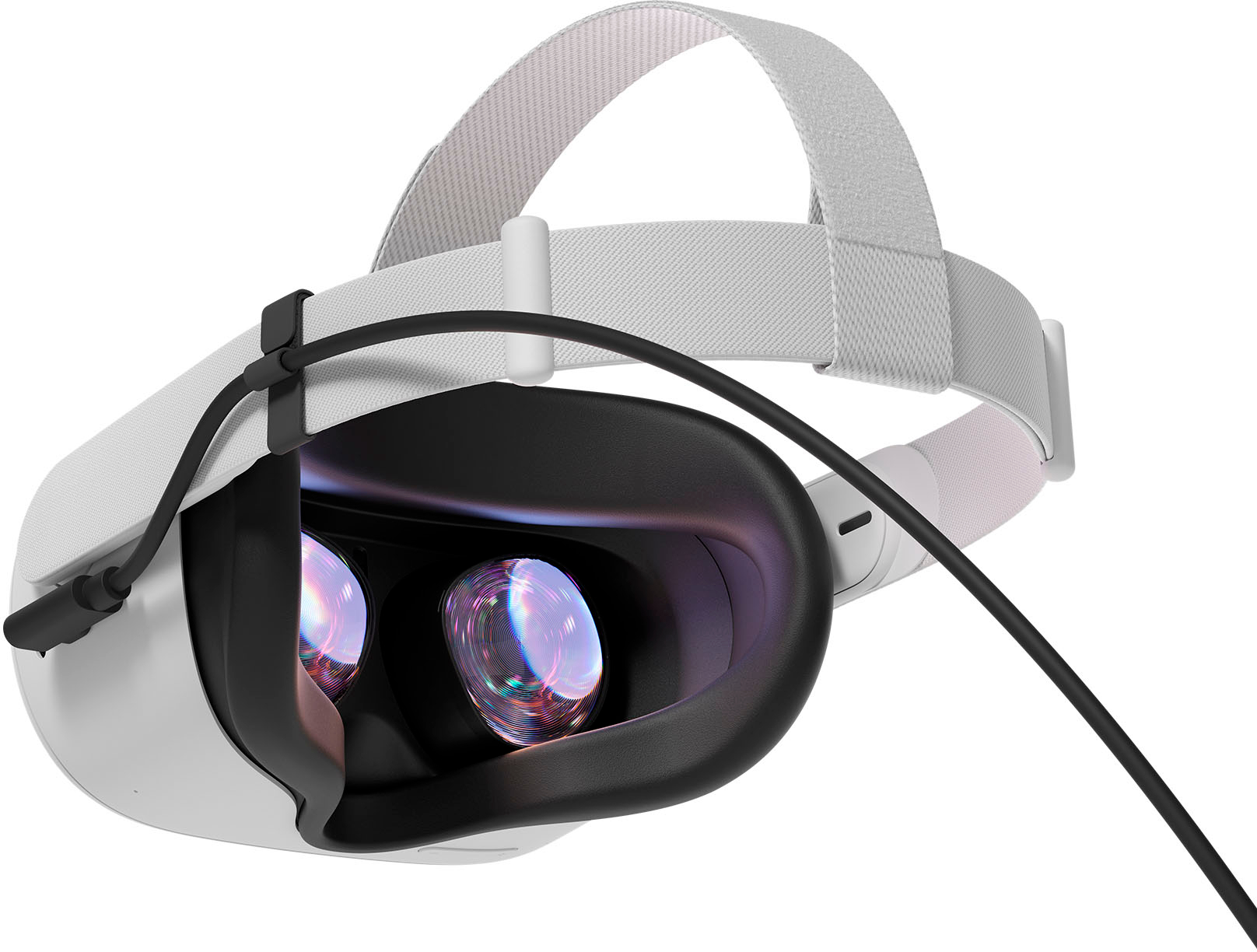
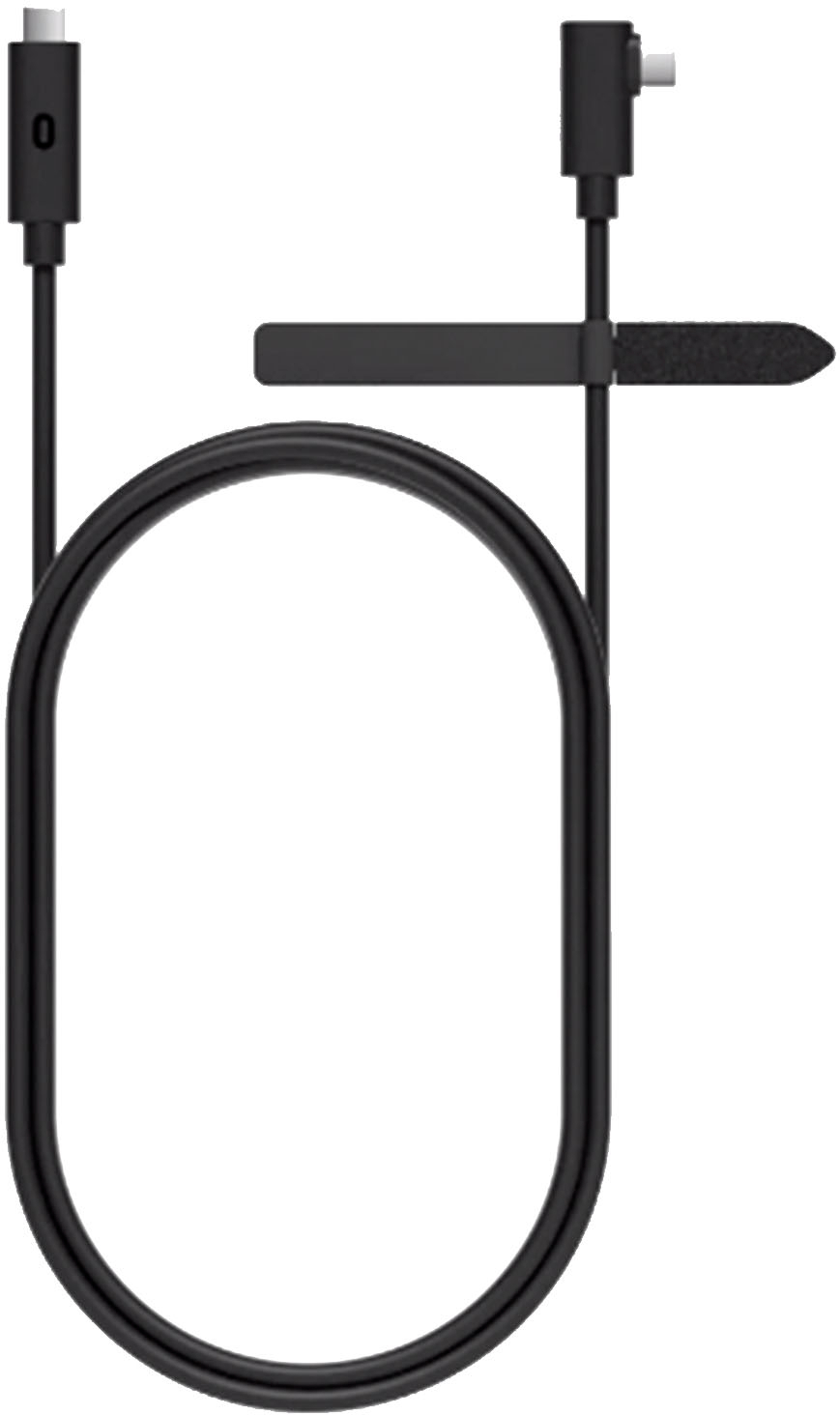
This cable is to connect your headset to a PC for playing PCVR games using our Meta Quest Link PC application.
Our Quest Link application is not compatible with Mac OS, only for Windows!
A:AnswerHi Larry!
The Link cable is not intended to charge your headset or strap; we recommend that you charge your headset and strap exclusively with the charging cable that came with it to avoid damaging the battery.
If you have any other questions you can always reach out to our Support Team via: https://www.meta.com/help/support/
A:Answeri had my quest 2 hooked to an older pc with an off brand that had a usb-usbc but there was lag issues that could have been my pc but it did work
A:AnswerYou NEED a type C port on your PC - I would not recc. using anything else. You would use the META quest streaming app on your pc.
But I really do not think a convertor is good with the level of data transfer needed.
A:AnswerIt should work in those ports just fine. Spec requirements will depend on what game you're playing and can be found usually by searching "insert game title spec requirements." Generally though, you'll want to have a computer with a recent mid level CPU, at least 16gb of RAM and a mid level GPU.
A:AnswerIf you find the answer, please let me know… I can’t play games either with my Oculas and NEW Acer Nitro 5 gaming laptop….Bestbuy geek squad doesn’t have a answer….Figure that out?