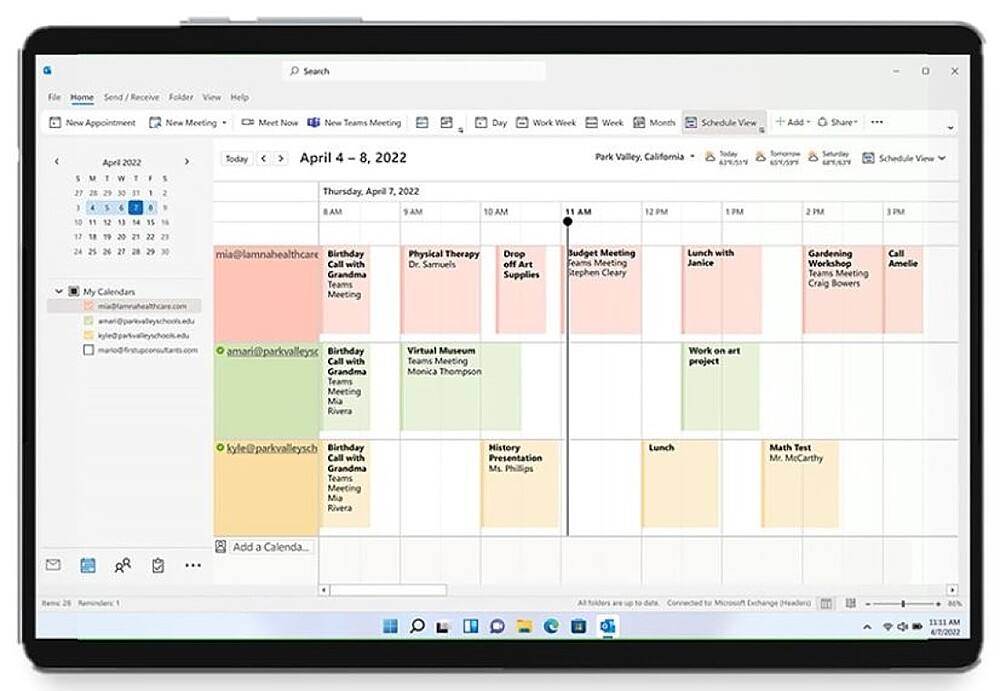
A:AnswerAssuming you are using outlook under 2013, first thought is to start your office/Microsoft 365 account. Add that account to your outlook in 2013 copy your contacts from existing contact folder to office 365. Log into office365 outlook via browser and make sure your contacts are there. Then you can uninstall 2013 and install microsoft365 if needed.
I am sure there are migration tools available too but for 6 PCs maybe easier just to manually do it.
Copy your data prior too. I would Make a VM out of each pc so you can get to the old configuration if needed.
A:AnswerI have been able to stack subscriptions at least 1 year more. Not sure if their is a max But if you see a deal on a 1 year subscription I you can add the 12 months to the end of your current subscription. You can always chat with MS to be sure as policy does change.
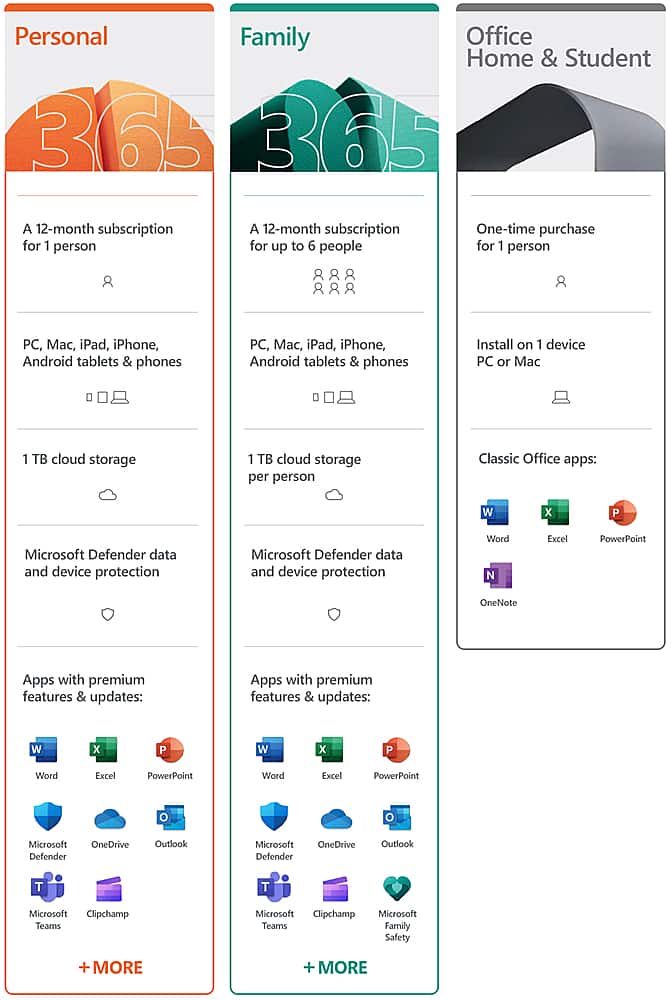
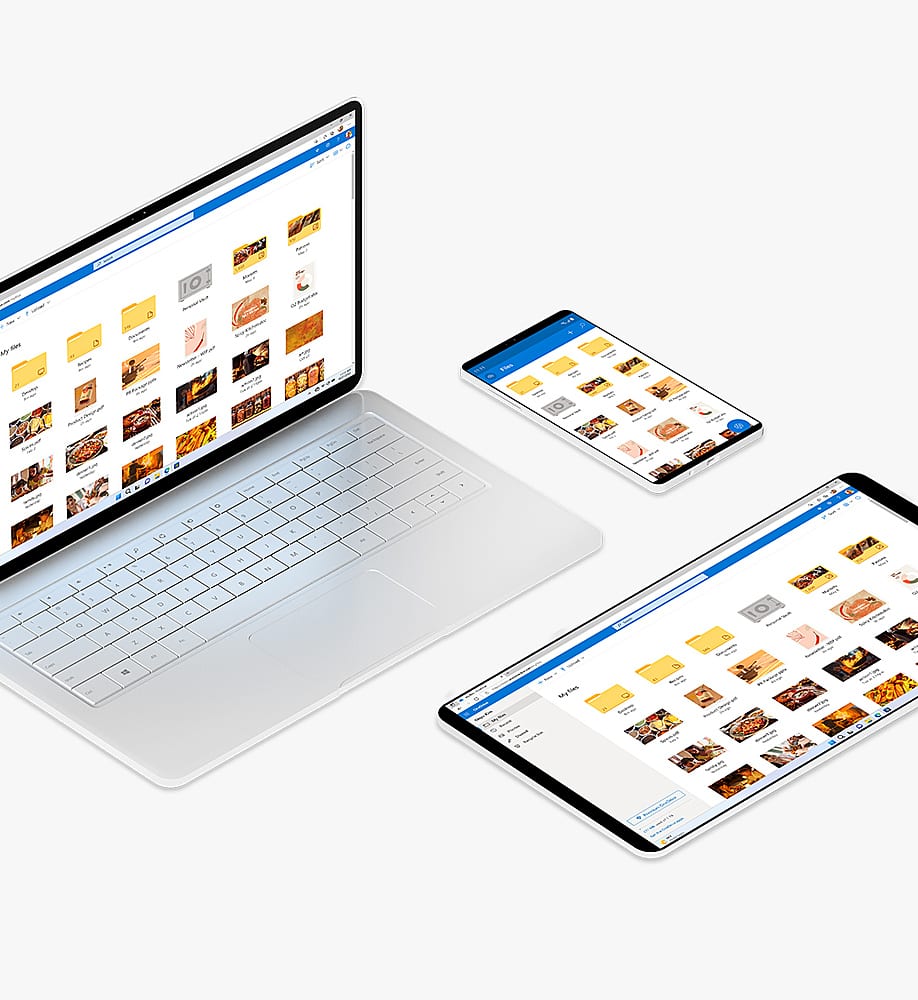
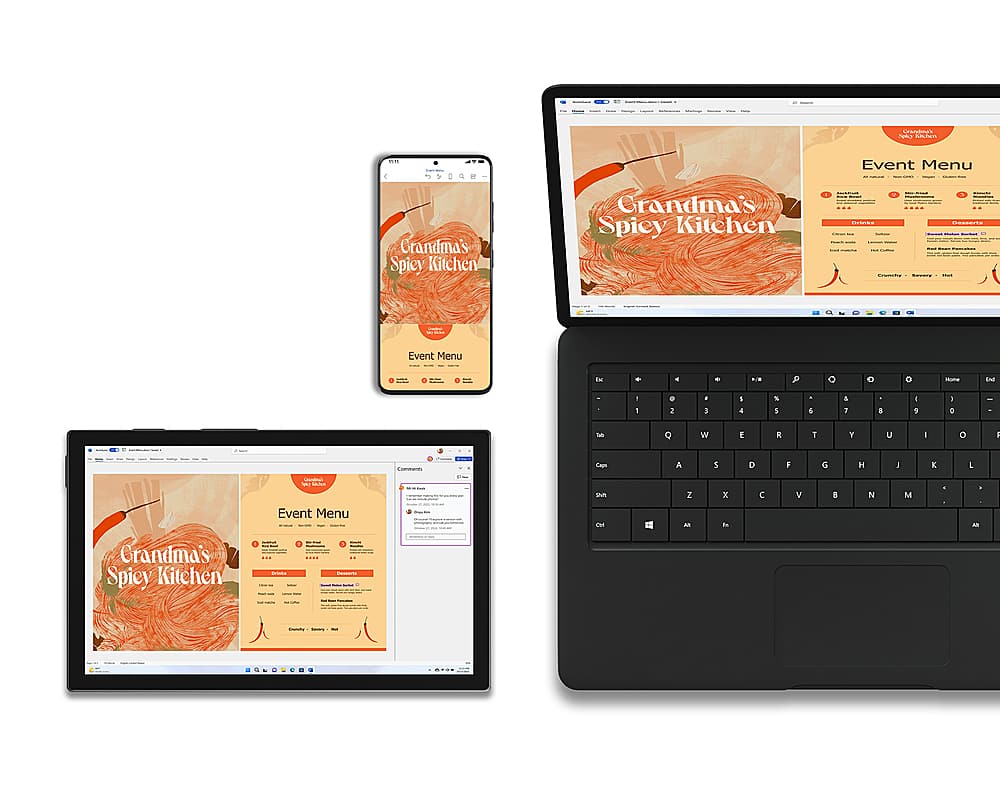
A:AnswerYou can install it on all your devices. The Microsoft 365 Family subscription allows you to share the subscription between 6 people who all get to install it on their devices and access their own 1TB of OneDrive Cloud Storage.
A:AnswerYes, you can. To install it on a new account simple log into your Microsoft account on the new device and go to your subscriptions page. From there you can install Microsoft 365 Family.
A:AnswerMicrosoft 365 Personal can be installed across all your devices but can only be signed into one at a time. Microsoft 365 Family can be shared with 6 people, all of which get their own Microsoft 365 subscription and can install Microsoft 365 on all their devices.
A:AnswerMicrosoft 365 Family will get up to 6 people access to the subscription, each of which allows them to install Microsoft 365 Family on all their devices. If you need access to our Office apps for multiple people at the same time we recommend Microsoft 365 Family.