A:AnswerImaging rate: Dynamically adaptable to 4000 frames per second
X-Y resolution: 1000 points per inch (39.4 points per millimeter)
You can customize your mouse by installing the Microsoft Mouse and Keyboard Center.
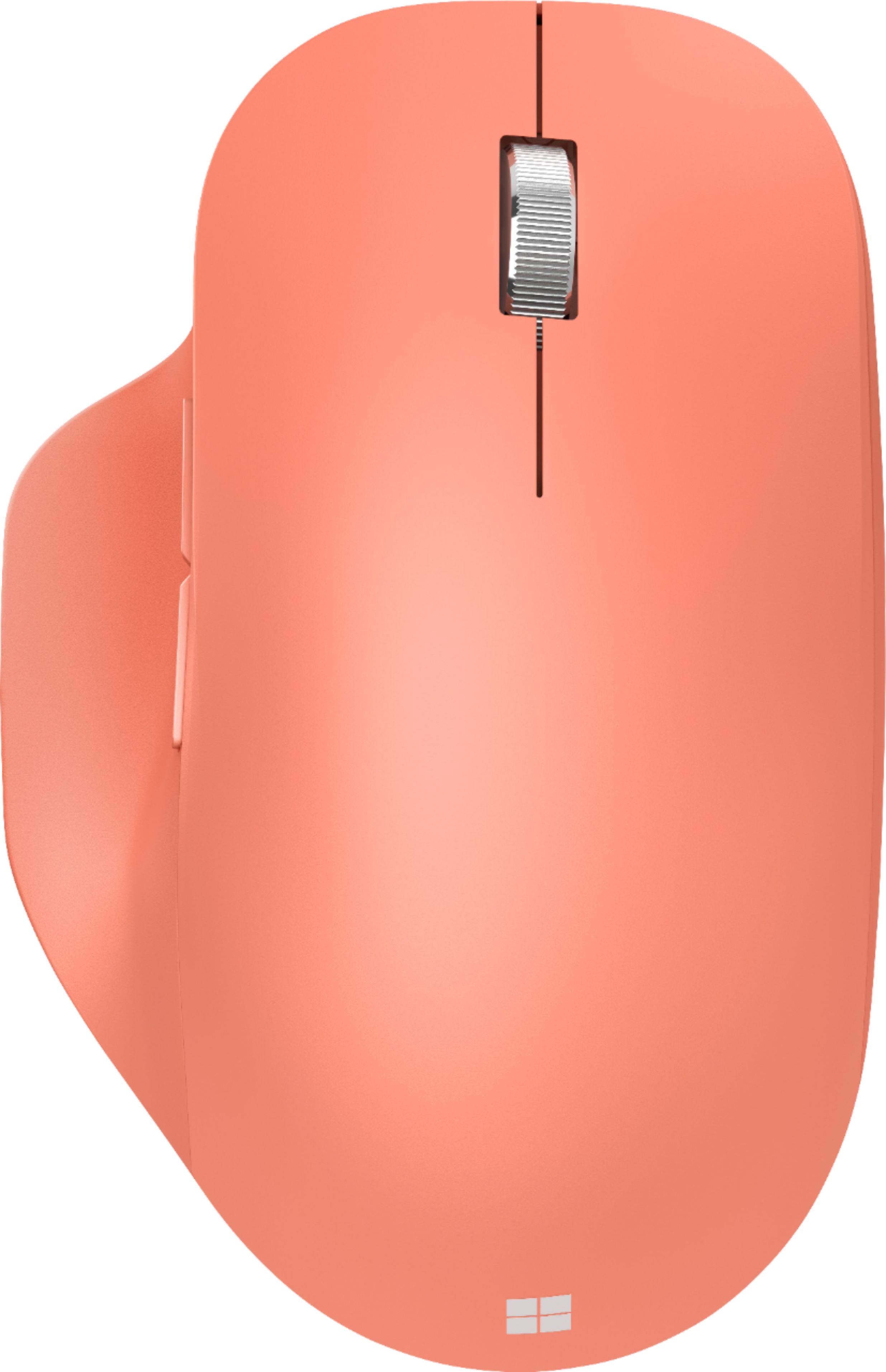
A:AnswerThe scroll wheel features a segmented wheel spin, allowing for controlled scrolling. Spinning the wheel continues the scroll, but does settle back to rest. The buttons feature a slight clicking noise when they are interacted with.
A:AnswerMicrosoft Bluetooth Ergonomic Mouse is designed to seamlessly connect with any device running Bluetooth 4.0 technology or later. As long as this is the case, you should have no issue achieving a strong connection.
A:AnswerYes, there is a power switch on the bottom of the mouse. For more information on how to use this mouse, please go here: https://support.microsoft.com/en-us/topic/use-microsoft-bluetooth-ergonomic-mouse-8b7ead04-1243-0741-613c-65c9feb0cf81
A:AnswerAccording to Microsoft. No.
From the compatibility box on the tech specs page:
Microsoft Windows 11 Home/Pro / 10 / 8.1*
Device must support Bluetooth® 4.0 or higher
A:AnswerThe overall form factor is similar to previous Microsoft iterations of the mouse, but the thumb rest adds to the ergonomics and makes once wonder why all makers don't add this form to their lineups.