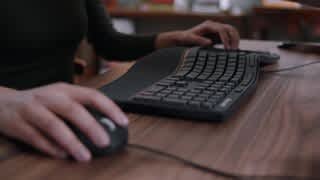
Black Friday is hereShop new DoorbustersShop now

Skip to content
Gift Ideas
26 Cypress St
Williston, VT 05495
Open until 9 pm
Find Another Store
Main Content

Questions & Answers

Page Showing 1-10 of 10 questions
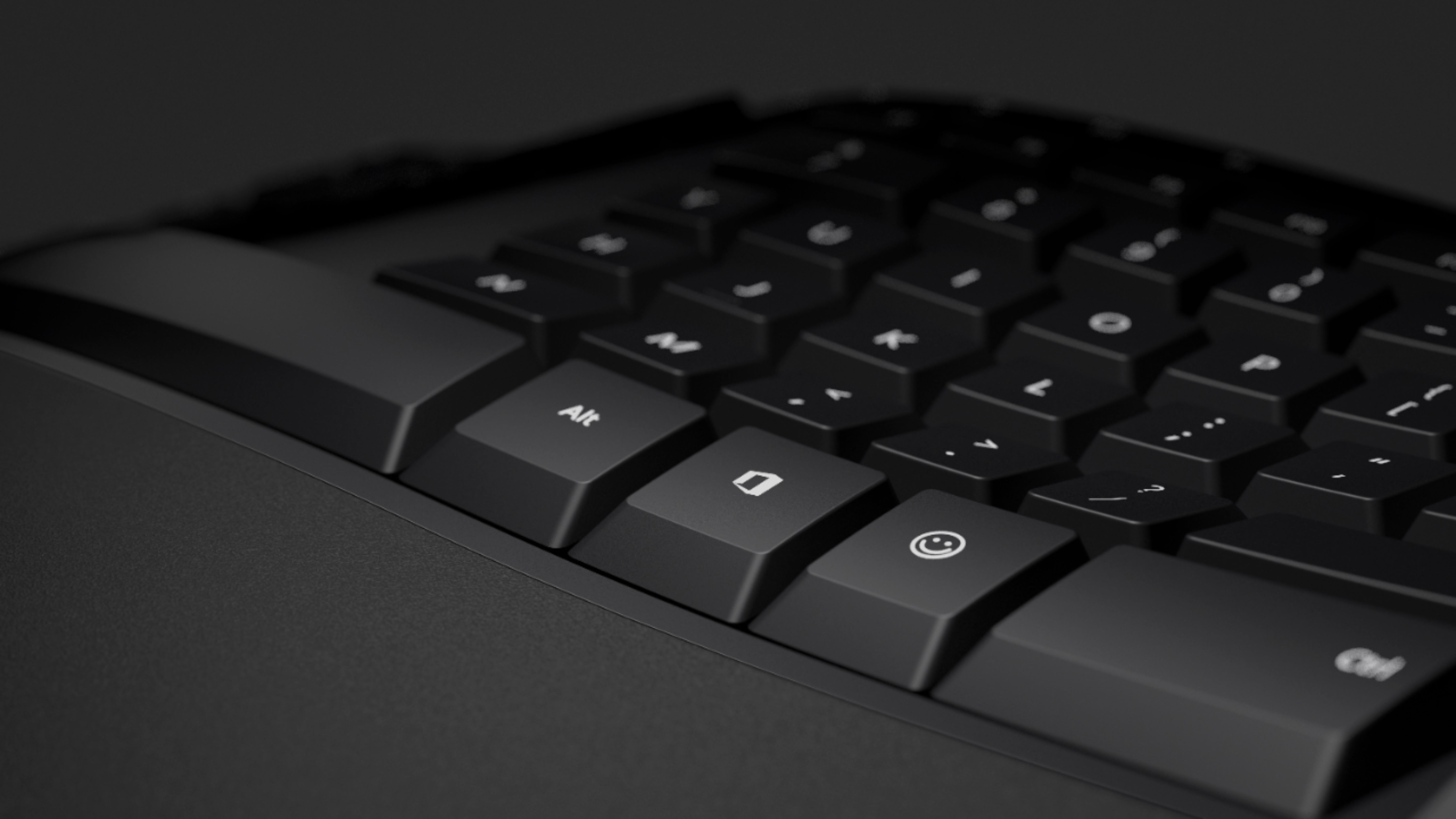
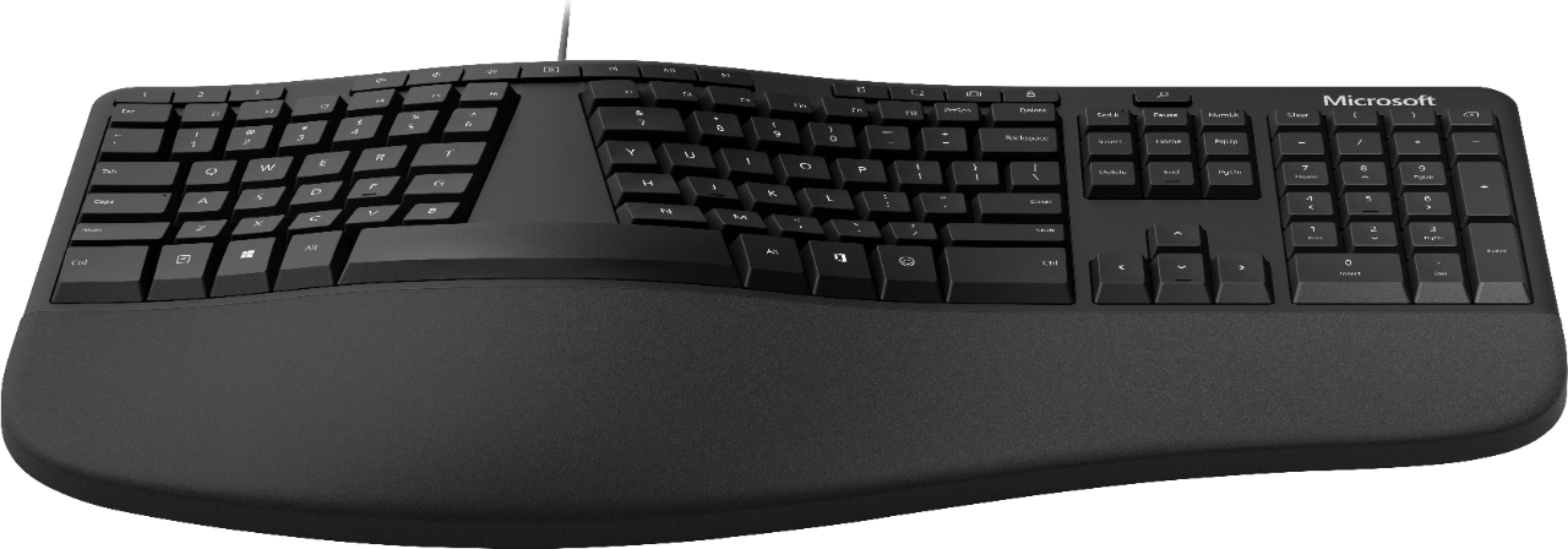
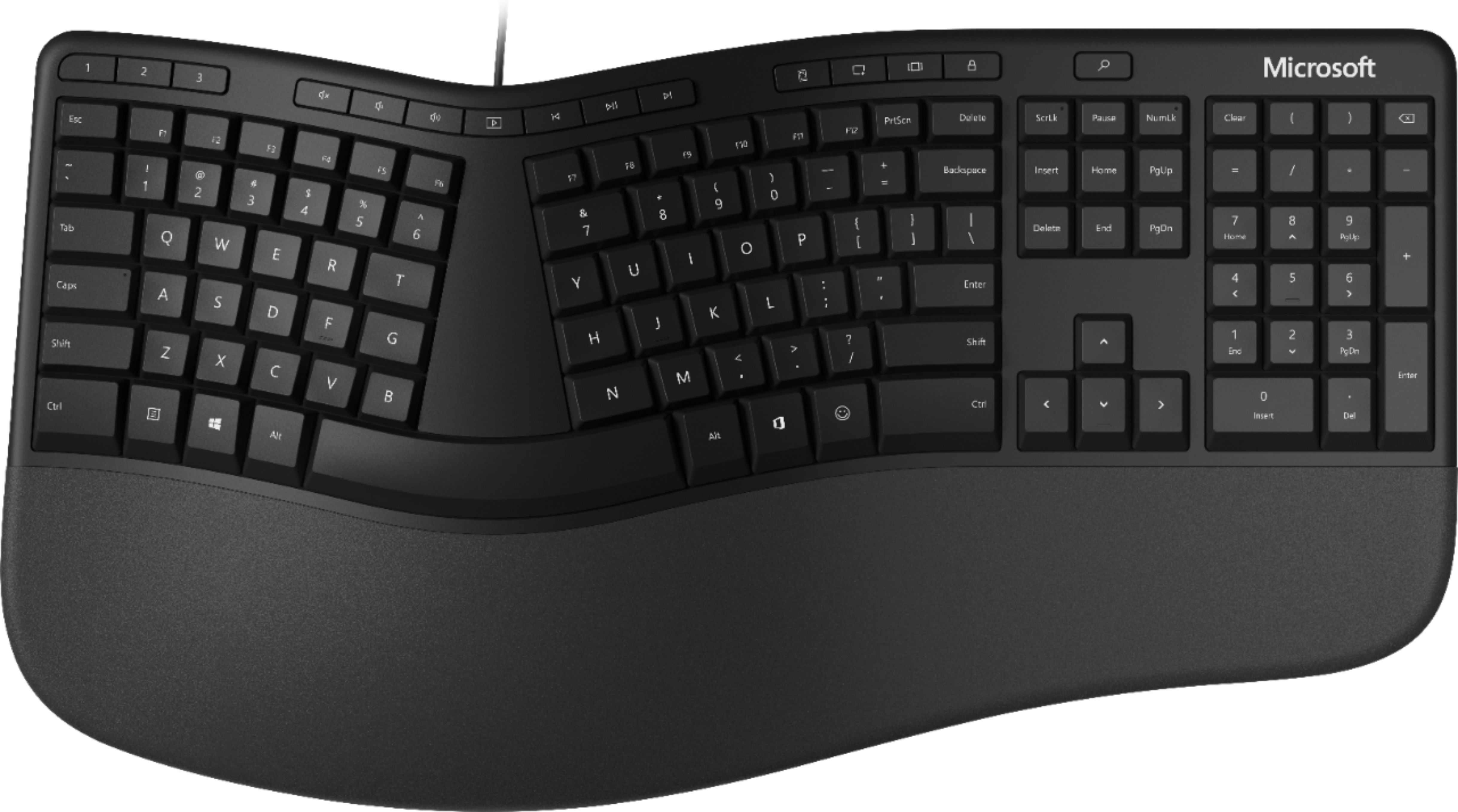
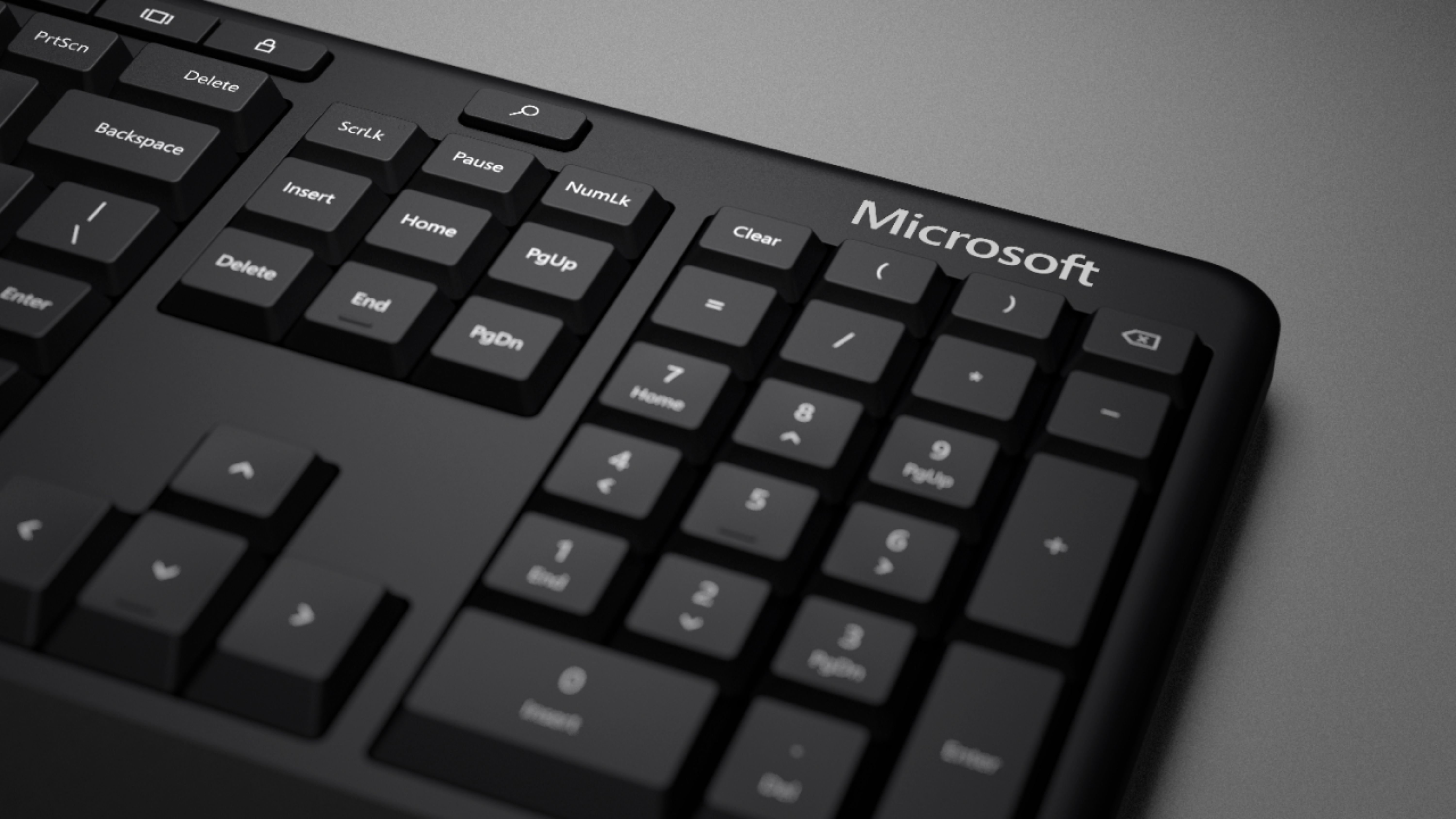
  • QuestionDoes this keyboard have a raised & angled bottom like the old Microsoft Ergo 4000 had or does it lie flat like a traditional straight keyboard

    Asked by Tspivey.

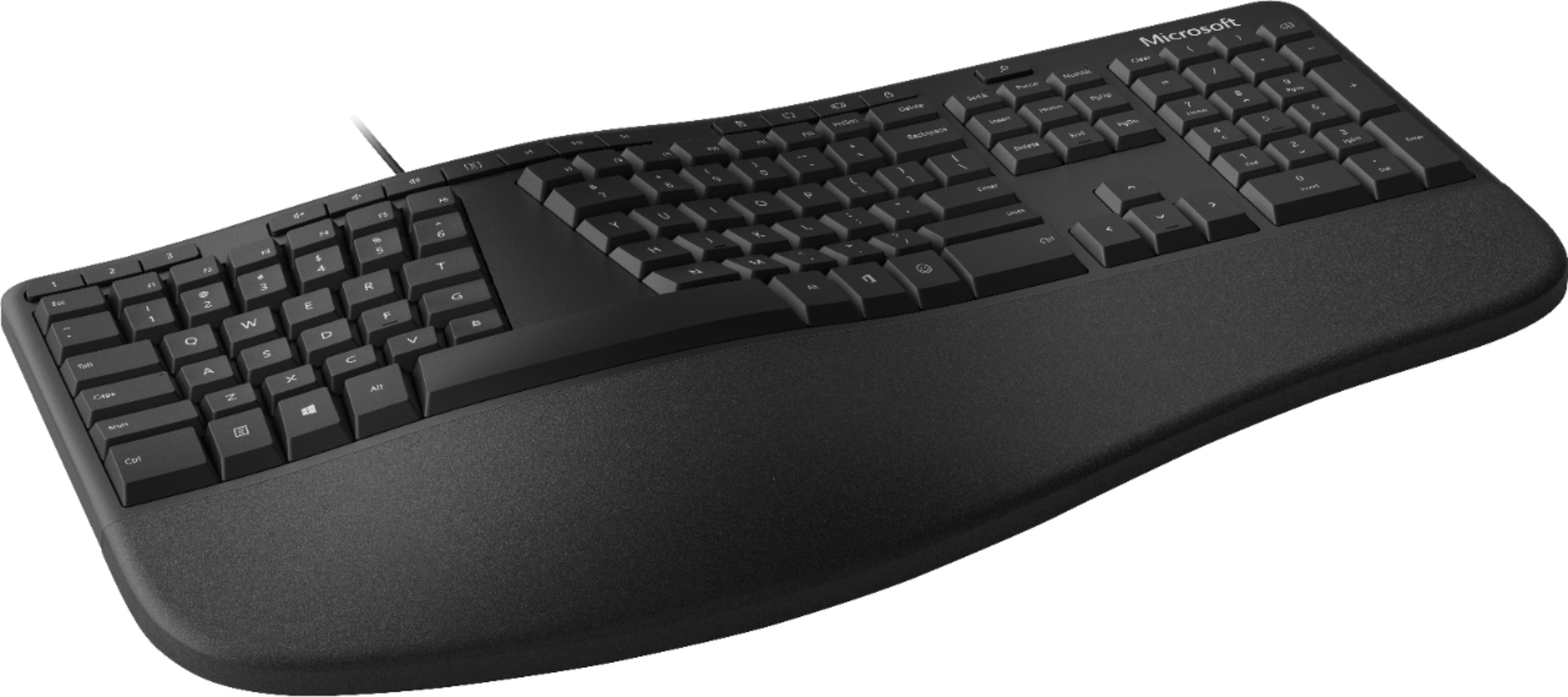
    • Answer The keyboard has the option of adding a plastic frame that attaches to the bottom. This frame thus angles the top of the keyboard downward and that alleviates pressure on the wrists to produce a more natural and ergonomic feel. Without the frame, it’s a flat keyboard, but does have a raised mid section for a more natural feel. It’s one of the bettter ergo keyboards for the money.

      Answered by Punisher

  • QuestionAre there pull out legs on the back of this keyboard?

    Asked by Tessa.

    • Answer No, there is not.

      Answered by MJUAREZ559

  • Questionhow quiet are the keys on the keyboard

    Asked by stephen.

    • Answer pretty quite. No clicking.

      Answered by ITGreyBeard

  • QuestionSnip it key available?

    Asked by Joyce.

    • Answer You can program this keyboard with the Mouse and Keyboard Center App. https://support.microsoft.com/en-us/topic/mouse-and-keyboard-center-download-f5b10905-7887-eedb-2f1c-d0737a36a3b2 Best, Tom Microsoft Customer Care

      Answered by MicrosoftOutreachTeam

  • QuestionIs this keyboard compatible with chrome?

    Asked by TsunamiDan.

    • Answer Yes it is compatible as long as it is plugged in.

      Answered by MicrosoftOutreachTeam

  • QuestionIs this keyboard compatible with Macs?

    Asked by Anonymous.

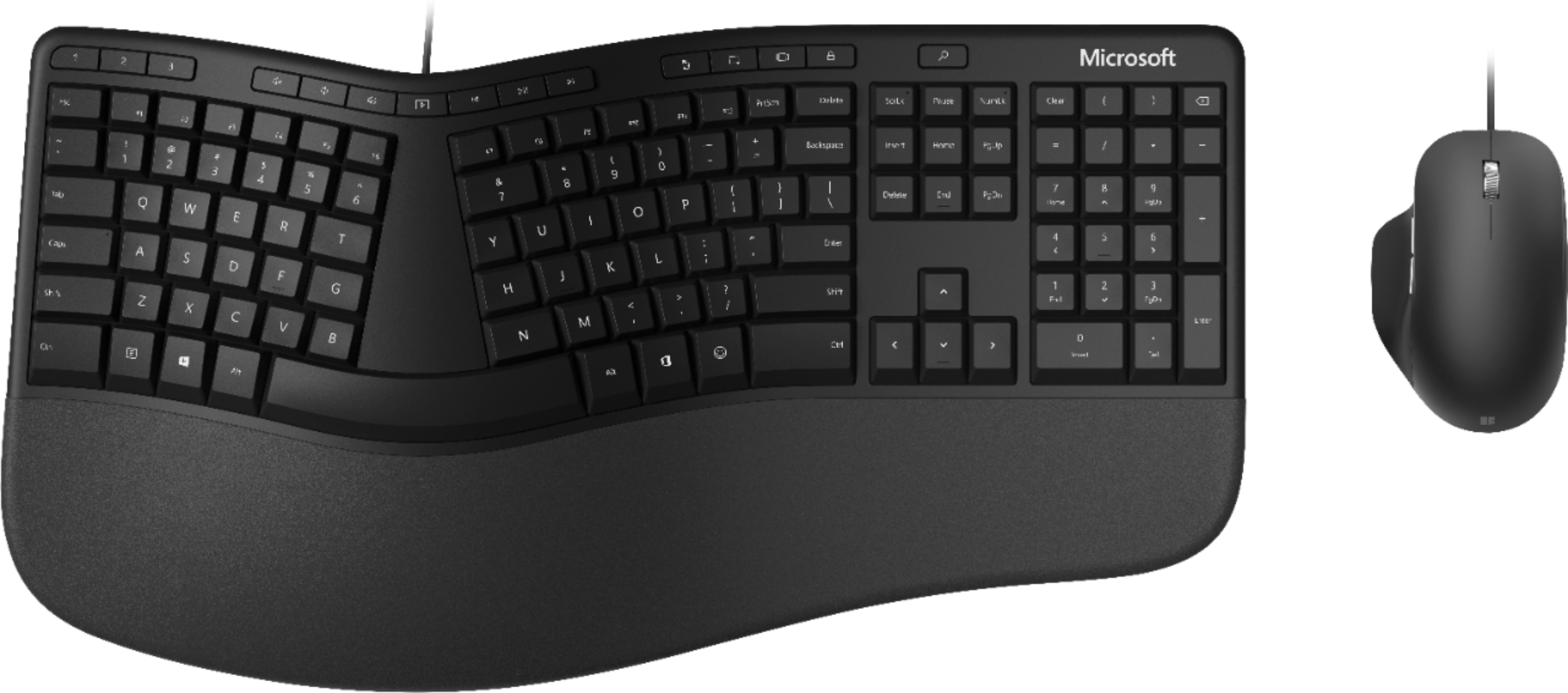
    • Answer I use mine with my Macbook. It works great - but I recommend going into settings -> keyboard -> modifier keys and setting Option=>Command, Command=>Option. This swaps Alt and the windows key. By default, mac maps the windows key as command and alt as option. This switch means command is now beside the space bar like on the mac keyboard, control is where it normally is out the outside, and now option is the windows key. If you use option a lot - I also mapped caps lock to option - so it's a second, easy to reach option key.
      Answered by seattleUser

  • QuestionIs this keyboard compatible with windows 7?

    Asked by Randy.

    • Answer Microsoft Ergonomic Wired Keyboard requires your PC to host Microsoft Windows 10/8.1 in order to properly install and operate.

      Answered by MicrosoftOutreachTeam

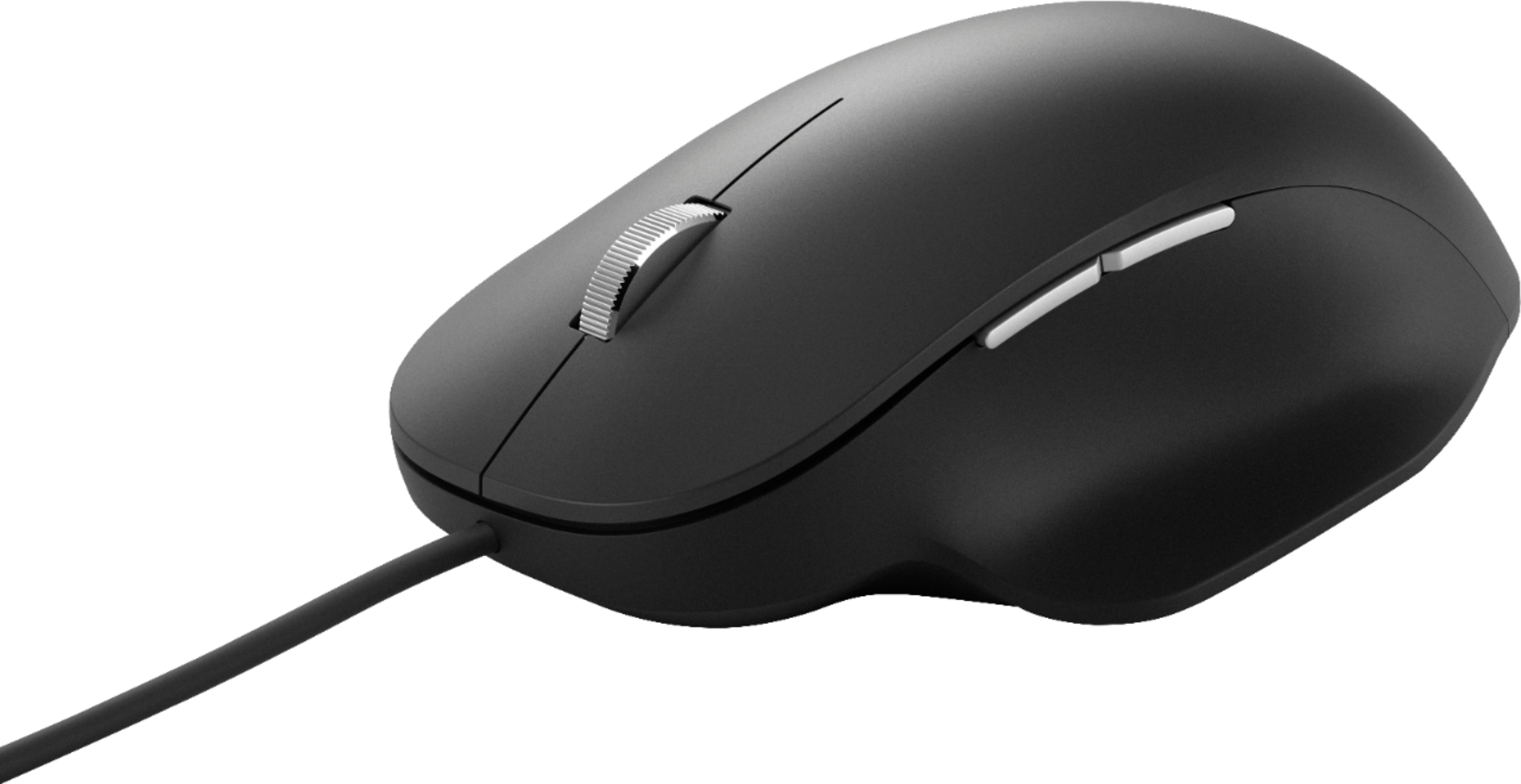
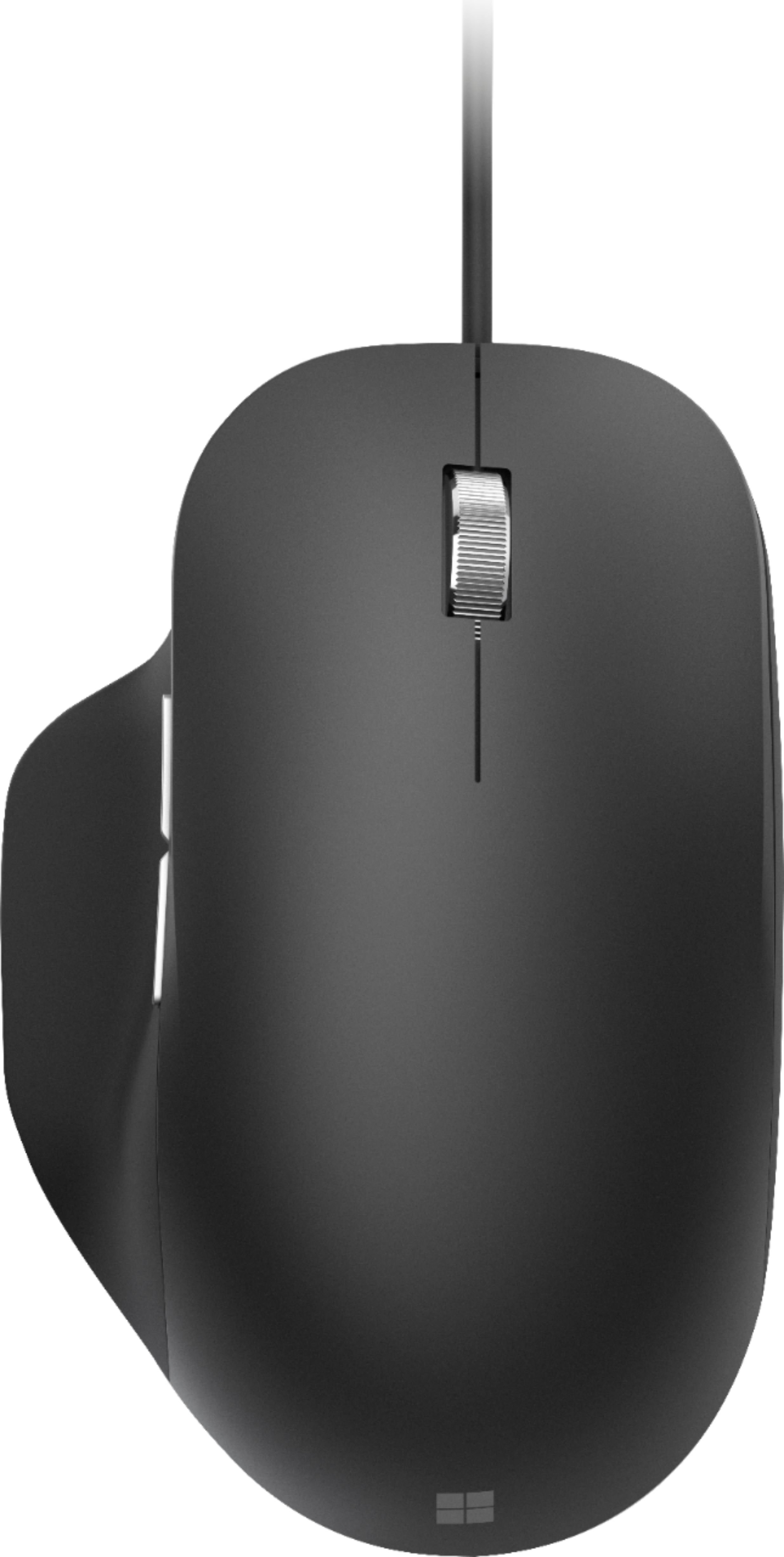
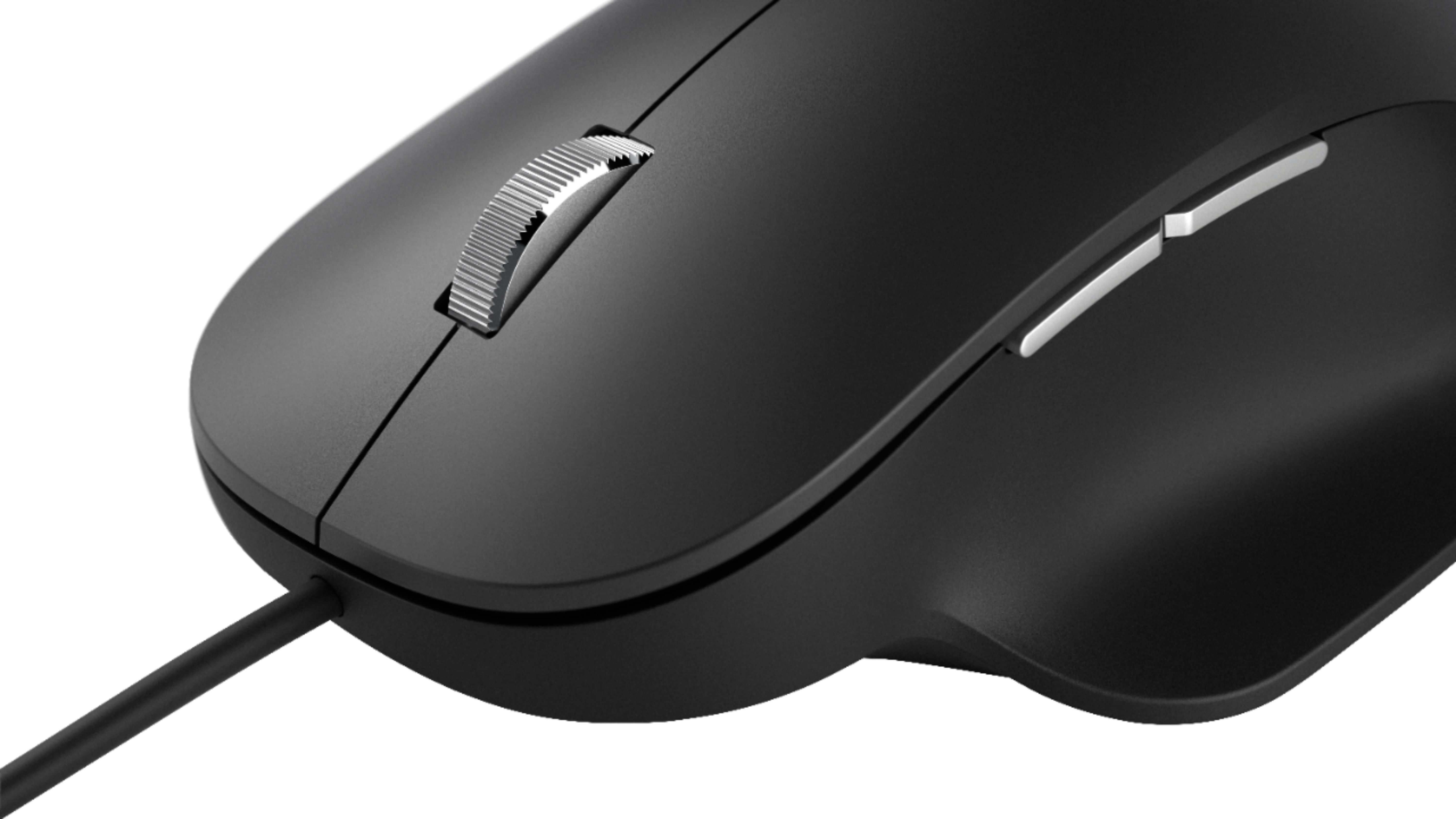
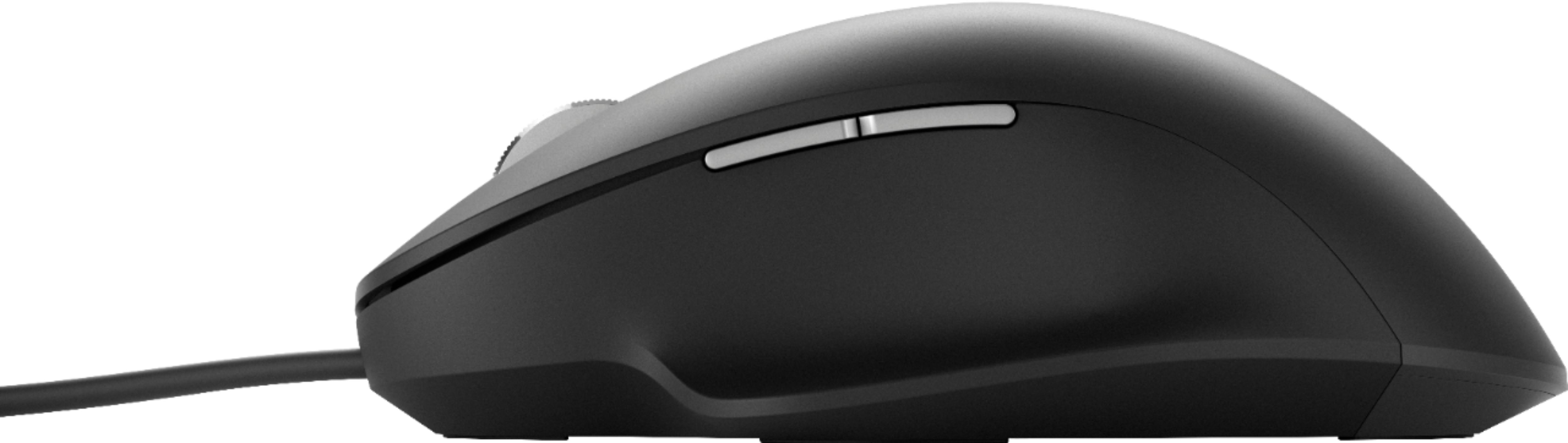
  • QuestionCan the mouse be used for left handed people?

    Asked by Steph.

    • Answer Not ideal for lefties. There is a thumb rest on the left side that you would have to put your pinky in for a lefthanded use. It is shaped for a right hand.

      Answered by Anonymous

  • QuestionHow long are the keyboard and mouse cords?

    Asked by Micro.

  • QuestionIs this mouse usb?

    Asked by Anonymous.

    • Answer Yes, this mouse is USB.

      Answered by CommunityAnswer