A:AnswerI don’t see why not, just need an open USB port, the traditional USB A that’s a wide rectangle. Can be on laptop or thru a dock or adapter I’m sure. I use mine on a Dell docking station just fine.
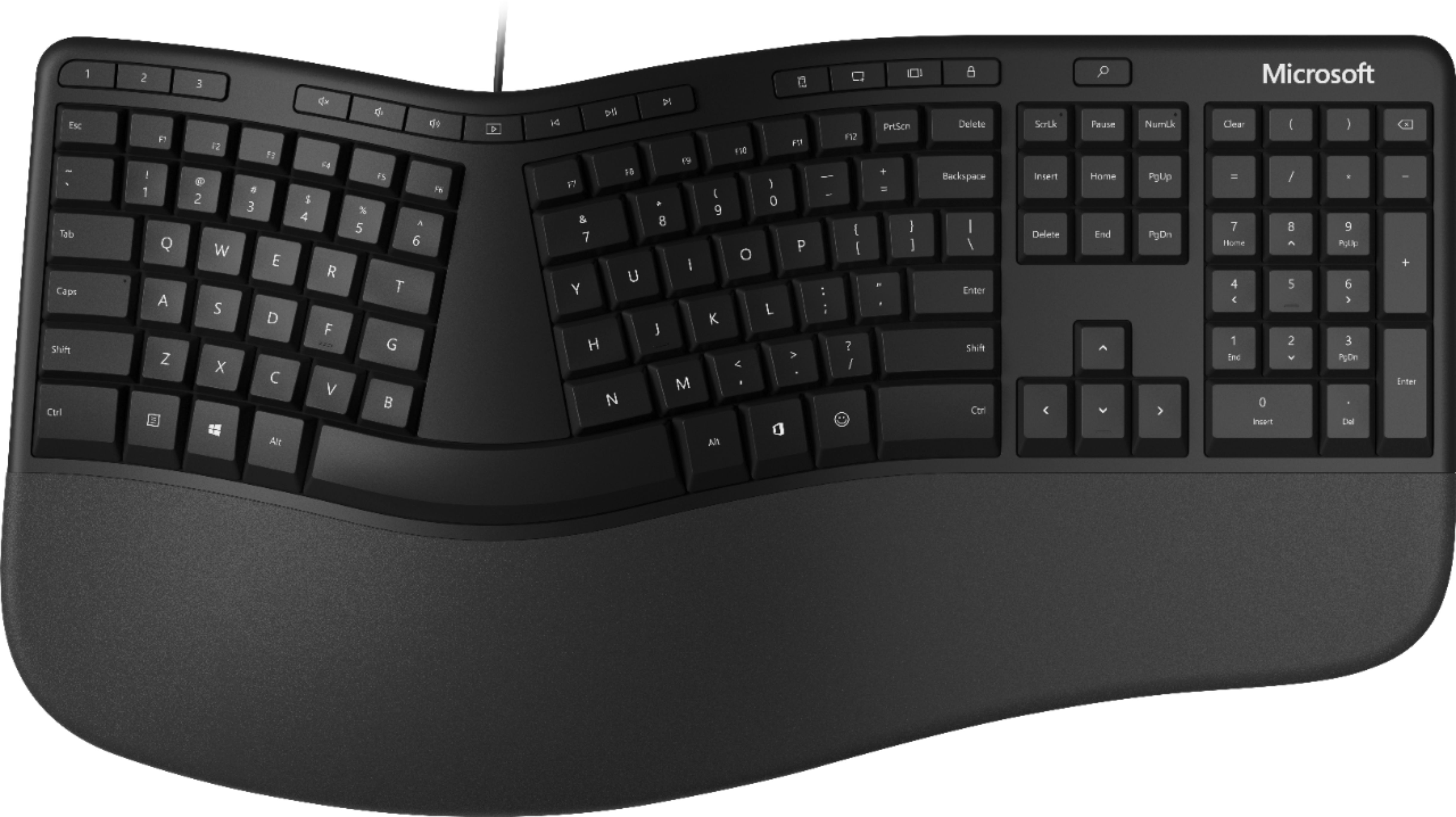
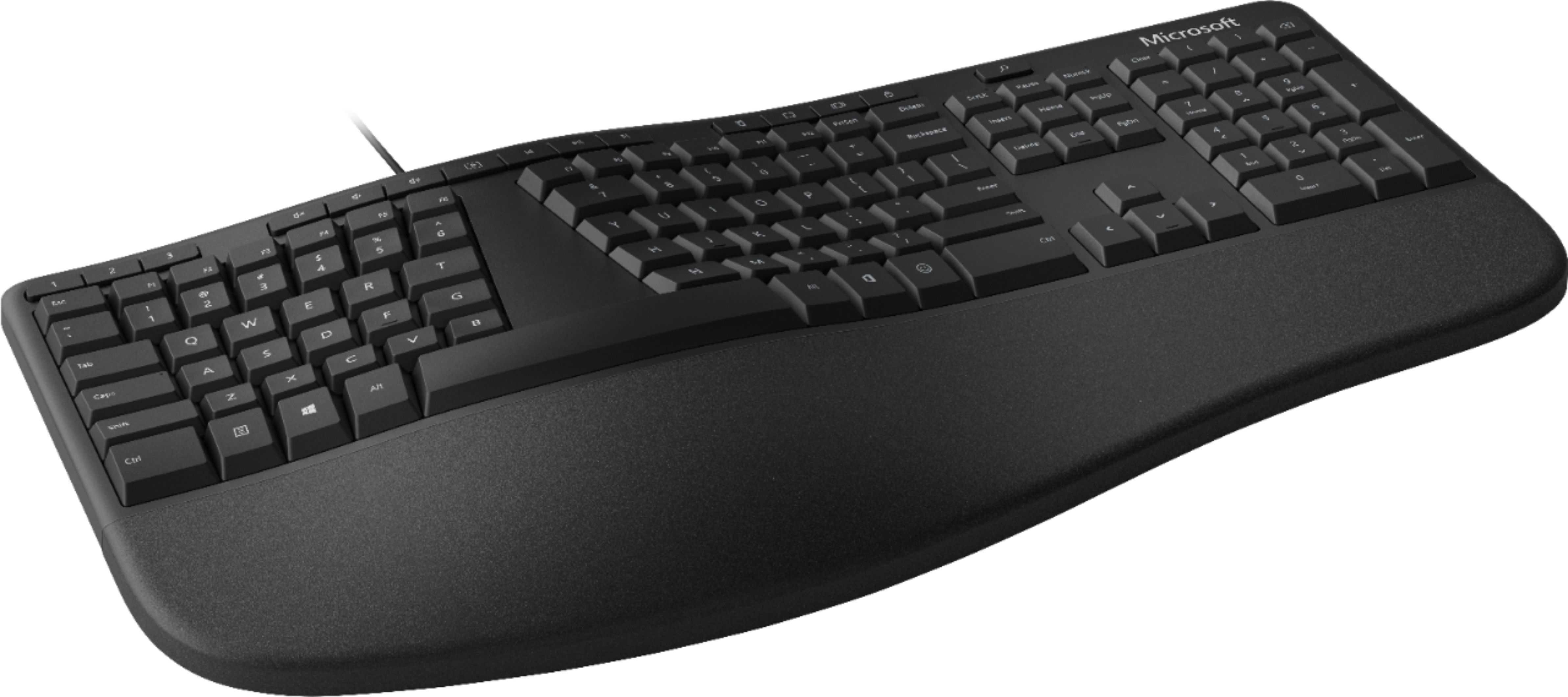
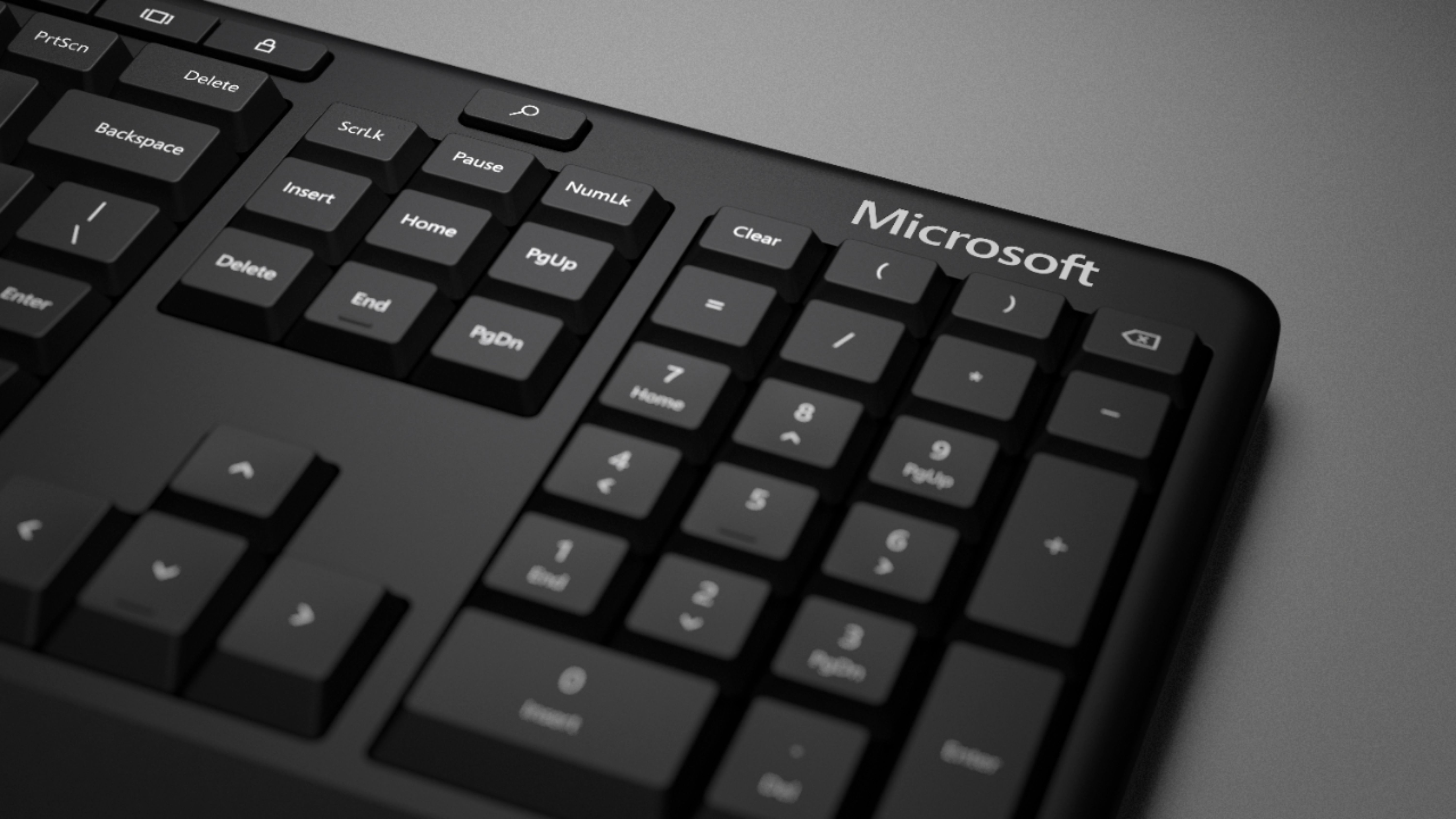
A:AnswerGreat question! Yes, Microsoft Ergonomic Keyboard features an indicator light on the caps lock key, which will identify when the function is on/off.
A:AnswerNo illumination at all. If you're comfortable with touch typing you probably won't notice once you get the hang of where the keys are compared to a "normal" / straight keyboard, though.
A:AnswerYes, there is a shortcut to reach the calculator. Visit here to explore and learn about all the available keyboard shortcuts you may need: https://support.microsoft.com/en-us/windows/keyboard-shortcuts-in-apps-139014e7-177b-d1f3-eb2e-7298b2599a34#bkmk_cal