A:AnswerCheck out Logitech M535 mouse for compatibility with older Bluetooth 2.0, 2.1, 3.0 devices. While it’s still available.
https://www.bestbuy.com/site/logitech-m535-bluetooth-optical-ambidextrous-mouse-black/4375300.p?skuId=4375300
A:AnswerMine has been using the same set of batteries that came with the mouse for ten months and my Bluetooth menu in Windows is still reporting 100% battery.
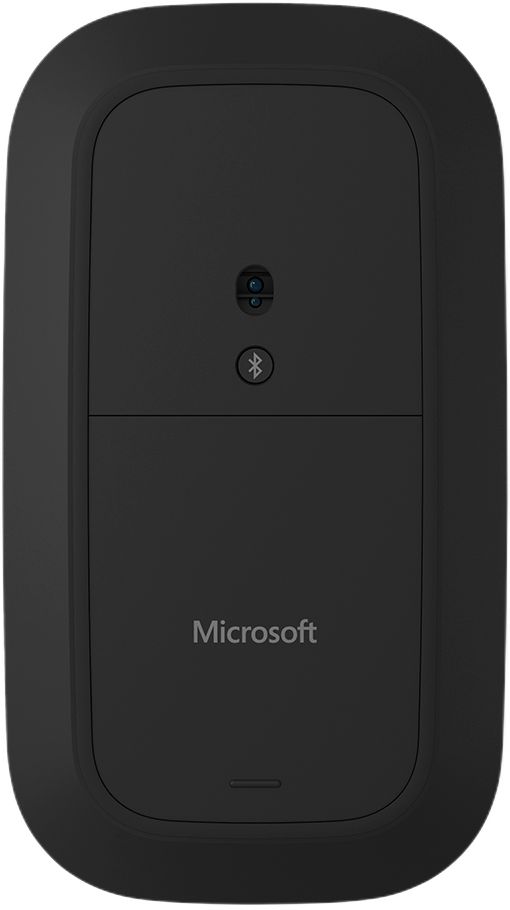
You can tap the button under the mouse to turn it off.
A:AnswerNot sure about glass, but I use it directly on my cloth covered couch and it works fine. I have even used it on my leg (i.e. jeans, skin, basketball shorts material) and it works fine.
A:AnswerDon't mean to be silly, but have you turned it on with the button underneath the mouse? You should see a blue light indicating that it's on. If not, click on the button just below the light to turn it on. Also, check to make sure your batteries are fresh.