A:AnswerBased on the research I've done, Office 365 allows up to 5 installations per subscription and must be used with internet connection. Can be used remotely as all info is stored on the cloud. Currently two $99 subscriptions could supply your team of 10. Each installation gets 1 TB of storage. Check out some of the you tube videos on Office 365 to see if it suits your needs. All the best to you. Hope this reply was timely.
A:AnswerNow that your licenses are kept on line at Microsoft, I have not had any problem discontinuing the license one one computer (when replaced) and moving it to another. Have actually done this a few times without difficulty. In the past it required you to beg tech support for permission to reload the software which was a pain.
A:AnswerYou can learn how to install Office products on Chromebooks here: https://support.office.com/en-gb/article/how-to-install-and-run-microsoft-office-on-a-chromebook-32f14a23-2c1a-4579-b973-d4b1d78561ad.
A:AnswerThis is not an "open" license and the answer to your question...well...depends! If you're using terminal server for people to connect to remotely and run individual sessions, then no this license is not intended for that. On the other hand if you're installing this license so that a service or software package has the Office "engine" to perform tasks behind the scenes such as spreadsheet or document rendering then you should be able to use this license for that.
A:AnswerYou simply reinstall the software. Most likely you will be presented with a message that states the software is already in use on another computer. You will be presented with a phone number that you can call to answer a few questions. A new activation code will be presented to you so that you can activate the license on the replacement computer.
A:AnswerThe purchase and use is good for a lifetime. However, the functionality may require updates (some at a cost) to keep your system up to date. At least you won't have to pay an annual renewal (re-purchase) fee for the software.
A:AnswerAccess is not included! Disappointing. I understand the frequency of updates is the problem. It is available with Office 365, which requires internet and yearly renewal.
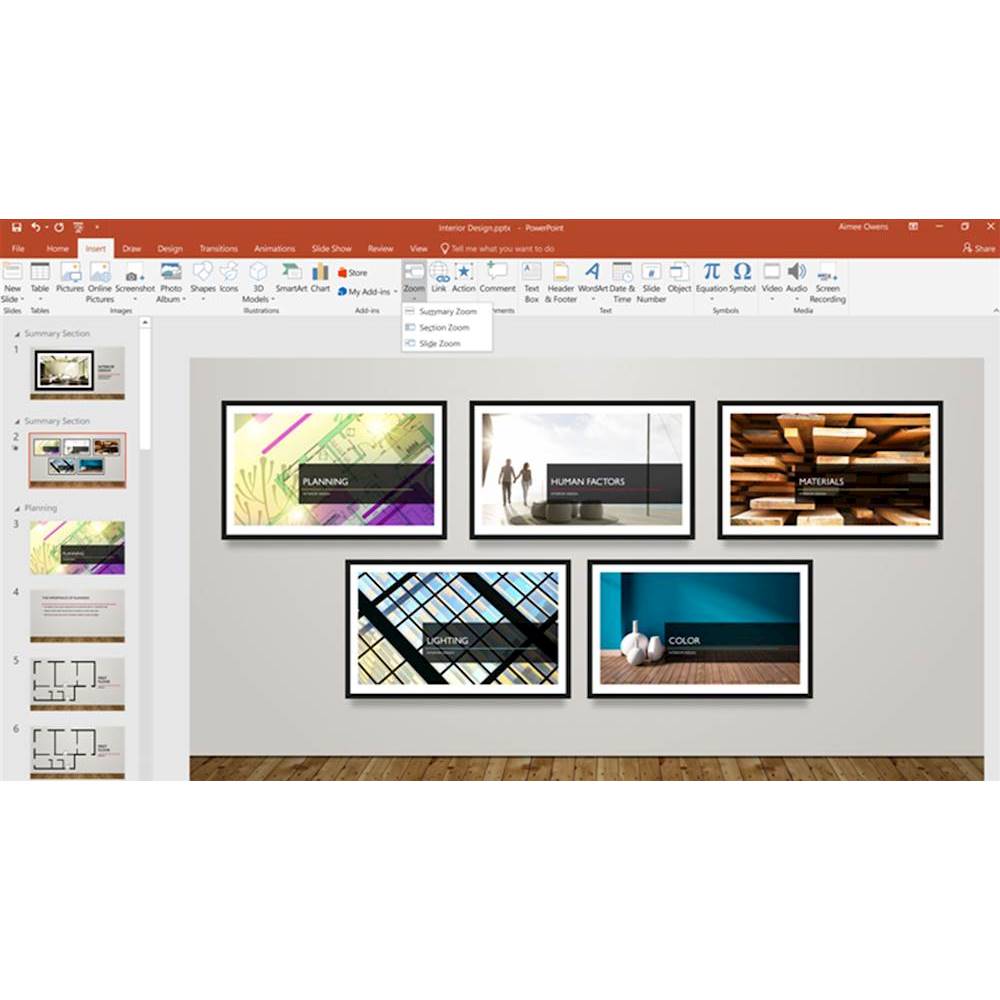
A:AnswerSince Office 2019 is a one time purchase it will always have all the functions that it came with. You can select your background and set timing on slides with Office 2019.
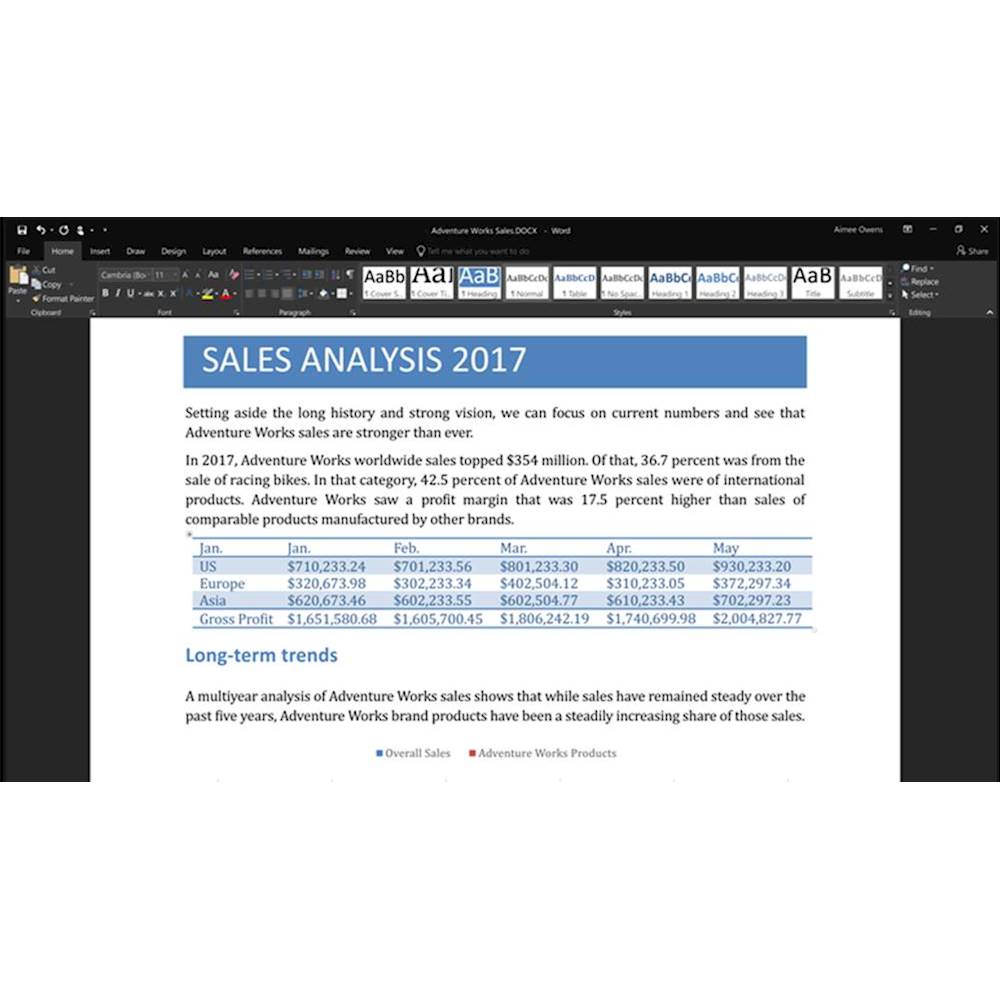
A:AnswerMS Access is a database program and is part of the business or pro version of MS Office software. If you are writing a book, MS Word will suit your needs and is accessible to most. You can include pictures, graphs and tables.
A:AnswerThis is not a subscription purchase. With Office Home & Business 2019, you are purchasing a life-long product. With that being said, please be aware that this purchase does not include updates, like Office 365 would include.
A:AnswerYou can download this on any device you wish. If you sync your software to your personal Microsoft account, then you'll easily be able to move your Office software from your friend's computer to your computer. To learn about that process, check out this link: https://support.office.com/en-us/article/Why-you-need-a-Microsoft-Account-with-an-Office-for-home-product-d1b81992-d824-4e3f-8351-e2c03172df62