A:AnswerProbably not. When you go to register on the other devices, It will most likely tell you that the registry key is invalid. You can only register software on one device unless the product info specifies otherwise.
A:AnswerHi Van - You can absolutely use Office 2016 on a Chromebook. Check out this link for more information: https://support.office.com/en-us/article/how-to-install-and-run-microsoft-office-on-a-chromebook-32f14a23-2c1a-4579-b973-d4b1d78561ad
A:AnswerHi Laz,
Here's an article we found that might contact some helpful information for you in activating your Outlook account: https://answers.microsoft.com/en-us/msoffice/forum/msoffice_install-mso_windows8/i-cant-activate-outlook/0f0a46ce-2e3c-44f7-aa91-9ea8c8a2a771
Beyond that, we suggest contacting Microsoft Customer Support to help you with this issue. Contact them here: https://support.office.com/
Hope that helps.
Sincerely,
Jo
Office Customer Care
A:AnswerMicrosoft Office Home and Student 2010 Family Pack was licensed for up to 3 PCs. After that version, MS changed the licensing for only 1 PC. If you want to use Office for more than one PC, you must buy additional licenses or do what MS wants you to do, subscribe to Office 365.
A:AnswerThe audio not working is because the base file used is incompatible on one platform or the other. Using types supported on both platforms can resolve this issue. Powerpoint should be able to be used on both platforms without compatibility issues.
A:AnswerIf you out right bought it. It will not be deleted off your computer. It is yours and you do not have to pay any yearly fees for it. That is the good part about out right buying it but you do not get the upgrades, that come with the monthly and yearly subscription. Hope this helps.
A:AnswerYes, with Office 365 subscription plans you get the fully installed Office applications: Word, Excel, PowerPoint, OneNote, Outlook, Publisher, and Access .
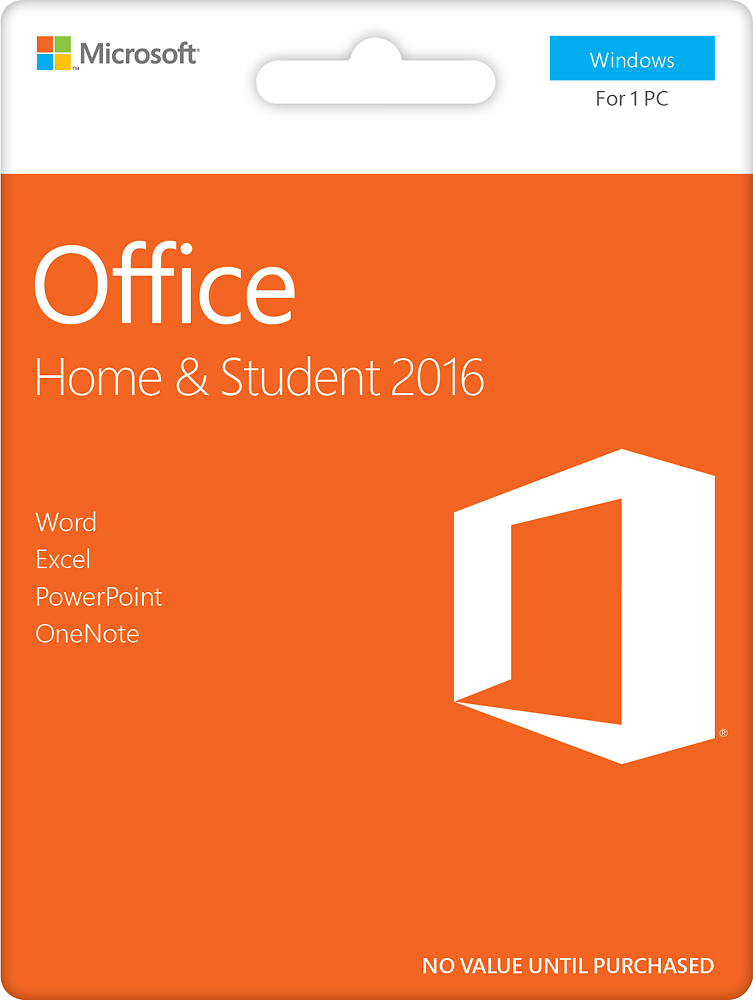
A:AnswerBesides the cardboard of one being mostly white and the other mostly orange, nothing at all. One is most likely a newer release key card than the other. Both are the same exact versions.
A:AnswerYou are paying for the activation key to download Office to your PC. It is only good to install on 1 PC. This package is a 1 time purchase with no annual subscription.
A:AnswerIn order to install Microsoft Office on your device you must purchase a product key. To install on multiple devices you must purchase a product key for each device. Look for a product key that is for more than one device. I have seen them that has one product key for three devices. Of course the cost would be higher than the one device product key.