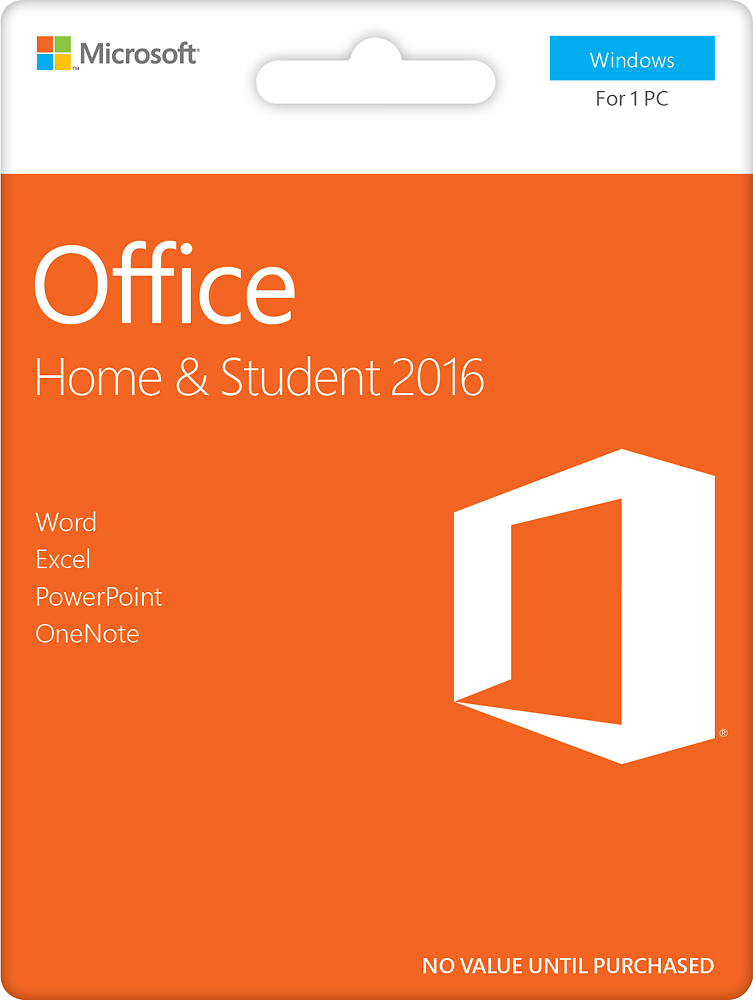
A:AnswerYou can purchase it whenever you have the money and then just install it to your computer. Once you purchase it you do not have to renew it or pay any additional fees.
A:Answeryou need to check with where ever you purchased it and make sure the purchase was successful. if it did not process properly then it will not let you activate it properly.
A:AnswerIf I'm not mistaken that deal is for any student that is purchasing it. I added that to my cart before the surface pro and it still had the student discount.
A:AnswerI you have a Microsoft account, you can go there and get direction on unloading it from your old computer and then reloading it to your new computer.