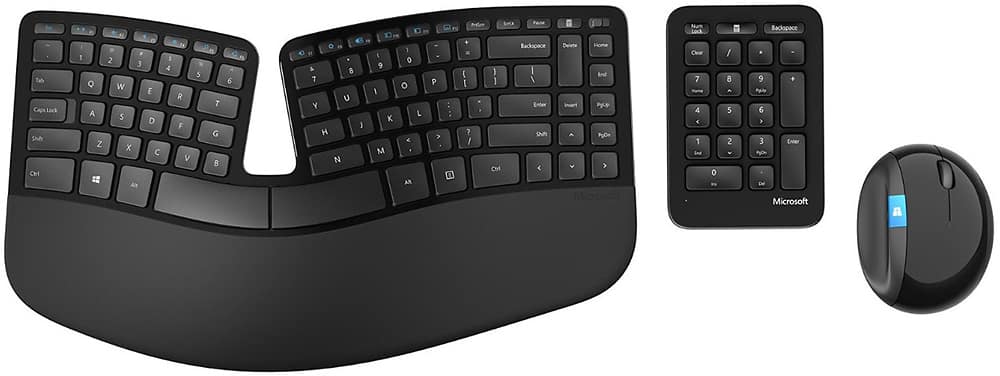
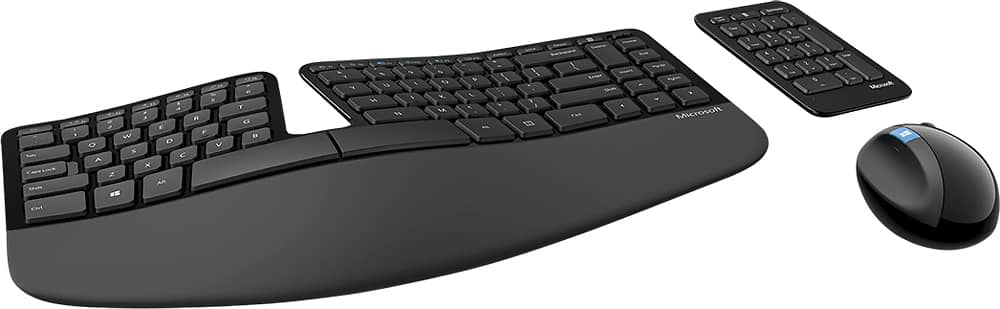
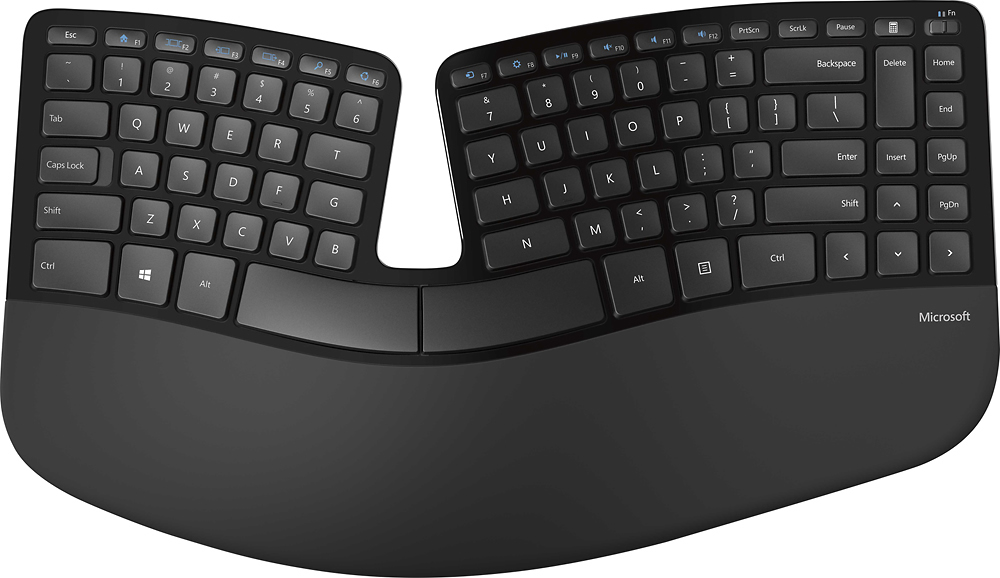
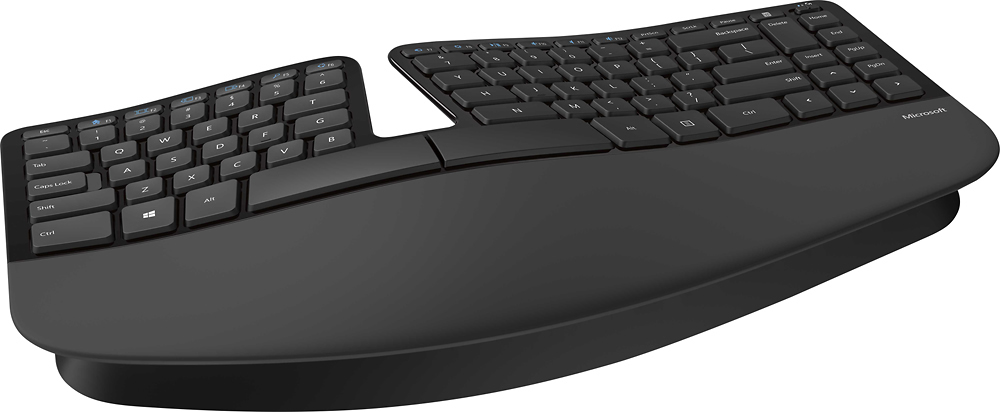
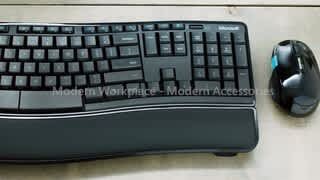
A:AnswerNo, it requires the proprietary dongle. If the dongle is lost or broken, the keyboard can no longer be used as it cannot be paired to a new dongle.
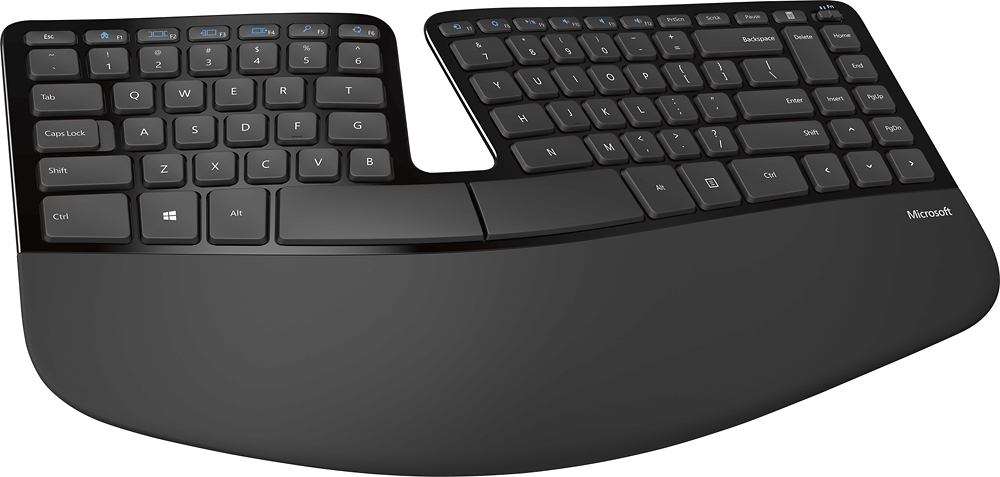
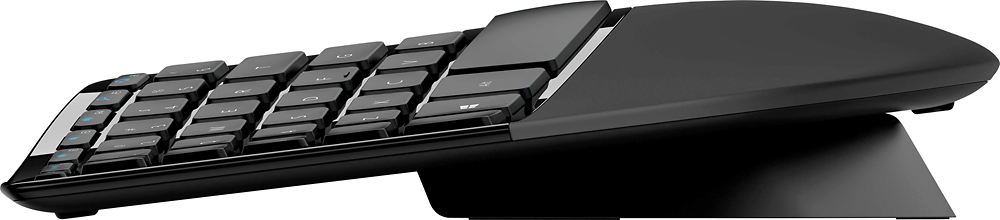
A:AnswerYou most likely won't be able to find any exact match, but you can get 3/8" replacement rubber bumper feet at just about any big box store or online. You would most likely need to replace all 4 to get it to sit flat again.
A:AnswerProbably needs a new battery if the unit isn’t over a year old I myself had to throw a wireless keyboard and mouse away that was probably two to three ears old mine started moving the mouse everywhere so I replaced battery no help replaced. Keyboard and mouse and it’s working great