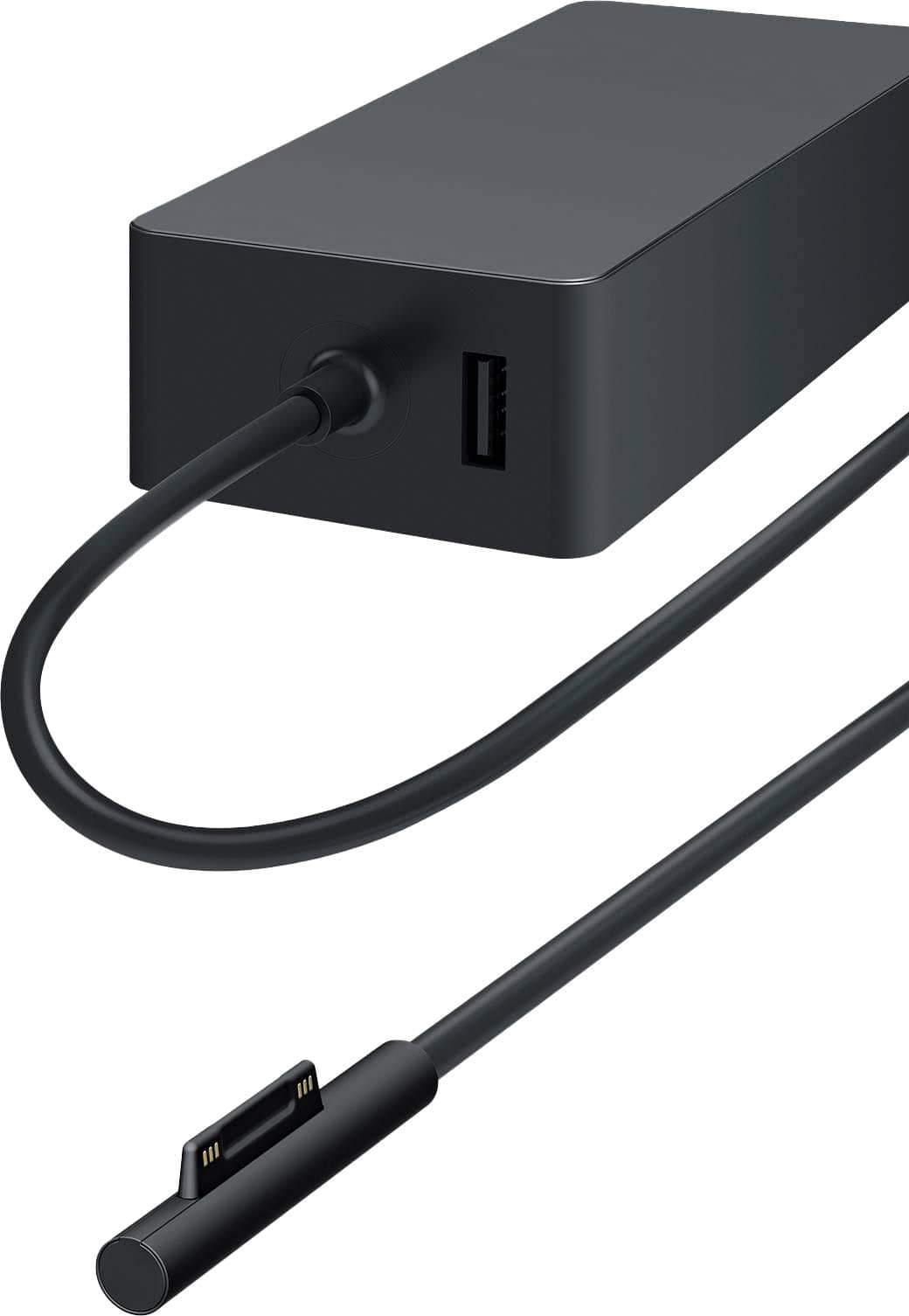
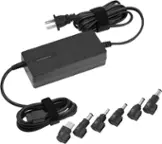
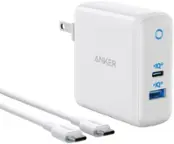
A:AnswerI did not experience any issues using the USB charging port on the brick. I used the power adapter on an airplane and used the USB port to charge my phone with no issues.
A:AnswerThey are not the same quality and they may not even be the same charger even. If the charger is not the Microsoft brand or if it has not been tested by Microsoft on its devices, you run the risk of damaging your computer.
A:AnswerThis product works on my Surface Pro 8 which has the same power connector as the Surface Pro 7. So, while an assumption, I believe it will work. This product is also Microsoft OEM so there shouldn't be compatibility issues.
A:AnswerThe charger design is very unreliable, has only 3-4 months service life. It is a waste of money to buy a laptop that uses that type of charging port.
A:AnswerThe charger design is very unreliable, has only 3-4 months service life. It is a waste of money to buy a laptop that uses that type of charging port.
A:AnswerThere are varying models that support different wattage use cases. It is possible that you originally purchased a 48 watt version and the 65 watt version is listed at $89.99.
A:AnswerThe charger design is very unreliable, has only 3-4 months service life. It is a waste of money to buy a laptop that uses that type of charging port.
A:AnswerThe charger design is very unreliable, has only 3-4 months service life. It is a waste of money to buy a laptop that uses that type of charging port.