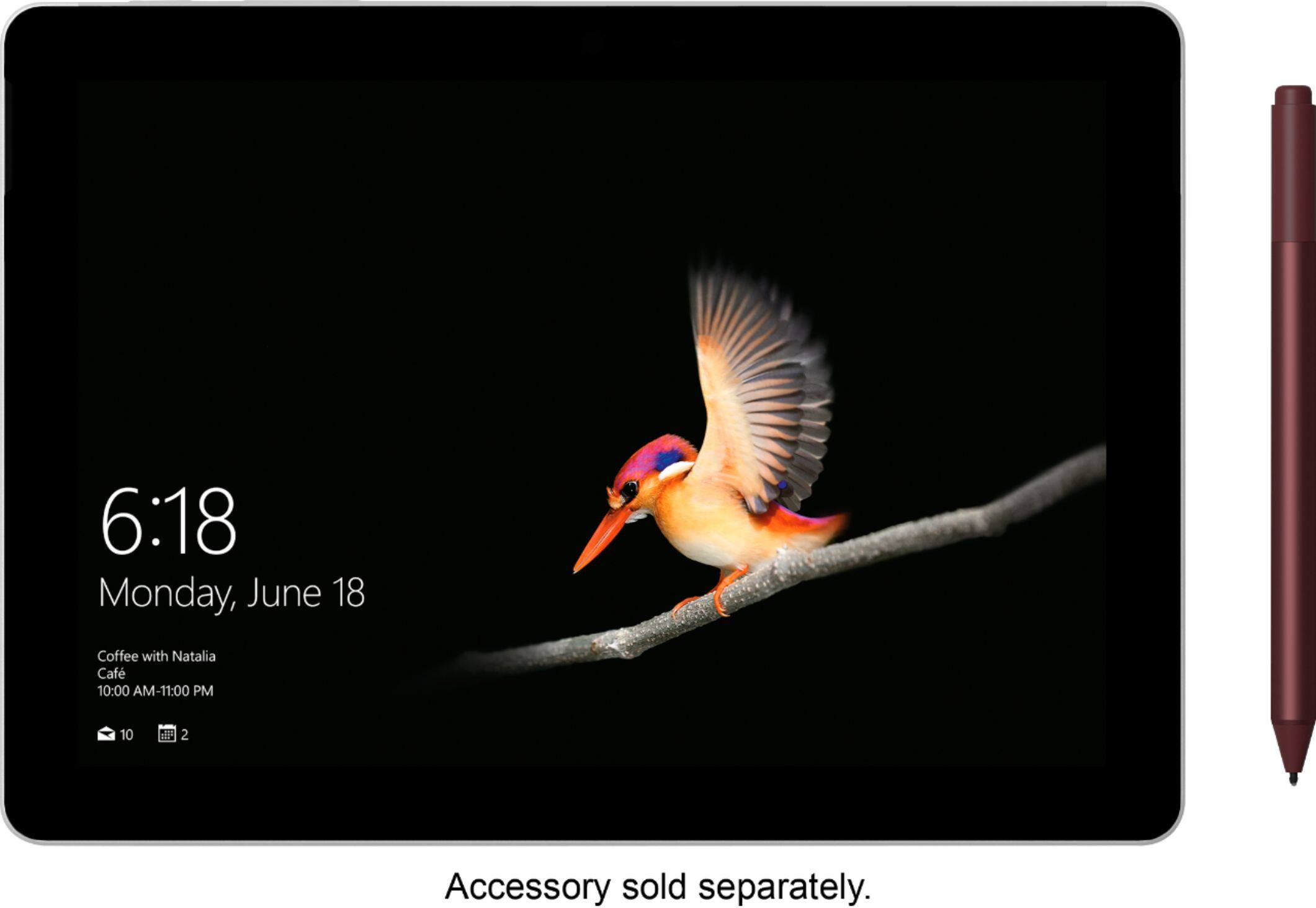
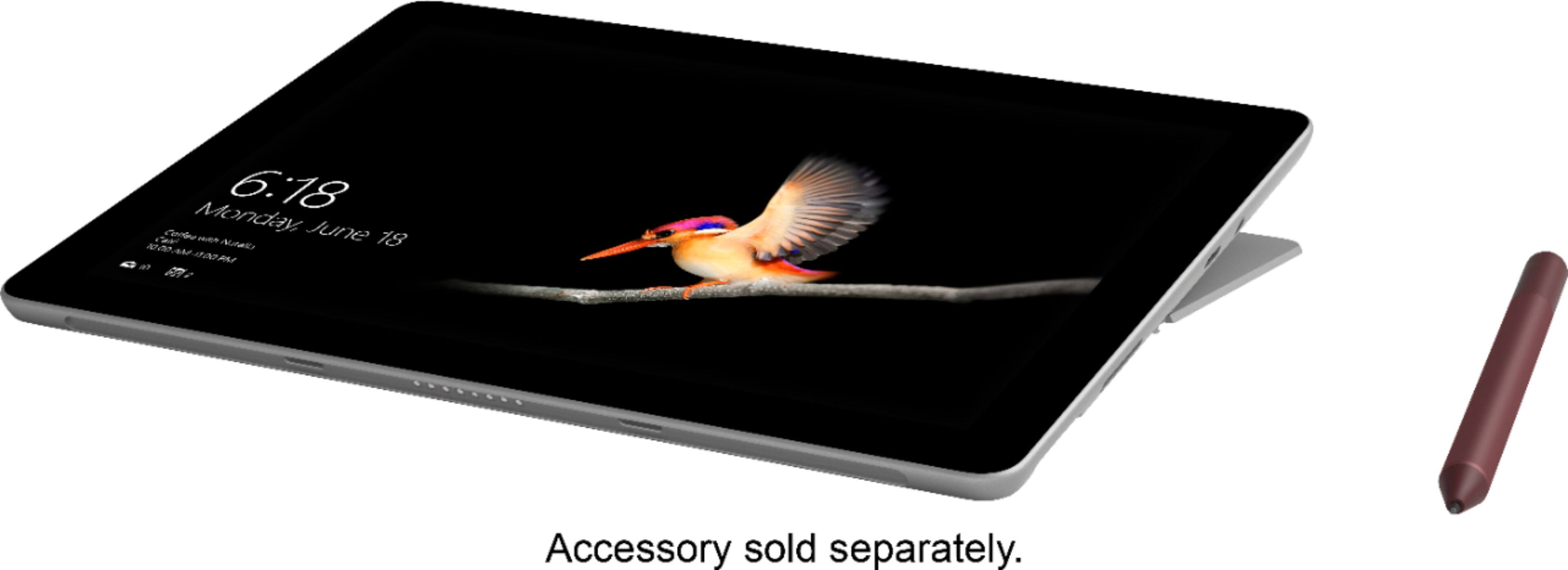
A:AnswerI heartily recommend the Microsoft Surface Go as a Tyler for students as long as the learning applications and curriculum readings can be accessed in a Windows format.
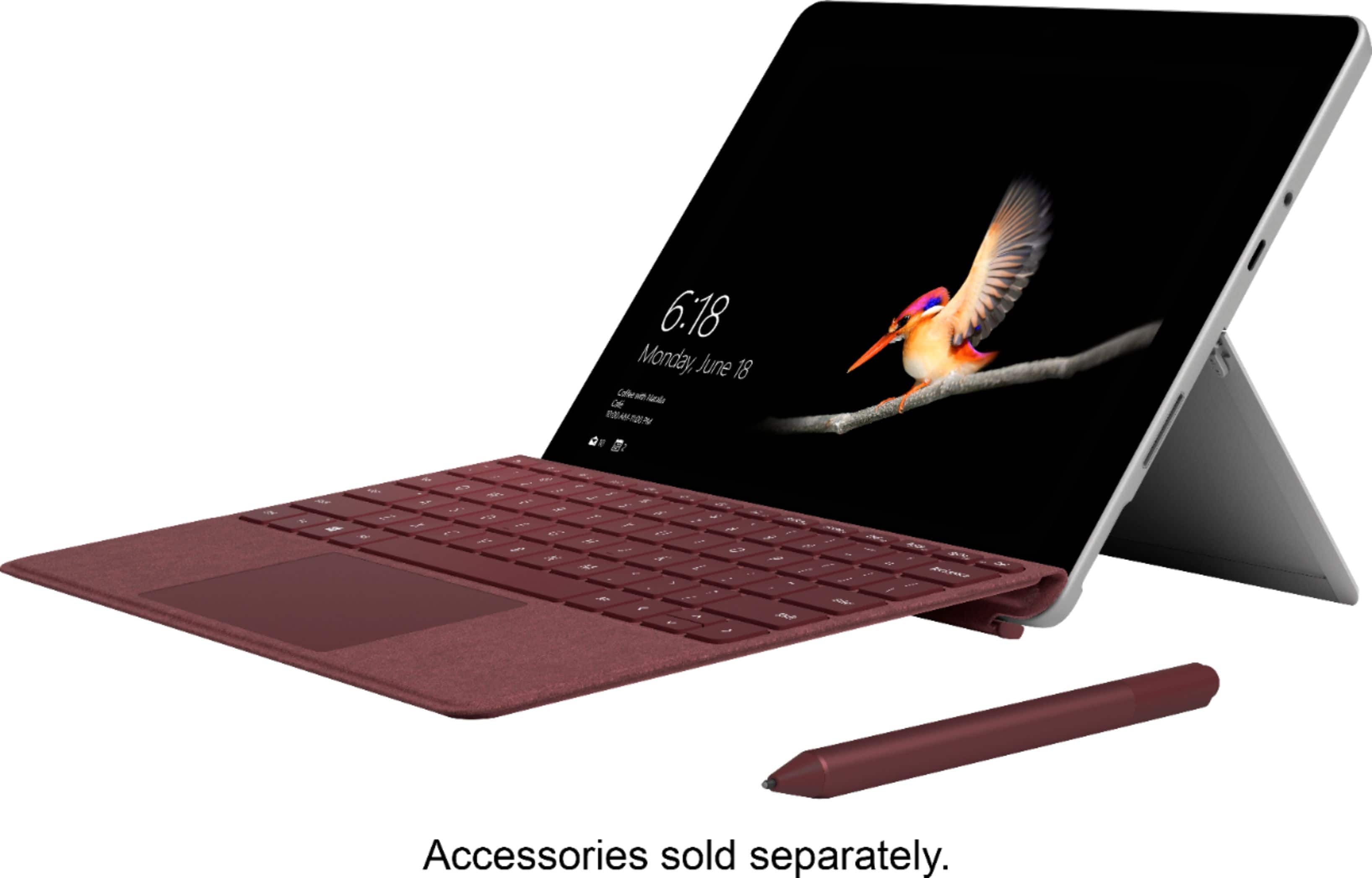
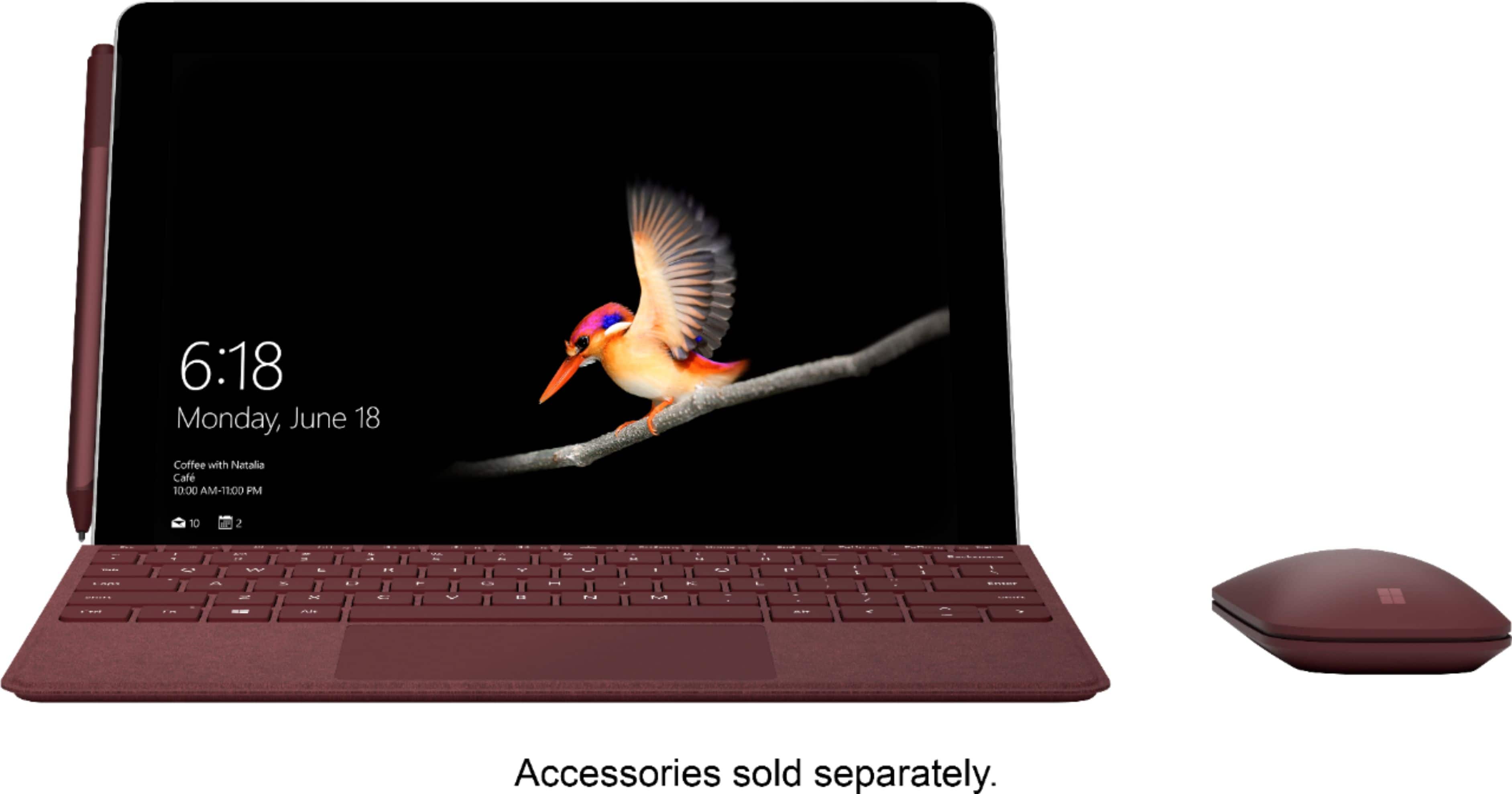
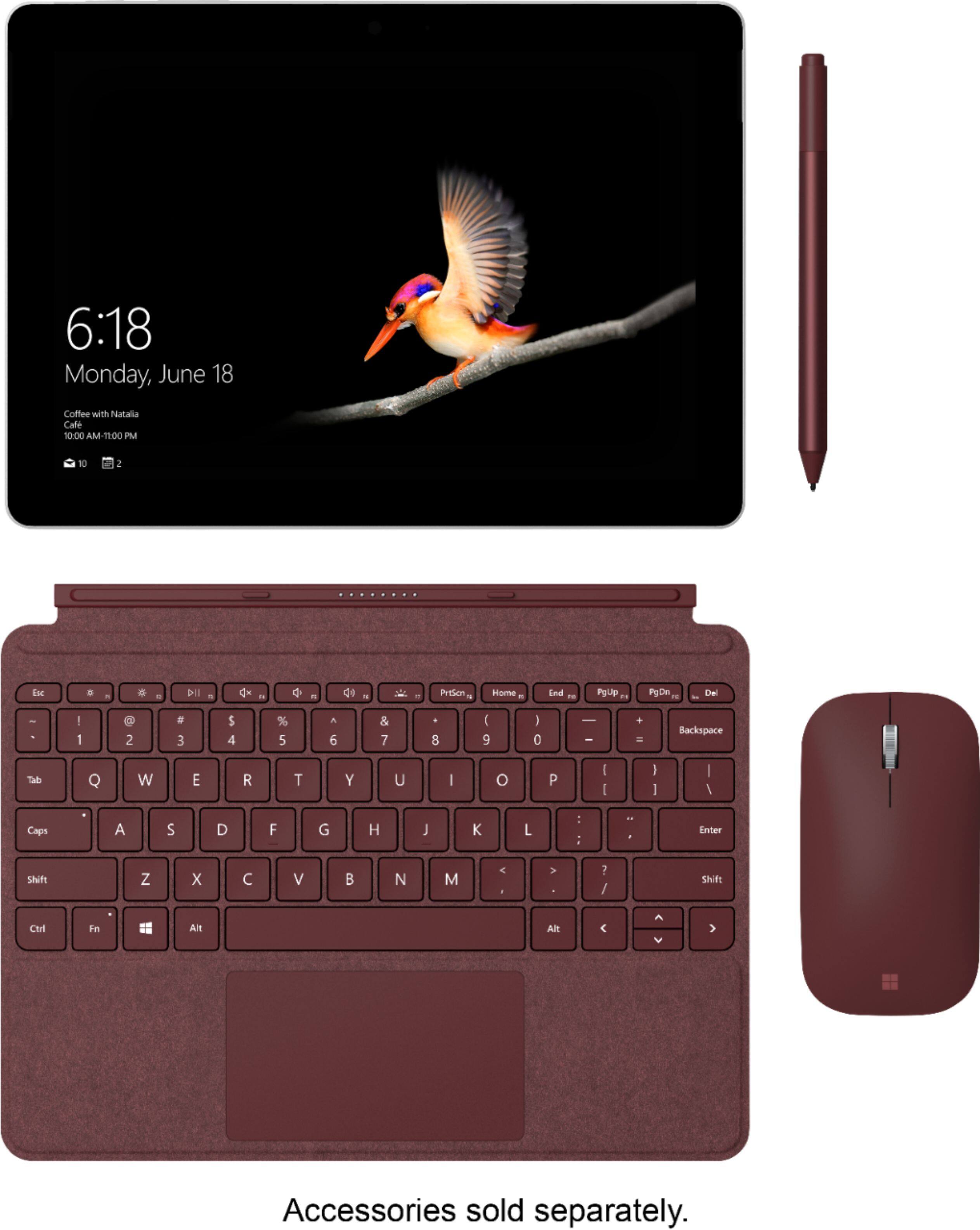
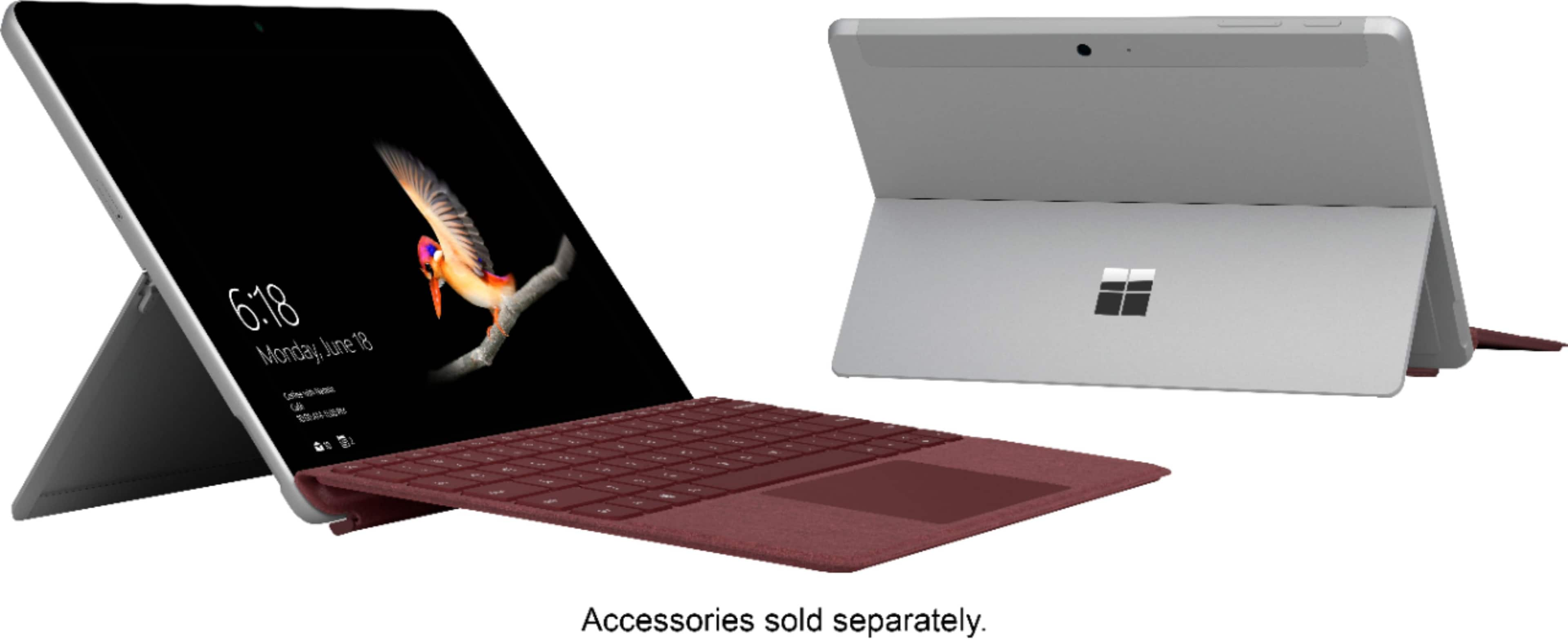
A:AnswerThe Surface Go does not come packaged with a keyboard. If you're interested in the Surface Go Signature Type Cover that is pictured with the device at Best Buy, check it out here: https://www.bestbuy.com/site/microsoft-surface-go-signature-type-cover-cobalt/6261241.p?skuId=6261241.
A:AnswerYes, since the Surface Go is a Windows 10 device, you will be able to successfully run Windows Media player. Find out more here: https://support.microsoft.com/en-us/help/14209/get-windows-media-player.
A:AnswerThe Surface Go should successfully be able to run Adobe Dreamweaver. Like with any device, please be sure to double check the system requirements of any software you wish to download, and compare them with the specs of the Surface Go. This way, you can ensure that the program will run optimally on your device.
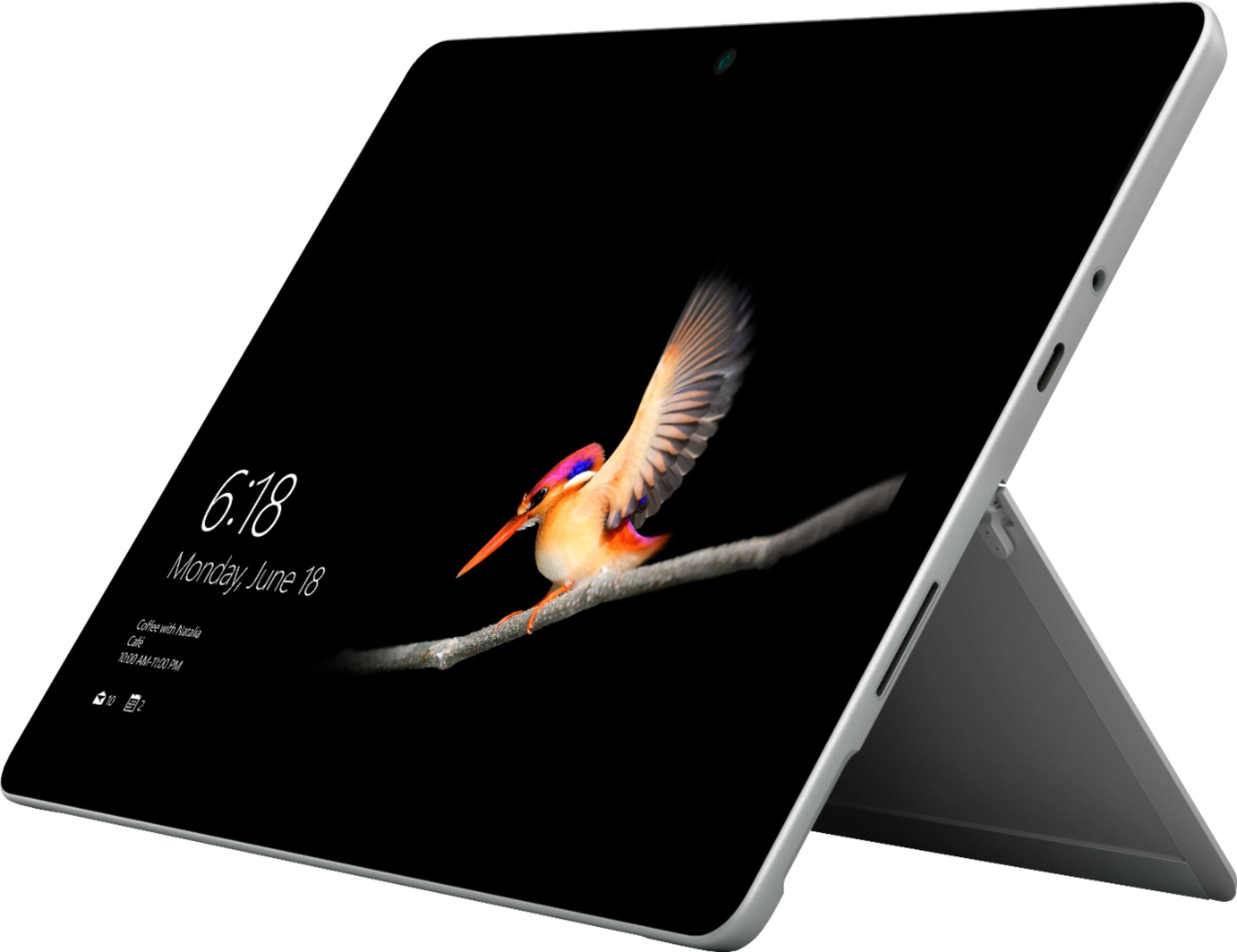
A:AnswerThe internal 64GB memory cannot be modified, however, utilizing external storage is always an option. With the Surface Go you can expand your storage through the USB type C port and the microSDXC card slot. In addition, with your Microsoft OneDrive account, you may utilize free cloud storage to access your files from anywhere.
A:AnswerThe Surface Go is able to run most programs, just as any other laptop. Like with any device you purchase, just be sure you check the system requirements of the programs you wish to download, and make sure that they are compatible with the specs of the Surface Go.
A:AnswerLike with any device, when you are looking to download a specific program, be sure to check the system requirements and compare them to the specs of the Surface Go. This will ensure that the software you wish to download will run optimally on your device.
The difference with Windows 10 S, is that this mode is the optimal for the Surface Go in regards to running apps and features. We have heard feedback that this mode may limit some of the apps and programs you may be able to run on the device, however you may switch out of Windows 10 S and into Windows 10 Home Edition for free. Find out how here: https://support.microsoft.com/en-us/help/4456067/windows-10-switch-out-of-s-mode .
There are several keyboards that are compatible with the Surface Go. If you are referencing the Surface Go Signature Type Cover pictured with the Surface Go on Best Buy's website, this weighs 9.45 ounces.
We hope this has been helpful!
A:AnswerThe Surface Go comes equipped with one USB type C port. If you're looking to extend the amount of ports on your device, the Surface Dock might be a good option for you to look into. The Surface Dock features USB 3.0, Gigabit Ethernet, 3.5mm audio and a Mini Display Port. Check it out at Best Buy here: https://www.bestbuy.com/site/microsoft-surface-dock-black/4561910.p?skuId=4561910.
A:AnswerThe Surface Go is a great device for students, as it is easy to carry around due to its ultra portable design. The Surface Go does come equipped with a USB type C port, however like the community has said, you may add extra ports by using adapters like the Surface Dock to add the amount and variety of ports available to you. You may be interested in checking it out at Best Buy here: https://www.bestbuy.com/site/microsoft-surface-dock-black/4561910.p?skuId=4561910.
A:AnswerYes the Surface Go comes separately from any accessories, giving our customers the power to choose their ideal Surface set-up. From mouse, and keyboard options, the possibilities are endless! If however you are looking specifically for the items shown in the display image, these can all be found on the Best Buy website doing a simple search. The products are the Surface Go Signature Type Cover, Surface Mobile Mouse, and Surface Pen. Here is the link to the Cobalt Blue design of the Surface Go Signature Type Cover to get you started: https://www.bestbuy.com/site/microsoft-surface-go-signature-type-cover-cobalt/6261241.p?skuId=6261241.