A:AnswerTry clicking this link to find the 8GB RAM and 128GB SSD model of the Surface Go at Best Buy: https://www.bestbuy.com/site/microsoft-surface-go-10-touch-screen-intel-pentium-gold-8gb-memory-128gb-storage-silver/6261397.p?skuId=6261397.
A:AnswerYes, in order to download apps that are not Microsoft-verified, you will need to switch out of Windows in S mode. This is easily done, however since the Surface Go is specifically optimized to perform better in S mode, you may notice some difference in speed. The difference in speed will depend on the system requirements of the apps/programs you wish to run, and how many programs you have open at the same time. In addition, you will want to make sure that you are using security precautions such as utilizing Windows Defender. We hope this helps!
A:AnswerCheck your emails. Ours was sent in a separate email. Best Buy would email you the codes to enter in order to get your security installed.
I hope this answered your question.
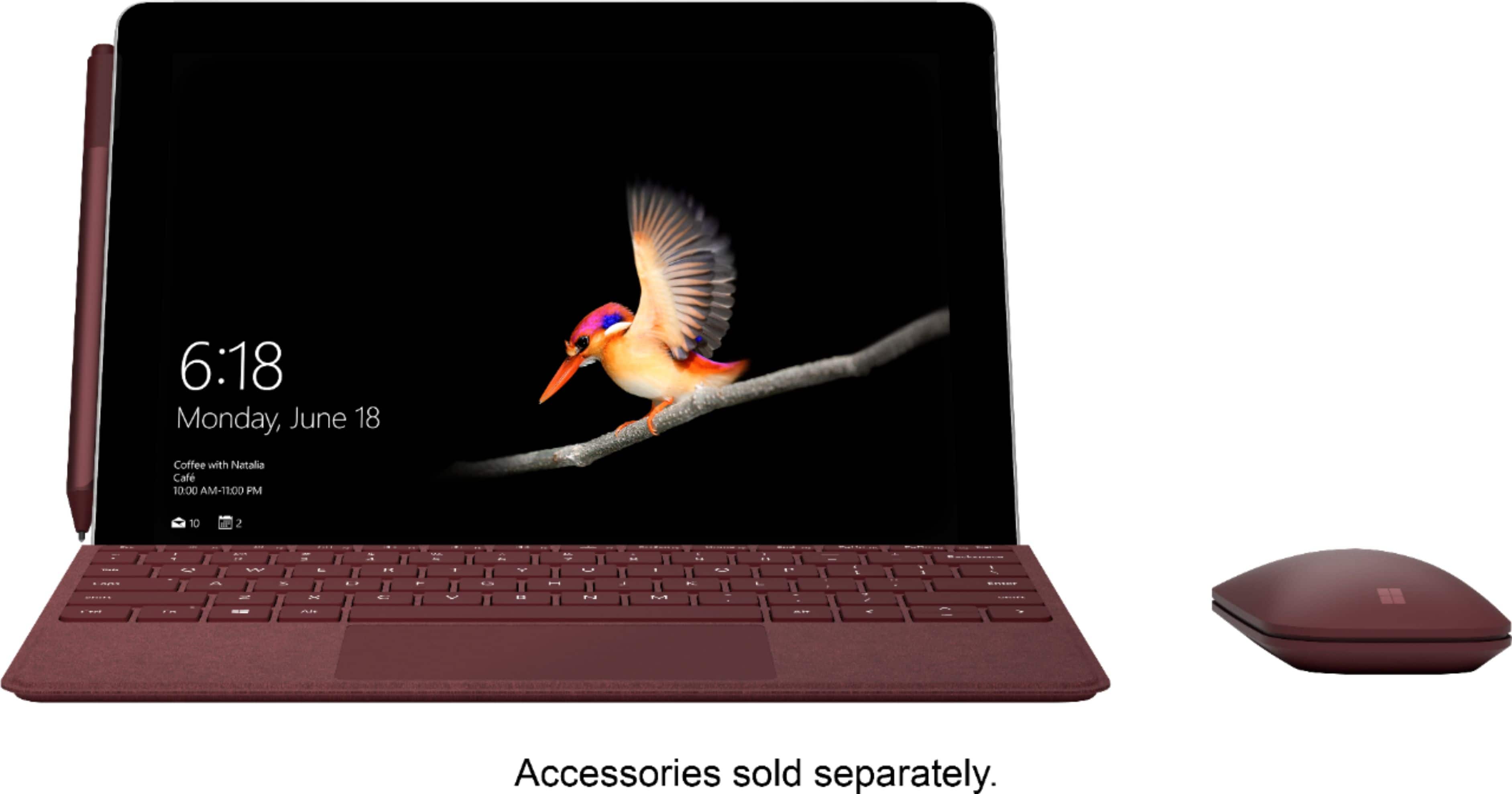
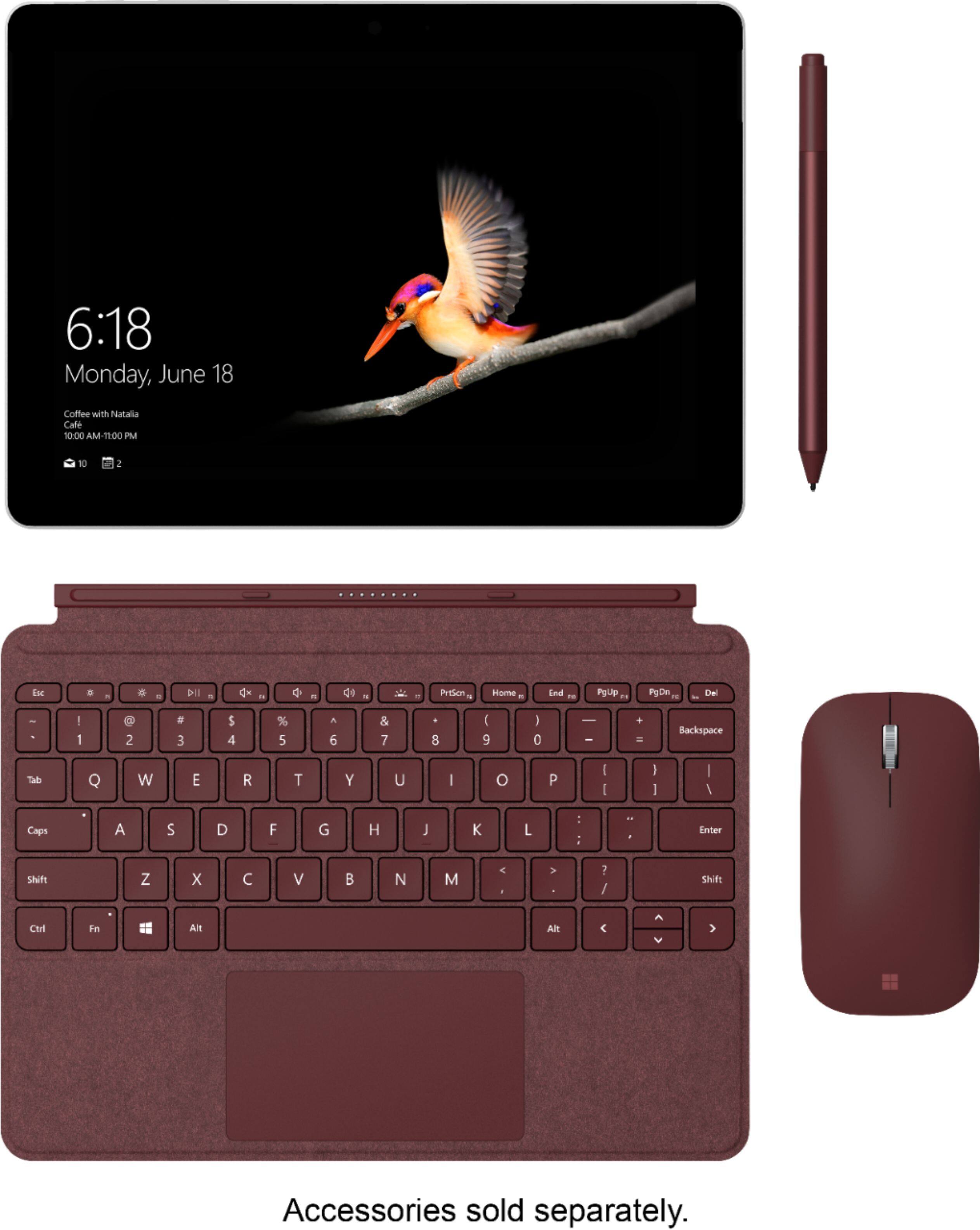
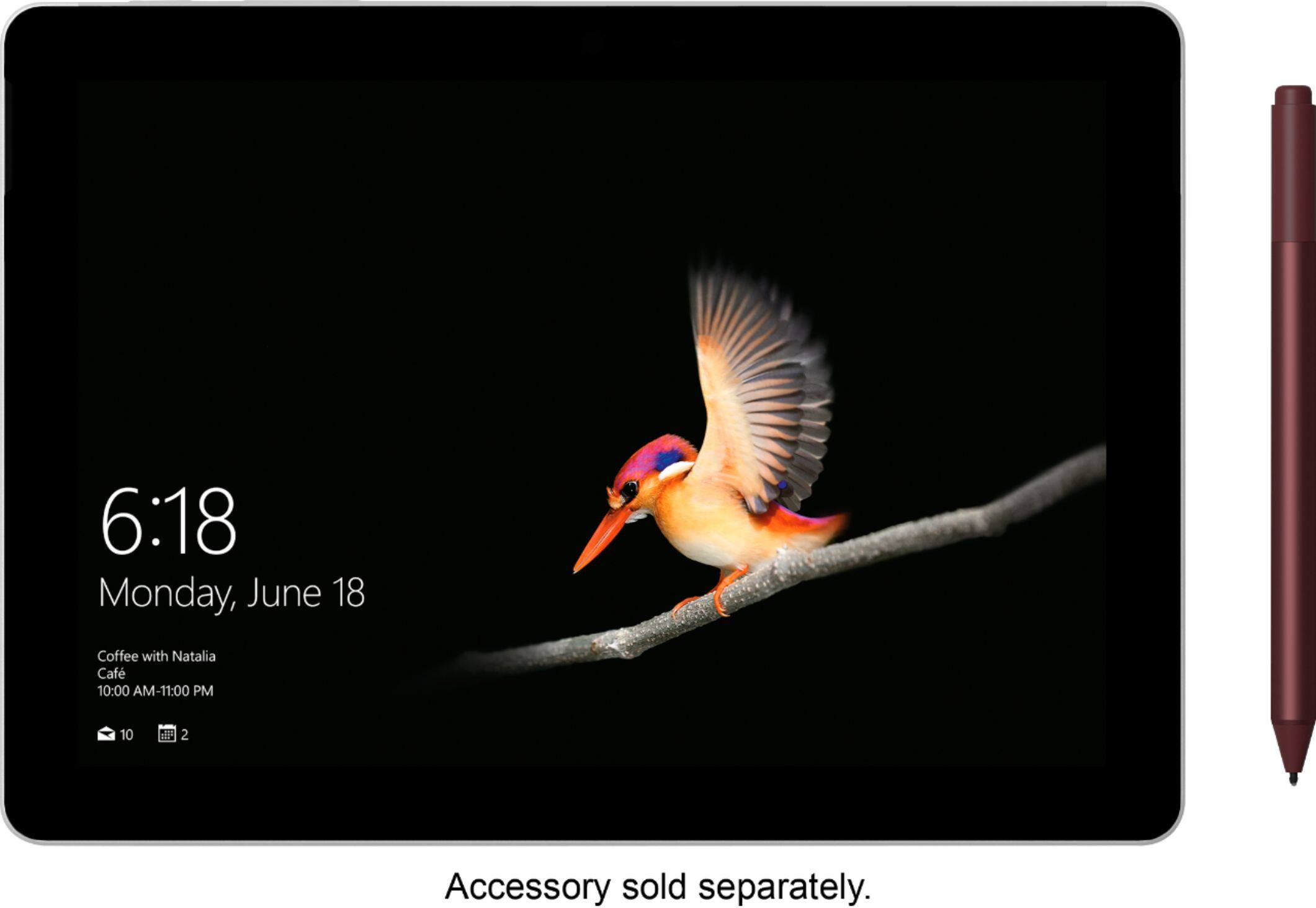
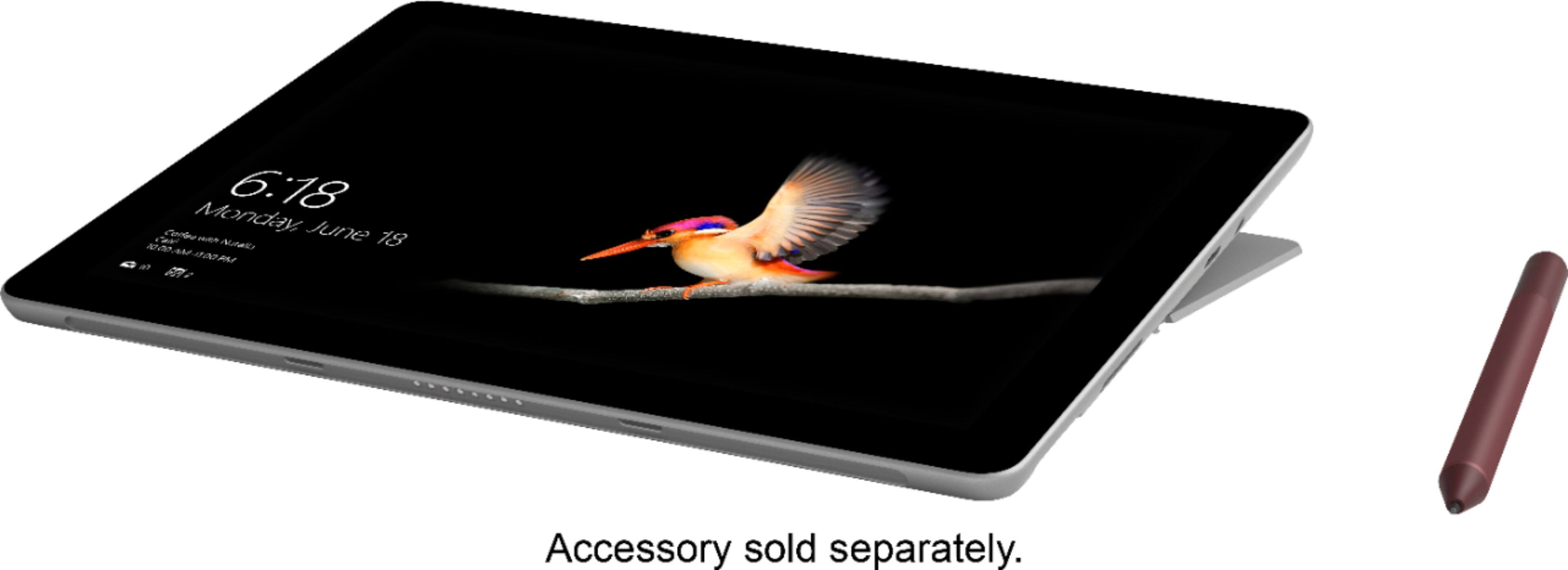
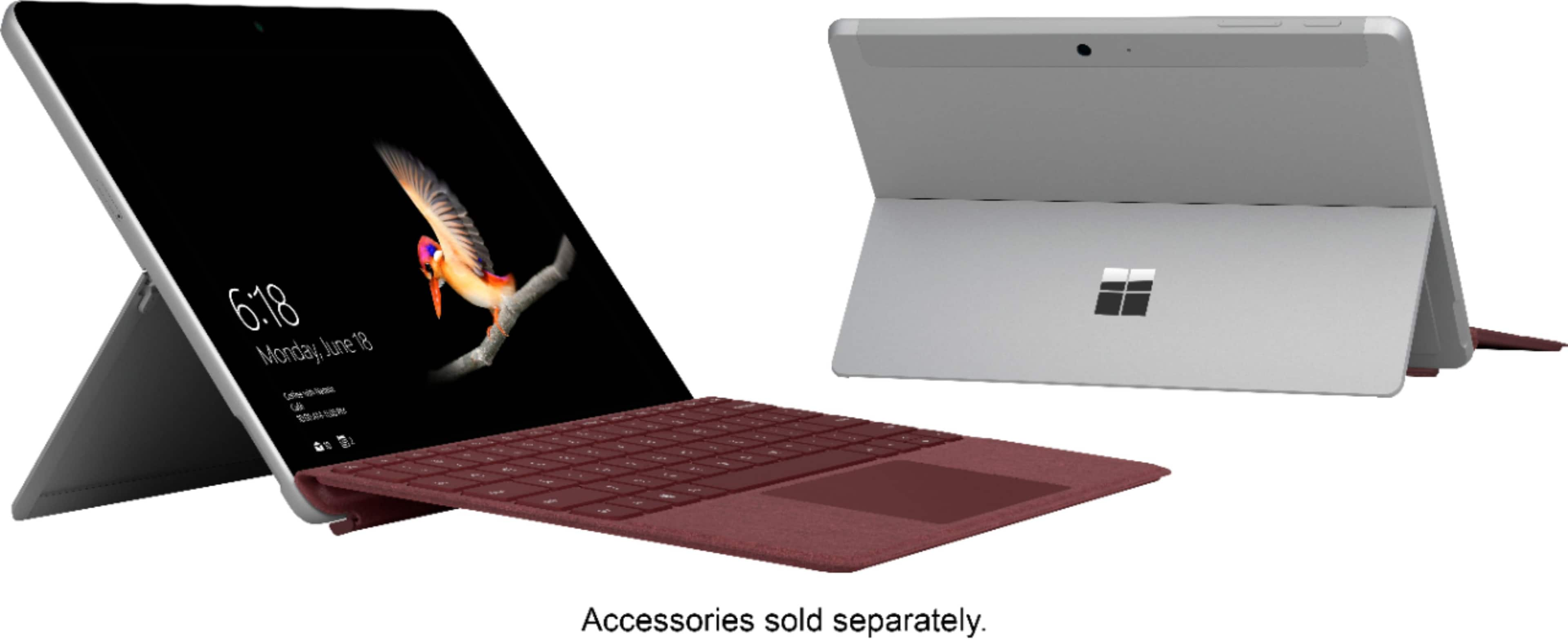
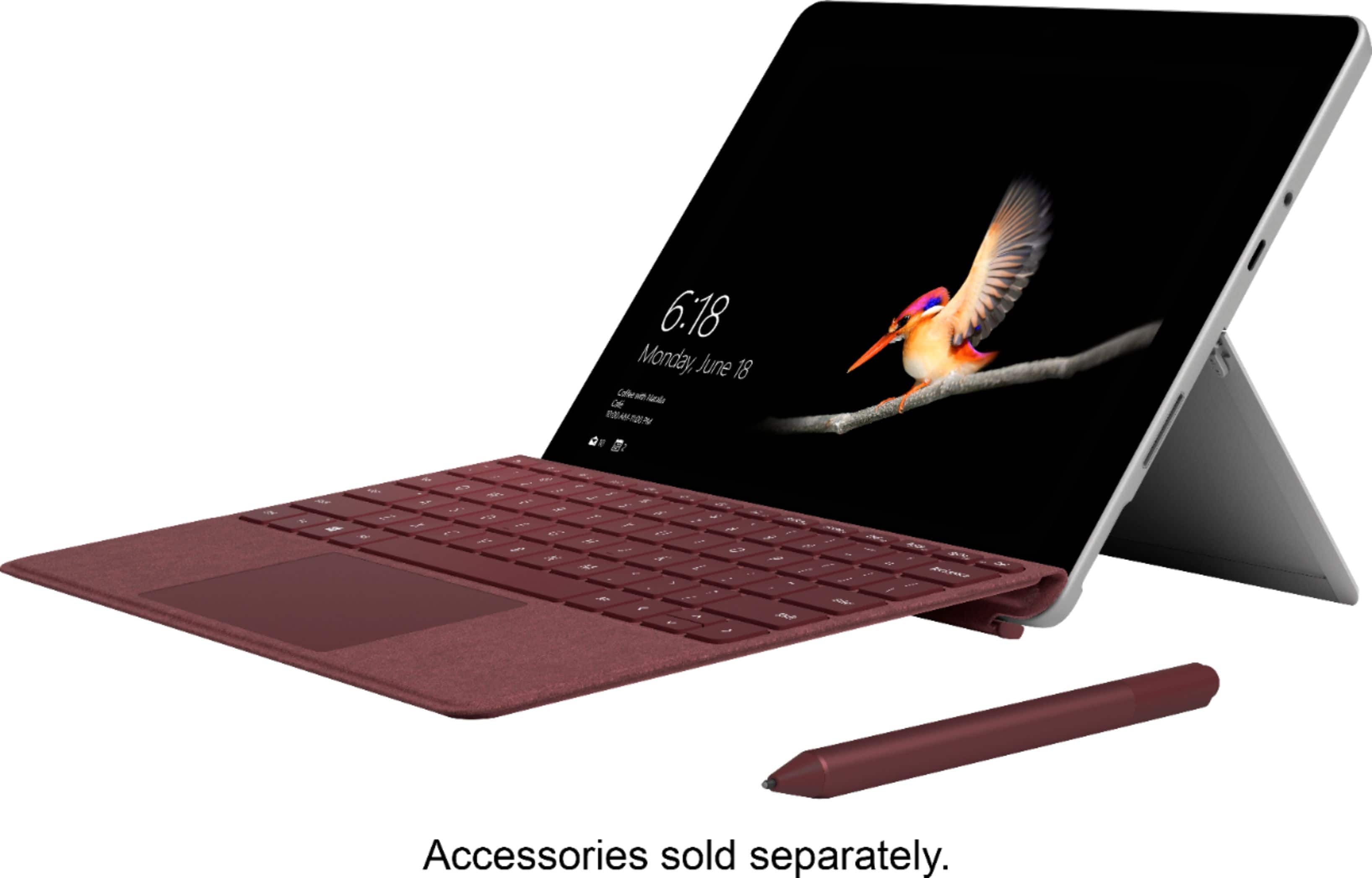
A:AnswerUnfortunately you do have to buy the keyboard and the pen separately. However, I believe the keyboard is 110% worth it. I love the feel of the buttons when typing and it acts as a cover for the Surface Go when you are not using it.
A:AnswerYes. You can easily turn off the store only protection so that you can install windows desktop applications and you can easily upgrade for free to full Windows 10 Home.
A:AnswerIt depends on what version of AutoCad you would like to run. The Surface Go is able to run many programs as long as the system requirements are compatible with the specs of the device. Please check and make sure whenever you are trying to download a program on your device that there is enough processing power, RAM and storage capacity. It's possible for this program it may be beneficial to purchase the 8GB RAM version of the Surface Go.
A:AnswerThe Surface Go is a phenomenal tool for students! This powerful machine is more portable than ever before, perfect for students on-the-go. This model of the Surface Go comes equipped with 64GB memory. If you find yourself needing more memory, you may consider purchasing the 128GB version of the device. Alternatively, we have some great external storage options you can always add on, such as the micro SD card slot, USB type C port and of course your free Microsoft OneDrive cloud storage. We hope this helps!

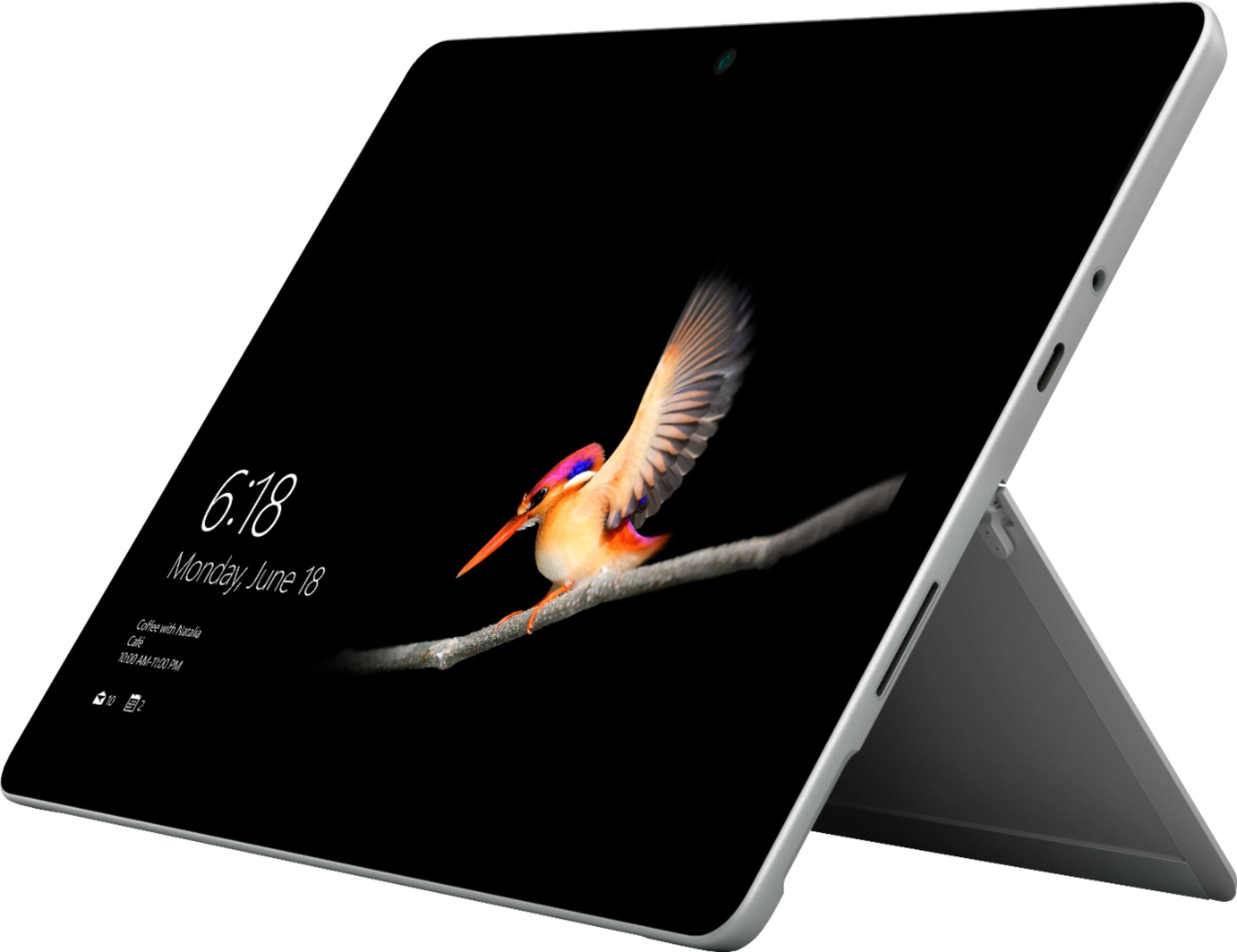
A:AnswerYes. Since the Surface Go comes equipped with a 3.5 mm headphone jack, you will be successfully able to connect headphones that incorporate a microphone to work on your desired programs. In addition, the 5.0MP front-facing camera with 1080p HD video will be perfect for chatting on Skype.
A:AnswerThe Surface Go is designed to work with the Surface Go Signature Type Cover. Because of it's ultra portable design, the size will not fit on this model from the Surface 2.